Category: Computers

  • Nvidia Backs Bill Gates’ Nuclear Energy Venture Investment

    Nvidia Backs Bill Gates’ Nuclear Energy Venture Investment

    Key Takeaways

    1. Nvidia’s NVentures invests in TerraPower’s $650 million funding round for Natrium nuclear reactors.
    2. The funding will support the construction of the first commercial Natrium facility in the U.S. and international expansion.
    3. Natrium technology features a sodium-cooled fast reactor with an integrated gigawatt-scale energy storage system.
    4. The Natrium reactor in Wyoming aims to be the first of its kind in the U.S., with regulatory approval expected by 2026.
    5. Other tech companies, like Google and Oracle, show growing interest in nuclear energy infrastructure as a solution to global energy demands.


    Nvidia’s investment wing, NVentures, is one of the backers in a significant funding round as TerraPower, a nuclear technology company supported by Bill Gates, raises a whopping $650 million. This financial boost is aimed at advancing the development of its innovative Natrium nuclear reactors. The funds will help continue building the company’s first commercial Natrium facility in the U.S., even though it is still awaiting final regulatory approval, and also allow for expansion into international markets.

    Funding Round Details

    The announcement regarding this funding was made on June 18, and it features both new and returning investors, according to TerraPower. NVentures is joined by Gates himself and HD Hyundai, a notable shipbuilding firm. This investment is set to expedite the progress of TerraPower’s Natrium reactor technology. This technology involves a sodium-cooled fast reactor that is integrated with a gigawatt-scale energy storage system, aiming to enhance safety, reduce costs, and streamline the construction process.

    Growing Confidence in Nuclear Technology

    The participation of Nvidia highlights a rising faith in advanced nuclear energy as a key solution to the global demand for sustainable, reliable electricity generation. “We are excited to welcome Nvidia into our forward-thinking group of investors,” stated Chris Levesque, CEO of TerraPower.

    The Natrium reactor initiative in Wyoming is anticipated to be the first of its kind in the United States. Final regulatory approval is projected for 2026. The facility is expected to generate 345 MW of electricity, with plans for additional units for both domestic and international use.

    Interest from Other Tech Giants

    Other tech giants, such as Google and Oracle, have expressed interest in nuclear energy infrastructure to cater to the growing energy demands. This reflects a broader recognition of nuclear power’s potential role in addressing the world’s energy challenges.

    Source:
    Link
  • Dell Pro 14 Premium Showcases Intel Lunar Lake Advantages

    Dell Pro 14 Premium Showcases Intel Lunar Lake Advantages

    Key Takeaways

    1. The Dell Pro 14 Premium replaces the Latitude 14 7440/9440 lineup, showcasing the new Intel Lunar Lake CPU’s efficiency.
    2. The Dell Pro 14 Premium offers over twice the graphics performance of the Latitude 9440 2-in-1 while consuming nearly 35% less energy.
    3. Significant performance-per-watt improvements are noted with the new chip compared to previous versions.
    4. The Dell Pro 14 Premium outlasts the Latitude 9440 2-in-1 in battery life tests, despite having the same battery size and lower display resolution.
    5. Similar performance and battery life advantages are observed in other brands using Lunar Lake laptops compared to their earlier models.


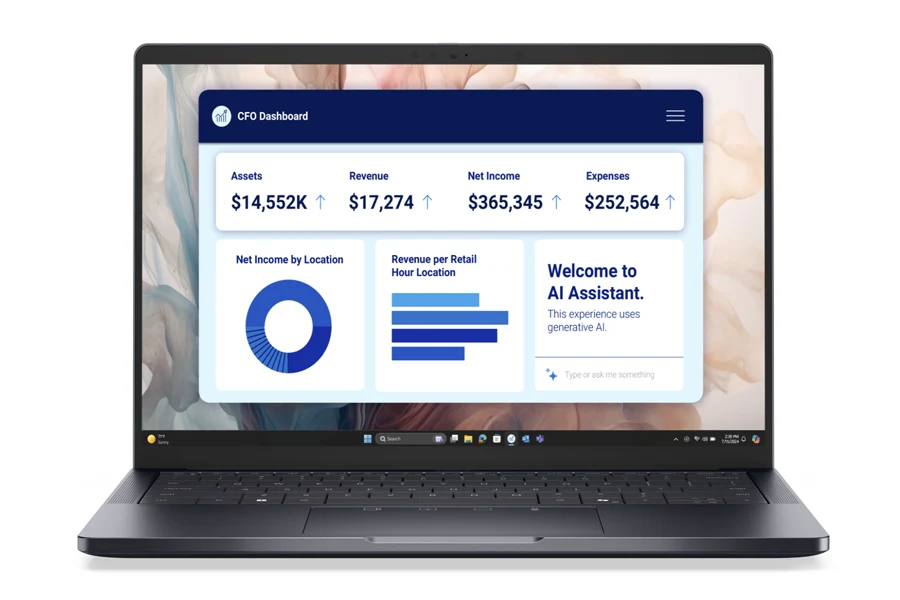
    The Dell Pro 14 Premium featuring Lunar Lake is now available, taking the place of the previous Latitude 14 7440/9440 lineup. We’ve discussed how Lunar Lake focuses on being more power efficient than earlier versions, and the Dell Pro 14 Premium illustrates this new Intel CPU’s capabilities quite well.

    Performance Comparisons

    In the graphs below, we highlight the differences in CPU and GPU performance between the Dell Pro 14 Premium and the Latitude 9440 2-in-1, as well as their power usage under heavy loads. Remarkably, the newer Dell model can deliver more than two times the graphics performance of its predecessor while using nearly 35 percent less energy. This represents one of the most significant performance-per-watt improvements we’ve observed from the chipmaker.

    Battery Life Insights

    When it comes to CPU performance gains, the differences between the two models are smaller, but still important. The Dell Pro 14 Premium manages to last longer than the Latitude 9440 2-in-1 in our battery life tests by a considerable amount, even though the latter has a lower resolution IPS display and the same 60 Wh battery size. Similar advantages can be seen in many of our tests featuring Lunar Lake laptops from other brands compared to their previous generation models.

    Source:
    Link

  • Ryzen 5 9600X3D and Ryzen Pro CPUs Spotted Online

    Ryzen 5 9600X3D and Ryzen Pro CPUs Spotted Online

    Key Takeaways

    1. AMD launched the Ryzen 5 5500X3D, supporting the AM4 socket, but limited X3D options exist for AM5 users.
    2. The Ryzen 5 7600X3D had a limited release, with a new successor expected soon.
    3. The upcoming Ryzen 5 9600X3D, featuring six Zen 5 cores and twelve threads, has not been officially announced.
    4. New Pro-branded CPUs include Ryzen 9 Pro 9945, Ryzen 7 Pro 9745, Ryzen 5 Pro 9645, and Ryzen 5 Pro 9400, without the GE suffix.
    5. The Ryzen 5 9600X3D’s added 3D V-cache may improve gaming performance, but its core count may limit its appeal for other tasks.


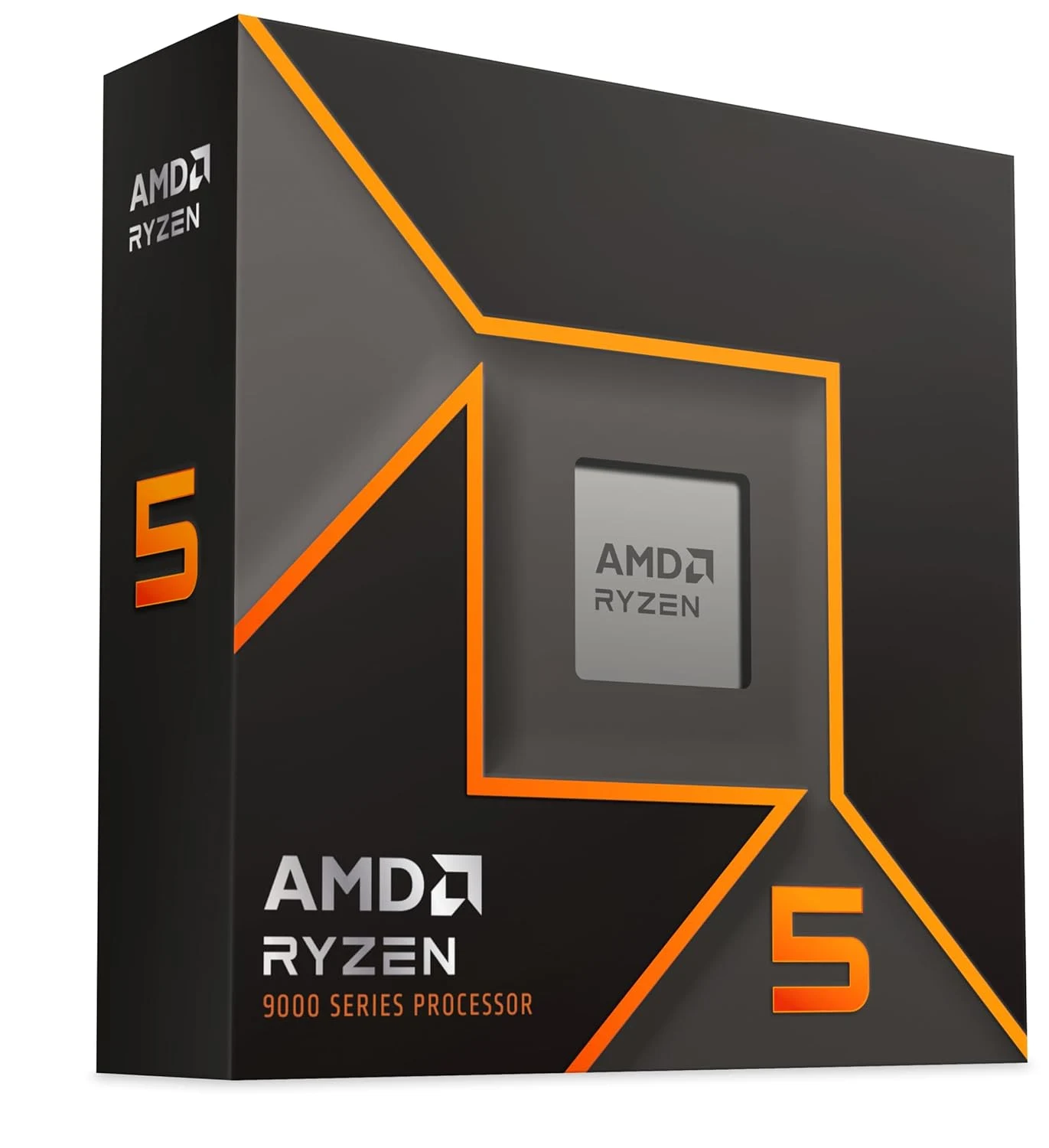
    AMD has recently launched the Ryzen 5 5500X3D, which shows their strong support for the AM4 socket. However, for those who have already moved to the AM5 platform, there aren’t many X3D options available. The previous Ryzen 5 7600X3D was only a limited release in one market, but now, there’s a new successor on the way.

    Upcoming Models

    On the update page for AMD’s Radeon AI PRO R9700 driver, there’s a list of CPUs that includes the Ryzen 5 9600X3D, which hasn’t been officially announced yet, along with the Ryzen 5 9600. Additionally, it mentions new Ryzen models like the Ryzen 9 Pro 9945, Ryzen 7 Pro 9745, Ryzen 5 Pro 9645, and Ryzen 5 Pro 9400. The new Pro-branded CPUs are quite interesting, especially since, unlike their Ryzen 8000 series siblings such as the Ryzen 7 Pro 8700GE, they don’t have the GE suffix.

    Specifications and Expectations

    Regarding the Ryzen 5 9600X3D, it appears to be a Ryzen 5 9600X with an added 3D V-cache layer, featuring six Zen 5 cores and twelve threads. While the additional cache is likely to enhance gaming performance, its limited core count could make it less appealing for other uses. It’s still uncertain if this CPU will be available on a global scale.

    Source:
    Link


  • Counterfeit AMD 9800 X3D CPU Scam: Rising Threat of Fake Processors

    Counterfeit AMD 9800 X3D CPU Scam: Rising Threat of Fake Processors

    Key Takeaways

    1. A counterfeit AMD Ryzen 7 9800X3D was found to be a fake after inspection, lacking any real components.
    2. The fake CPU was bought as new on Amazon, highlighting return fraud where tampered items can be resold.
    3. Key signs of counterfeit CPUs include unusual weight, mismatched PCB numbers, and poor engraving quality.
    4. AMD’s verification process is less efficient than Intel’s, lacking a quick online serial number check.
    5. Buyers are advised to inspect CPUs immediately upon delivery, especially from third-party sellers, due to the rising sophistication of counterfeits.


    The Gamers Nexus team recently discovered a remarkably crafted but completely non-working fake AMD Ryzen 7 9800X3D. They only identified it as a counterfeit after removing the lid and looking at it closely under a microscope. What initially appeared to be a genuine chip — with the right weight and retail packaging — was actually just an empty shell lacking any silicon, solder, or real CPU die.

    Return Fraud Exposed

    This counterfeit was bought on Amazon as a new item, but it had clearly been tampered with and returned by a previous customer. It managed to pass through Amazon’s system without being detected and was sold again to another buyer, exemplifying a common case of return fraud. The packaging seemed untouched, and even the heat spreader was altered to imitate the internal structure of a real 9800X3D, including fake indentations beneath the IHS to replicate the appearance of a die.

    Deception Uncovered

    Attempts to boot the processor failed, and removing the lid confirmed the fraud. There were no signs of indium solder, no CCDs, and no IO die — just a blank substrate alongside a modified IHS. The only early hint was a weight difference of about 7 to 8 grams compared to a real CPU. A closer look revealed mismatched PCB numbers, incorrect SMD layouts, missing coating on components, and slight but noticeable font differences on the labels.

    Gamers Nexus pointed out several warning signs that buyers should be on the lookout for: unusual weight, differences in the arrangement or finish of components, unreadable or unscannable data matrix codes, serial numbers that don’t match between the box and chip, poor engraving quality, and signs of tampering with the packaging. Many of these issues can only be spotted once the CPU is physically inspected — or even delidded — showcasing the weaknesses of AMD’s current four-step verification process. In contrast to Intel, AMD does not provide a quick online serial number check but relies on a slower support form method.

    A Warning for Buyers

    Despite being an intricate fake, the processor was able to navigate through Amazon’s logistics system. This situation highlights how even large retailers are susceptible to fraudulent returns. Gamers Nexus advises consumers to inspect CPUs right after they are delivered, especially when purchasing from third-party sellers or open-box options. Although these counterfeits are still rare, they are becoming increasingly convincing and more difficult to detect.

    Source:
    Link

  • MSI Launches Cubi NUC Mini PC with Core Ultra 9 and Dual Ethernet

    MSI Launches Cubi NUC Mini PC with Core Ultra 9 and Dual Ethernet

    Key Takeaways

    1. MSI has launched several mini PCs at CES 2025, including the new Cubi NUC AI+ 2MG, now available for pre-order.
    2. The Cubi NUC features Intel’s Lunar Lake processors, with options including Core Ultra 5, 7, and 9, competing with AMD’s Ryzen 7.
    3. The mini PC has non-upgradable on-package memory, offering 16 GB for the Core Ultra 5 and 32 GB for higher models, but storage is user-upgradeable.
    4. It includes a variety of ports, such as USB-A, a micro-SD card reader, and a fingerprint sensor for biometric access.
    5. Pricing starts at $899 for the Core Ultra 7 model, with the Core Ultra 9 costing an additional $100; the release date for orders is currently unknown.


    MSI has revealed several mini PCs during CES 2025, with many now open for pre-orders. In a recent statement, the company announced that the MSI Cubi NUC AI+ 2MG will soon be added to the lineup, featuring a remarkable set of specs for a somewhat high price.

    Powerful Processor Options

    This mini PC is equipped with Intel’s Lunar Lake series of processors. Users will have the choice of the Core Ultra 5 226V, Core Ultra 7 258V, and Core Ultra 9 288V chips. The top model includes eight cores and eight threads, competing closely with the Ryzen 7 8840HS APU in CPU tasks. However, the compact 0.8-liter design lacks discrete graphics, relying instead on the Arc 130V (for the Core Ultra 5) and the Arc 140V (for the Core Ultra 7 and 9) integrated GPUs.

    Memory and Upgrade Limitations

    Systems powered by Intel’s Lunar Lake come with on-package memory, which means users won’t be able to upgrade it later on. The Core Ultra 5 model includes 16 GB of LPDDR5X-8533 memory, while the more advanced models offer double that at 32 GB. Fortunately, storage is user-upgradeable thanks to the M.2 2280 slot featured in the mini PC. On the back, the selection of ports is also pleasing:

    Front and Back Ports

    The front of the MSI Cubi NUC mini PC features two USB-A ports (10 Gbps), a micro-SD card reader, an audio jack, and a power button that has a fingerprint sensor for biometric access. The Lunar Lake processors are equipped with a 48 TOPS NPU, enabling Copilot+ capabilities. Unlike some other mini PCs, like the Minisforum UM890 Pro, this one doesn’t have OCuLink support, which isn’t surprising since it’s not aimed at gamers. For most tasks, particularly CPU-heavy ones, the Cubi NUC 2MG should perform quite well.

    The mini PC is already available for pre-order at B&H, as noted by Liliputing. The variant with the Core Ultra 7 begins at $899, while the Core Ultra 9 model will cost an additional $100. The entry-level Core Ultra 5 version isn’t listed yet. At this time, it’s uncertain when customers will start receiving their orders.

    Source:
    Link


  • Framework Laptop 12 Teardown: Easy Repair Guide and Insights

    Framework Laptop 12 Teardown: Easy Repair Guide and Insights

    Key Takeaways

    1. Affordable Pricing: The Framework Laptop 12 starts at a base price of $549, making it a budget-friendly option, especially for students.

    2. Convertible Design: It features a 360-degree hinge and a touchscreen, allowing it to function as a convertible device.

    3. Easy Repairs: The laptop is designed for easy repairs, with tools not required for replacing ports and easy access to internal components.

    4. Smart Internal Connections: The motherboard and keyboard connect via pogo pins, reducing the risk of damage during repairs, and internal components have QR codes linking to repair guides.

    5. User-Friendly Upgrades: Users can easily replace key components like the battery, RAM, and SSD, and the lack of adhesive on the display simplifies future replacements.


    The Framework Laptop 12 comes at a much lower price compared to the Framework Laptop 13, with the base price starting from $549. While the entry-level model packs an Intel Core i3-1315U, which is not very high-powered, it’s still a great choice for students. This laptop features a 360-degree hinge and a touchscreen, making it usable as a convertible device. Plus, all its parts can be swapped out with relative ease.

    Easy to Repair

    A teardown video by iFixit (linked below) illustrates how simple it is to fix the Framework Laptop 12. True to the design of Framework laptops, the four ports can be replaced without needing any tools, enabling upgrades to include HDMI, Ethernet, or even an SD card reader. Accessing the inner parts of the laptop is straightforward since both the keyboard and trackpad can be detached easily without tools.

    Smart Design Choices

    One smart design feature is that the motherboard and keyboard connect through pogo pins rather than a flex cable, which could be damaged during replacement. The trackpad can be changed independently from the keyboard by just loosening a few screws. Most internal components have QR codes that link to repair guides, and replacement screws are conveniently stored inside the case.

    User-Friendly Upgrades

    In just a few steps, users can replace the battery, power button, speakers, RAM, and the small M.2 2230 SSD. Even the mainboard can be swapped out by loosening a few screws, allowing for future processor upgrades. Furthermore, Framework avoids using adhesive on the display, making it easier to replace when necessary. With all these repair-friendly features, the Framework Laptop 12 earns a perfect repair score of 10 from iFixit.

    Source:
    Link


  • Logitech MX Master 4 Leak: New Design and Extra Button Details

    Logitech MX Master 4 Leak: New Design and Extra Button Details

    Key Takeaways

    1. The Logitech MX Master 4 features a third button on the side, with its function currently unclear, potentially linked to AI.
    2. The mouse retains design elements from the MX Master 3S and MX Master 3, appealing to power users.
    3. A new, more defined cutout on the side indicates the position of a customizable button.
    4. The charging or battery LED has been repositioned beneath the scroll wheel for better visibility.
    5. The MX Master 4 is considered a modest upgrade, with hopes for improved material durability based on user feedback from previous models.


    An image of the new Logitech MX Master 4 mouse appeared earlier, revealing some design features but skipping over crucial details. Now, additional images have emerged from the European Union Intellectual Property Office, offering a clearer view.

    Design Features Unveiled

    The Logitech MX Master 4 retains the fundamental design elements that made both the MX Master 3S and MX Master 3 favorites for many power users. Notably, there’s now a third button located on the side. The function of this button remains unclear, but given current technology trends, it might be related to AI in some way.

    New Enhancements

    Moreover, the Logitech MX Master 4 presents a more defined cutout on its side, with a distinct indicator marking the position of its customizable button. Additionally, the charging or battery LED has been repositioned to sit beneath the scroll wheel, right below the button used for smooth scrolling.

    Incremental Upgrade

    In summary, the Logitech MX Master 4 appears to be more of a modest update compared to the 3S and 3 models. A frequent issue reported by 3S users was the quality of materials, and many are hoping that the Logitech MX Master 4 will be constructed from more durable components.

    Source:
    Link


  • TerraMaster D4 SSD: High-Performance 32TB Flash Storage Unveiled

    TerraMaster D4 SSD: High-Performance 32TB Flash Storage Unveiled

    Key Takeaways

    1. TerraMaster’s new D4 SSD is a Direct Attached Storage (DAS) device, not a NAS.
    2. It can hold up to four M.2 2280 SSDs, supporting a total storage capacity of 32TB.
    3. Data transfer speeds can reach up to 3,257 MB/s for reading and 3,192 MB/s for writing using four SSDs in RAID 0.
    4. The D4 SSD connects via USB 4, with a size of 5.43 x 2.36 x 5.51 inches and a bandwidth of 40 Gbps.
    5. It is priced at $299 and includes automatic data backup tools for Windows users.


    TerraMaster has introduced a new storage option. This product isn’t a network-attached storage (NAS) device; it’s a Direct Attached Storage, commonly referred to as “DAS.” The D4 SSD acts mainly as an external case specifically designed for SSDs. It has the capacity to hold up to four M.2 2280 SSDs that connect through PCIe. The manufacturer claims that it can support a total storage capacity of 32TB. Data transfers can reach speeds of up to 3,257 MB/s for sequential reading and 3,192 MB/s for writing. These impressive speeds are achieved when using four Samsung 990 Pro SSDs in RAID 0 configuration. In contrast, a single SSD would achieve maximum speeds of 1,600 MB/s or 1,500 MB/s for reading and writing, respectively.

    Dimensions and Connection

    The new storage solution from TerraMaster is sized at 5.43 x 2.36 x 5.51 inches and connects through USB 4, boasting a bandwidth of 40 Gbps. It’s important to ensure that the laptop or desktop computer being used can also handle these high speeds. The company mentions that it supports automatic data backups with a dedicated tool for Windows users. However, it’s important to remember that relying solely on this external storage device for crucial data backups isn’t advisable. The D4 SSD, which has active cooling, can now be purchased directly from TerraMaster for $299.

    Source:
    Link


  • Aaeon Unveils Raspberry Pi Alternative with 16GB RAM and Intel CPUs

    Aaeon Unveils Raspberry Pi Alternative with 16GB RAM and Intel CPUs

    Key Takeaways

    1. Aaeon has launched the Up Squared TWL, a new single-board computer (SBC) with Intel Core options.
    2. The board measures 3.37 by 3.54 inches and features a GPIO header for connecting sensors and actuators.
    3. It includes three USB 3.2 Gen 2 ports for fast data transfer and two Gigabit Ethernet ports.
    4. The SBC can be used as a desktop computer with HDMI, DisplayPort, and eDisplayPort connections for external displays.
    5. No pricing details are available, but a Raspberry Pi 5 offers a cheaper alternative, albeit with less power.


    The company Aaeon is well-known in the single-board computer (SBC) market, and they have just launched a new product. The new Up Squared TWL can be purchased with options like the Intel Core 3 N355, Intel N250, or Intel N150. Depending on what you choose, it can come with as much as 16GB LPDDR5 memory and eMMC storage that goes up to 128GB.

    Compact Design and Connectivity

    This board is about 3.37 by 3.54 inches in size and includes a GPIO header, which is common for SBCs. You can connect various sensors and actuators for different projects. To connect external storage, it has three USB 3.2 Gen 2 ports that allow for fast data transfer. However, the two Gigabit Ethernet ports are a bit basic when it comes to speed.

    Versatile Usage

    Additionally, the SBC can function like a standard desktop computer since external displays can be connected easily using HDMI 2.0b, DisplayPort 1.2, and eDisplayPort 1.3. Aaeon also highlights two RS232/422/485 ports available through a header, which are typically used to link other devices and machinery, especially in industrial applications.

    Sadly, there are no pricing details available from the manufacturer. For users who may not prioritize Windows as their operating system, the Raspberry Pi 5 (4GB model priced from $75 on Amazon) offers a much cheaper alternative, although it is less powerful compared to the Aaeon Up Squared TWL SBC.

    Source:
    Link


  • 240W Multi-Charging Solution with Display Under $35

    240W Multi-Charging Solution with Display Under $35

    Key Takeaways

    1. Charging hubs are different from docking stations; hubs are for charging only, while docks connect to peripherals.
    2. The BW-S31 charging station is practical for charging multiple devices without needing many adapters.
    3. The BW-S31 costs $33, plus $4 for standard shipping, with delivery taking 15 to 25 business days.
    4. It has six USB ports: two USB-C ports (up to 140 watts), two USB-C ports (up to 65 watts), and two USB-A ports (up to 60 watts).
    5. The total charging capacity is 240 watts, with power distributed among ports when all are in use.


    Although it might be clear to some, it’s important for all readers to understand that charging hubs are not the same as docking solutions. The main difference is that charging hubs are designed solely for charging devices. In contrast, docking stations typically allow users to connect to external monitors and additional peripherals like keyboards and mice.

    Benefits of a Charging Station

    That being said, a charging station without docking capabilities can still be very practical, especially when multiple devices need to be charged at once without needing a bunch of power adapters. The BW-S31 stands out in this area, providing a good mix of features at a reasonable price of $33. Keep in mind that there’s an extra $4 for standard shipping, and it may take between 15 to 25 business days for delivery.

    Specifications and Performance

    This model has dimensions of 113 x 68 x 87 millimeters and features six USB ports in total. Among these, two USB-C ports can deliver up to 140 watts, making them suitable for more power-hungry laptops. The other two USB-C ports can provide 65 watts, while the USB-A ports can each deliver up to 60 watts. Users can monitor the total power output for each port through a display. However, the total charging capacity is capped at 240 watts, which means it’s not possible to fully charge all ports at once. If all ports are in use, the power is distributed to 65, 45, 30, and 25 watts for the USB-C ports, with each USB-A port being limited to 15 watts.

    Banggood

    Source:
    Link