Key Takeaways
1. Linux desktop market share reached 5% in the US, driven by growth among gamers.
2. Gaming distributions like SteamOS have improved user-friendliness for Linux gamers.
3. ETA Prime tested an all-AMD gaming PC running both Windows 11 and SteamOS for game performance comparison.
4. Game performance varied between operating systems, with neither consistently outperforming the other across all titles.
5. Dual-booting allows users to choose the best OS for each game while maintaining access to Windows features.
Last year, we shared that the Linux desktop hit a notable 5% of the US desktop market for the first time. This growth has solid reasons, especially among gamers. Furthermore, a member of the Notebookcheck team recently discussed switching from Windows 11 to Linux and expressed satisfaction with that choice.
Growth of Linux in Gaming
This situation underscores the advancements Linux has achieved, particularly gaming distributions like SteamOS, Bazzite, and others, which have made the open-source platform more user-friendly for gamers. To investigate this further, YouTuber ETA Prime tested an all-AMD gaming PC, dual-booting it with Windows 11 Pro and SteamOS to see how games perform on both systems.
Specs of the Gaming PC
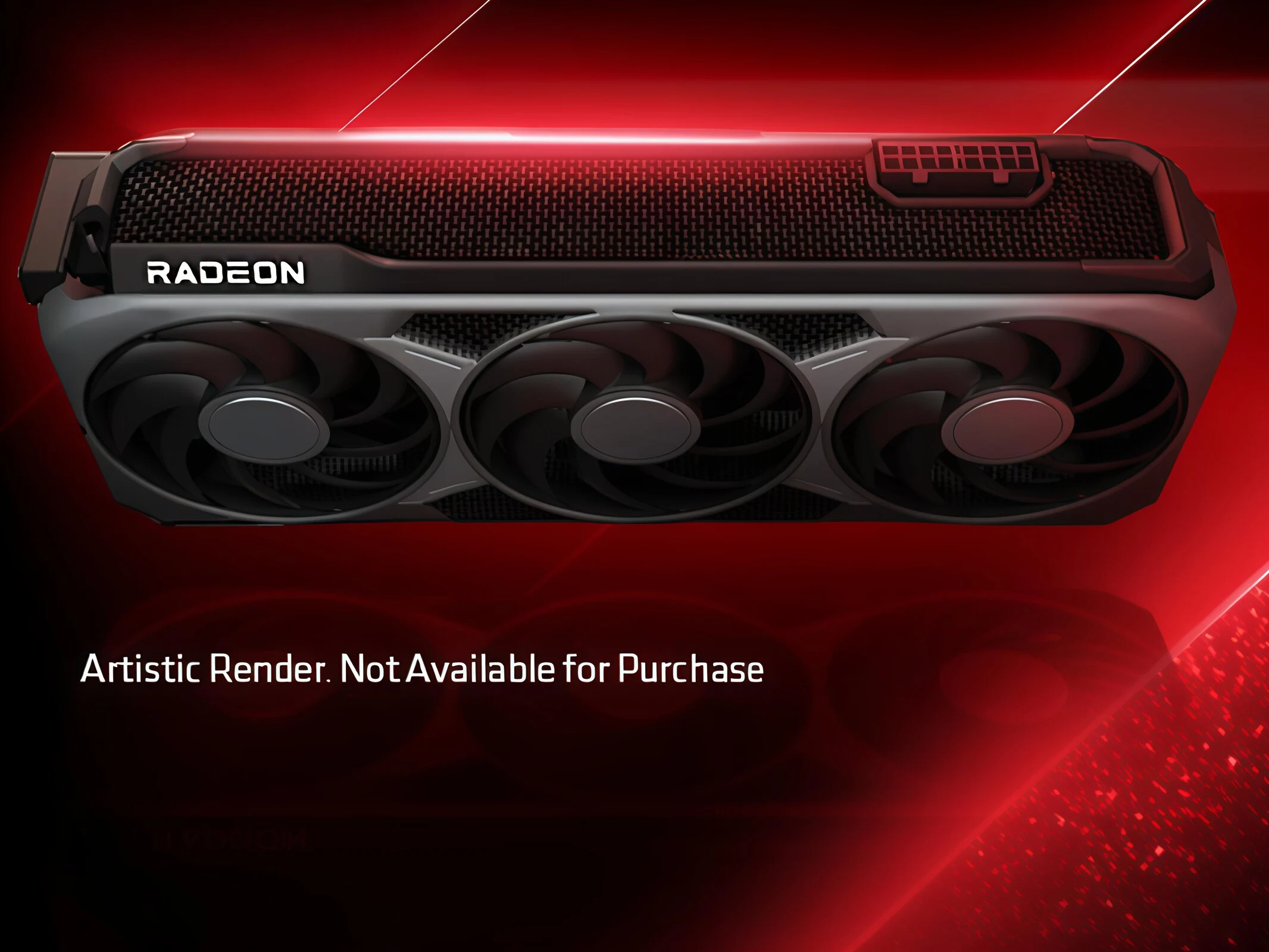
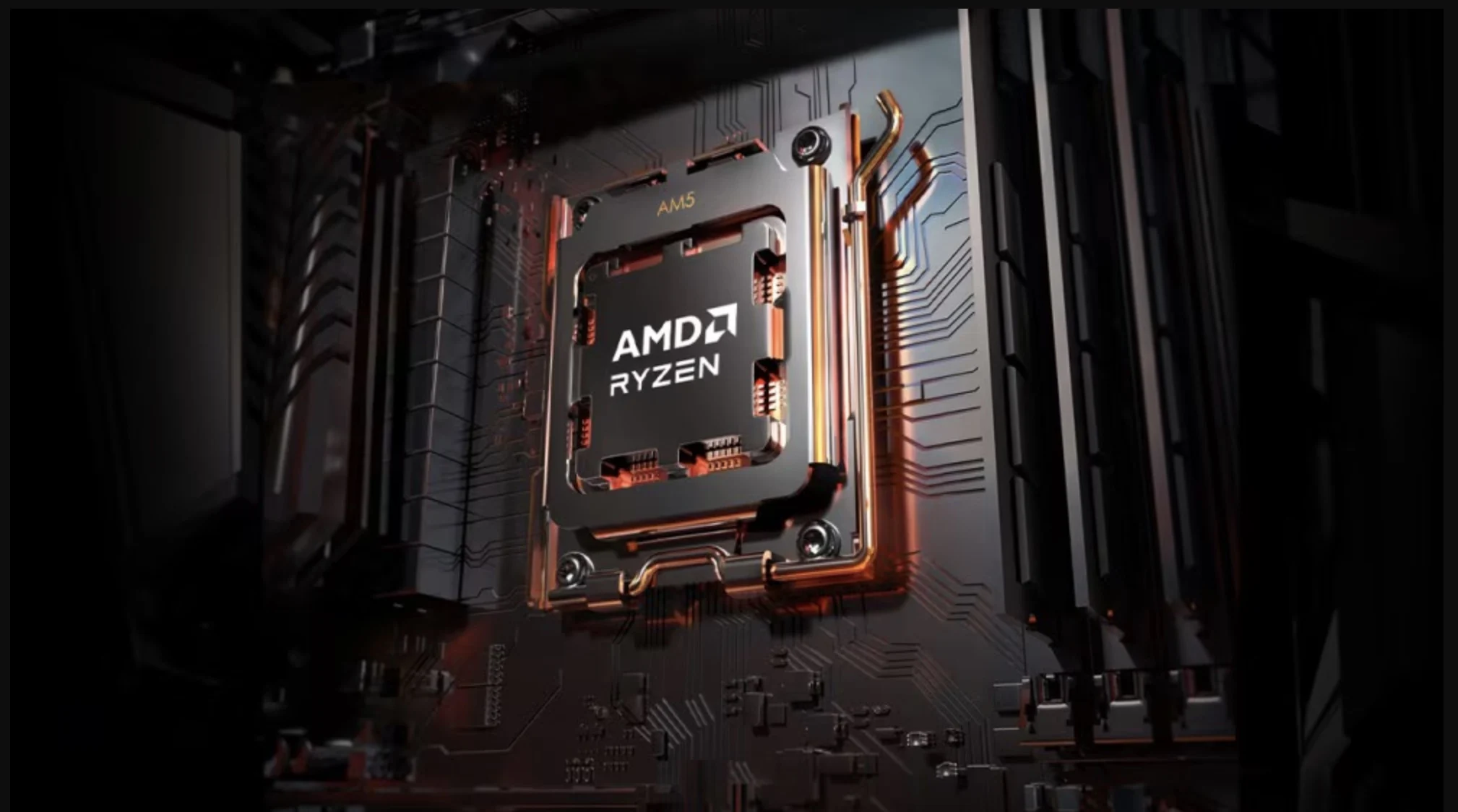
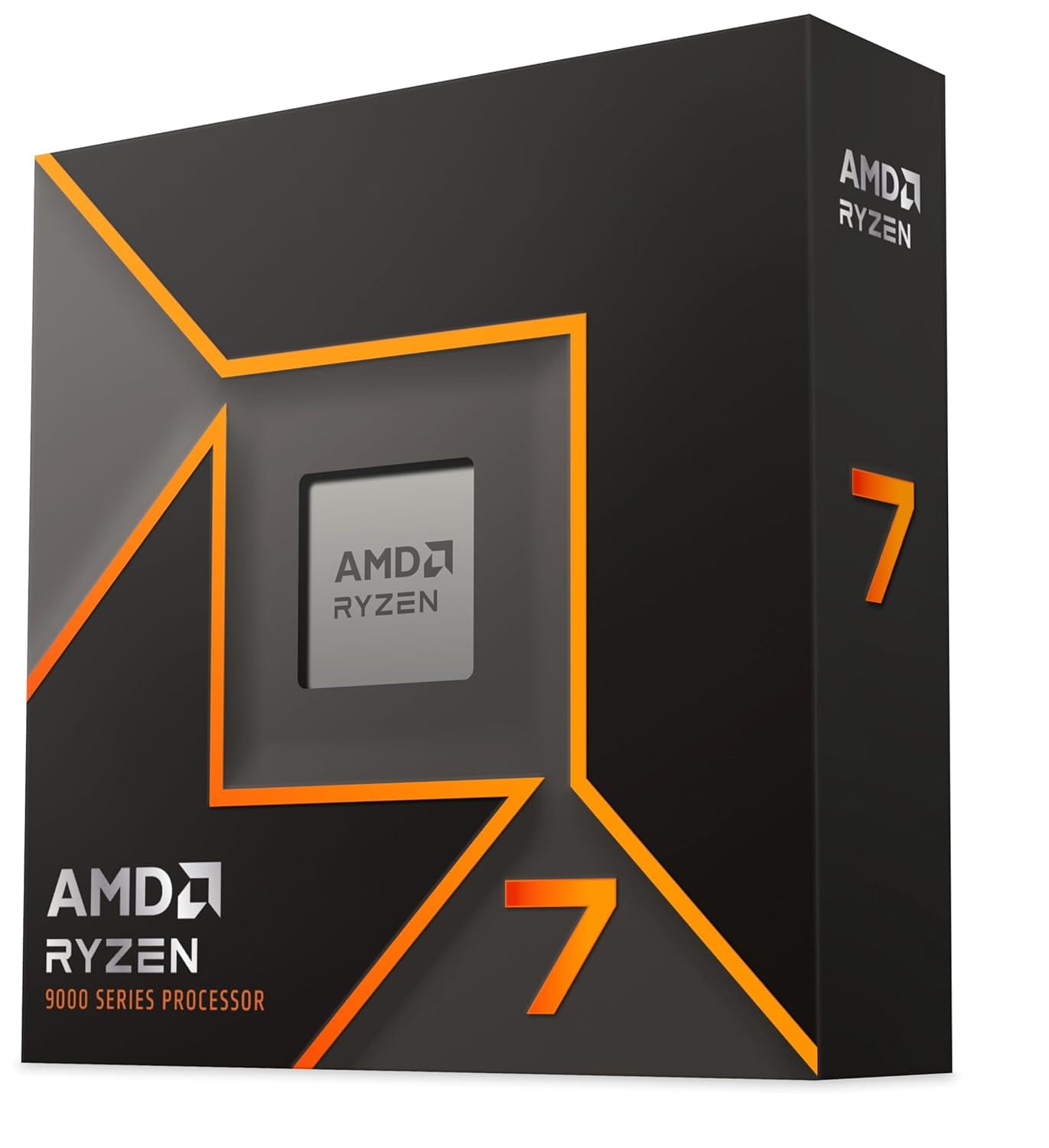
In the video, ETA Prime outlines the specs of the all-AMD gaming rig. It features an AMD Ryzen 7 9800X3D processor, which has eight cores and 16 threads, along with 32 GB of DDR5 RAM operating at up to 7,000 MT/s in a dual-channel setup. The processor sells for $469 on Amazon. The rig is built on an ASRock B850 Challenger motherboard and includes an AMD Radeon RX 7900 XTX graphics card with 24 GB of VRAM, which is priced around $889 on Amazon. The storage consists of two 1 TB NVMe SSDs, one for Windows 11 Pro and the other for SteamOS. An 850 W Gold-rated power supply provides power.
ETA Prime mentions that the components were chosen for their compatibility with SteamOS, ensuring all hardware functions smoothly with Valve’s system. The SteamOS used was version 3.7.17 and was installed from the stable channel, avoiding beta versions. Features like variable refresh rate (VRR), scaling options, and system tuning were enabled where possible, with CPU and GPU adjustments done directly through the BIOS instead of using third-party software.
Game Performance Comparison
To directly compare, ETA Prime played various games on both operating systems using the same settings. In Cyberpunk 2077 at 4K Ultra without FSR, Windows 11 managed 84 FPS, while SteamOS came in at 85 FPS, making both platforms quite equal.
In Borderlands 4, Windows 11 had a slight edge, averaging 74 FPS compared to SteamOS’s 69 FPS at 4K Ultra with FSR Quality enabled. Forza Horizon 5 highlighted a more significant difference, with SteamOS averaging 157 FPS at 4K Extreme settings without FSR, while Windows 11 hit 191 FPS. ETA Prime speculated that this disparity might be due to the game’s strong connections to Microsoft’s ecosystem.
On the other hand, Marvel’s Spider-Man 2 favored SteamOS, delivering an average of 111 FPS at 4K Very High with FSR set to Quality, while Windows 11 averaged 103 FPS. Red Dead Redemption 2 without FSR saw SteamOS average 88 FPS and Windows 11 at 96 FPS.
The YouTuber also tested more popular games like Left 4 Dead 2, The Witcher 3: Wild Hunt, and Doom: The Dark Ages at 4K on SteamOS, with the complete tests available in the linked video.
Conclusion
In summary, the performance varies by game, with neither OS consistently outperforming the other across all titles. ETA Prime concludes that the dual-boot method provides flexibility, enabling users to select the OS that works best for each game while still having access to the comprehensive Windows ecosystem when necessary.
ETA Prime via YouTube
Source:
Link