Tag: macOS 27

  • macOS 28 Update Breaks Many Apple Apps

    macOS 28 Update Breaks Many Apple Apps

    Key Takeaway

    – macOS 27 will end support for Intel Macs entirely.
    – macOS 28 will remove Rosetta 2, blocking all unoptimized Intel apps.
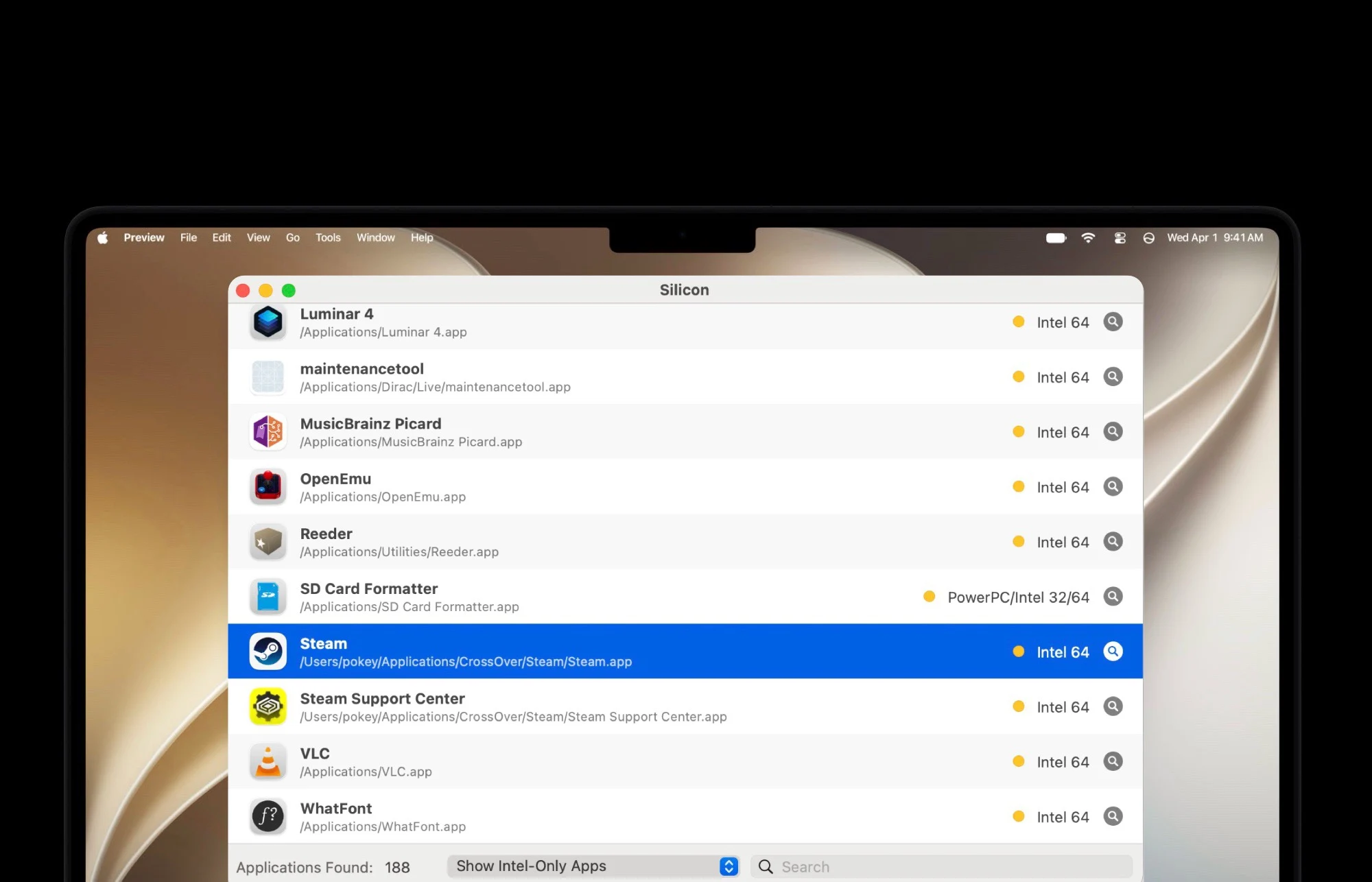
    – Many popular apps (e.g., VLC, GOG Galaxy, OpenEmu) still lack ARM versions.
    – Paid apps like Capture One may require buying a new license for ARM compatibility.
    – Use tools like Silicon now to check which installed apps will break on macOS 28.


    The era of Intel Macs is finally coming to a end soon. Because macOS 27 cannot be installed on any Mac that has an Intel processor instead of an ARM chip. However, there will also be restrictions for Intel software on modern Macs from next year. This is because macOS 28 will discontinue support for Rosetta 2, meaning that apps that have not been optimized for Apple ARM processors can no longer be opened. This marks a huge shift for users still clinging to old hardware.

    Warnings have been showing since macOS 26.4

    Since macOS 26.4, Macs have displayed a warning when an app is opened that will no longer work from macOS 28 onwards. While many apps have already been optimized for Apple’s ARM chips over the past six years, this is by no means the case for all apps. For example, the game launchers GOG Galaxy and Itch.io are still distributed as Intel apps. The same applies to OpenEmu, a popular app for playing retro games. These apps remain fully functional for now, but that compatibility won’t last forever.

    Popular tools still waiting for updates

    Popular tools such as the VLC media player or the SD Card Formatter, the official tool for formatting memory cards from the SD Card Association, have also not yet received a corresponding update. For paid apps such as Capture One, it may be necessary to purchase a license for a newer version in order to continue using the software after the update to macOS 28. Users should budget for these potential costs if they rely on professional creative software or hardware utilities.

    How to check your app compatibility before upgrade

    To check which of the apps installed on your Mac have not yet been optimized for ARM chips, free apps such as Silicon can be used. Before installing macOS 28 next year, it is advisable to check whether urgently needed apps will no longer work after the update. Taking this step early can prevent workflow disruptions and data loss. Apple continues to push the platform forward, leaving Intel-based workflows and legacy software behind for good.

    Sources
  • Apple MacBook Ultra: macOS 27 Touchscreen Support

    Apple MacBook Ultra: macOS 27 Touchscreen Support

    Key Takeaway

    – macOS 27 beta includes touchscreen support via Sidecar, adding credibility to MacBook touchscreen rumors.
    – Rumored “MacBook Ultra” may feature a new design with OLED touchscreen, thinner body, and punch-hole/dynamic island.
    – Expected to launch with Apple M6 Pro or M6 Max chips, between September 2026 and spring 2027.
    – Touch gestures like pinch-to-zoom and hover replacement via finger movement are now supported in macOS 27.
    – Official Apple confirmation is still pending, but the evidence strengthens speculation of a higher-priced, next-gen MacBook Pro.


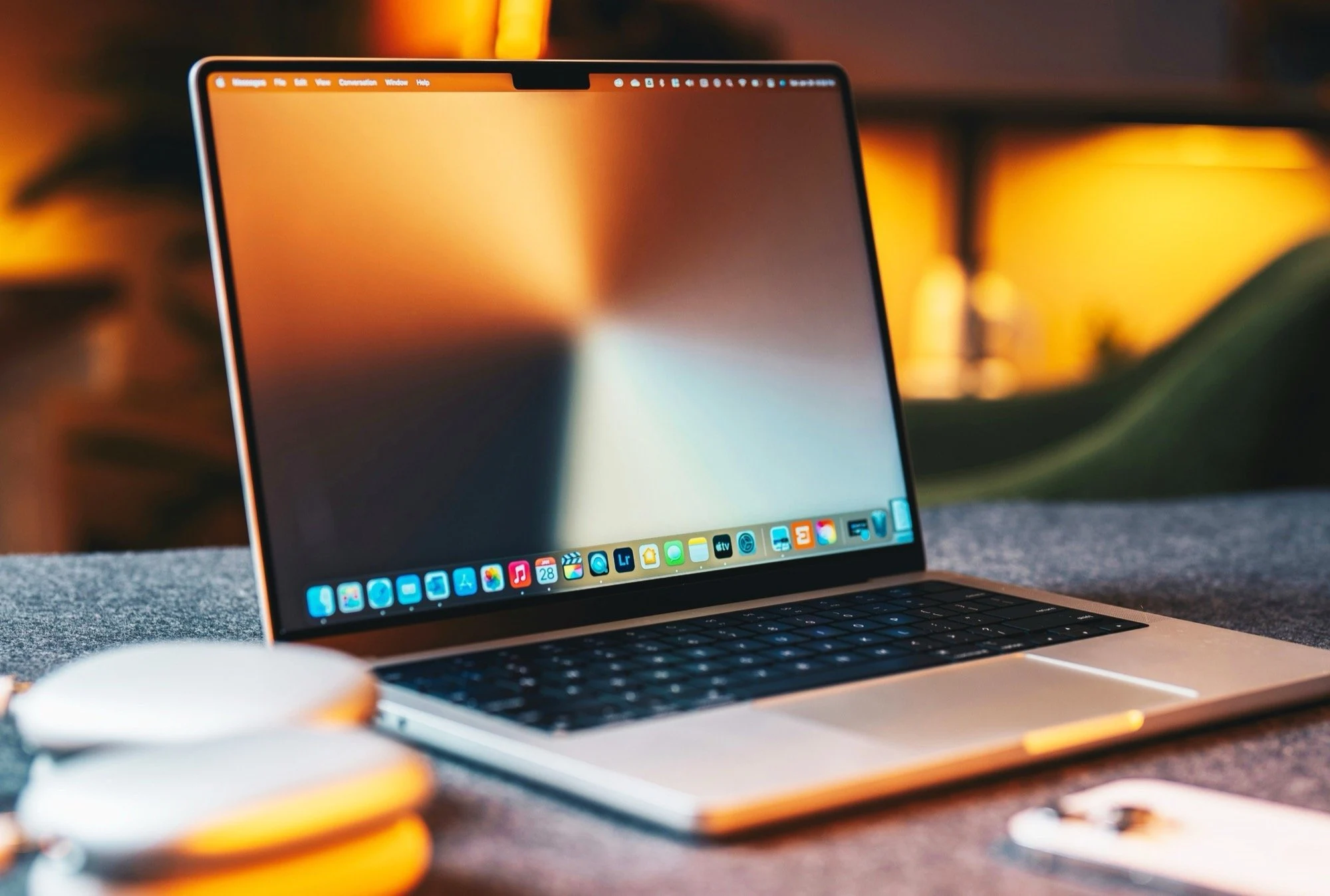
    Rumors have been circulating for many months according to which the next-generation MacBook Pro will have a new design and an OLED touchscreen, and will be marketed under the name “MacBook Ultra” – at a higher price than the current MacBook Pro. Apple has not yet officially commented on these rumors. However, the first beta version of macOS 27 already contains a reference to this touchscreen support.

    Sidecar and Touchscreen Functionality in macOS 27

    If an iPad is connected wirelessly to a Mac via Sidecar, it is possible to operate macOS 27 via the tablet’s touchscreen. In macOS 26, you still had to use a mouse or trackpad to do this. It is not only possible to scroll through lists and select menu items, but simple gestures such as pinch to zoom are also supported. To simplify the selection of items, the finger can be moved over a list to highlight menu items as a replacement for the hover function of the mouse pointer.

    Credibility and Specs of the MacBook Ultra

    Although this new feature is not a definitive confirmation that a MacBook with a touchscreen is actually planned, it does lend credibility to the rumors. The MacBook Ultra will be offered with either Apple M6 Pro or M6 Max. Rumors suggest that Apple will give the notebook a completely new design, featuring a thinner body and a punch-hole or dynamic island instead of a notch. The OLED touchscreen is to be offered with a diagonal of 14.3 inches or 16.3 inches. The launch is expected between September 2026 and spring 2027.

    Sources
  • Apple unveils macOS 27 Golden Gate with AI-packed MacBook features

    Apple unveils macOS 27 Golden Gate with AI-packed MacBook features

    Key Takeaway

    – “Liquid Glass” design overhaul with adjustable transparency, new sidebar, colorful icons, and up to 30% faster app startup.
    – Siri AI chatbot replaces standard Siri, offering natural language answers, screen access, and app control.
    – AI-powered Safari can generate custom browser extensions from user prompts.
    – System-wide AI Writing Tools and Image Playground for generating/editing text and images.
    – Photo AI features include expanding images (AI-generated zoom-out) and “Spatial Reframing” to change perspective.


    Major macOS 27 Update Unveiled

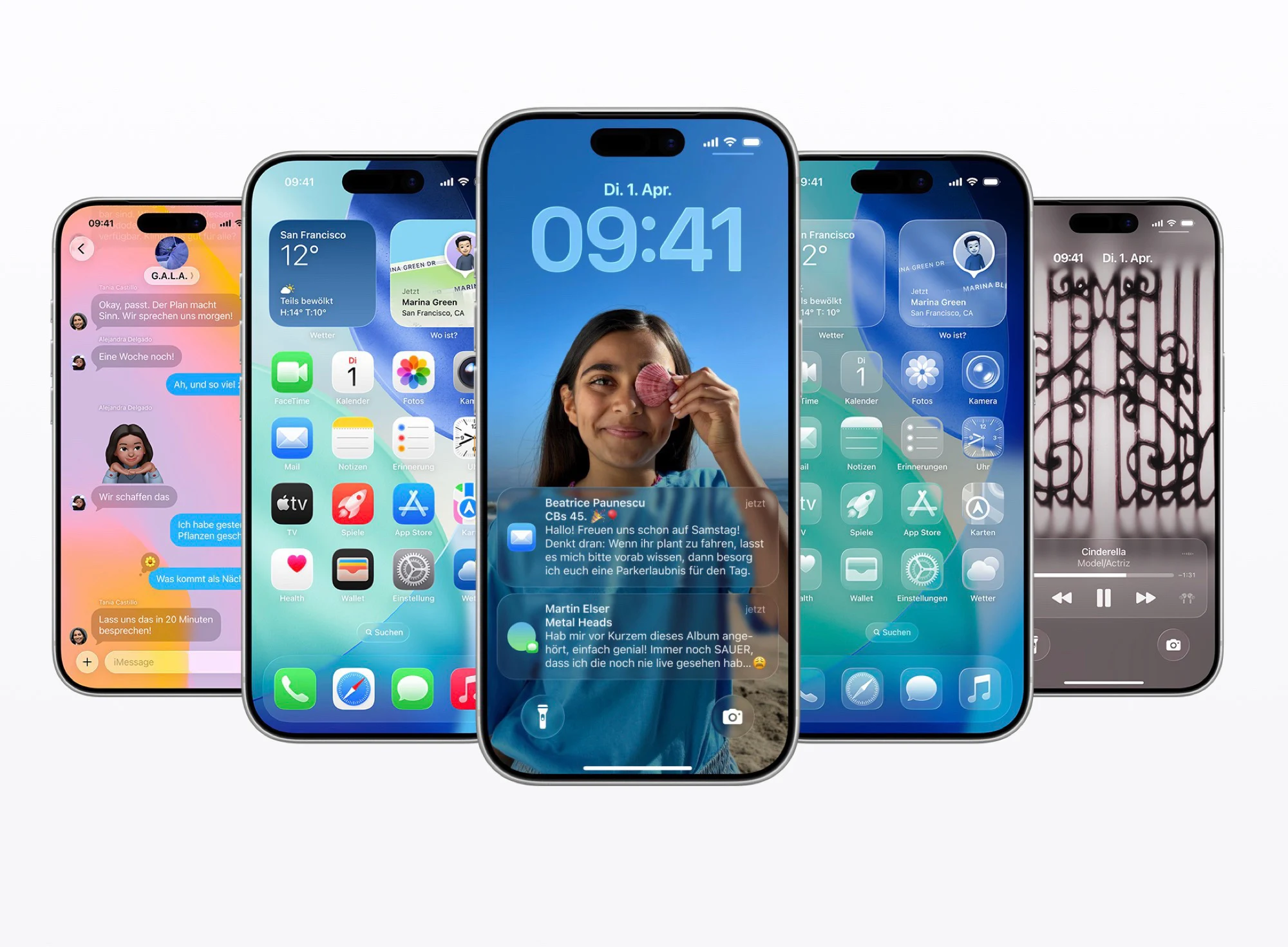
    With macOS 27, Apple today unveiled the next major operating system update for the Mac. The system receives many of the new features that are also coming to the iPhone with iOS 27, starting with an optimized “Liquid Glass” design that allows users to adjust how transparent the “glass” actually looks in the system settings.

    Visual and Performance Tweeks

    The sidebar on macOS now has a sloping edge, app icons are more colorful and the corner radius of windows has been standardized. Thanks to these adjustments and improved app icons, Liquid Glass should look better than ever and apps should start up to 30 percent faster by preloading parts of the code into the RAM. AirDrop can transfer data up to 80 percent faster after the update.

    AI Highlights and Siri Replacement

    In addition to the performance and design optimizations, the new AI features are the highlight of macOS 27 Golden Gate. The biggest innovation is Siri AI, Apple’s brand new AI chatbot, which replaces Siri as the voice assistant. Siri can either be used in the new Siri app or accessed directly via Spotlight.

    Siri AI gives answers in natural language, similar to ChatGPT. A special feature is that Siri AI can access the screen and open apps so that, for example, questions about a text or image can be answered on the screen or apps can be controlled. Apple Intelligence also receives innovations in other areas of the operating system

    Home, Safari, and Writing Tools

    For example, the Home app can now recognize objects via HomeKit cameras so that users can be notified when a package is delivered. Apple’s Safari web browser in macOS 27 can not only group tabs using AI, but can even generate browser extensions based on a prompt, for example to be notified when a new article is published.

    Apple’s Writing Tools are now available system-wide to generate or rewrite texts. Image Playground can now generate images using artificial intelligence, either in a realistic style or based on a photo. Generated images can be further edited using prompts.

    New Photo Editing Capabilities

    Apple also introduces numerous AI features for editing captured photos. Photos can be expanded in macOS 27 and iOS 27 so that they can be “zoomed out”, so to speak, and the missing pixels are generated. A feature called “Spatial Reframing” can subsequently change the perspective of a photo, ultimately generating a completely new image.


    Sources

  • Mac Studio with M5 Ultra set for WWDC debut

    Mac Studio with M5 Ultra set for WWDC debut

    Key Takeaway

    – iOS 27, iPadOS 27, macOS 27, and watchOS 27 are expected to be announced at WWDC 2026.
    – A new Mac Studio with an Apple M5 Ultra chip is likely to be revealed.
    – The M5 Ultra is rumored to have 36 processor cores and 84 GPU cores (though GPU specs may be inaccurate).
    – It may support up to 512 GB of RAM with over 1,000 GB/s memory bandwidth, making it ideal for AI applications.


    The opening event of the World Wide Developers Conference (WWDC) 2026 begins shortly. Apple traditionally uses WWDC to announce major operating system updates, so iOS 27, iPadOS 27, macOS 27 and watchOS 27 are likely to be revealed. Although the updates are not usually released until September, the announcement in June gives developers some time to optimize their apps for the new operating systems.

    New Hardware Rumours and Chip Details

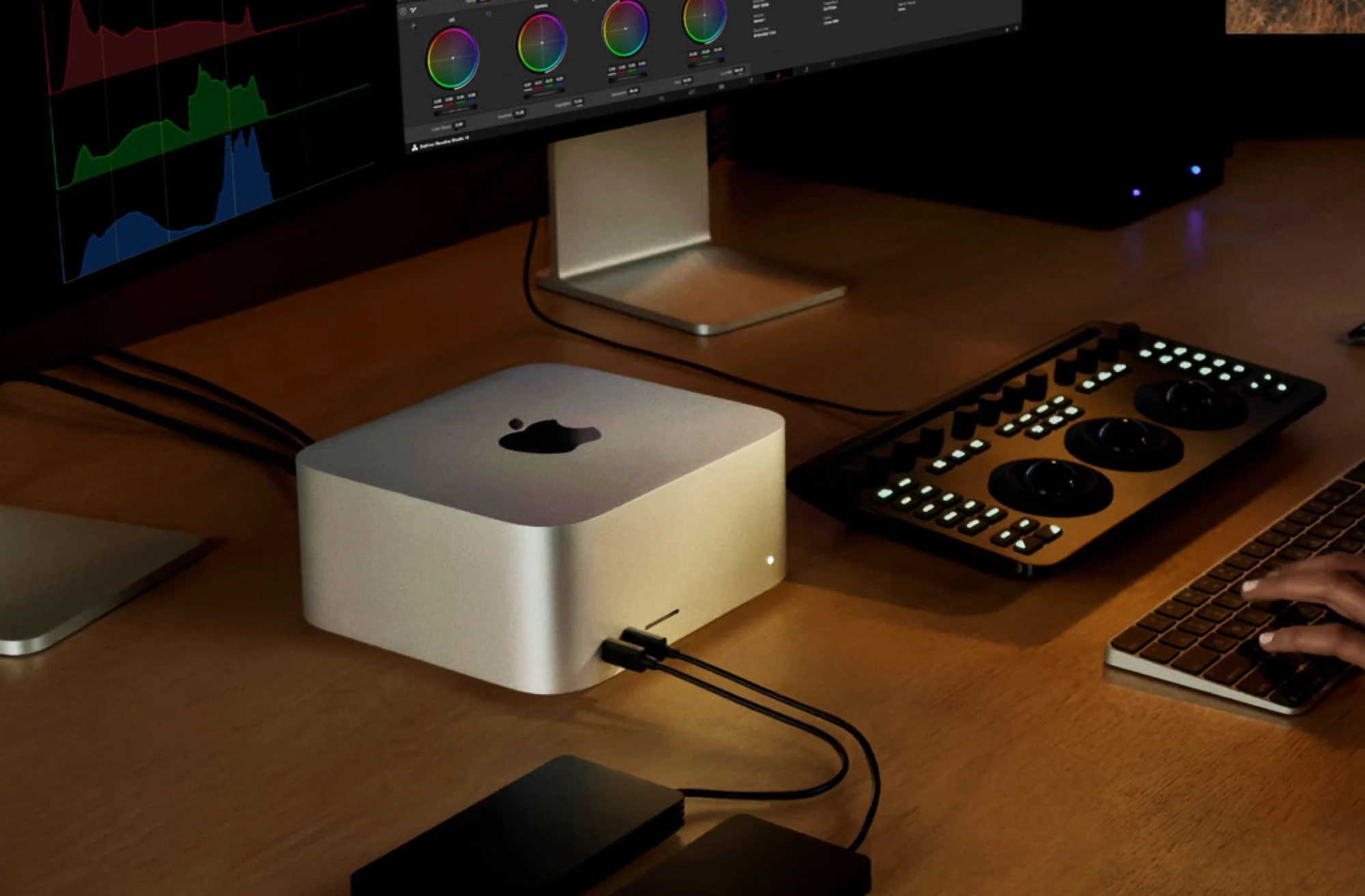
    According to a report by Commercial Times Taiwan, Apple could also announce new hardware, namely a new Mac Studio. The compact desktop computer was previously available either with the Apple M4 Max, or with the older but more powerful Apple M3 Ultra. The top model therefore offers 32 processor cores and a graphics chip with 80 cores.

    Apple M5 Ultra Specifications

    The Apple M5 Ultra, on the other hand, is said to fuse two Apple M5 Max and thus offer 36 processor cores. The Commercial Times reports that the GPU offers 84 cores, but the M5 Max has a maximum of 40 GPU cores, so this information should be viewed with caution.

    The chip is to be offered with up to 512 GB of RAM, which can be accessed by both the processor and the graphics chip, and which is to achieve a memory bandwidth of over 1,000 GB/s. This would make the Apple M5 Ultra perfect for AI applications, offering significantly more RAM than AMD Ryzen Strix Halo or Nvidia DGX Spark or RTX Spark.

    Sources
  • iOS 28 & MacOS 28 Codename Leak, Major Redesign Expected

    iOS 28 & MacOS 28 Codename Leak, Major Redesign Expected

    Key Takeaway

    – Apple has started early development on major 2028 OS updates for the iPhone’s 20th anniversary.
    – The 2028 updates are internally codenamed “Boppy,” focusing on deep integration between platforms.
    – Current iOS 27, iPadOS 27, and macOS 27 are codenamed “Rizz.”
    – Development is in early stages, targeting new features, app architectures, and design enhancements.


    Development begins for Apples 2028 OS updates ahead of schedule

    With the official release of iOS 27 and macOS 27 still on the horizon, Apple has already started the development on its major 2028 operating system updates, says a top tipster. According to the leaked info, the company is treating these upcoming versions as a significant evolution, as they are being designed to support the hardware slated for the rumored 20th anniversary of the iPhone. The development process is currently in its early stages, with teams focused on individual features, new application architectures, and design enhancements.

    Project “Boppy” signifying deep integration between platforms

    While the company has not yet integrated these elements into the final versions of the operating systems, the project is already gaining momentum: Apple employees refer to this entire slate of 2028 software updates as “Boppy”, which suggests the integration between the two might be the main focus. By comparison, the current development cycle, made of iOS 27, iPadOS 27, and macOS 27, is referred to internally as “Rizz,” following the “Rave” and “Fizz” internal codenames assigned to the mobile and desktop platforms, respectively.

    Sources
  • Apple macOS 27 to Enhance Liquid Glass and Launch New Features

    Apple macOS 27 to Enhance Liquid Glass and Launch New Features

    Key Takeaway

    1. macOS 26 introduces a modernized design language similar to iPhone, though limited by hardware differences such as display type and sensor availability on Macs.
    2. The initial implementation of Liquid Glass on Macs faces aesthetic and functional limitations, with planned improvements in macOS 27.
    3. macOS 27 will feature enhanced transparency, shadows, and overall design cleanup, alongside performance optimizations and bug fixes.
    4. New AI features, including a redesigned Siri resembling chatbots like ChatGPT, and tab grouping in Safari, are slated for macOS 27.
    5. The release of macOS 27 is expected around WWDC 2026 in June, with availability in September or October.

    Introduction to Apple’s New macOS Update

    With the recent launch of macOS 26, Apple has really refreshed the overall look and feel of its desktop software. They has taken some design cues from the iPhone OS, making the interface more unified and modern. But, the “Liquid Glass” effect, which looks pretty sleek on iPhones, don’t quite translate as well on laptops like the MacBook Air, which costs $949. This is mainly because MacBooks don’t feature a high-contrast OLED screen or a motion sensor that can tweak the lighting effects maybe when you move it around.

    Design Challenges and Future Improvements

    Sources from Bloomberg report that Apple’s software engineers had some trouble getting the Liquid Glass effect to look exactly how the designers envisioned. For macOS 27, the plan is to fix this, especially focusing on transparency and shadows. These tweaks should make it easier to read sidebars and quick settings in the Control Center. The company is also using this update to clean up the overall UI and fix bugs, making everything run more smoothly and efficiently.

    Exciting New Features and Release Timeline

    Besides making the interface look better and improving performance, macOS 27 is set to bring some major new AI-powered features. The biggest one is a new Siri app with more advanced capabilities. This new Siri will more closely resemble AI chatbots like ChatGPT, making interactions more natural. Apple will also upgrade Safari to enable automatic grouping of tabs, which should help with better management of your browsing. The update is expected to debut at WWDC 2026 in June, with availability likely in September or October.

    Sources
  • iOS 27 and macOS 27: Bug Fixes, Quality Improvements, AI Innovations

    iOS 27 and macOS 27: Bug Fixes, Quality Improvements, AI Innovations

    Key Takeaways

    1. Apple is focusing on enhancing performance and fixing bugs in iOS 27 and macOS 27, rather than introducing many new features.
    2. The updates will involve eliminating outdated code and rewriting segments to improve speed, stability, and efficiency.
    3. The upgrades aim to resolve common issues like overheating, battery drain, choppy animations, and app crashes.
    4. iOS 27 and macOS 27 are expected to prepare for future technologies, including foldable screens and new AI developments.
    5. Bloomberg predicts two new AI features: a competitive web search tool and an AI assistant for Apple Health, available with a paid subscription.


    Over the last few years, Apple has been competing with Google’s Android and Microsoft’s Windows 11 to roll out fresh software features for the iPhone and the Mac before these features hit rival platforms. With everything from the exciting new “Liquid Glass” design to a variety of Apple Intelligence AI capabilities, both iOS 26 and macOS 26 have brought a range of major advancements.

    Future Updates Expected

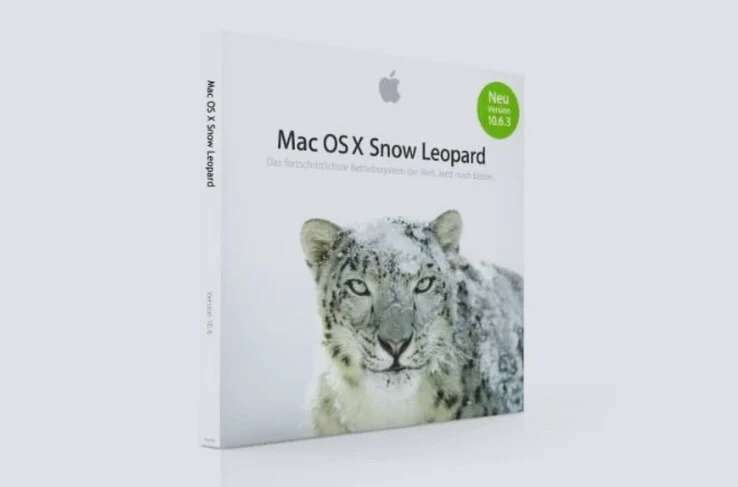
    Recent reports from Bloomberg indicate that iOS 27 and macOS 27 will likely not have many new features when they arrive next year. Instead, Apple appears to be adopting a strategy similar to macOS 10.6 Snow Leopard, which emphasizes enhancing performance and resolving bugs. The updates are predicted to be quite impactful under the surface, as Apple is said to be eliminating outdated code, tidying up system files, and rewriting large segments of the codebase to improve the speed, stability, and efficiency of the operating systems.

    Fixing Common Issues

    These upgrades are aimed at addressing prevalent issues that can lead to iPhones or Macs overheating, draining battery life, making animations look choppy, or crashing apps. iOS 27 and macOS 27 are also anticipated to set the stage for foldable screens and new AI developments. Bloomberg’s editor Mark Gurman foresees two key new AI features: a web search tool that will rival Perplexity AI, and an AI assistant integrated into Apple Health, which will only be accessible with a paid Health+ subscription.

    Source:
    Link