Key Takeaways
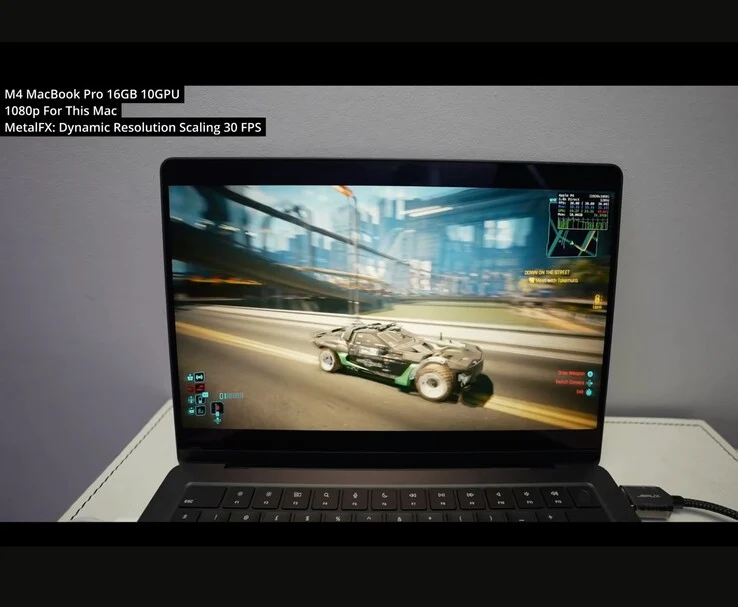
1. Performance on M4 MacBook Pro: Cyberpunk 2077 runs at around 30 FPS with dynamic resolution scaling on the M4 chip, but stability helps prevent thermal throttling. Ray tracing significantly drops performance.
2. Best Experience on M3 Max: The M3 Max MacBook Pro offers the best gameplay experience, running the game at 4K with MetalFX Quality upscaling, though path tracing may not justify the performance drop.
3. M1 MacBook Air Limitations: The M1 MacBook Air can run the game at 720p and 30 FPS, but suffers from constant stutters due to insufficient memory.
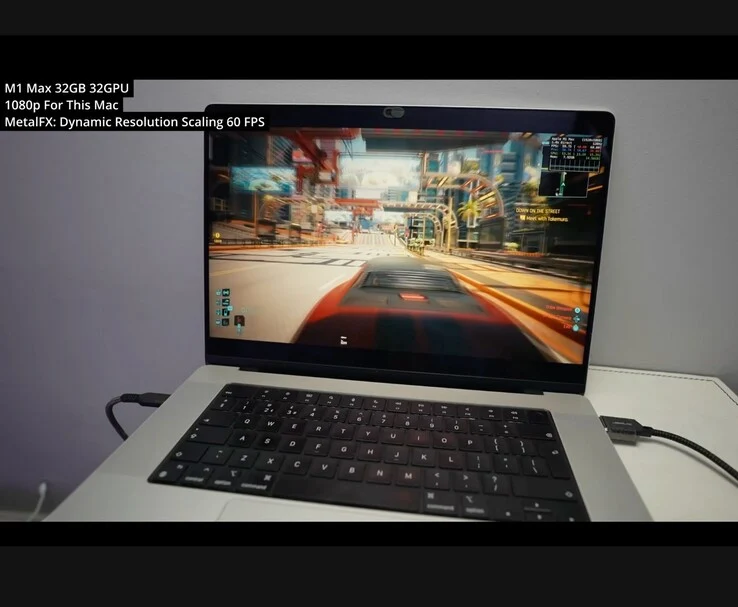
4. M1 Max Performance: The M1 Max performs well at 1080p high settings with MetalFX, maintaining 60-90 FPS indoors and over 40 FPS in open-world battles without significant thermal issues.
5. Mac App Store Size Discrepancy: The Mac App Store version of the game is 159GB, much larger than the 92GB Steam version, due to additional voiceover languages. It’s recommended to purchase from Steam, GOG, or Epic for a better deal.
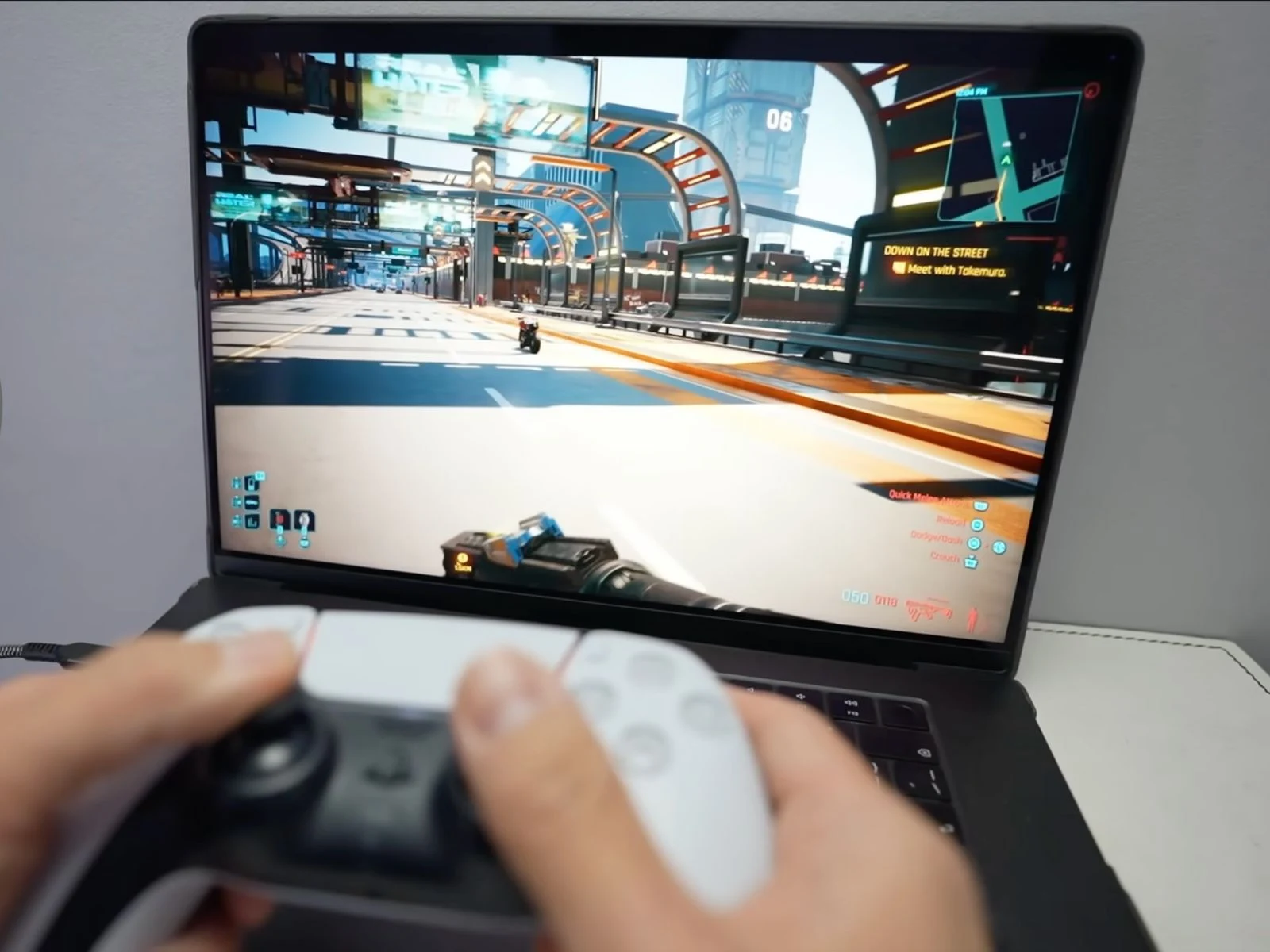
Cyberpunk 2077 has now officially launched for macOS, and well-known Mac gaming YouTuber Andrew Tsai has put it to the test on four different generations of Apple Silicon. In his latest video, he benchmarks the game on the M1 Air, M1 Max, M3 Max, and the newest M4 MacBook Pro, examining frame rates, thermal issues, HDR compatibility, and Apple’s MetalFX upscaling technology.
Performance on the M4 MacBook Pro
On the M4 chip in the Apple MacBook Pro, the game starts at 30 FPS with dynamic resolution scaling. Although Cyberpunk 2077 doesn’t run ultra-smoothly, it maintains stability. Andrew mentions this stability helps prevent thermal throttling. Increasing the FPS cap to 120 while disabling VSync pushes performance towards 50-55 FPS, but enabling ray tracing causes the M4 MacBook Pro’s performance to drop significantly.
“The ultra settings just kills the M4,” Andrew commented. “Hardware ray tracing is technically possible, but the GPU power here isn’t enough to make it playable,” he added.
Best Experience on the M3 Max
According to the video, the M3 Max MacBook Pro, which has 40 GPU cores, provides the best gameplay experience. This laptop can run Cyberpunk at 4K with MetalFX Quality upscaling. It handles some path tracing too, although Andrew was not convinced it was worth it. “I don’t believe the visual upgrade justifies the performance drop,” he stated.
He also pointed out that frame generation with FSR 3.1 feels a bit shaky and out of sync, making it advisable to keep it turned off for the time being. The upcoming Metal 4 frame interpolation could enhance this later this year, but it will need macOS Tahoe.
The M1 MacBook Air’s Limitations
Even though it’s technically not supported, the 8GB RAM version of the M1 MacBook Air can run the game at 720p with a cap of 30FPS. However, Andrew reports constant stutters and frame drops, arguing that the M1 MacBook Air lacks the memory capacity to maintain smooth gameplay.
With 32 GPU cores and ample RAM, the M1 Max performs well at 1080p high settings with MetalFX activated, maintaining between 60-90 FPS in indoor scenes and over 40 FPS during open-world battles. Andrew noted that no significant thermal problems arose, thanks to the active cooling system.
Mac App Store vs. Other Platforms
One unexpected and somewhat frustrating detail is that the Mac App Store version of the game takes up a massive 159GB, while the Steam version is only 92GB. This difference is due to the inclusion of all voiceover languages by default. Andrew suggests opting for Steam, GOG, or Epic instead, especially since purchasing the Windows version grants access to the Mac port for free.
Source:
Link