1. A new open-source driver from Tiny Corp enables Nvidia Blackwell GPUs to connect with macOS Macs via Thunderbolt 5 or USB4, reintroducing Nvidia hardware into the Mac ecosystem.
2. The setup currently uses a custom kernel extension and Tiny Grad compiler, resulting in lower performance compared to native Metal or CUDA solutions.
3. While performance is modest now, the project holds significant potential for future optimization, especially in improving kernel efficiency for heavy compute tasks.
Apple and Nvidia had a fallout many years ago, which left Mac users without official GPU support. This break up killed CUDA support on macOS, making developers and researchers turn to Apple’s Metal framework. But now, a new open-source driver from Tiny Corp has changed the game, reintroducing Nvidia Blackwell hardware to the Mac environment.
Introduction to the Tiny GPU Project
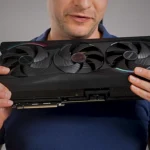
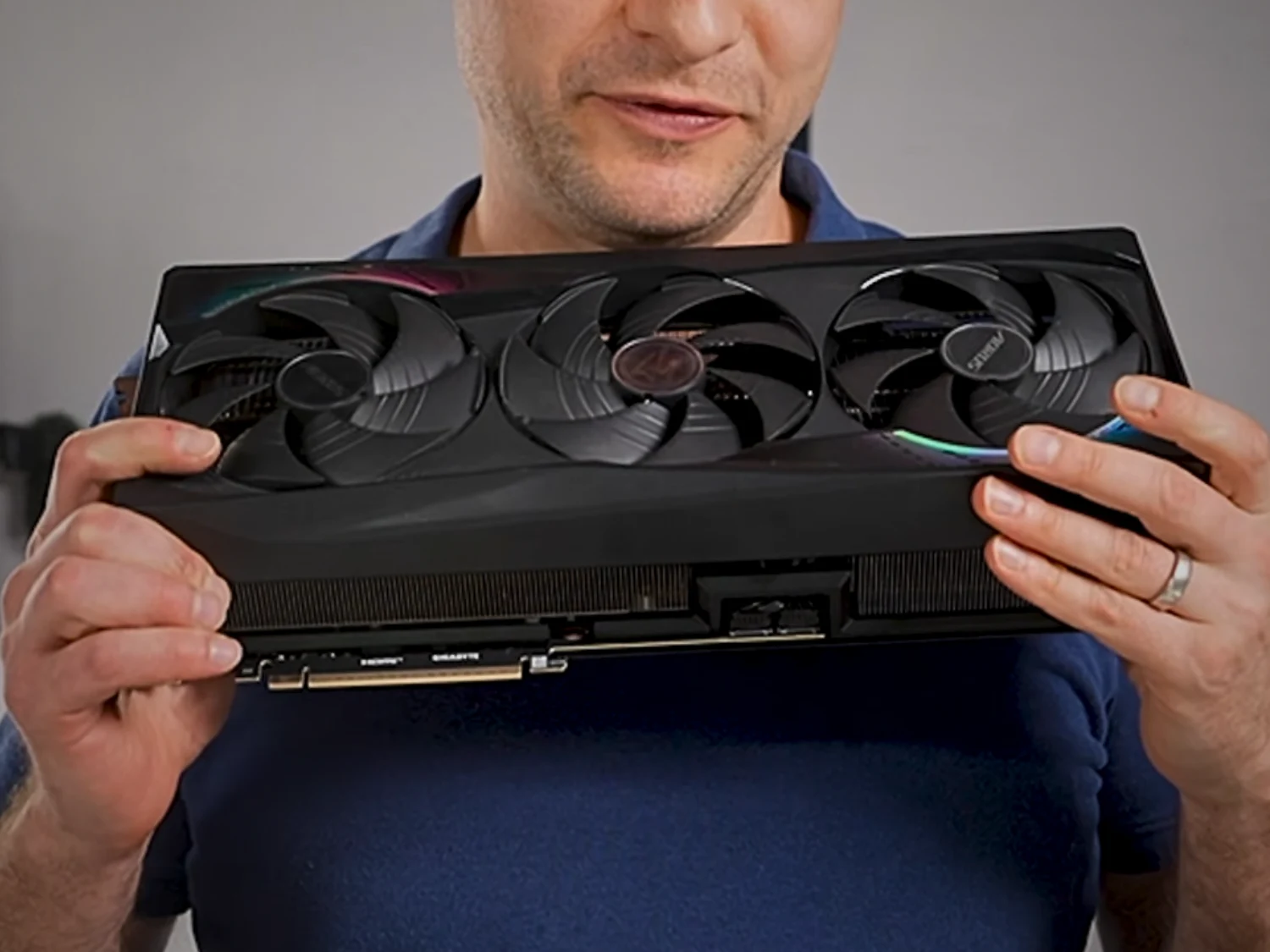
The project utilizes a special kernel extension called Tiny GPU. It permits external GPUs such as the RTX 5090, with its 32 GB VRAM, to connect directly with Apple Silicon Macs over Thunderbolt 5 or USB4. This significant tech advancement bypasses the need for virtual machines, streamlining the connection process. In a demo shown by Alex Ziskind, the RTX 5090 successfully paired with a Mac Mini M4 Pro, which retails at approximately $1399 on Amazon, featuring 24 GB RAM and 512 GB storage (note: price may vary).
Performance and Current Limitations
Though the connection is stable, the current software is still in early phases. The driver is dependent on the Tiny Grad compiler rather than native Metal or CUDA, leading to noticeable performance limitations during heavy calculation tasks. When testing with the Llama 3.1 8B model, the setup managed about 7.48 tokens each second. While offering compatibility benefits, it’s considerably slower than the native Metal-based Llama CPP, which is nearly ten times faster on similar hardware, Alex explains.
Future Potential and Usage
Nonetheless, the major value of this project lies in its future prospects for optimization. The main bottleneck now isn’t the Thunderbolt 5 cable—which transfers model weights efficiently—but the efficiency of automatically generated kernels. For simple chat functions, the Blackwell setup performs quite well, providing time-to-first-token speeds that are three to four times quicker than native Metal solutions.
Installation and Practical Use
The setup involves approving a system extension and running a Docker-based compiler pipeline. Although this isn’t yet a replacement for streamlined Metal workflows, it marks the first operational solution in years. It offers a promising glimpse into future possibilities for Nvidia GPU support on macOS.
Alex Ziskind discusses this project extensively on his YouTube channel, demonstrating its potential and progress.