1. Xiaomi has developed its first in-house ARM chip, signaling a move toward competing with Qualcomm and MediaTek, with plans for a second version in 2026.
2. The upcoming Xiaomi foldable, potentially called Mix Fold 5 or Xiaomi 17 Fold, is expected to feature a promising spec lineup based on leaked HyperOS code.
3. The new Snapdragon alternative may utilize a new ARM architecture, skipping “big cores” in favor of a Prime core at 4.05 GHz and upgraded “little cores” at 3 GHz, along with a significantly faster GPU.
Introduction to Xiaomi 15S Pro and Its Unique Features
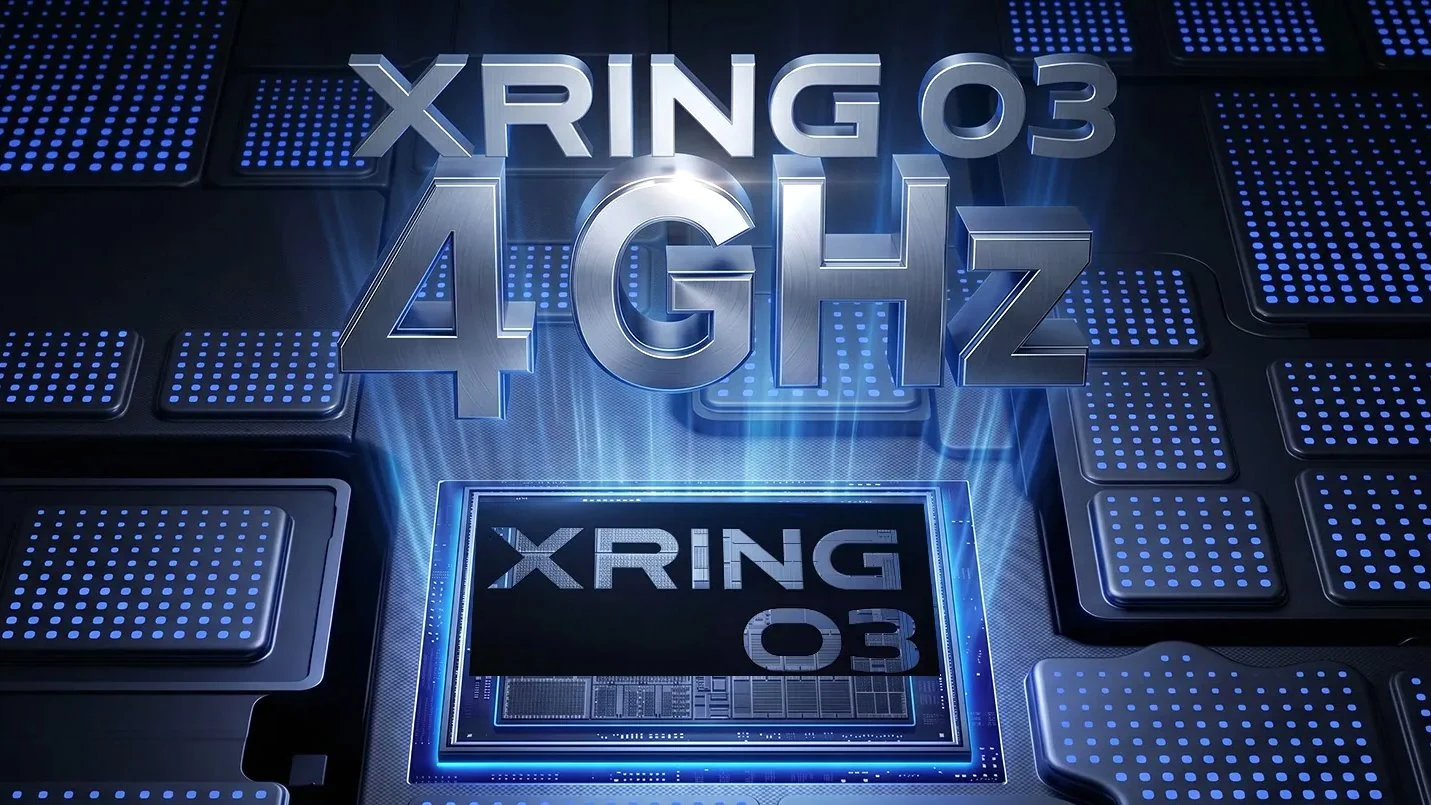
The Xiaomi 15S Pro was recently tested in laboratory settings but strangely, it did not make it to the European markets. It is a notable device mainly because it features Xiaomi’s very first domestically-produced ARM chip. This move has alot of tech enthusiasts talking because it signifies Xiaomi’s entry into direct competition with industry giants like Qualcomm and MediaTek. In a way, this also signals a strategic shift akin to what Apple has been doing with its custom chips. Nonetheless, it’s important to remember that most Xiaomi devices still rely on Snapdragon processors. The company appears to be experimenting, not abandoning, and whispers suggest that a new version of this SoC might be launched around 2026, tentatively named Xring O3, replacing the previous Xring O2.
Potential Uses and Concerns
This chip is expected to power upcoming devices, stemming from strong industry indications. Most notably, speculations point towards its integration in Xiaomi’s next foldable smartphone. The device in question likely bears the name Mix Fold 5, yet some sources argue it could be titled Xiaomi 17 Fold. Regardless of the final branding, this foldable phone is expected to compete directly with Samsung’s Galaxy Z Fold 8. Based on leaked HyperOS code, early technical specifications look promising, suggesting a significant upgrade in performance metrics and hardware features.
Speculation on the Hardware and Performance
Details about the chip architecture are still uncertain. However, the current code leaks hint at a possible use of Lumex generation cores, such as C1 Ultra and C1 Pro. What’s interesting is that Xiaomi might skip the conventional “big cores” setup. Observers predict a Prime core running at 4.05 GHz, marking a 4% improvement over previous models. Additionally, a “Titanium Core” at nearly the same frequency of 3.42 GHz might be included. The most notable upgrade appears to be in the “little cores,” which could now operate at 3 GHz, up from 1.79 GHz. The GPU is also expected to see a substantial bump, potentially running at 1.49 GHz instead of 1.2 GHz, which would mean almost a 25% speed increase—if these leaks prove correct.