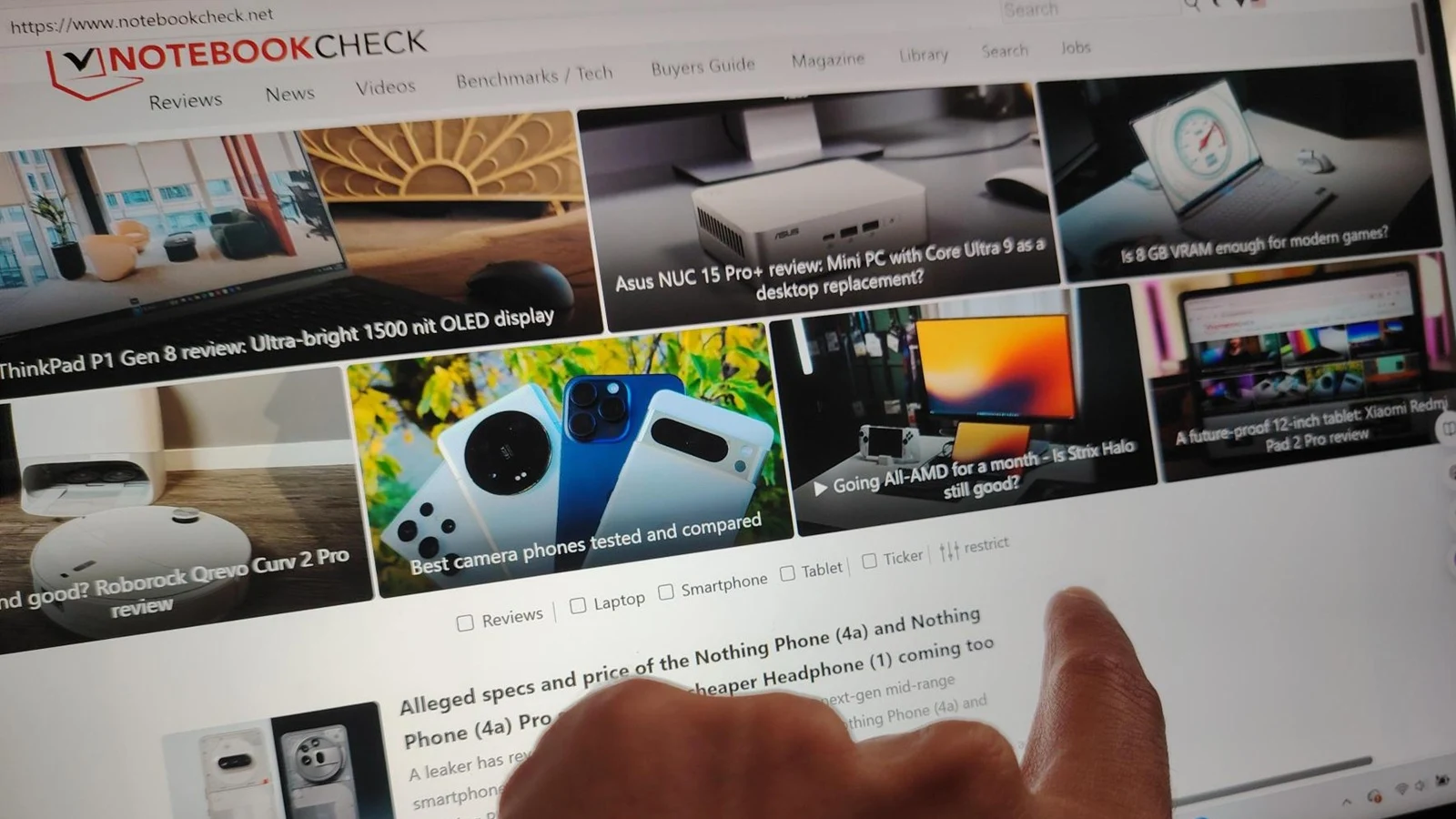
Tag: touchscreen

  • Apple & Leaker Hint at MacBook Ultra Details

    Apple & Leaker Hint at MacBook Ultra Details

    Key Takeaway

    – A major MacBook Pro redesign is expected between fall 2026 and spring 2027.
    – The new model is rumored to feature an OLED panel and a touchscreen.
    – A leaker claims the inclusion of a touchscreen is “100% confirmed.”
    – Recent macOS updates include touchscreen-friendly gestures, hinting at the change.
    – The redesign would be the first significant update to the laptop’s fundamental features since 2021.


    A Shift in the Design of Apple’s Pro Laptop

    The current Apple MacBook Pro’s design ($1,549) goes all the way back to the model that came out in October 2021, which had the M1 Pro and M1 Max chips inside. Over the last five years, Apple’s flagship notebook has mainly just gotten new processors, meaning it got faster, but the company hasn’t touched core things like the overall look or the screen itself. This is all supposedly going to change pretty soon, if you believe the rumors floating around.

    New Rumors About a Touchscreen and OLED Panel

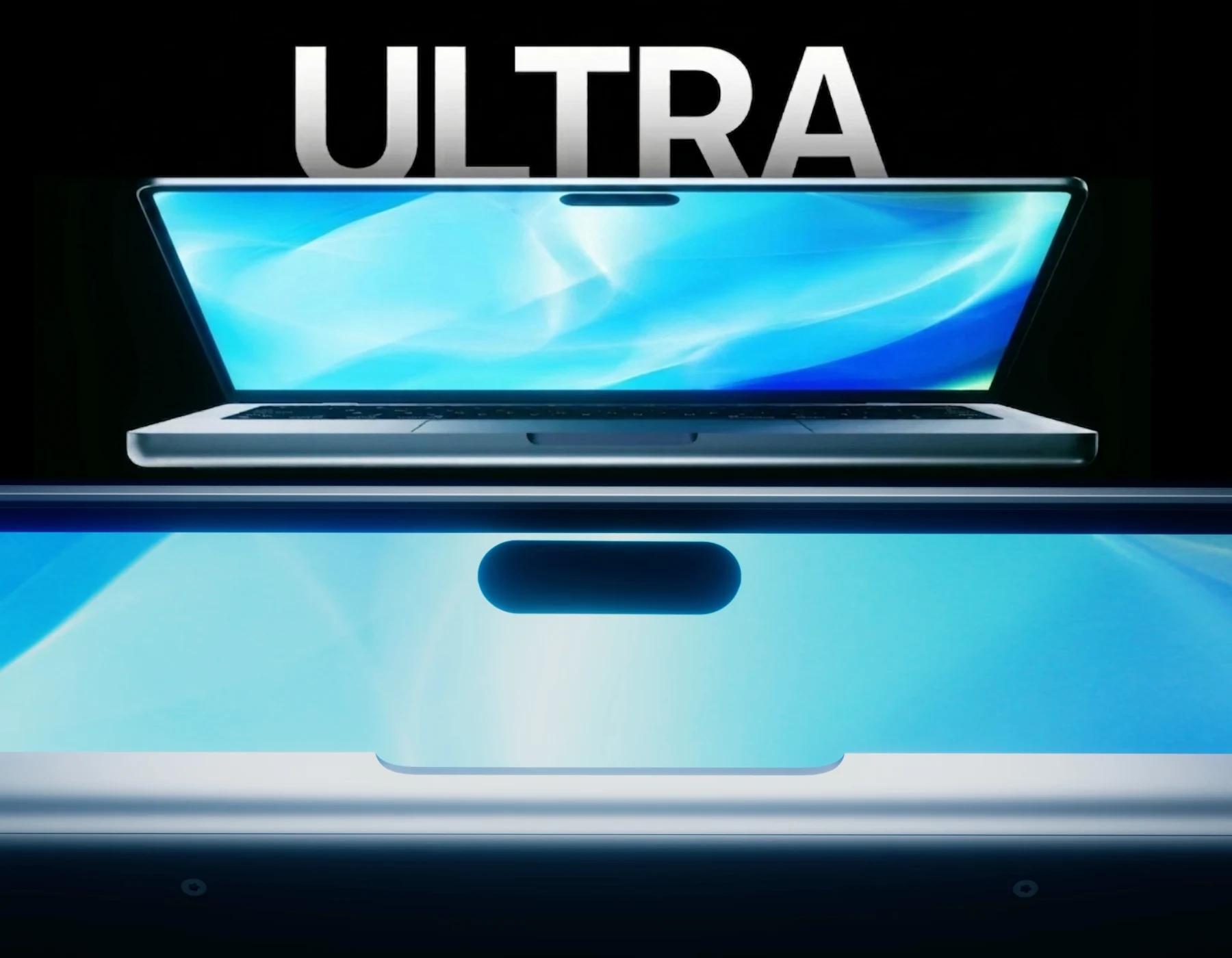
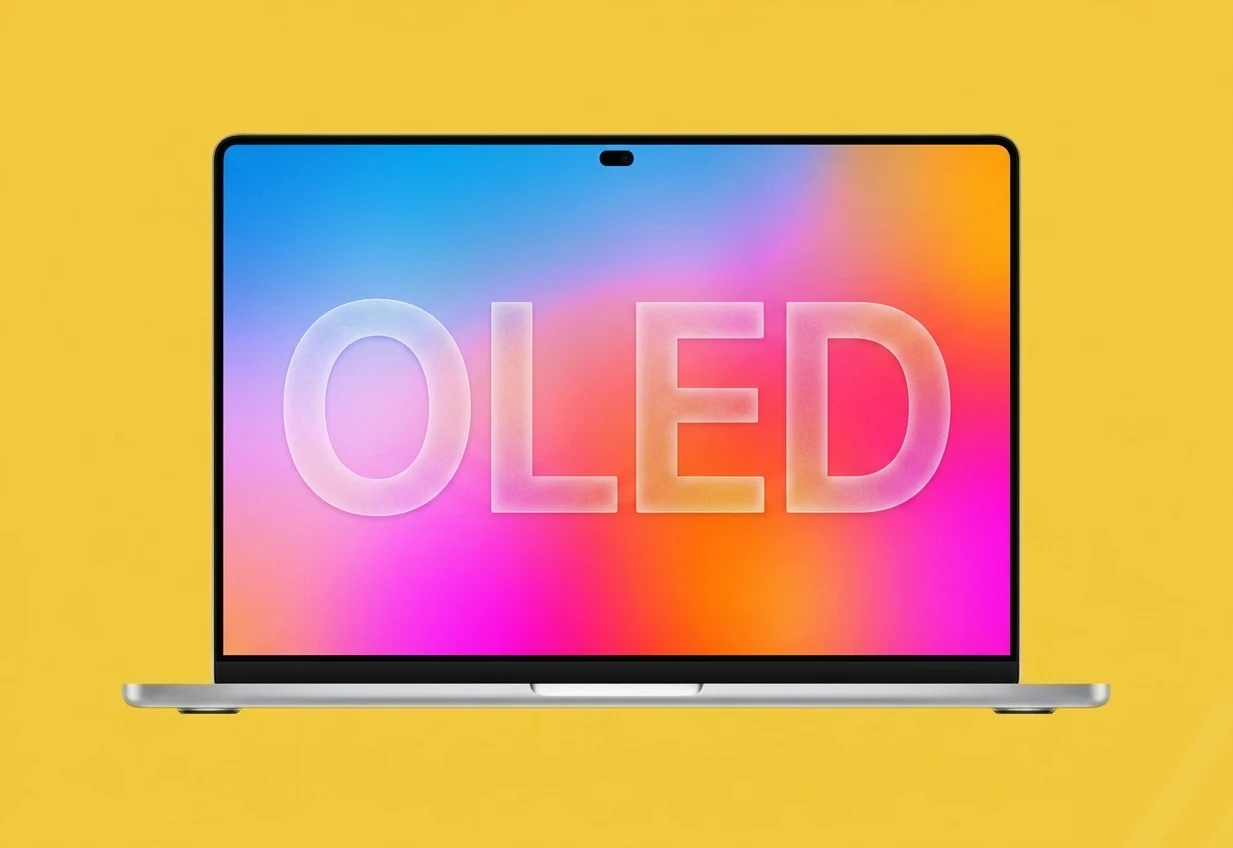
    According to whispers, a MacBook Pro with a totally new design will show up sometime between fall 2026 and spring 2027, and they might even call it the MacBook Ultra. For a while now, people have been saying this machine wont just have an OLED display, but it will also be the very first Mac to ever include a touchscreen. The usually spot-on leaker known as Instant Digital now backs up these claims, stating it’s “100% confirmed” that the next-gen model will indeed have touch capabilities.

    • The notebook could be marketed as the MacBook Ultra.
    • It will supposedly feature an OLED panel alongside the touchscreen.
    • Instant Digital claims the touchscreen is definitely coming.

    Clues Found Within Apple’s Software

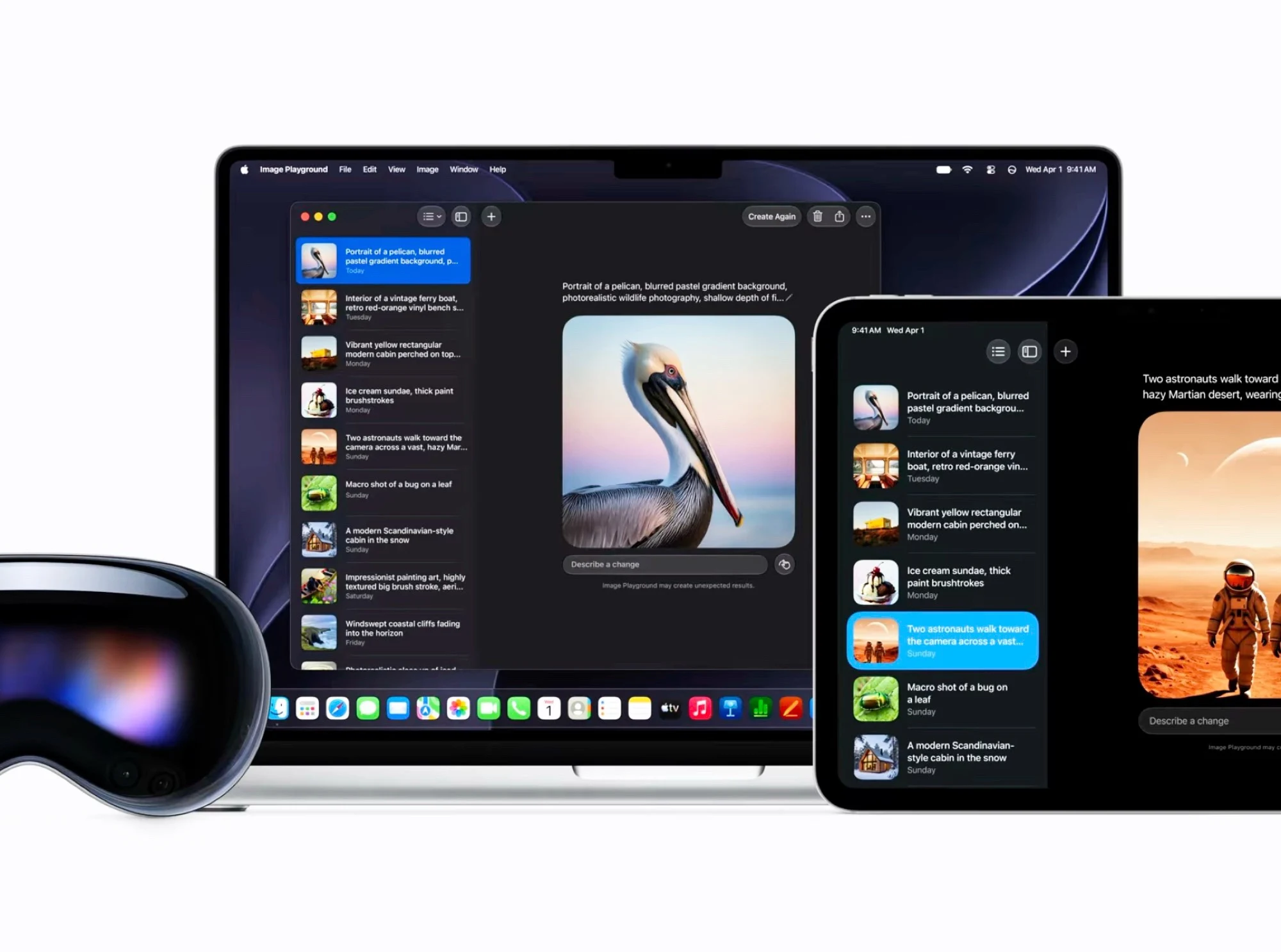
    Apple themself have actually left several hints about a Mac with a touchscreen. The new operating system now allows the iPad to be controlled by its own touch when its used as an external monitor through Sidecar, and it even supports simple multitouch gestures. MacRumors dug up two other clues: first, you can refresh Safari webpages by swiping down with your finger, like on an iPhone or iPad. And second, the position and the taller shape of the new Spotlight and Siri windows look wierdly like they were made to fit around something like a Dynamic Island.

  • Touchscreen MacBook Ultra: OLED sizes & release date leak

    Touchscreen MacBook Ultra: OLED sizes & release date leak

    Key Takeaway

    – MacBook Ultra likely launching in Q3 2026 with a potential September debut.
    – New 14.3-inch and 16.3-inch displays with reduced bezels, supplied by Samsung from July.
    – Hybrid OLED architecture (oxide TFT + RGB tandem) for improved power efficiency.
    – Complete redesign expected, including a thinner/lighter chassis and touchscreen.
    – Aim to maintain battery life while enabling the “Ultra” premium positioning.


    Major Display Changes on the Horizon

    Just days after the big launch of the Nvidia RTX Spark-powered Surface Laptop Ultra, a fresh industry report has shed new light on the highly anticipated MacBook Ultra, suggesting the radical overhaul to Apple’s high-end MacBook series may arrive sooner than initially projected. According to research firm Omdia, Samsung is scheduled to begin supplying display panels for the upcoming 14.3-inch and 16.3-inch MacBook models as early as July. Yes, apparently, the screens on the Ultra series might be getting a touch larger (perhaps due to a reduction in bezel size).

    Release Window and Timeline Shifts

    More significantly, the report explicitly states that the MacBook Ultra (and likely the new M6 MacBook Pro models) are expected to launch in Q3 2026. If accurate, this puts the MacBook Ultra on a trajectory for a potential September debut, possibly sharing the stage with the foldable iPhone Ultra and the iPhone 18 Pro. That timeline is quite abit earlier then many people predicted, which could put pressure on competing devices from other manufacturers.

    Advanced OLED Technology and Power Gains

    The Omdia report highlights that Apple is shifting to a sophisticated “hybrid OLED” architecture. By utilizing oxide TFT and RGB tandem OLED technology, Cupertino would be aiming to significantly optimize power efficiency. Jerry Kang, Practice Leader at Omdia, noted that this combination is specifically designed to lower power consumption compared to traditional LTPO or single-layer RGB OLEDs. Such power efficiency might be critical, as it would provide the foundation for Apple’s MacBook redesign goals, which (rumor has it) include making a thinner and lighter ultra-premium MacBook without sacrificing the industry-leading battery life that has defined the Apple Silicon era.

    Redesign Details and Touchscreen Rumors

    The new MacBook Ultra is expected to be more than just a component swap compared to the M5 MacBook Pro, which has used the same design since the launch of the original M1 Pro/M1 Max models. Several leaks have reiterated that a complete redesign for the MacBook Pro/Ultra is coming in late 2026. Reports from top analysts Ming-Chi Kuo and Bloomberg’s Mark Gurman indicate that the MacBook Ultra will do the unthinkable, and launch with a touchscreen panel. To maintain its “Ultra” positioning, and justify the inevitable price increase, the laptop is rumored to introduce more design changes, including:

    • A thinner chassis with reduced bezels for the 14.3-inch and 16.3-inch screens
    • Hybrid OLED display using oxide TFT and RGB tandem layers for lower power consumption
    • Touchscreen capability for the first time on a MacBook
    • Potential launch alongside the foldable iPhone Ultra and iPhone 18 Pro in September 2026
    Sources
  • Ugreen Neodrive Go 40s: SSD with Touchscreen & Password Protection

    Key Takeaway

    – Ugreen’s Neodrive Go 40s external SSD features a touchscreen display for status monitoring (temperature, speed, TBW) and password entry.
    – It requires a wired USB connection to a host device, as it has no built-in battery.
    – The touchscreen can be used to enter a password to unlock the SSD, adding a security layer.
    – Planned capacities are 1TB, 2TB, and 4TB, but the launch date and pricing are not yet announced.
    – The product is currently only a demo; features may change before the final release.


    At Computex Taipei, Ugreen has showed off a new external SSD equipped with a status display that can also accept finger input. According to Ugreen, the Neodrive Go 40s is intended to offer several interesting features. However, it should be noted that this is currently only a demo. Ugreen is only showing what the final product is supposed to look like. The SSD does not have a built-in battery. To operate it, it therefore has to be connected to a host device such as a laptop via USB.

    Connectivity and monitoring features

    Once connected, it can provide various status information. According to the current plans, users will be able to monitor the temperature and also view the current speed when copying or moving data. Another planned data point is a feature for displaying TBW, meaning the condition of the flash cells. One of the demo screens also showed the speed negotiated via USB.

    Practical benefits for users

    Overall, these features are very practical, since this information is often hidden deep in the system and is accessed differently on each operating system, or not at all in the case of some tablets and smartphones. Ugreen’s Neodrive Go 40s is also intended to offer a security feature. A password can be entered via the touchscreen to unlock the SSD. A number pad was shown as well, but there wouldn’t be enough space for more complex passwords.

    Market release and capacity details

    Ugreen could not yet say at Computex when the SSD will come to market. The same applies to pricing. The model shown was also only a demo unit for now. At least the capacities have already been confirmed. Ugreen plans to launch the SSD with 1, 2, or 4TB of storage.


    Sources

    • New 14″ and 16″ OLED MacBook Pro Release Nears

      New 14″ and 16″ OLED MacBook Pro Release Nears

      Key Takeaway

      – OLED transition for 14″ and 16″ MacBook Pro with high manufacturing yields (over 90%, some stages at 95%), enabling faster mass production likely starting mid-2026 to early 2027.
      – Gen 8.6 Samsung OLED line supplies ~2 million panels in 2027, signaling scalable, large-format production for Apple laptops.
      – Panels use tandem two-stack OLED technology with oxide TFT backplanes and hybrid encapsulation, aiming for improved efficiency and durability; one model may introduce touchscreen (MacBook Ultra).


      Apple OLED transition for MacBook Pro on the horizon

      Apple’s transition to OLED for its upcoming 14-inch and 16-inch MacBook Pro lineup has passed a critical manufacturing milestone, say the latest leaked info. The report notes Samsung Display has reportedly achieved yields exceeding 90% on its Gen 8.6 OLED production line, with some stages reaching a “golden yield” of 95%. This high efficiency signals that the technology is ready for stable, large-scale mass production, which is expected to ramp up quickly, with Samsung potentially shipping these panels as early as June 2026.

      Production readiness and timeline

      The OLED displays are destined for future 14-inch and 16-inch MacBook Pro models, with initial supply estimates totaling roughly 2 million units for the year. These panels represent a significant engineering leap over standard smartphone OLEDs. They will utilize the same “tandem two-stack” technology found in the latest iPad Pro, alongside oxide TFT backplanes for improved power efficiency and hybrid encapsulation for enhanced durability. Furthermore, reports suggest that at least one of the upcoming MacBook models will be the first to feature touchscreen capabilities (most likely the rumored MacBook Ultra).

      Launch windows and market expectations

      While initial projections pointed to a late 2026 release, industry-wide chip shortages have reportedly shifted the most likely launch window to early 2027. However, with the latest positive signals, it won’t be a surprise if Apple manages to stick to its typical fall release plans. The Elec

      Sources
    • MacBook Neo Might Skip Touchscreen; Pro Gets Upgrade

      MacBook Neo Might Skip Touchscreen; Pro Gets Upgrade

      Key Takeaways

      1. The MacBook Neo, introduced in March 2026, offers excellent value with strong build quality and performance, surpassing similar-priced laptops and iPads.
      2. For current MacBook Pro or Air owners, the MacBook Neo may not be appealing due to performance and feature differences.
      3. Apple has not decided on adding touchscreen capabilities to its Mac models, with the MacBook Pro being a possible exception by late 2026.
      4. The MacBook Air is unlikely to receive a touchscreen upgrade for another two years, despite being a suitable candidate.
      5. The pricing of the MacBook Neo ($599, $499 for education) was carefully considered, and adding a touch display would increase production costs.


      Apple introduced the affordable MacBook Neo in March 2026. Nevertheless, as per Gurman, the tech giant from Cupertino might bypass this new laptop when it comes to refreshing the MacBook lineup with touch capabilities.

      Value of MacBook Neo

      Gurman discussed the MacBook Neo in his well-known newsletter, Power On, recognizing the device’s strong value. He pointed out its excellent build quality, impressive performance, and overall power, emphasizing that it surpasses other laptops within the same price bracket. Additionally, he remarked that the MacBook Neo is “much better than a similarly priced iPad.” Still, Gurman noted that if you already have a MacBook Pro or MacBook Air, the MacBook Neo lacks appeal due to the notable differences in performance, screens, and various features.

      Touchscreen Uncertainty

      According to Gurman, Apple hasn’t yet determined if it will implement touchscreen capabilities on any of its Mac models. The MacBook Pro stands out as the only exception, as he mentioned it might receive a touchscreen by late 2026. On the other hand, the MacBook Air, which he thinks is a more suitable option for a touchscreen upgrade, wouldn’t see this enhancement for another two years.

      Pricing Strategy

      Gurman clarified that the $599 price tag ($499 for educational purchasers) for the MacBook Neo was set after a thorough evaluation of the device’s components. He cautioned that incorporating a touch display would only drive up production costs.

      Earlier, we mentioned that another Apple analyst, Ming-Chi Kuo, reversed his assertion that the upcoming MacBook Neo would feature touch functionality.

      Source:
      Link


    • Lenovo Yoga Slim 7 Aura Edition Touchscreen vs. Traditional Mouse

      Lenovo Yoga Slim 7 Aura Edition Touchscreen vs. Traditional Mouse

      Key Takeaways

      1. The Lenovo Yoga Slim 7 Aura Edition touchscreen can effectively replace a mouse for everyday tasks like email, web browsing, and document editing, offering a more engaging interaction with content.

      2. Windows 11 enhances the touchscreen experience with intuitive touch gestures, making actions like window arrangement and scrolling smooth and natural.

      3. While the touchscreen is great for casual gaming and touch-friendly genres, it struggles with precision-heavy games, where a mouse is still preferred.

      4. User habits play a significant role; many Lenovo users forget about the touchscreen feature and stick to traditional input methods, but those who adapt find it more direct and natural.

      5. Overall, using the touchscreen as a sole input method is enjoyable for casual tasks, but it doesn’t entirely replace the need for a mouse in precision-demanding scenarios.


      I decided to try something a bit unusual: no mouse at all. No trackpad gestures, no external pointing tools. Just my fingers and the Lenovo Yoga Slim 7 Aura Edition touchscreen: Model 15ILL9.

      Exploring Touchscreen Productivity

      This experiment wasn’t just for casual scrolling while lounging. I aimed to discover if a laptop built with touch features could truly replace the classic mouse-driven method for daily tasks… and maybe even some gaming. Essentially, I wanted to find out if the Lenovo Yoga Slim 7 Aura Edition and its touchscreen could genuinely act as a substitute for a mouse in both work and play situations.

      For regular activities like checking email, browsing the web, and editing documents, the touchscreen performed better than I had anticipated.

      Navigating an inbox, moving windows, selecting text in Word, and switching tabs in Chrome felt direct and engaging. Instead of just nudging a pointer, you’re actually interacting with the content. This sense of immediacy is something a mouse struggles to replicate.

      Windows 11 Enhancements

      Windows 11 is a big help. The standard touch gestures from Lenovo, paired with Microsoft’s interface, make actions like pinch-to-zoom, smooth scrolling, and arranging windows into layouts feel intuitive. Once you stop instinctively reaching for a mouse, dragging a window to dock it becomes second nature.

      However, there’s a downside, which is tiredness and lack of precision. Keeping your arm up to tap the screen for extended periods can be exhausting, and making small, precise movements—like clicking tiny icons or adjusting sliders—can be quite fiddly.

      Most of the time, though, the combination of a clear 2.8K display and responsive Intel Arc graphics means that touches are registered quickly and accurately. For general productivity, the touchscreen is not only usable… it’s genuinely comfortable… until fatigue kicks in.

      Gaming Experience

      Now, gaming is where it gets interesting. The Yoga Slim 7 isn’t a high-end gaming laptop, but with the touchscreen as the only input, some game genres really shine.

      Turn-based games like Civilization VI, simple card games such as Microsoft Solitaire, and touch-friendly puzzle or rhythm games work well with taps and swipes. It feels satisfying to directly poke and drag units, cards, or tiles using your fingertips. In some cases, it’s even faster than moving a mouse cursor around.

      However, this setup has its limits when it comes to precision-heavy gaming. First-person shooters, MOBAs, and real-time strategy games with small click targets are still much better with a mouse. Fast aiming, quick camera control, and precise unit selection are simply not strengths of a touchscreen.

      For casual or touch-optimized games, though, relying on the touchscreen can add a playful, hands-on feel, making the laptop behave more like a large, powerful tablet.

      User Perspectives

      If you browse through Reddit threads, a common theme emerges: many Lenovo users hardly utilize their touchscreens. Many admit that they often forget the feature exists, sticking to the trackpad or mouse out of habit.

      Frequent complaints include fingerprints, occasional mis-taps, and the fact that many individuals have spent years training themselves to reach for a mouse. However, there’s another group—those who fully embrace touch—and they often describe it as more “direct” and “natural” once you adapt.

      On the Lenovo Yoga Slim 7 Aura Edition, AI-assisted features and smooth gesture handling help mitigate some of the challenges. The way the screen tracks fingers and translates motion across the display makes a touchscreen-only workflow feel more realistic than it would on older or less responsive devices.

      Final Thoughts

      After using the Lenovo Yoga Slim 7 Aura Edition touchscreen as my sole pointing device, here’s what I discovered:

      For everyday tasks and casual gaming, fully embracing touch is not only feasible; it’s surprisingly enjoyable. It compels you to reconsider your habits, making the laptop feel more immediate and tactile.

      Yet, it doesn’t entirely replace traditional input methods. Precision tasks still benefit from a mouse, and long periods of tapping the screen will give your arm a workout you didn’t ask for.

      Still, this experiment shifted my perspective on the laptop. The Lenovo Yoga Slim 7 Aura Edition touchscreen isn’t merely a nice feature for the occasional scroll; it’s a valid approach for navigating work and play, particularly if you’re prepared to change how you interact with your device.

      Mouse enthusiasts don’t have to ditch their peripherals. But if you’re curious, consider spending a few days using just your fingers. On a modern touchscreen laptop like the Lenovo Yoga Slim 7 Aura Edition, you might find that touch-first computing feels more freeing—and a lot less crazy—than it seems.

      Source:
      Link