Key Takeaways
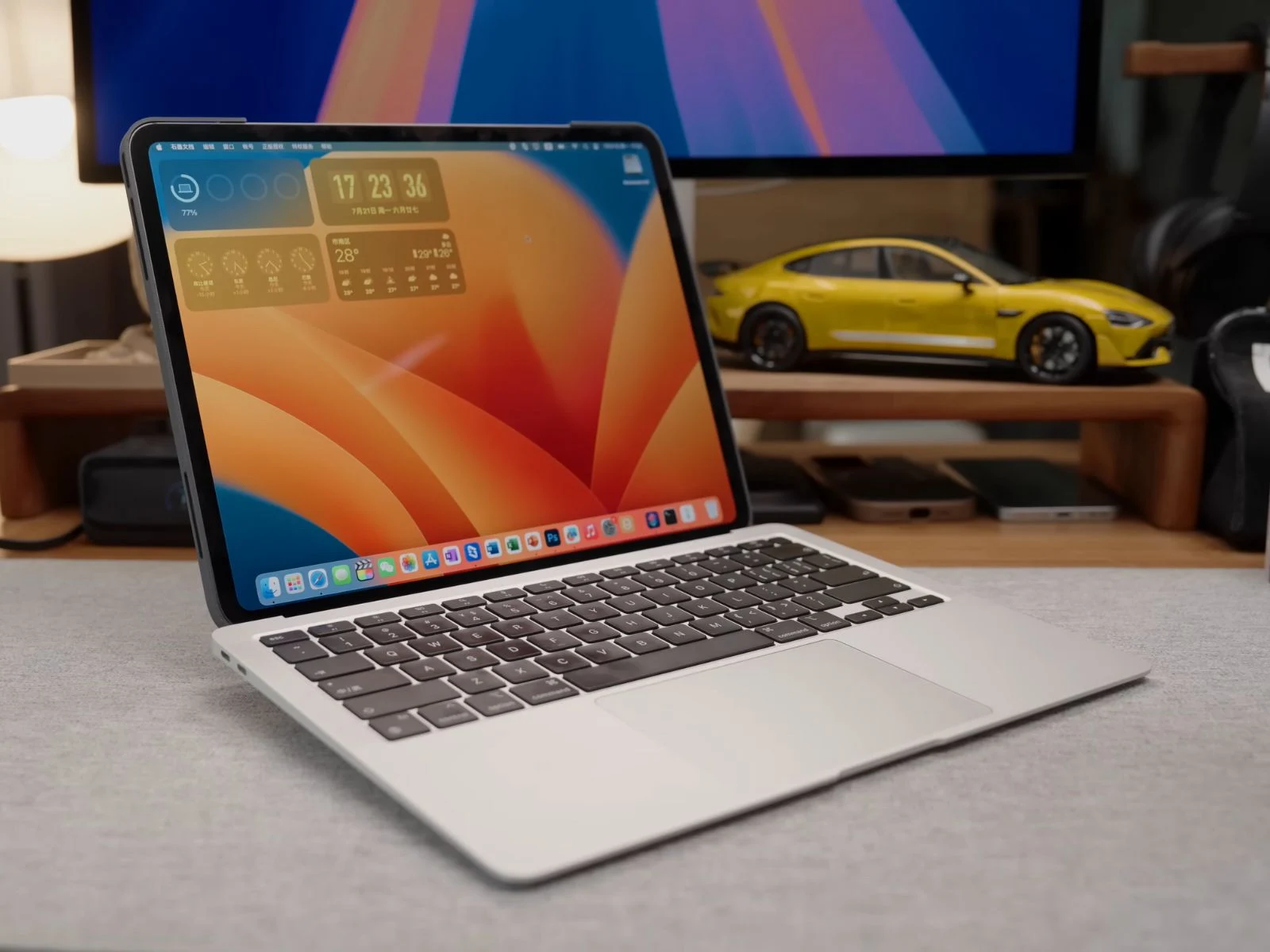
1. iPadBook Prototype: Shu Chan created a DIY hybrid called the “iPadBook” that uses an M4 iPad Pro as the main display for a MacBook Air by replacing its original screen.
2. Unique Display Functionality: The iPad acts as the sole monitor for macOS, allowing users to run desktop applications and utilize touch and Apple Pencil features directly on the iPad.
3. MagBaka System: The device features a magnetic alignment system called “MagBaka,” which uses 12 hidden magnets to securely align and hold the iPad in place with the MacBook base.
4. Custom Crafting Process: Shu Chan repurposed parts from a damaged MacBook Air, engineered a custom docking base, and used a 3D printer for multiple prototypes to create the housing for the iPadBook.
5. Future Improvements: Plans for the iPadBook include adding internal cable storage and experimenting with retro designs, as well as potential upgrades using more powerful chips in future versions.
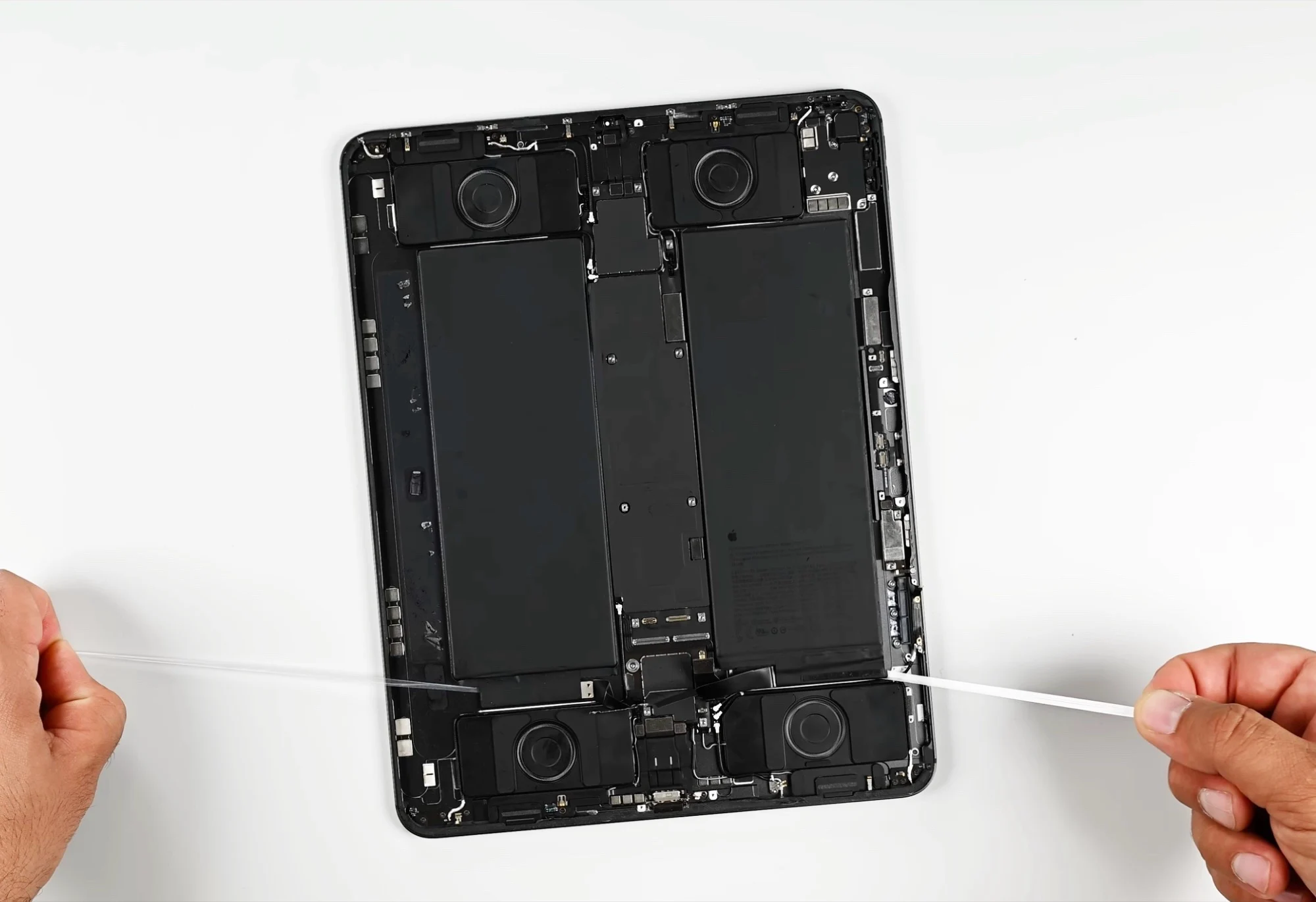
YouTuber and hardware enthusiast Shu Chan has developed a working prototype named the “iPadBook.” This DIY hybrid transforms an M4 iPad Pro into a detachable tablet and serves as the main display for a MacBook Air.
Simple Concept
The concept was quite simple: remove the MacBook Air’s original screen and replace it with an M4 iPad Pro. According to the YouTuber, when the iPad is docked, it connects to the MacBook Air using a wired Sidecar setup. Normally, Sidecar either extends or mirrors the Mac’s display to the iPad, but in this case, the absence of a built-in screen in the MacBook Air allows the iPad to become the only active display for macOS.
Unique Features
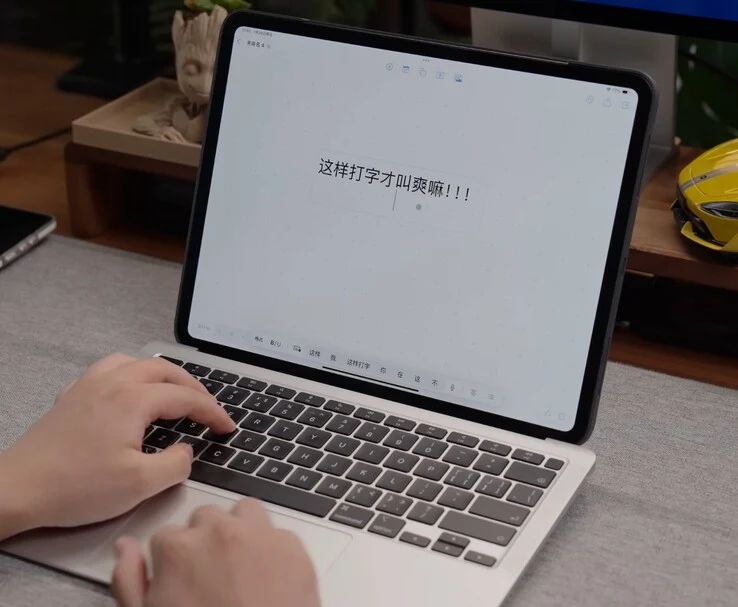
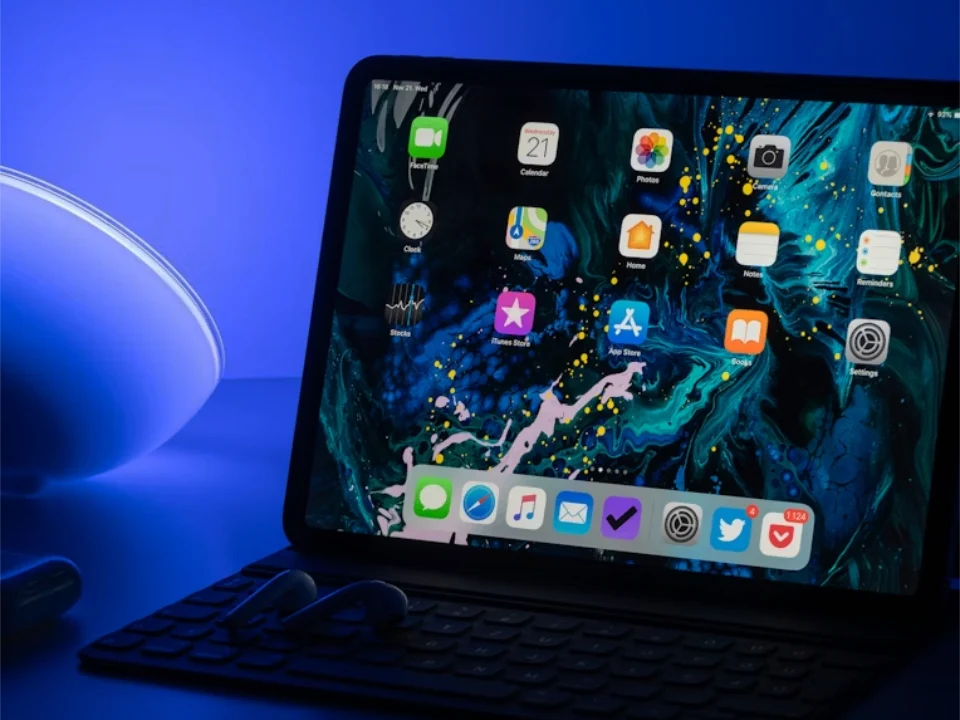
When macOS starts up, it recognizes the iPad as its sole monitor. This allows users to run applications, interact with the desktop, and utilize touch and Apple Pencil features directly on the iPad. It can handle full desktop applications like Final Cut Pro, Photoshop, and Microsoft Office. Plus, the Apple Pencil can be used for designing or editing tasks.
In this configuration, macOS operates on an M1 MacBook Air base, while the display component is an M4 iPad Pro that utilizes its own M4 chip when it is detached.
Standalone Functionality
When separated from the base, the iPad functions as a standalone tablet suitable for media consumption or gaming. Shu Chan has also crafted a custom macOS Shortcut that enables the MacBook’s keyboard and trackpad to work with the iPad, ensuring a smooth typing and navigation experience.
Shu Chan refers to the magnetic alignment system as “MagBaka” (pronounced “Mag-bah-kah”), a whimsical name for the embedded magnets and locking design that maintains the alignment of the iPad with the MacBook base. This system incorporates 12 hidden magnets that automatically align the tablet and secure it firmly.
Crafting Process
To make this work, Shu Chan repurposed the hinge from a damaged MacBook Air, engineered a custom docking base, and 3D-printed several prototypes of the housing using a Bambu Lab H2D printer. The design features 12 built-in magnets to ensure the iPad stays securely in place, a raised typing angle for better comfort, and a slight lift to the MacBook Air’s base when opened to enhance cooling without the need for a fan.
Shu Chan mentions that the build process involved over a dozen print attempts. The H2D’s sizable 350 × 320 × 325 mm build area allowed for the 13-inch iPad Pro housing to be printed in one go. The printer is capable of laser engraving and precision-cutting, and Shu Chan took advantage of these features to add custom graphics on the back cover of the iPadBook and create personalized stickers.
Future Aspirations
Looking ahead, Shu Chan plans to incorporate internal cable storage for a tidier wired Sidecar connection and is interested in experimenting with retro cases, like reusing an iBook G3 shell, to blend modern technology with vintage aesthetics.
Shu Chan points out that the M4 iPad Pro’s chip is more powerful than the M1 in the MacBook Air base, and suggests that a future redesign utilizing an M4 Max MacBook Pro board could turn the iPadBook into a significantly more capable device. They credit the functionality of the Bambu Lab H2D and the MakerWorld community for assisting in making this idea a reality.
The build video by Shu Chan on YouTube is in Mandarin Chinese, and currently, there’s no English translation available. However, even for those who don’t speak the language, it can be enjoyable to watch a dedicated modder create something impressive. Check out the video linked below.
Source:
Link