Tag: iPadOS 26

  • iPad Pro M5: Laptop Replacement with Accessories and 5G Benefits

    iPad Pro M5: Laptop Replacement with Accessories and 5G Benefits

    Key Takeaways

    1. The Apple iPad Pro with the M5 chip outperforms many lightweight laptops, raising questions about its potential to replace MacBooks.
    2. Optional 5G connectivity enhances portability, allowing users to stay connected without relying on public Wi-Fi or phone data.
    3. iPadOS 26 has made significant strides towards macOS, improving user navigation, multitasking, and file management.
    4. Productivity can be maximized with a keyboard and trackpad, like Apple’s Magic Keyboard, which offers a MacBook-like experience.
    5. The iPad Pro may not suit everyone due to its cost and specific needs, but it offers powerful features and options for those it fits.


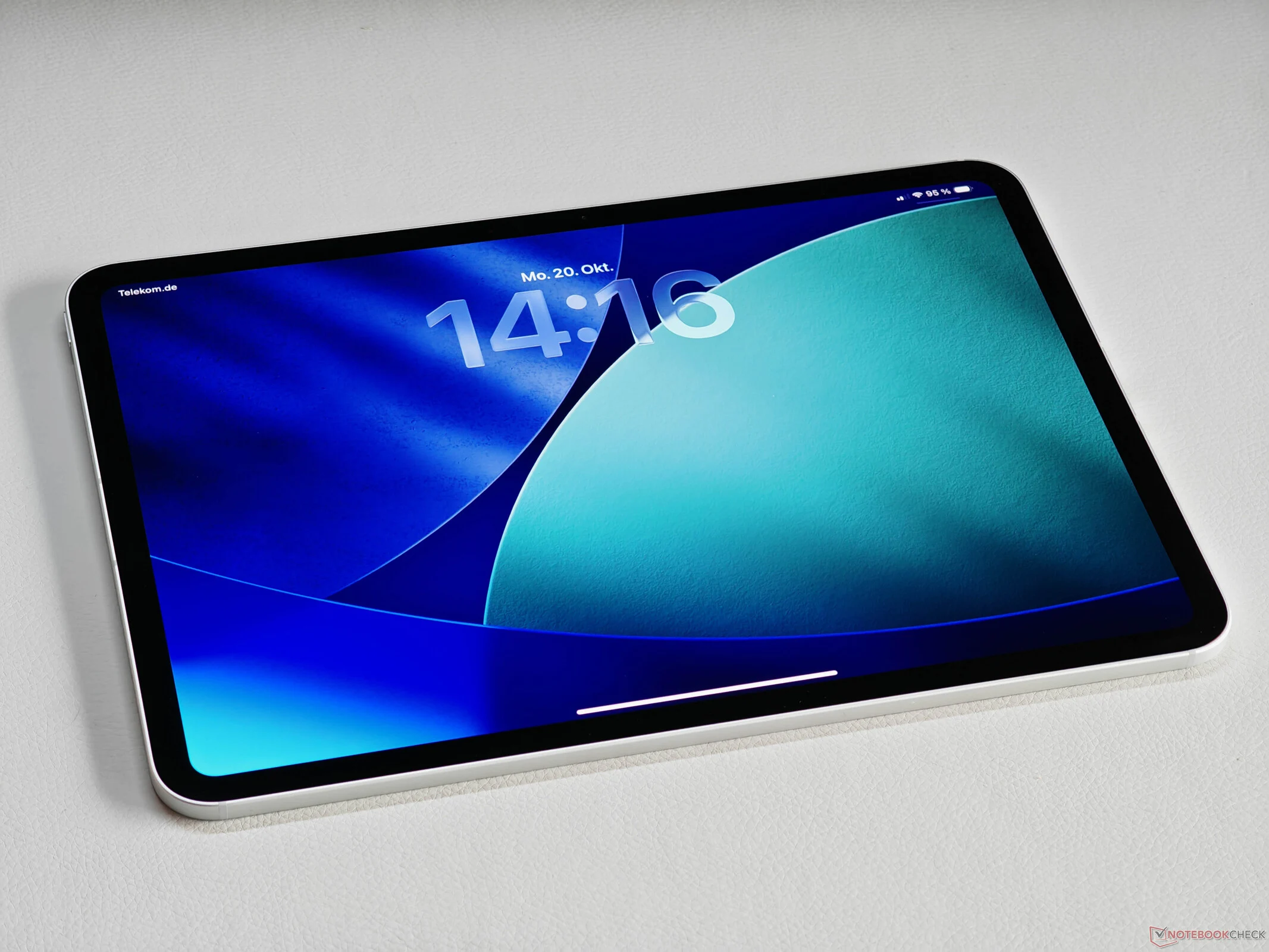
    We recently took a closer look at the latest Apple iPad Pro featuring the M5 chip, and it’s a really impressive device. Even with its passive cooling, this compact tablet outperforms many lightweight laptops. This leads many folks to ponder if the iPad Pro could actually take the place of a MacBook or regular laptop. The optional 5G connectivity is a game changer, especially for those on the go who might otherwise have to depend on public Wi-Fi or their phone’s data. Being connected at all times is super handy. While some business laptops do come with 5G, it’s still not very common in most other devices.

    Operating System Developments

    A clear limitation, of course, is the operating system. However, iPadOS 26 has made significant improvements that bring it closer to macOS 26. This starts with the looks—though that can be subjective—and extends to how you navigate the system. All applications now feature a user-friendly navigation style and can be rearranged on the screen. Space can be quite tight, especially on the smaller 11-inch iPad Pro, but multitasking has seen notable enhancements. A default menu bar has also been introduced, making it reminiscent of macOS. The file management system is effective, and transferring files to and from external drives is straightforward, provided they are formatted correctly.

    Enhancing Productivity

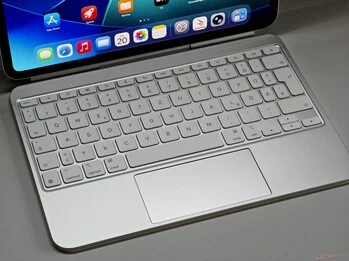
    To truly maximize productivity with the iPad, a keyboard and trackpad are essential. Apple’s Magic Keyboard, while pricey, functions exceptionally well. The typing feel is quite similar to that of a MacBook, and using a cursor to navigate iPadOS 26 is very user-friendly. For routine tasks such as emailing, using web apps, or working with the Office suite, the overall experience closely mirrors that of a MacBook. Plus, let’s not overlook the robust creative applications that work seamlessly with the Apple Pencil.

    That said, the iPad Pro might not be the ideal choice for everyone, and the overall cost can add up, particularly with certain upgrades. If the iPad Pro meets all your needs, though, you’ll find it to be a very powerful option, complete with optional 5G connectivity and a matte screen alternative.

     

  • Apple Launches Public Beta for iOS 26, macOS 26, watchOS 26

    Apple Launches Public Beta for iOS 26, macOS 26, watchOS 26

    Key Takeaways

    1. Apple’s significant OS updates for iPhones, iPads, Macs, and Apple Watches will roll out in September, with public beta versions available now.
    2. Users can join the Apple Beta Program to explore updates for free, but should back up data and avoid using beta on essential devices due to potential bugs.
    3. The updates feature a redesigned user interface called “Liquid Glass,” with transparency effects and a revamped camera app on iPhones.
    4. iPadOS 26 introduces “true” multitasking, while macOS 26 emphasizes gaming with a new “Games” app and updated graphics interface.
    5. The Apple Beta Program allows users to test new features early, but caution is advised when using beta software.


    Apple is set to roll out its significant operating system updates for iPhones, iPads, Macs, and Apple Watches in September. Meanwhile, these updates are already accessible as public beta versions, allowing users to explore them for free. To participate, simply register for the Apple Beta Program and turn on beta updates on your Apple device by navigating to System Settings, then General, and selecting Software Update.

    Once you’ve signed up, you can download the beta version of the new operating system just like you would with a standard update. However, keep in mind that beta updates often contain bugs, so it’s wise to back up your data before proceeding with the installation. It’s also best to avoid installing a beta OS on devices that you depend on daily. In this piece, we’ll outline which iPhones, iPads, Macs, and Apple Watches are compatible with the upcoming operating systems.

    Redesigned User Experience

    The updates primarily focus on introducing a completely overhauled user interface known as “Liquid Glass.” Apple has increased the use of transparency effects to add depth and modernize the overall appearance. Additionally, the iPhone will feature a revamped camera app and the capability to translate speech system-wide with Apple Intelligence, even during video calls. The new “Games” app is designed to act as a launcher for games and a platform for chatting with friends, much like Steam. There’s also Visual Intelligence, which can examine on-screen objects and respond to queries about them, similar to Google’s Circle to Search feature.

    Enhanced Multitasking and Gaming

    With iPadOS 26, iPads will finally support “true” multitasking, allowing multiple app windows and more adaptable background processes. Surprisingly, macOS 26 puts a strong emphasis on gaming, adding the “Liquid Glass” design along with a games overlay, the “Games” app, and the updated Metal 4 graphics interface. Lastly, watchOS 26 brings a feature called “Workout Buddy” to the Apple Watch, a voice assistant specially tailored for workout sessions.

    Join the Apple Beta Program

    To get started with the Apple Beta Program, simply visit the official Apple website to sign up. This way, you can experience the latest features before they are officially released. Remember, though, to approach beta testing with caution and ensure your important data is backed up!

    Source:
    Link


  • iPadOS 26: True Multitasking, Background Processes, and File Management

    iPadOS 26: True Multitasking, Background Processes, and File Management

    Key Takeaways

    1. iPadOS 26 features a new “Liquid Glass” aesthetic design with updated app icons and transparent menus.
    2. Enhanced multitasking allows users to display and resize multiple app windows on the screen, similar to desktop systems.
    3. A new menu bar at the top of the screen offers quick access to common features, and the Preview app is now available for document editing.
    4. The Files app is revamped for better file organization and searching, with new features for managing downloads and dragging files.
    5. iPadOS 26 introduces a new Gaming app and the Journal app, with a developer beta available now and a public beta expected in July.


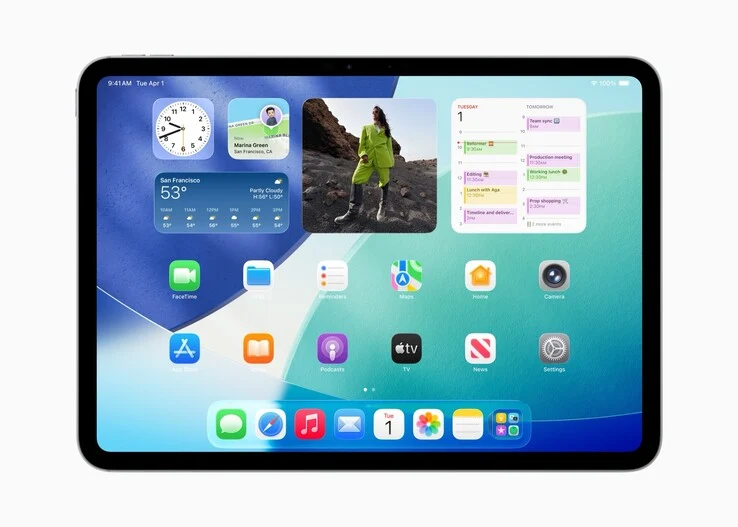
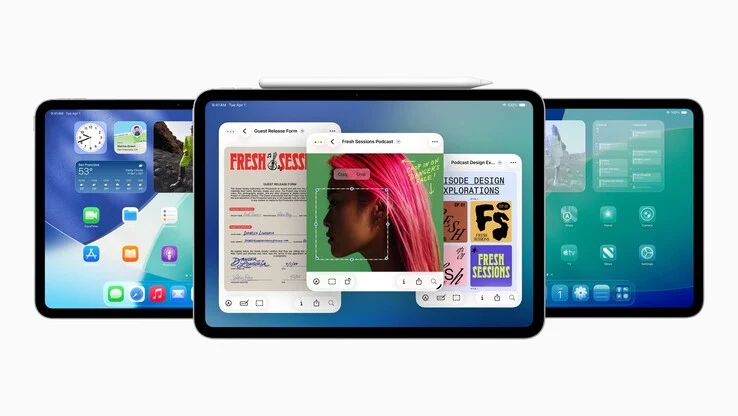
    Shortly after the launch of iOS 26, Apple also unveiled iPadOS 26, the latest major version of the operating system for the iPad, during the WWDC opening event yesterday. The iPad will feature similar design updates as the iPhone, including a newly designed user interface in a “Liquid Glass” aesthetic. This update brings new app icons, transparent menus, widgets, and pop-ups, along with various elements that are see-through, blurring backgrounds, and contrasting with light and shadow effects.

    Enhanced Multitasking Features

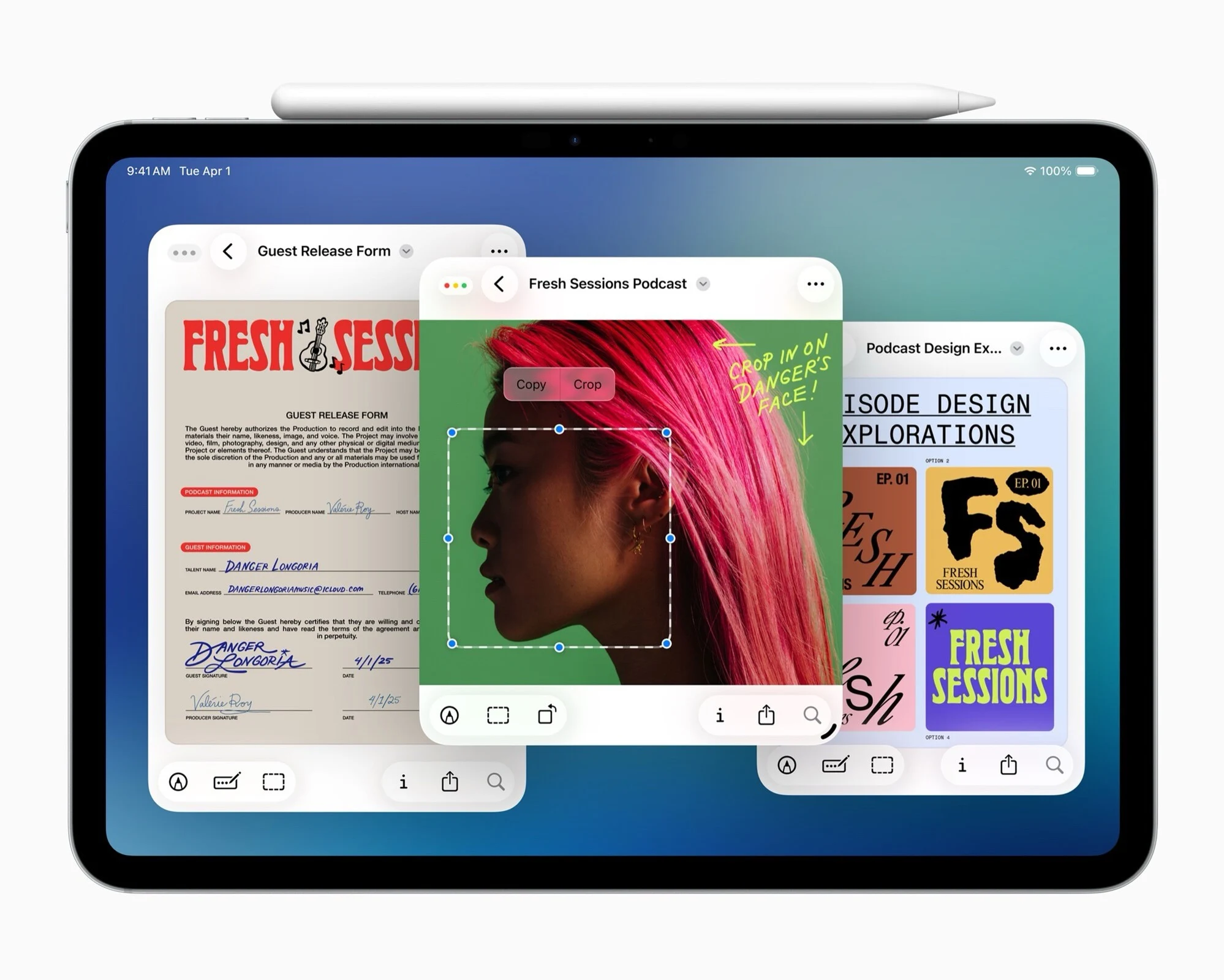
    The standout aspect of iPadOS 26 is the revamped multitasking capabilities. Apple is finally letting iPad users show a greater number of app windows on their screens at once, allowing them to resize these windows freely and place apps anywhere they want, much like on Windows or macOS. Just like in desktop systems, windows can simply be dragged to the edge of the screen to resize them to half or a quarter of the display area.

    With a simple swipe gesture, users can easily view all open windows side by side. Apple has also introduced a menu bar at the top of the screen, reminiscent of the Mac, which makes commonly used features readily available. The Preview app is now included on the iPad, enabling users to open and edit various document types without needing third-party applications. For the first time, true background processes can function, even those that are heavy on the processor, like video exporting.

    Files App and New Additions

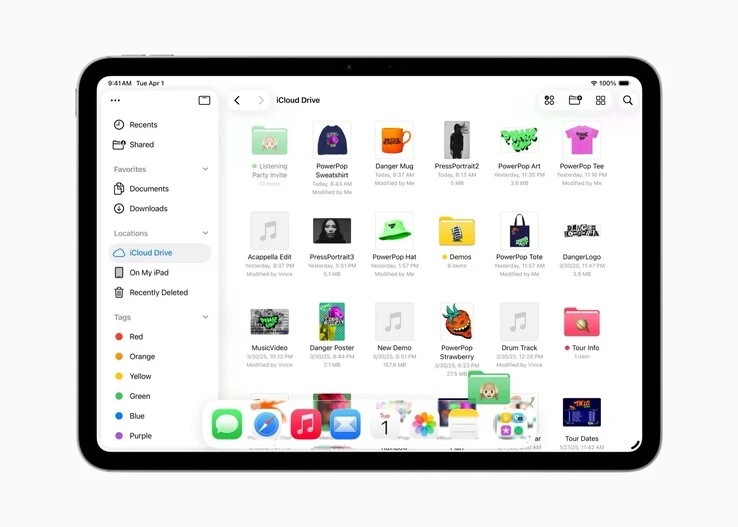
    Apple has revamped the Files app, making it much more user-friendly for sorting files into folders and searching through them, similar to the experience on macOS. Downloads can now be located in the designated folder in the Dock. Users can also drag files and folders directly from the Files app into the Dock. Additionally, iPadOS 26 introduces Apple’s new Gaming app, which allows users to download and access games and start multiplayer sessions with friends. The Journal app, which users may recognize from the iPhone, is now available on the iPad as well.

    iPadOS 26 is currently accessible as a developer beta, with a public beta expected to be released in July and the final version available as a free update in the fall. This operating system can be installed on the 2018 iPad Pro, the third-generation iPad Air, the eighth-generation iPad, the fifth-generation iPad mini, and all newer models.

    Source:
    Link