
Key Takeaways
1. The Apple iPad Pro with the M5 chip outperforms many lightweight laptops, raising questions about its potential to replace MacBooks.
2. Optional 5G connectivity enhances portability, allowing users to stay connected without relying on public Wi-Fi or phone data.
3. iPadOS 26 has made significant strides towards macOS, improving user navigation, multitasking, and file management.
4. Productivity can be maximized with a keyboard and trackpad, like Apple’s Magic Keyboard, which offers a MacBook-like experience.
5. The iPad Pro may not suit everyone due to its cost and specific needs, but it offers powerful features and options for those it fits.
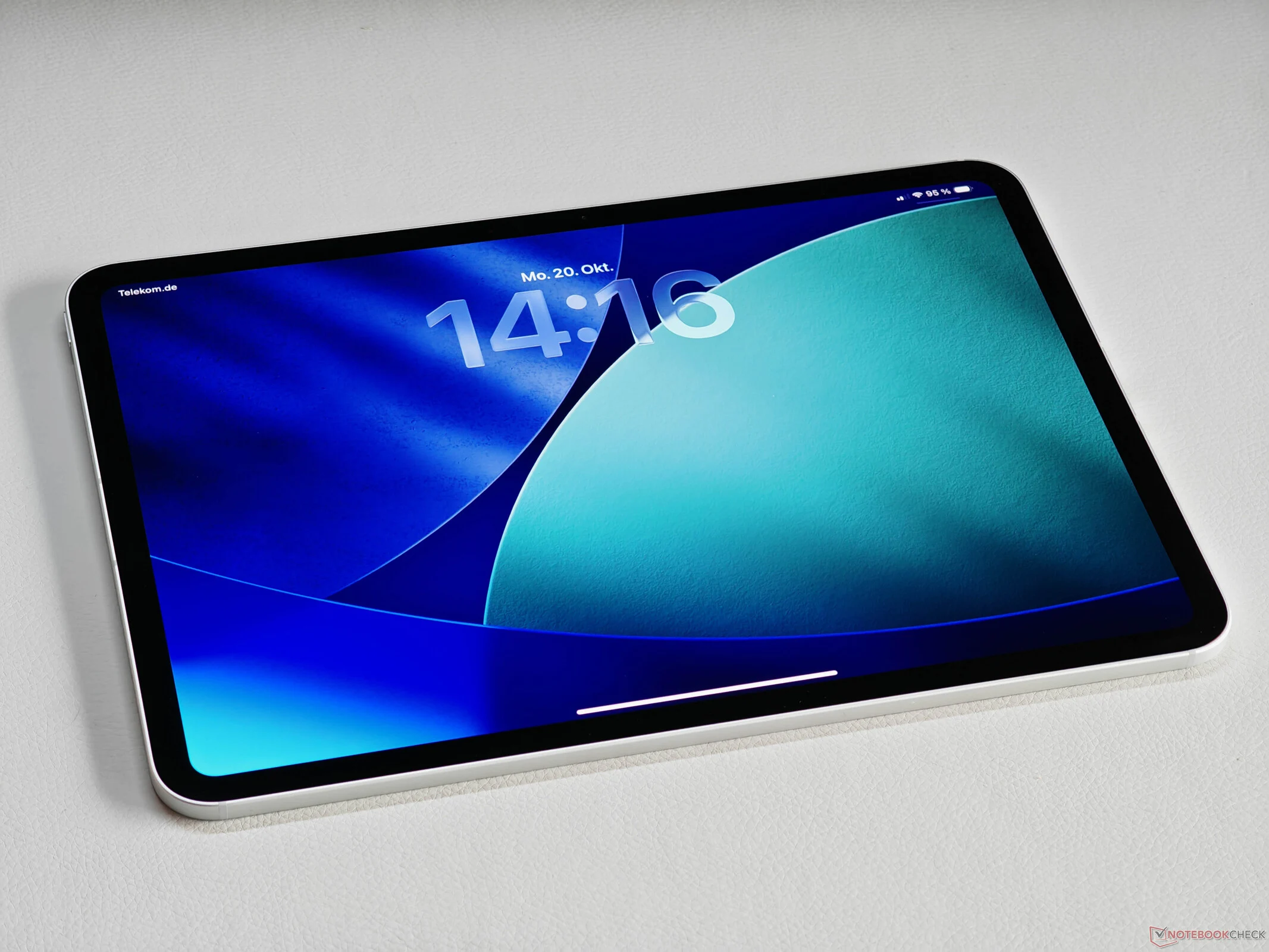
We recently took a closer look at the latest Apple iPad Pro featuring the M5 chip, and it’s a really impressive device. Even with its passive cooling, this compact tablet outperforms many lightweight laptops. This leads many folks to ponder if the iPad Pro could actually take the place of a MacBook or regular laptop. The optional 5G connectivity is a game changer, especially for those on the go who might otherwise have to depend on public Wi-Fi or their phone’s data. Being connected at all times is super handy. While some business laptops do come with 5G, it’s still not very common in most other devices.
Operating System Developments
A clear limitation, of course, is the operating system. However, iPadOS 26 has made significant improvements that bring it closer to macOS 26. This starts with the looks—though that can be subjective—and extends to how you navigate the system. All applications now feature a user-friendly navigation style and can be rearranged on the screen. Space can be quite tight, especially on the smaller 11-inch iPad Pro, but multitasking has seen notable enhancements. A default menu bar has also been introduced, making it reminiscent of macOS. The file management system is effective, and transferring files to and from external drives is straightforward, provided they are formatted correctly.
Enhancing Productivity
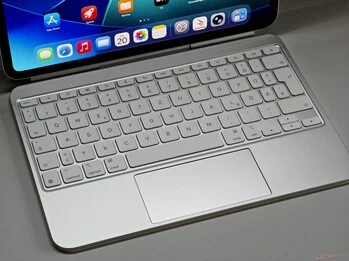
To truly maximize productivity with the iPad, a keyboard and trackpad are essential. Apple’s Magic Keyboard, while pricey, functions exceptionally well. The typing feel is quite similar to that of a MacBook, and using a cursor to navigate iPadOS 26 is very user-friendly. For routine tasks such as emailing, using web apps, or working with the Office suite, the overall experience closely mirrors that of a MacBook. Plus, let’s not overlook the robust creative applications that work seamlessly with the Apple Pencil.
That said, the iPad Pro might not be the ideal choice for everyone, and the overall cost can add up, particularly with certain upgrades. If the iPad Pro meets all your needs, though, you’ll find it to be a very powerful option, complete with optional 5G connectivity and a matte screen alternative.

Leave a Reply