Tag: battery drain

  • iOS 17 & iPhone Air Update Fixes Major Charging Bug

    iOS 17 & iPhone Air Update Fixes Major Charging Bug

    Key Takeaway

    – iPhone 17 and iPhone Air models had a bug preventing wired charging after the battery fully died.
    – Affected devices would remain unresponsive when plugged into a wired charger.
    – A temporary workaround was using a wireless charger to revive the phone.
    – Apple released iOS 26.5.1 with a fix specifically for this wired charging issue.
    – Users can install the update via Settings > General > Software Update.


    iPhone Charging Bug Finally Fixed

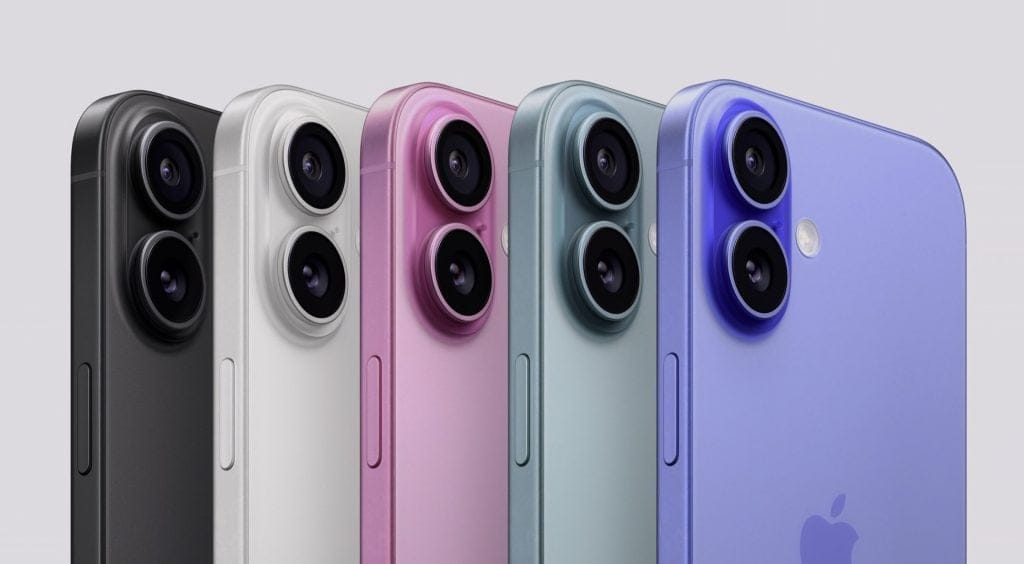
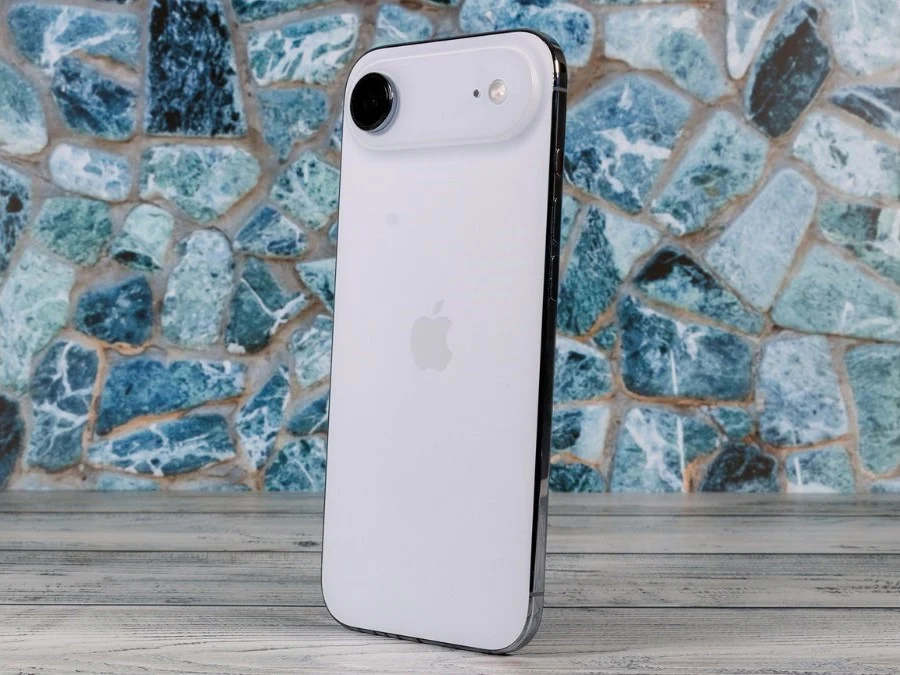
    Back in April, several iPhone 17 and iPhone Air users started reporting a serious issue after their phones died completly. In many cases, the devices would not turn back on once the battery hit zero. This issue was not limited to a single model, as it was effecting the entire iPhone 17 lineup, including the iPhone 17, iPhone 17 Pro, and iPhone 17 Pro Max, as well as the iPhone Air.

    How the Problem Manifested

    Basically, when the phone shut down due to low battery, plugging it into a wired charger did nothing. The phone would stay completly unresponsive, as if it was still powered off. This issue was first reported over six months ago, and since then, more users have continued to face the same situation. The lack of any visual response was deeply concerning.

    Temporary Workaround Discovered

    Some users found a temporary work around. They were able to bring their phones back to life using a wireless charger. Once the phone started charging wirelessly, it would eventually boot up again. But this was not a proper solution, as many users who only had wired chargers were left stuck with a phone that would not turn on at all. Thankfully, Apple has now finally acknowledged the issue and released a fix through a software update.

    Apple’s Official Fix

    Today, Apple released a new iOS update, 26.5.1, and compared to some previous updates, this one is very small. In fact, it only includes one key fix: “This update addresses an issue for a small number of users that may prevent wired charging on iPhone Air and iPhone 17 models when the battery is nearly drained.” The update is avaliable for all affected devices.

    How to Install the Update

    The update is available for all affected devices, and if you havent already, you can install it by going to Settings > General > Software Update. Apple recommends all users with these models to download this patch imediately to avoid being stuck with a dead phone. The download size is minimal and requires no special steps.
    Sources
  • Google Pixel May 2026 Update Fails to Fix Battery Drain Problems

    Google Pixel May 2026 Update Fails to Fix Battery Drain Problems

    Key Takeaway

    1. The March 2026 update caused widespread battery drain issues on Pixel devices, affecting both new and older models.
    2. The May 2026 update includes various bug fixes and display-related improvements but does not address the ongoing battery life problem.
    3. Users experiencing battery drain will need to wait for an upcoming patch, as no specific timeline has been provided by Google.

    Battery Drain Problems Persist in Pixel Phones

    If your using a Google Pixel smartphone and you’re facing dreadful battery drain issues since the March 2026 update, it makes you wonder if a fix is ever going to come. Many people thought that the latest May update would help solve this mess, but it seems like it didn’t help much at all. People all over the community are still frustrated, and the problem remains unaddressed in the recent updates.

    Patch Notes and Fixes in the May Update

    Now, Google has rolled out the May 2026 Pixel update for devices running Android 16. The update was released just yesterday and is gradually being sent out to users layer after layer, depending on what phone model you got and your carrier. The update included some bug fixes and improvements for Pixel phones, like fixing camera app freezes during video recordings and zoom issues. There were also some issues with the screen flickering and display glitches, which could cause the display to look fuzzy or frozen, were also fixed in this update.

    Battery Fixes But No Solution for Drain Issue

    One of the improvements does involve batteries—the update addresses slow wireless charging speeds when the battery level is around 75% to 80%. But, here’s the thing: this fix has nothing to do with the big battery draining problem that users have been crying about since March. Sadly, there’s no mention of any fix for this problem in the update notes, which means everyone affected still stuck. Google hasn’t yet announced when the real fix for the massive battery drain is coming, leaving users in limbo.

    Official Tracking and User Concerns

    • The battery drain issue has been documented for quite some time on Google’s official Issue Tracker site.
    • Despite multiple updates, no concrete solutions have been shared publicly for the major problem.
    • Many users are still waiting patiently, or maybe impatiently, for an official patch that finally gets rid of the draining batteries.
    Sources
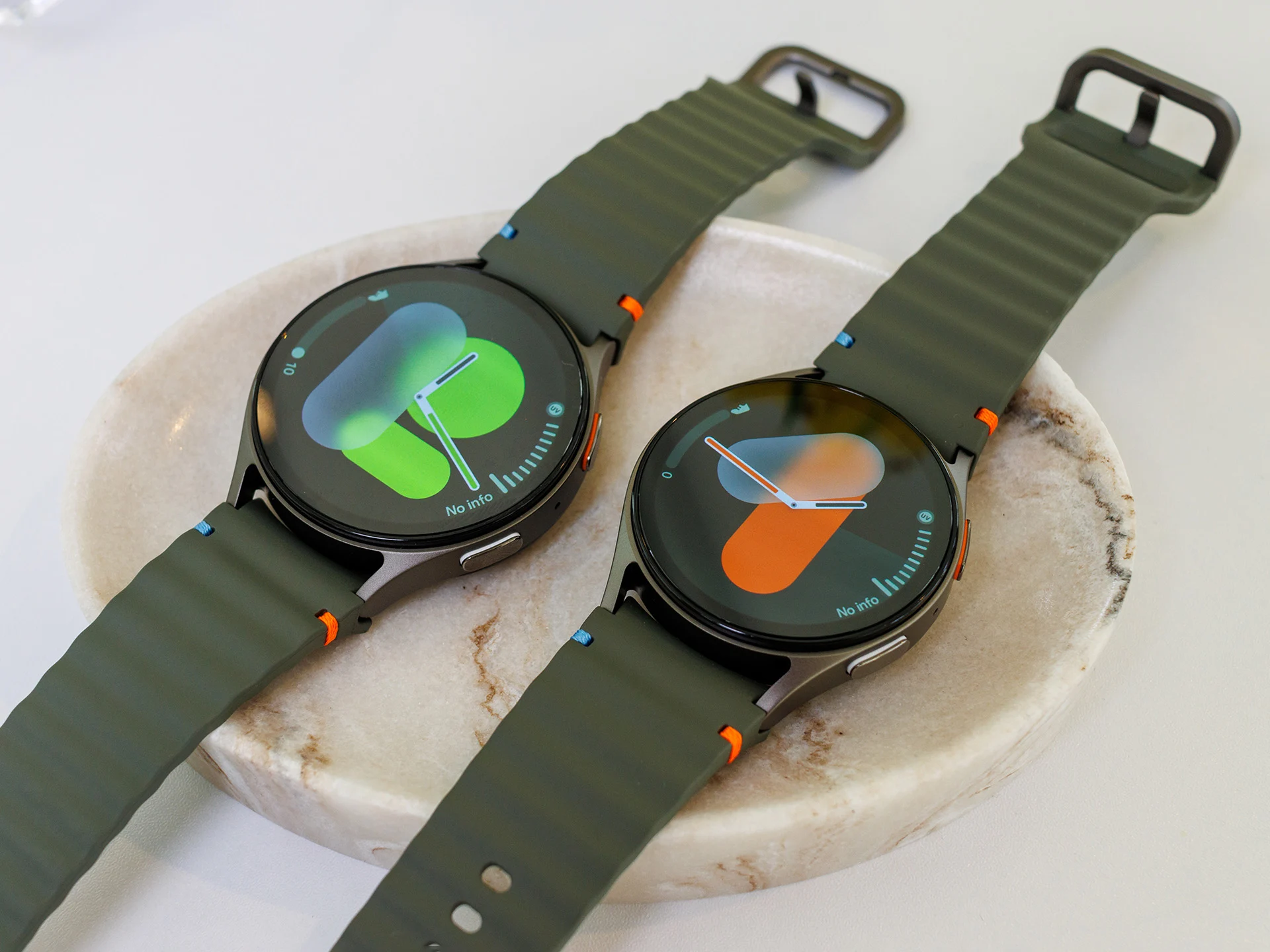
  • Samsung Galaxy Watch Battery Life Issues After Recent Update

    Samsung Galaxy Watch Battery Life Issues After Recent Update

    Key Takeaway

    1. Recent Samsung Galaxy Watch updates are causing significant battery drain across multiple models.
    2. Restarting the watches temporarily alleviates the battery issues, but the problems tend to reappear.
    3. Users are also experiencing performance issues, such as delayed notifications and glitches during calls.
    4. Samsung has not yet issued an official response or fix for these post-update problems.

    Samsung keeps pushing out updates for they’re Galaxy Watch series, and normally, these updates are supposed to bring new features, fix small bugs, and make the user experience better. But recent reports suggests that these latest updates might have caused some serious problems instead.

    Battery Drain Problems

    Users on the r/GalaxyWatch forum are complainin a lot about their batteries drainin super fast after they installed the newest updates. This isn’t just happening to one model, but across different Galaxy Watch devices, so it looks like a widespread issue. A user with the Galaxy Watch 7 said their battery would go from a full charge down to empty way quicker than before, after last months update. They tried restarting the watch as a quick fix, but the problem came back in just a week.

    Performance & Usage Issues

    Another person using the Galaxy Watch 5 Pro reports that their watch now lasts only around four to five hours after a charge, instead of over a day like before. That’s a huge decrease in battery life, and that makes it really inconvenient. Meanwhile, owners of other models like the Galaxy Watch 6, 7 Classic, and even the Galaxy Watch Ultra 2025 all report similar drain problems. One user mentions that their Ultra used to last about four days without Always on Display, but now it barely makes two days.

    Additional Glitches & Delays

    Besides battery issues, some folks also notice performance bugs. For example, a Galaxy Watch 6 owner shared that when they lift their wrist to check notifications, there’s a delay of several seconds. Sometimes, the watch keeps ringing or glitching even after they’ve already answered a call. These kinds of glitches seriously affect the user experience, making the watches feel less reliable.

    Official Response & Temporary Fixes

    Right now, Samsung hasn’t said anything official about these problems, nor confirmed if they’re working on a fix. For now, the best temporary solution many users found is to restart their watches, but even that isn’t helping everyone. It seems like more updates or a patch might be needed soon to fix these issues once and for all.

    Sources
  • Heavy Battery Drain on Google Pixel After May 2025 Update?

    Heavy Battery Drain on Google Pixel After May 2025 Update?

    Key Takeaways

    1. Google rolled out May 2025 updates for Pixel smartphones, labeled BP1A.250505.005, with the Pixel 9a update as BD4A.250505.003 priced at $489 on Amazon.
    2. The updates addressed some bugs, but concerns arose about potential new bugs causing battery drain in supported Pixel devices.
    3. BP1A.250505.005 marks a point of no return for the Pixel 6 and Pixel 8 models.
    4. Battery life may temporarily decrease after updates due to gradual optimization of services.
    5. Google has not yet acknowledged complaints about battery issues following the updates.


    A few weeks have gone by since Google began rolling out its May 2025 updates for Pixel smartphones. To provide some background, these updates were delivered under the name BP1A.250505.005 mainly. However, the update for the Pixel 9a was released as BD4A.250505.003, which is currently priced at $489 on Amazon.

    Bug Fixes and Concerns

    Google officially mentioned that it had fixed a couple of bugs in both versions. They also highlighted that BP1A.250505.005 marks a point of no return for the Pixel 6 and Pixel 8 models. Yet, there are growing concerns that Google might have unintentionally included a bug or bugs that are causing significant battery drain in the Pixel devices that are still supported.

    Battery Life Issues

    It’s common for battery life to dip for a few hours or even days after a smartphone gets an update. This usually happens because the device is optimizing its services gradually rather than doing everything at once. While this approach might speed up update times, it can also lead to a decrease in performance. Although Google hasn’t yet acknowledged these complaints, we will make sure to update this article if they do.

    Source:
    Link

  • Fitbit Users Experience Battery Life Issues After Latest Update

    Fitbit Users Experience Battery Life Issues After Latest Update

    Key Takeaways

    1. Recent updates for Fitbit Sense and Versa 3 have caused significant battery drain, despite being intended to fix overheating issues.
    2. Users report that battery life has decreased from 2-6 days to less than 24 hours after the update.
    3. Google has acknowledged a possible decrease in battery life but has not provided a solution for the problem.
    4. Users cannot opt out or revert the update, as it will lead to automatic factory resets.
    5. Affected users are being offered $50 compensation for the battery issues.


    Fitbit Sense and Versa 3 smartwatch owners are noticing quicker battery drain after a recent required update. For the Sense model, the update was version 44.128.6.21, while the Versa 3 received version 36.128.6.21. This software was introduced to fix a problem that made the batteries in these devices overheat, which in some cases, resulted in skin burns.

    Users Report Problems

    When Google reached out to users regarding this mandatory update, they mentioned a possible decrease in battery life. They specifically said that “the battery will last for shorter periods between charges, and you may need to charge your device more frequently.” However, the effect seems to be much more significant than users had originally thought.

    People have been sharing their stories on the Fitbit Community forum and the Fitbit subreddit. Feedback shows that the Sense and Versa 3 watches used to last anywhere from two to six days on a single charge. After the recent update, some users found that their devices barely lasted 24 hours, forcing them to recharge daily instead of just a few times a week.

    No Solutions Yet

    Regrettably, Google has not provided any fix for this issue. Additionally, users cannot opt out of or revert the update, as the company indicated that those who fail to install the update will have their devices automatically reset to factory settings after a few days. Users affected by this battery issue have also been offered a $50 compensation. Other models, such as the Versa 4 (curr. $169.99 at Amazon) do not seem to be experiencing this battery trouble.

    Source:
    Link

  • Tesla Optimizes Sentry Mode to Reduce Battery Drain from Cameras

    Tesla Optimizes Sentry Mode to Reduce Battery Drain from Cameras

    Tesla has been facing complaints regarding its Sentry Mode system, which notifies owners about suspicious activities near their cars. Users have found that this feature has been draining the battery since it was introduced.

    Functionality of Sentry Mode

    Sentry Mode is turned off by default but can be activated using voice commands or through the app. This feature keeps the necessary cameras and sensors powered up, allowing them to record movements around a locked Tesla in Park mode. However, the ongoing power needed for the cameras in Sentry Mode has turned out to be a significant battery drain. The system must constantly process and record a large amount of video footage, which can be saved on a dedicated drive located in the glove compartment.

    Law Enforcement Awareness

    Police are familiar with Tesla’s Sentry Mode. There have been instances where officers were unable to reach the vehicle’s owner. In such cases, they have towed the car to the nearest precinct under a court order to access the potential crime scene recordings for investigations.

    Addressing Battery Drain

    To tackle the battery drain issue associated with Sentry Mode, Tesla released the 2024.32.6 software update. This update reduces power consumption by shutting down the 12V outlets and USB ports in theft-prevention mode. This means that devices plugged into these ports won’t be able to charge or draw from the main battery.

    While this might not be the best solution for those who like to keep their devices charging in the car or need to run a portable fridge overnight, it does help reduce the immediate power drain caused by Sentry Mode.

    Improvements with New Updates

    For the ongoing power drain caused by processing video recordings from multiple cameras— which can consume as much as 14% of a Model Y’s battery in a single day—Tesla has introduced a more sophisticated solution. The recent 2024.38.4 software update promises an up to 40% decrease in Sentry Mode battery drain. The company has optimized how the video feed is processed, which helps preserve battery capacity while Sentry Mode is activated.

    This update is initially being rolled out to the Cybertruck, and it remains unclear how quickly the Model 3 and Model Y will receive the significant improvements in battery drain for Sentry Mode.

  • iPhone 16 Series Battery Drain Issues: Causes and Fixes

    iPhone 16 Series Battery Drain Issues: Causes and Fixes

    Apple’s latest iPhone 16 series appears to be facing significant concerns regarding its battery performance. Many users have reported issues with their 2024 iPhones experiencing rapid battery drain, even when not in use. Previously, there were complaints about display freezing in the iPhone 16 Pro models, so here’s a summary of the current battery problem.

    What’s Causing the Quick Battery Drain in iPhone 16 Models?

    Numerous iPhone 16 series users have voiced their frustrations about battery drain on platforms like Reddit and Apple Support Communities (via 91Mobiles). All the complaints point to a common issue: the new iPhones aren’t holding their charge well. One user mentioned that their iPhone 16 Pro Max lost about 15 to 20 percent of battery life in just a few hours of being idle. Others reported similar experiences, with their iPhone 16s depleting from a full charge down to 60 percent alarmingly fast.

    Surprising Battery Performance During Idle Time

    This kind of battery drain would be expected if the phones were engaged in demanding activities such as gaming or filming videos. However, the majority of users report that their iPhones were simply sitting unused. One user even shared that their fully charged iPhone 16, which was left alone overnight, dropped to 18 percent by morning. Interestingly, another individual conducted a test comparing the iPhone 16 Pro with the older iPhone 14 Pro.

    Despite both devices being set up the same way and undergoing similar usage, the iPhone 14 Pro only decreased to 85 percent, while the iPhone 16 Pro plummeted to 58 percent. This clearly shows a notable difference in battery performance. It seems that Apple’s iOS could be contributing to these concerns. Updating to the latest version may potentially address this issue. Some users have reported that the iOS 18.0.1 update or the beta version of iPhone 18.1 has helped mitigate the problem. However, the exact cause of these battery issues remains unknown. Stay tuned for more information.