
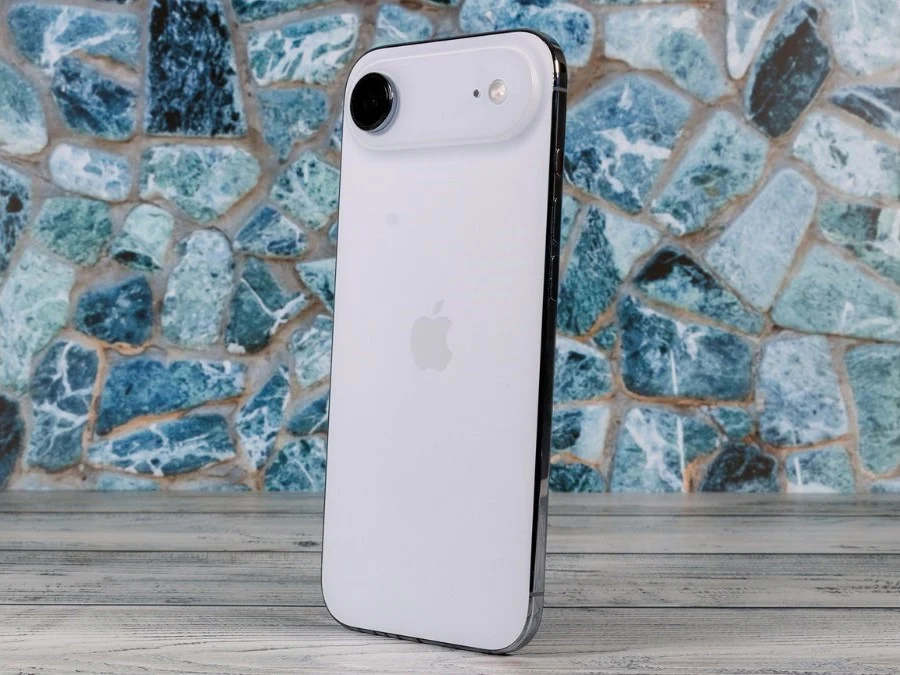
– iPhone 17 and iPhone Air models had a bug preventing wired charging after the battery fully died.
– Affected devices would remain unresponsive when plugged into a wired charger.
– A temporary workaround was using a wireless charger to revive the phone.
– Apple released iOS 26.5.1 with a fix specifically for this wired charging issue.
– Users can install the update via Settings > General > Software Update.
iPhone Charging Bug Finally Fixed
Back in April, several iPhone 17 and iPhone Air users started reporting a serious issue after their phones died completly. In many cases, the devices would not turn back on once the battery hit zero. This issue was not limited to a single model, as it was effecting the entire iPhone 17 lineup, including the iPhone 17, iPhone 17 Pro, and iPhone 17 Pro Max, as well as the iPhone Air.
How the Problem Manifested
Basically, when the phone shut down due to low battery, plugging it into a wired charger did nothing. The phone would stay completly unresponsive, as if it was still powered off. This issue was first reported over six months ago, and since then, more users have continued to face the same situation. The lack of any visual response was deeply concerning.
Temporary Workaround Discovered
Some users found a temporary work around. They were able to bring their phones back to life using a wireless charger. Once the phone started charging wirelessly, it would eventually boot up again. But this was not a proper solution, as many users who only had wired chargers were left stuck with a phone that would not turn on at all. Thankfully, Apple has now finally acknowledged the issue and released a fix through a software update.
Apple’s Official Fix
Today, Apple released a new iOS update, 26.5.1, and compared to some previous updates, this one is very small. In fact, it only includes one key fix: “This update addresses an issue for a small number of users that may prevent wired charging on iPhone Air and iPhone 17 models when the battery is nearly drained.” The update is avaliable for all affected devices.
How to Install the Update
The update is available for all affected devices, and if you havent already, you can install it by going to Settings > General > Software Update. Apple recommends all users with these models to download this patch imediately to avoid being stuck with a dead phone. The download size is minimal and requires no special steps.
Leave a Reply