Category: Software

  • Garmin Fenix 8 Update: New Reference Point App and Bug Fixes

    Garmin Fenix 8 Update: New Reference Point App and Bug Fixes

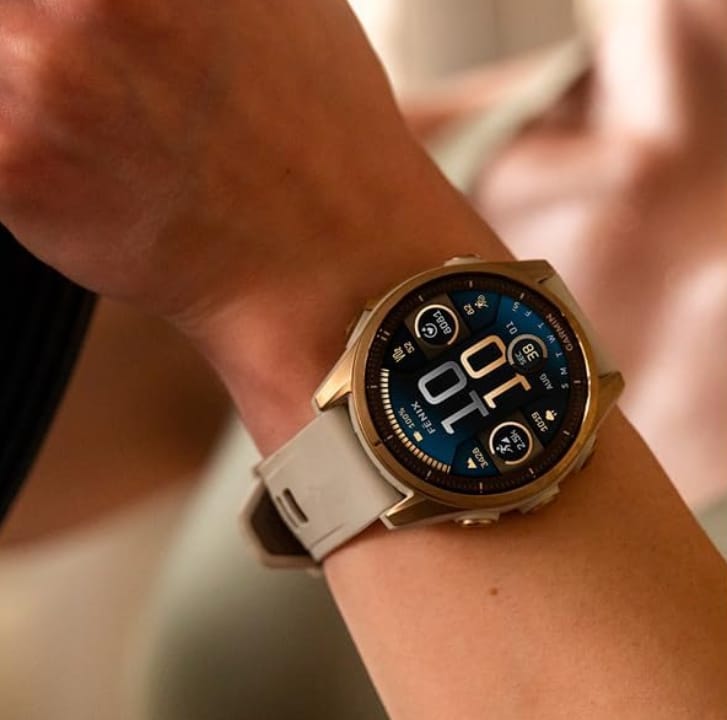
    Garmin is busy working on what will eventually be a comprehensive update for the Enduro 3, Fenix E, and Fenix 8 (currently priced at $1,099.99 on Amazon). At this point, the company hasn’t made it clear how many changes have been made through its Beta Program since the launch of System Software 11.90 nearly a month ago.

    Recent Beta Updates

    Participants in the Beta Program are now on their fifth v12.xx beta update since October 25, with the first update alone containing over 70 changes. By our tally, this number has now grown to 148, which includes 15 changes delivered with Beta Version 12.19. In summary, this new beta version can be categorized into three main areas.

    Focus on Bug Fixes

    At its core, Beta Version 12.19 is primarily focused on fixing bugs, with 11 out of the 15 changes intended to address issues found in previous software versions. One of the key enhancements here is that all settings now apply correctly after restoring an Enduro 3, Fenix E, or Fenix 8. Additionally, activities should no longer be incorrectly saved when the device is turned off.

    New Features and Improvements

    Beta Version 12.19 also introduces Garmin’s Reference Point app. Furthermore, this update turns on navigation turn guidance by default and is reported to enhance error messages for the Outdoor Maps+ service. Garmin also claims to have made improvements to the timing of the active app indicator displayed on watch faces. For further information about Beta Version 12.19, you can check Garmin’s forum post and the accompanying image below. Unfortunately, it is still unknown when a new stable update will be released.

    Source: Link


    Image 1
  • Xiaomi Launches New App Store in India to Replace GetApps

    Xiaomi Launches New App Store in India to Replace GetApps

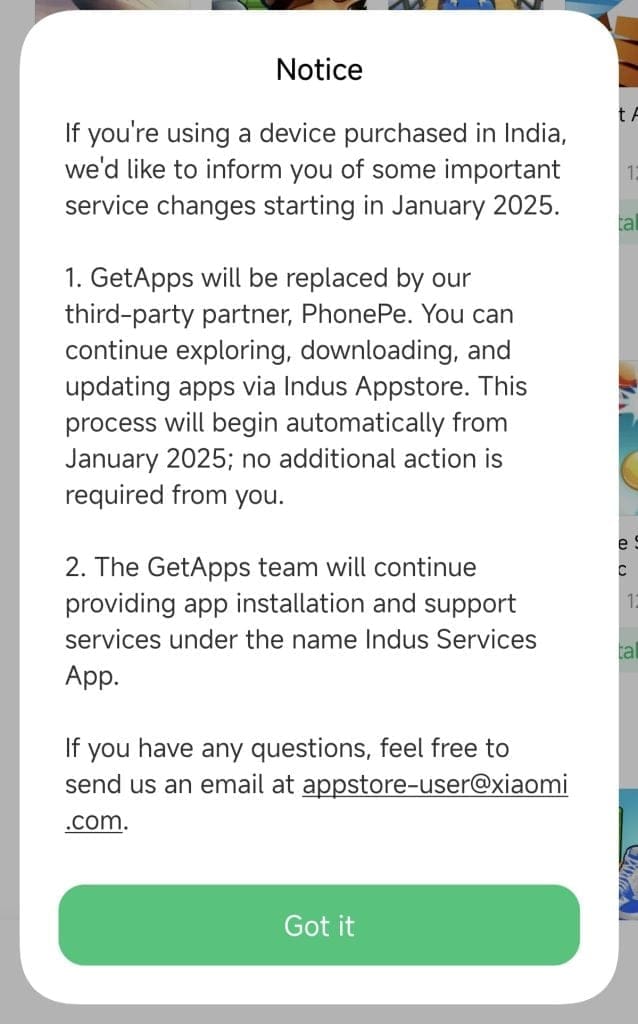
    In a big change for the Indian smartphone scene, Xiaomi has revealed plans to stop using its GetApps store and introduce the Indus Appstore, which is backed by PhonePe. This shift is scheduled to start in January 2025, affecting all Xiaomi, Redmi, and Poco smartphones sold in India.

    Goodbye GetApps

    GetApps has faced criticism for being too aggressive with ads and taking up too much system space, causing frustration among users. The move to the Indus Appstore is viewed as a smart choice by Xiaomi to improve the user experience and align with changing regulatory standards.

    Introducing the Indus Appstore

    The Indus Appstore, which was launched earlier this year, is an Android app marketplace designed to provide a more tailored and user-friendly experience for Indian users. It will offer a broad selection of apps and games, featuring both well-known titles and local favorites. At present, it boasts over 200,000 apps and games spanning 45 categories. The app store is also equipped to support 12 Indian languages. The partnership with PhonePe will allow for smooth payments and additional digital services. Users will find the transition easy, as it will happen through system updates. GetApps will no longer be installed or supported on any Xiaomi devices in India, whether they are new or already in use.

    User Reactions and Future Plans

    While the change to the Indus Appstore is likely to bring a range of advantages, like a more streamlined interface and possibly fewer advertisements, some users might worry about data privacy and how well the new app store will perform. It’ll be interesting to see how the Indus Appstore stacks up against the Google Play Store, which currently leads the market in India.

    Xiaomi has plans to roll out various smartphones in India throughout 2025, targeting different price ranges from high-end to budget-friendly. The Xiaomi 15 series, which includes the Xiaomi 15 Ultra, is expected to be released by March, while the Redmi Note 14 series is anticipated for early 2025. More affordable models such as the Redmi A4 and Redmi 14 are also in the pipeline to attract entry-level buyers. There are also rumors about a potential Xiaomi 15 Civi launch around mid-year.

    As Xiaomi keeps growing its footprint in the Indian market, this collaboration with PhonePe marks a crucial move to fortify its standing and address the changing demands of its users.

    Source: Link

  • One UI 7 Beta: More Bugs Than Anticipated

    Samsung’s updates are known for being regular and reliable in the Android landscape. With consistent releases and an effective beta program, the company has found a successful strategy. However, the upcoming One UI 7, which is based on Android 15, may not go as smoothly as expected.

    Potential Issues Ahead

    Renowned leaker Ice Universe has indicated that the first public beta of One UI 7 might be quite glitchy, as recent internal test versions have shown new animation bugs. This suggests that Samsung is struggling with the new animations planned for One UI 7.

    ONE UI 7 BETA MAY ENCOUNTER SEVERAL PROBLEMS, AS THERE ARE MANY BUGS PRESENT. EVEN IN THE LATEST XKB VERSION, NEW ANIMATION ISSUES HAVE BEEN SPOTTED. SAMSUNG HAS FALLEN BEHIND ON A NUMBER OF FRONTS IN RECENT TIMES, AND IT’S CHALLENGING FOR THEM TO CATCH UP…

    — ICE UNIVERSE (@UniverseIce) November 15, 2024

    Major Redesign Ahead

    For those who don’t know, One UI 7 is not just a minor update like the previous versions; it’s a total overhaul of Samsung’s Android interface. It includes a new animation system, a fresh look for notifications and quick settings, and updated app icons, among other things. This is a significant project.

    The sheer scale of the changes in One UI 7 likely creates a heavier workload for developers. Users who are eager to experience these fresh features may encounter an unstable beta. But that’s what beta testing is about.

    Importance of Beta Testing

    Beta testing plays a vital role for Samsung to collect insights from developers and experienced users to enhance the overall experience before the final version is released to everyone. Early access is not just for showcasing features; it’s an essential phase for spotting and correcting bugs before a wider launch.

    Ice Universe also points out that Samsung’s software progress may have “lagged” in recent times. Nevertheless, he expresses hope regarding the company’s capability to tackle these challenges.

    Rumors suggest that the first public beta of One UI 7 could be available as early as next week. This will allow users to try out the new features and give important feedback to Samsung, aiding them in fixing these bugs before the final stable release is expected alongside the Galaxy S25 in 2025.

  • Unreleased Fitbit AI Sleep Feature Discovered in New App Update

    Unreleased Fitbit AI Sleep Feature Discovered in New App Update

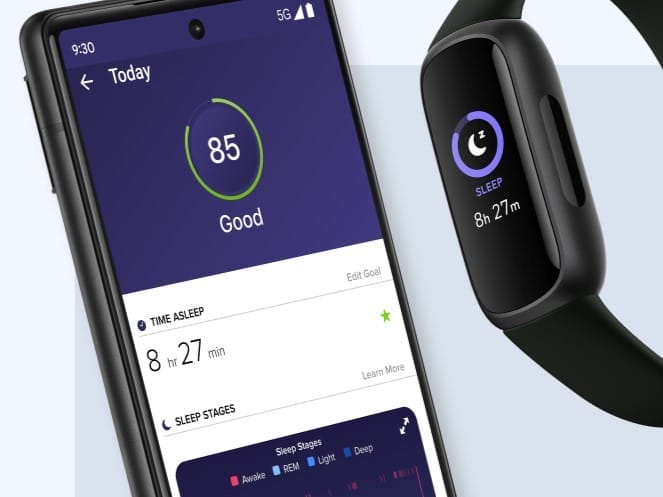
    The Fitbit app might soon introduce a new section called AI Sleep Lab. This feature includes a sleep journal that combines your personal entries with data gathered by your devices. With this integration, the app aims to offer customized insights to enhance your sleep quality.

    Discovering the Sleep Lab

    These exciting additions were uncovered by Android Authority while examining the APK linked to the Fitbit app version 4.30. Fitbit refers to the Sleep Lab as an “experimental feature” that allows you to add context to your sleep information by detailing your emotions and actions. Users will be able to document their experiences on a journal-like interface, where they’re encouraged to think about events that may have led to stress or interruptions during the night. You can either write your notes or use voice-to-text for convenience. Afterward, the app will generate a sleep summary with personalized insights and suggestions to help improve your rest.

    Future Availability

    There are indications that the AI Sleep Lab and the accompanying sleep journal might not be released anytime soon, as they seem to be in the early phases of development. Android Authority has also pointed out that these features could potentially be exclusive to Premium subscribers. It appears that they will only be accessible to those who have wearables capable of sleep tracking, like the Fitbit Inspire 3 (currently priced at $99.95 on Amazon).

    Source: Link

  • ChatGPT App for Windows Now Available for All Users

    ChatGPT App for Windows Now Available for All Users

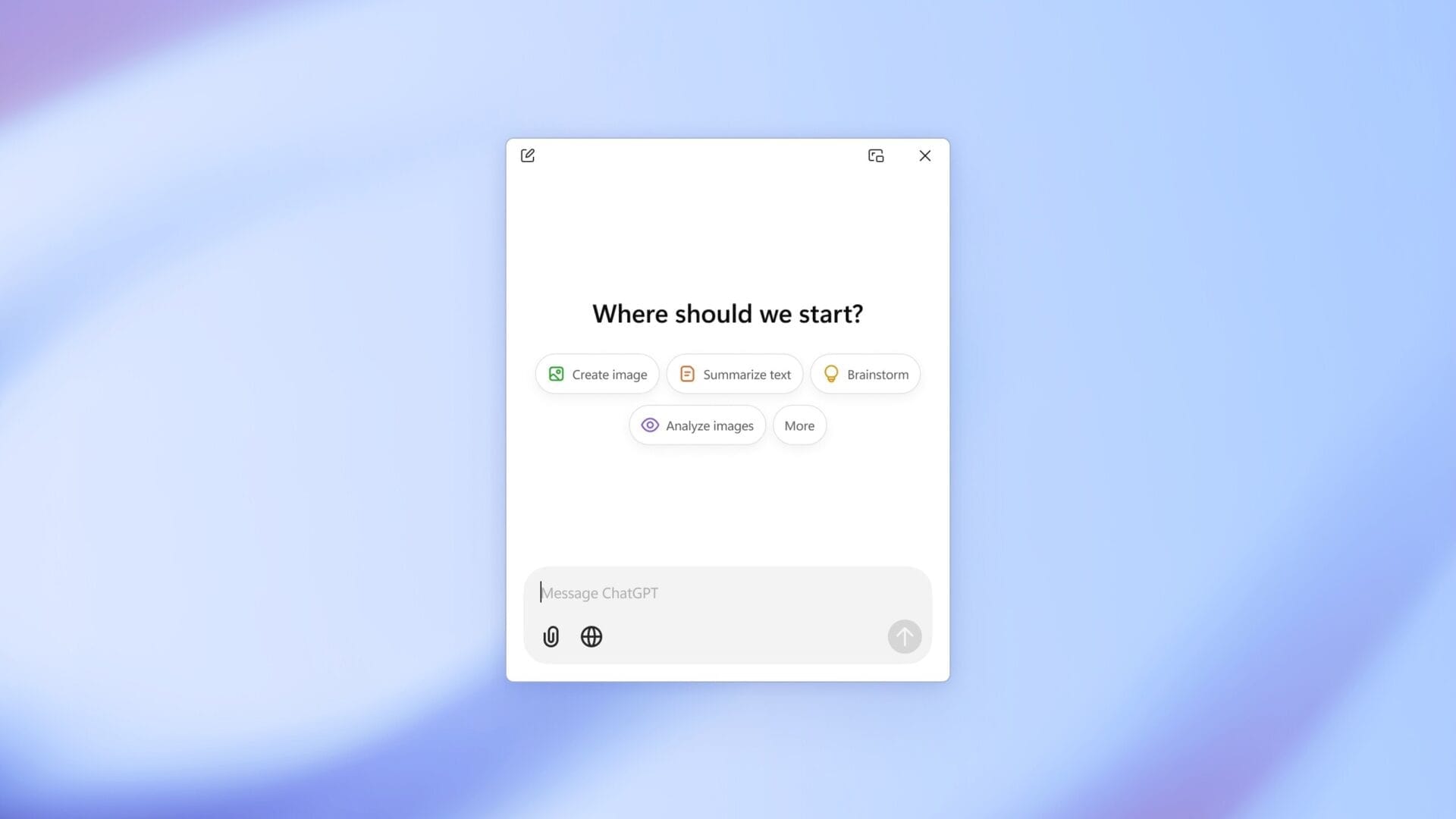
    OpenAI has just launched the ChatGPT application for Windows. At first, this app was only available to users who subscribed to ChatGPT Plus. The good news is that now everyone, even those on the free plan, can access it.

    Compatibility and Features

    This app is compatible with both Windows 10 and Windows 11. Users can find the ChatGPT app for Windows on the Microsoft Store. It includes all the functionalities that are present in the web version, which means users can utilize ChatGPT Search, engage in voice mode, and more.

    Instant Answers and Shortcuts

    Additionally, the Windows app features the Instant Answers function. This allows users to quickly bring up the ChatGPT app in a compact window by using the Alt + Space shortcut, making it super convenient for those who need quick access.

    Differences with macOS Version

    On the other hand, the ChatGPT app for macOS has been around since June. Because of this, it offers more features than its Windows counterpart, like a new beta tool that helps analyze content in coding environments such as VS Code, Xcode, Terminal, and iTerm2 for more accurate responses. At present, there is no word on when this capability will be added to the Windows application.

    Source: Link

  • Get Nothing OS 3.0 Beta on Your Nothing Phone: Easy Guide

    Get Nothing OS 3.0 Beta on Your Nothing Phone: Easy Guide

    Nothing OS is considered one of the top Android interfaces. It combines a clean design with a lot of features and customization options. With the recent Nothing OS 3.0 update, it has become even better.

    Joining the Beta Experience

    The beta version of Nothing OS 3.0 is currently available for selected devices, letting users experience the software before the official launch. If you’re interested in participating in the beta program, follow these steps below.

    Steps to Install Nothing OS 3.0 Beta

    Before proceeding, make sure that your device and region support the Nothing OS 3.0 beta.

    Step 1: Confirm that your device is running Nothing OS 2.6 with one of these build numbers:

    • Nothing Phone (2): Pong-U2.6-241016-1700
    • Nothing Phone (2a): Pacman-U2.6-240828_1906

    If not, head to Settings > System > System Update and download the latest update.

    Step 2: Download the APK and install it on your smartphone.

    Step 3: Go to Settings > System > Update to Beta version and tap on Check for new version.

    Step 4: Click Download Package. If you do not see this option, it means a beta version is not available for your device at the moment. Check back later.

    Step 5: After the package has downloaded, click Install Update.

    Make sure to back up your device before applying the beta update to avoid any data loss. Nothing warns that your device might get temporarily hot and consume more power, but it should return to normal soon, so there’s no need for concern if that occurs.

    Rolling Back to Nothing OS 2.6

    Beta software can sometimes have serious bugs. If you find them unbearable, it’s wise to revert to the last stable version.

    [Note: Always back up your important information before downgrading to an earlier software version.]

    To return to Nothing OS 2.6, download the rollback package from the Nothing community. Then, go to Settings > System > Update to Beta version. Tap Import file, select the rollback package, and install it.

    Here’s the direct download link for rollback packages:

    • Nothing Phone (2): Nothing OS 2.6 (rollback)
    • Nothing Phone (2a): Nothing OS 2.6 (rollback)

    Features of Nothing OS 3.0

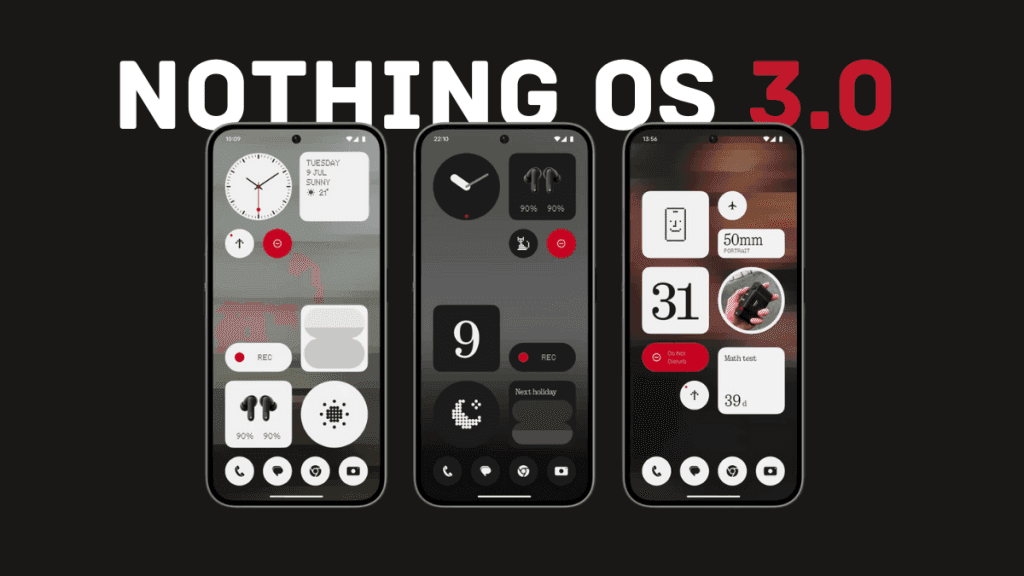
    Nothing OS 3.0 brings Shared Widgets, which allows you to share widgets with others and view their widgets on your home screen. You can also react to them.

    The lock screen has become more customizable, offering various watch faces. Users can add more widgets by expanding the widget area.

    The latest update also enhances the Camera app. Launch speed has significantly improved, and HDR and portrait processing is now up to 25% quicker. Low-light performance is also better.

    New fingerprint and charging animations have been added with a unique dot matrix style. OS 3.0 introduces predictive back animations for supported applications. Additionally, there’s an AI-powered smart drawer that organizes apps into folders automatically.

    During the announcement of Nothing OS 3.0, the company revealed the highly requested Nothing Gallery app, which is missing from the beta version. This might imply it is still in development and could be included in the stable release.


    Image 1
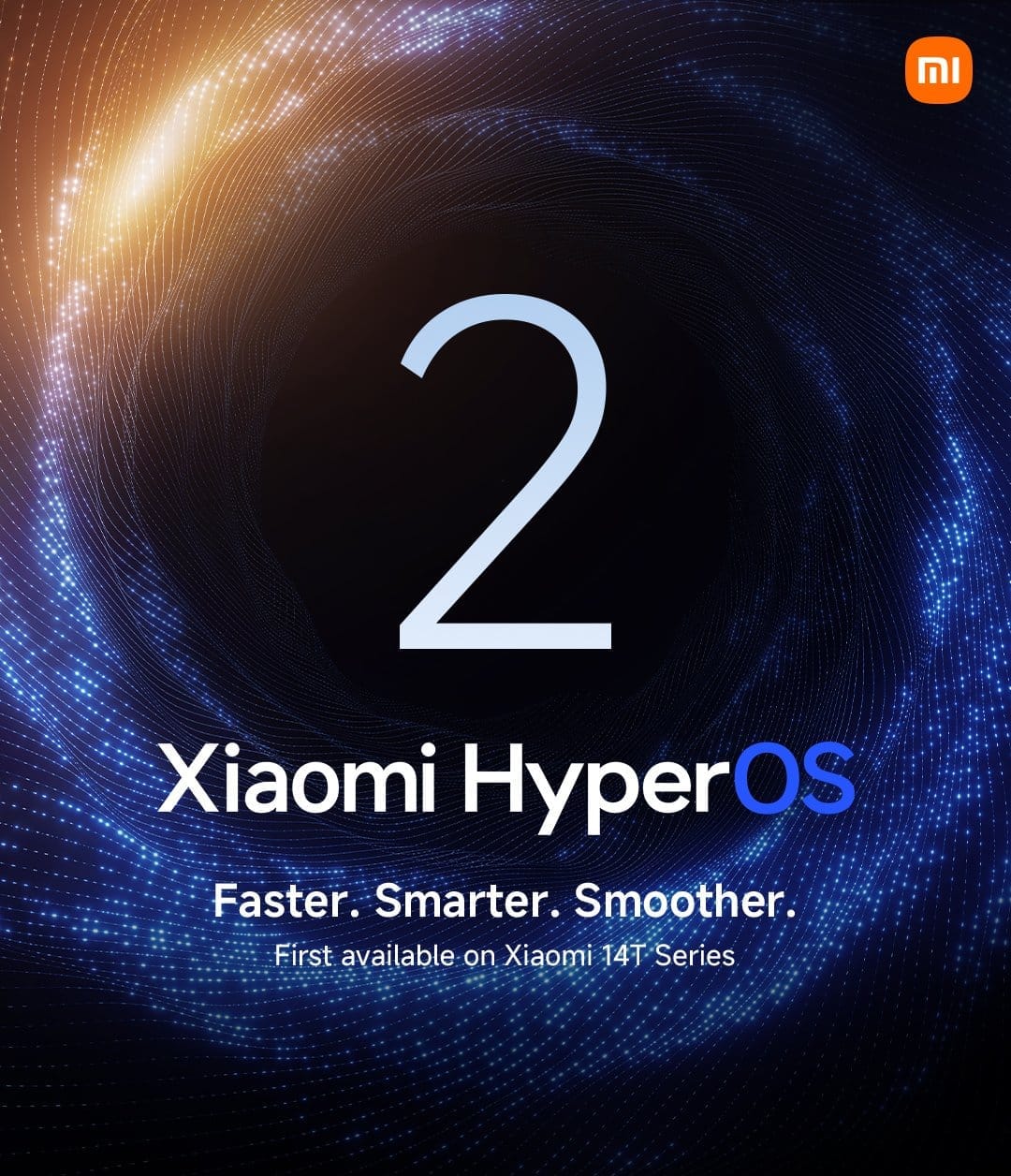
  • Xiaomi HyperOS 2.0 Global Rollout for 50+ Devices Announced

    Xiaomi HyperOS 2.0 Global Rollout for 50+ Devices Announced

    Xiaomi has been quite active last month, focusing on new product launches. To sum it up, the company unveiled a couple of flagship smartphones, a new premium tablet, and various wearables. However, there is still no clear information about when the Xiaomi 15 series will be available globally, outside of China.

    HyperOS 2.0 Release Plans

    Recently, Xiaomi has shared its official plans for the HyperOS 2.0 release, which we have included below. The company intends to distribute its OS upgrades in two phases, occurring in November and December. For your reference, the devices expected to receive HyperOS 2.0 starting this month include:

    • Smartphones
    • Tablets
    • Wearables

    Focus on Recent Flagships

    Xiaomi appears to be giving priority to its latest flagship models first, such as the Xiaomi 14 Ultra (currently priced at $1,099.50 on Amazon). However, nearly 40 mid-range and older flagship models are also part of the update, which are listed below. Interestingly, it seems that the Xiaomi 14 is already being provided with Android 15 but as HyperOS 1.1, rather than HyperOS 2.0. It’s important to note that the global rollout of HyperOS 2.0 differs from what Xiaomi released last month in China.

    Upcoming Rollouts in December

    The December rollout for HyperOS 2.0 will also include various tablets and other devices. Lei Jun’s team is working hard to ensure that the updates reach as many users as possible. Keep an eye out for more details on the specific models that will be part of the update.

    Source: Link,Link,Link,Link,Link


    Image 1
    Image 1
  • Ads Expected on Threads in 2025: What to Know

    Ads Expected on Threads in 2025: What to Know

    While the alternative to X/Twitter, called Bluesky, took over three years to reach 15 million users, Meta’s Threads achieved that milestone in about 10 hours. Although Threads is currently having difficulty reaching the 300 million user mark, it seems that “more than 250 million” users is sufficient to initiate plans for monetization. In mid-2023, Mark Zuckerberg mentioned that Threads has the potential to be the next social network from the company to reach 1 billion users, suggesting that advertising would come after achieving “hundreds of millions,” though he did not specify a clear figure. Recent info suggests that this could happen next year.

    Advertising Plans for Threads

    As per “three sources with direct knowledge of the plans” who talked to the Information, advertising is expected to launch on Threads in early 2025. Last month, Zuckerberg referred to 275 million monthly active users while discussing Threads and its future prospects. The three insiders also noted that only a limited group of advertisers will be allowed on the platform during the initial phase, set to begin in January 2025.

    Future Features and Revenue Expectations

    Conversely, Meta’s CFO Susan Li addressed this topic in a post-earnings call in October, indicating that Threads is not anticipated to be “a significant revenue driver for 2025.” She also shared that the app will receive additional features soon, but unfortunately, she did not reveal any specifics about these new additions. With Facebook currently dealing with numerous scams and questionable advertisements while often enforcing unnecessary censorship on various opinions, Threads could serve as a remedy for these issues. However, it’s possible that Meta could repeat its previous mistakes, leaving us to wonder what 2025 will hold for users of this platform.

    Source: Link

  • Fitbit Users Face Food Logging Problems After App Update

    Fitbit Users Face Food Logging Problems After App Update

    Some users of Fitbit have pointed out a new problem with the company’s application after recent updates. As per discussions on the Fitbit Community forum, there are a few issues related to the food logging feature that emerged following the app update to version 4.29. Nevertheless, these issues appear to only impact users of Pixel phones.

    Problems with Food Logging

    Fitbit users have noted that certain pages within the Log Food section of the app are truncated at the top, which stops them from seeing all the details about their food items. Others have mentioned that the ability to add custom food is missing, and they are unable to access historical data. A number of users attempted to resolve this by logging out, clearing the cache, and restarting their devices, but sadly, none of these actions fixed the problem. Moreover, the issue continues even after the most recent app update to version 4.30.

    Acknowledgment from Fitbit

    The bug has been reported by users across different Pixel phone models, such as the Pixel 6, Pixel 7a, Pixel 8, and Pixel 9 Pro (which is currently priced at $999 on Amazon). On November 13th, a Fitbit representative contributed to the discussion, confirming that the team is aware of the issue and is working towards a fix. However, the company has yet to specify when users might expect another update that will rectify this bug.

    Source: Link

  • Fitbit Ace LTE Update: New Messaging Features and Watch Faces

    Fitbit Ace LTE Update: New Messaging Features and Watch Faces

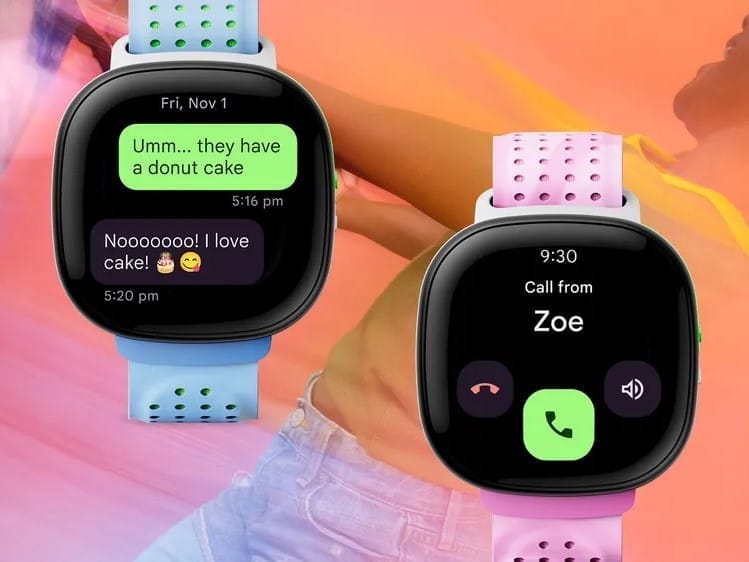
    Google has shared exciting news about a fresh update for the Fitbit Ace LTE, titled Season 3 – Family Matters. This software upgrade introduces several new features aimed at enhancing the experience for both kids using the smartwatch and their parents through the Ace app.

    New Communication Features

    One of the standout features is the family group chat, which lets you send messages to everyone in your Google Family group at the same time. Siblings can now communicate with each other via calls and messages in the Ace app, provided they are set as contacts. Additionally, there are new Family Quests, encouraging family members to work towards fitness goals together and earn rewards. The inaugural quest, called Turkey Berserky, is set to launch on November 18th. Moreover, a new game called Solar Sword has been added, and the Movement app now displays real-time heart rates on the smartwatch. Two new Noodle watch faces have also been introduced, allowing users to track their move goal progress.

    Future Improvements

    Google also shared some features that are in development for the next software update. These include the ability for parents to send voice message replies through the Ace app and the option to download voice messages sent by their kids. According to a post on the Fitbit Community forum, the Season 3 update is expected to be available for all users by November 14th. The smartwatch will download the update automatically when it is connected to Wi-Fi and has sufficient battery life.

    Pricing and Availability

    As for pricing, the Fitbit Ace LTE kids smartwatch is currently listed at $227.99 on Amazon. However, there will be a special offer at the Google Store, where it will be priced at $179.95, reflecting a $50 discount, from November 21st until December 4th.

    Google, Fitbit Community, 9To5Google.

    Source: Link,Link,Link