Category: Software

  • Q4OS 5.7 Released: New Debian 12.8 Features and Improvements

    Q4OS 5.7 Released: New Debian 12.8 Features and Improvements

    Since the arrival of Debian 12.8 last week, it’s not surprising that the Q4OS distro, which is based on Debian, has also received an update. As usual, the changes specific to Debian are complemented by unique fixes, tweaks, and visual enhancements from Q4OS. The Q4OS 5.7 ISO files have been available for download for over 20 hours, but there has yet to be an official announcement regarding the release.

    Changes in Debian 12.8

    When we discuss the updates in Debian 12.8 that impact Q4OS 5.7, we should highlight the new stable package releases for systemd and intel-microcode, which include security fixes for CVE-2024-23984 and CVE-2024-24968. Additionally, some adjustments have been made to calamares-settings-debian. You can find the complete list of changes in Debian 12.8 right here, although many of those packages may not be utilized in Q4OS 5.7. Nonetheless, the security patches for Chromium and some Linux base files included in the latest Debian release are very likely to be included in Q4OS, even though they might not all be present in version 5.7.

    Getting Started with Q4OS 5.7

    For those enthusiastic about testing Q4OS 5.7, the only option available is to download the installation images, which come in both 64-bit and 32-bit versions, just like before. The Trinity desktop environment remains unchanged, along with the setup wizard designed for users wanting to install Q4OS on a Windows machine (as long as they are running at least Windows 7, which applies to nearly all Windows users online today).

    While some Linux users prefer not to engage with the command line interface often (or at all in many cases), those who delve into more complex tasks that involve scripting might be interested in Donald A. Tevault’s The Ultimate Linux Shell Scripting Guide: Automate, Optimize, and Empower tasks with Linux Shell Scripting. Released last month, it is currently priced at $43.99 in Kindle format (full price), and the paperback edition is available for $39.18 (29% off the list price of $54.99).

    DistroWatch

    DistroWatch has been a reliable source for updates and information about various Linux distributions, offering insights into the latest releases and trends in the Linux community.

    Source: Link

  • Xiaomi HyperOS 2 Update: Supported Devices and Release Timeline

    Xiaomi HyperOS 2 Update: Supported Devices and Release Timeline

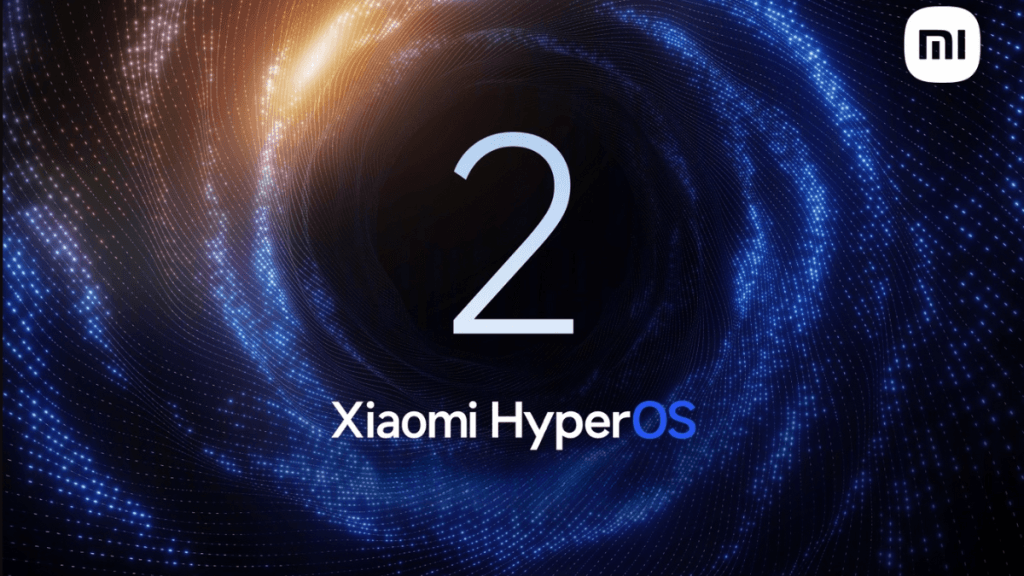
    HyperOS 2 is a significant improvement, introducing a variety of robust new features and upgrades for an enhanced software experience. It includes three main innovations: HyperCore, HyperConnect, and HyperAI, as well as numerous AI and non-AI functionalities. These features include an AI-driven lock screen, a revamped desktop layout, a 3D real-time weather system, dynamic effects across displays, and much more.

    Exciting Features Await

    The new HyperOS software has a lot to provide, making Xiaomi users excited about trying it out. Nevertheless, not all Xiaomi devices will be able to enjoy these updates. The rollout of HyperOS 2 will be limited to specific Xiaomi, Redmi, and Poco devices, which we have listed below alongside the anticipated release schedule.

    Eligible Xiaomi Devices for HyperOS 2

    HyperOS 2 debuted with the Xiaomi 15 series last month in China, and it has not yet been released worldwide. Therefore, the official list of eligible devices for other regions is still pending. However, based on Xiaomi’s previous patterns and current software policies, we’ve created a list of Xiaomi devices that could potentially receive the HyperOS 2.0 update:

    [Xiaomi]

    • Xiaomi 14
    • Xiaomi 14 Pro
    • Xiaomi 14 Pro Titanium Edition
    • Xiaomi 14 Ultra
    • Xiaomi Pad 6S Pro 12.4
    • Xiaomi 13
    • Xiaomi 13 Pro
    • Xiaomi 13 Ultra
    • Xiaomi 12
    • Xiaomi 12 Pro
    • Xiaomi 12 Pro Dimensity Edition
    • Xiaomi 12S
    • Xiaomi 12S Pro
    • Xiaomi 12S Ultra
    • Xiaomi 11
    • Xiaomi 11 Pro
    • Xiaomi 11 Ultra
    • Xiaomi 11 Youth Edition
    • Xiaomi MIX Fold 2
    • Xiaomi Civi 3
    • Xiaomi Civi 2
    • Xiaomi Civi 4 Pro
    • Xiaomi Pad 6
    • Xiaomi Pad 6 Pro
    • Xiaomi Pad 6 Max 14
    • Xiaomi Pad 5 Pro 12.4

    [Redmi]

    • Redmi K70
    • Redmi K70E
    • Redmi K70 Pro
    • Redmi K70 Extreme Edition
    • Redmi K60
    • Redmi K60E
    • Redmi K60 Pro
    • Redmi K60 Extreme Edition
    • Redmi K50
    • Redmi K50 Pro
    • Redmi K50 Gaming Edition
    • Redmi K50 Ultra Edition
    • Redmi Turbo 3
    • Redmi Note 14 5G
    • Redmi Note 14 Pro
    • Redmi Note 14 Pro+
    • Redmi Note 13 5G
    • Redmi Note 13 Pro
    • Redmi Note 13 Pro+
    • Redmi Note 13R
    • Redmi Note 13R Pro
    • Redmi Note 12 5G
    • Redmi Note 12 Pro
    • Redmi Note 12 Pro+
    • Redmi Note 12 Pro Speed Edition
    • Redmi Note 12 Turbo
    • Redmi Note 12 Trendy Edition
    • Redmi Note 12 Explorer Edition
    • Redmi Note 12R
    • Redmi Note 12R Pro
    • Redmi Note 12T Pro
    • Redmi Note 11T Pro
    • Redmi Note 11T Pro+
    • Redmi 14R 5G
    • Redmi 14C
    • Redmi 13R 5G
    • Redmi 13C 5G
    • Redmi 12 5G
    • Redmi 12R
    • Redmi Pad Pro
    • Redmi Pad Pro 5G
    • Redmi Pad SE

    [Poco]

    • Poco F6
    • Poco F6 Pro
    • Poco F5 5G
    • Poco F5 Pro
    • Poco F4 GT
    • Poco F4 Pro
    • Poco M6
    • Poco M6 Pro
    • Poco M6 Pro 4G
    • Poco M6 Plus 5G
    • Poco M5
    • Poco M4 5G
    • Poco X6 5G
    • Poco X6 Neo
    • Poco X6 Pro
    • Poco X5 5G
    • Poco X5 Pro 5G
    • Poco X4 GT Pro
    • Poco X4 GT
    • Poco C75
    • Poco C55
    • Poco Pad

    This isn’t the official list. We will update it after HyperOS 2 has a global launch. If your device isn’t mentioned here, please wait for the official announcement before considering an upgrade to a newer model.

    Rollout Plans for HyperOS 2

    Xiaomi has not yet made the global rollout plan for HyperOS 2 official. Nevertheless, according to leaked information from XiaomiTime, devices like Xiaomi 14 and Xiaomi 13T Pro are expected to receive the HyperOS 2 upgrade by the end of 2024.

    By the close of Q1 2025, the following devices should receive the update:

    • Xiaomi 14 Ultra
    • Redmi Note 13
    • Redmi Note 13 4G
    • Redmi Note 13 NFC
    • Redmi Note 13 Pro 5G
    • Redmi Note 13 Pro+ 5G
    • Redmi Note 13T
    • Poco X6 Pro 5G
    • Xiaomi 13
    • Xiaomi 13 Pro
    • Xiaomi 13 Ultra
    • Xiaomi 14T
    • Xiaomi 14T Pro
    • Poco F6
    • Poco F6 Pro
    • Redmi 13
    • Redmi 12
  • Red Hat Enterprise Linux 9.5: New File Management Features

    Red Hat Enterprise Linux 9.5: New File Management Features

    Yesterday, Red Hat Enterprise Linux (RHEL) made a significant leap by releasing version 9.5. This commercial-focused and open-source distribution stays dedicated to its mission of offering "the most secure, zero trust platform on the market." It aims to keep expenses down while supporting various environments. RHEL 9.5 marks more than 24 years since the release of the very first version of this distribution. It includes an extensive array of new features and modifications, all of which can be viewed on their website.

    Key Updates in RHEL 9.5

    In conjunction with RHEL 9.5, Red Hat also rolled out Red Hat Satellite 6.16 yesterday. This software is designed for centralized management of Linux servers, enabling system administrators to efficiently deploy and oversee RHEL hosts. This tool has been available since 2002, proving its longevity and effectiveness.

    Access and Pricing Information

    Developers who are registered can download RHEL 9.5 at no cost, along with other current customers who benefit from free upgrades. For potential new users, a 60-day trial is available to test the waters before making a commitment. The platforms that are supported include x86, ARM, IBM Power, IBM Z, and IBM LinuxONE.

    Recommended Reading for RHEL 9.5 Users

    Neil Smyth’s book titled "Red Hat Enterprise Linux 9 Essentials: Learn to Install, Administer and Deploy RHEL 9 Systems" was released in 2023, and it’s definitely a valuable resource for users of RHEL 9.5. The Kindle version is priced at $29.50, while those preferring a physical copy will need to pay $31.05.

    Red Hat’s continued commitment to providing robust solutions is evident with this latest upgrade and accompanying tools.

    Source: Link

  • VMware Fusion and Workstation Free for Commercial and Educational Use

    VMware Fusion and Workstation Free for Commercial and Educational Use

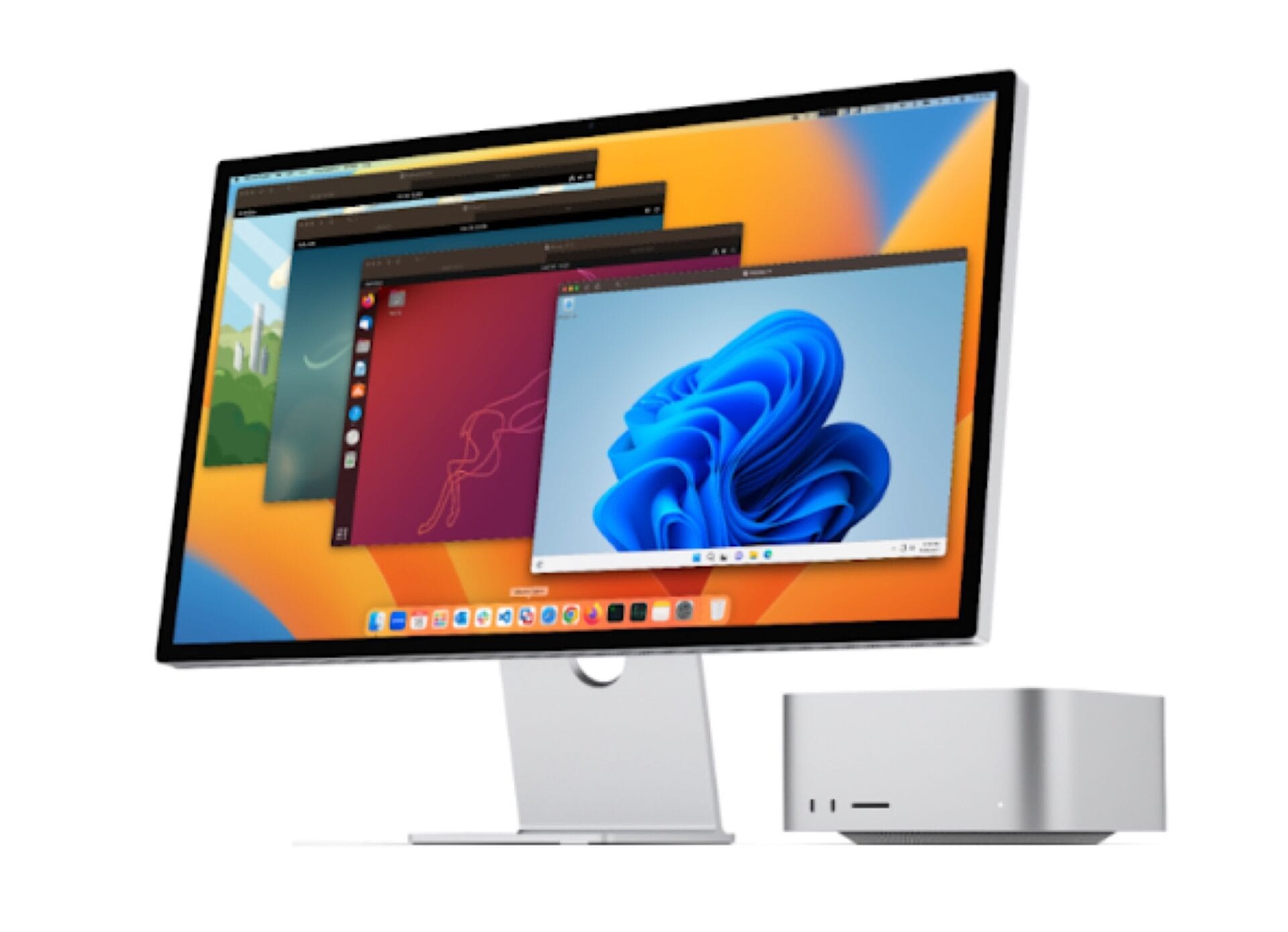
    Founded in 1998, VMware was bought by EMC (now Dell EMC) for $625 million in early 2004. When Dell took over EMC in early 2016, it caused major disruptions for VMware, leading to the termination of all US developers and the breakup of the teams working on Workstation and Fusion. By 2021, Dell and VMware ended their partnership. At the close of 2023, Broadcom purchased VMware for an impressive $69 billion. This spring, VMware Workstation and VMware Fusion became free for personal use, and now, they have extended this offer to include educational and commercial users as well.

    Current Offerings

    Although Workstation Pro and Fusion Pro can no longer be bought, existing users can continue to use them without charge. However, users who aren’t under a commercial contract will need to accept the free-tier support model. In this scenario, VMware will not offer direct assistance to Workstation and Fusion users. Instead, if help is needed, users must rely on product documentation, knowledge base articles, and the online user community for support.

    Future of Products

    Fortunately, VMware Workstation and Fusion are not going away. Even though real-time assistance won’t be offered, both products will still receive updates, enhancements, and bug fixes in the future.

    Peter von Oven’s Learning VMware Workstation for Windows: Implementing and Managing VMware’s Desktop Hypervisor Solution is currently priced at $39.99 for the Kindle version (or $14.22 for rental). For those interested in the paperback version, there is a 21% discount, making the price $43.40 instead of the original $54.99.

    Source: Link

  • First One UI 7 Beta Update Available for New Samsung Galaxy Phones

    First One UI 7 Beta Update Available for New Samsung Galaxy Phones

    It appears that Samsung is gearing up to showcase One UI 7.0 to the public, which it might abbreviate to One UI 7 when it officially launches. Although the company has yet to announce a release date for the beta versions, there have been many leaks about its Android 15 interface in recent weeks.

    Beta Participation Insights

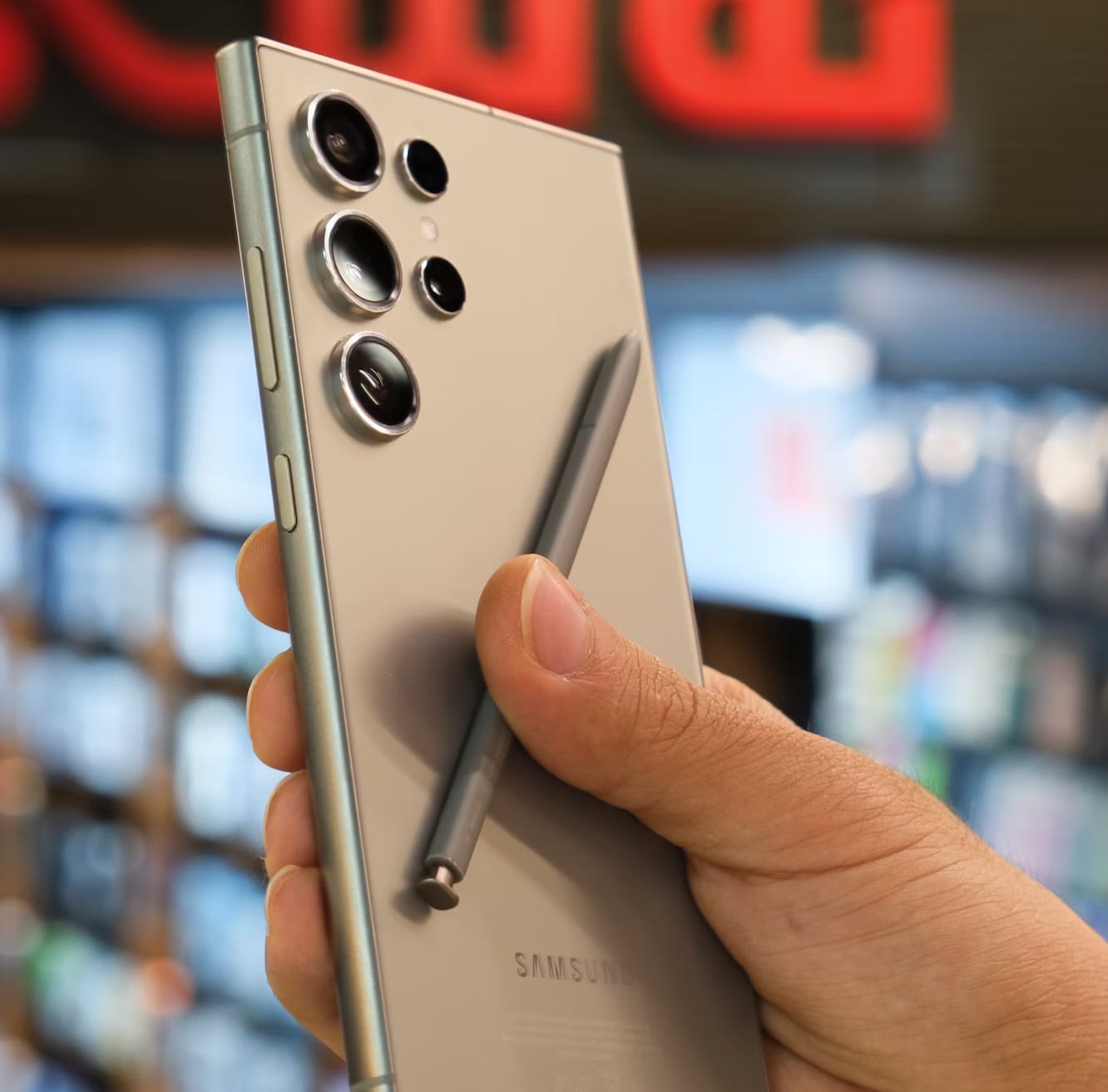
    This week, a well-known leaker, Ice Universe, suggested that Samsung is set to begin One UI 7 beta participation next week. Now, it looks like the firm has completed the first public beta of One UI 7 for the Galaxy S24 Ultra, which is currently priced at $930 on Amazon. The screenshot below indicates that Samsung has uploaded ‘ZXKB’ to its testing servers.

    Device Compatibility

    Moreover, this software is connected to the SM-S928B model, suggesting that the One UI 7 beta will soon be available for Galaxy S24 Ultra devices in Europe and South Korea. It’s important to note that the screenshot provided only pertains to a single Galaxy S24 device, but the One UI 7 beta is expected to be accessible not only for the Galaxy S24 series but also for several other recent Samsung smartphones. Interestingly, Samsung detailed its preliminary One UI 7 release schedule last month, which we have covered in another article.


    Image 1
  • Nvidia GeForce Driver 566.15 Supports MS Flight Sim 2024 & STALKER 2

    Nvidia GeForce Driver 566.15 Supports MS Flight Sim 2024 & STALKER 2

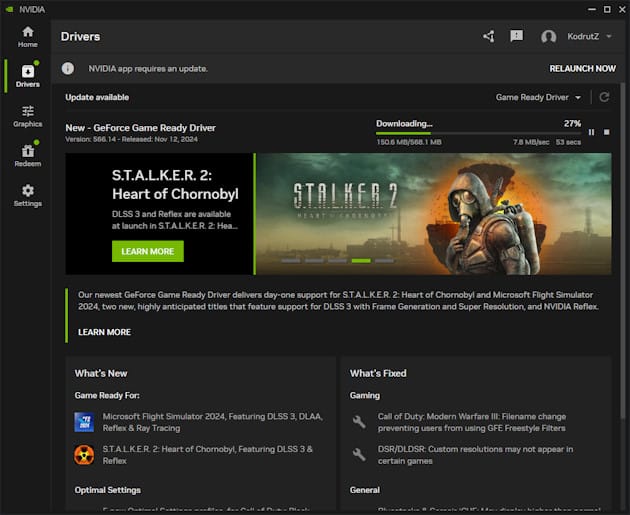
    Yesterday, Nvidia made two important software announcements that deserve our attention. While many people might not see driver updates as significant, the new version 566.15 GeForce Game Ready Driver package is certainly something to think about. This update offers day-one support for DLSS 3 with Frame Generation and Super Resolution, not only for the eagerly awaited (and repeatedly delayed) S.T.A.L.K.E.R. 2: Heart of Chornobyl but also for Microsoft Flight Simulator 2024. Additionally, it introduces several one-click optimal settings for a smoother experience. The other news is that the Nvidia app has finally left beta, making it accessible for everyone to try.

    Performance Enhancements

    Thanks to this updated driver, S.T.A.L.K.E.R. 2: Heart of Chornobyl (you can find the game guide by Sean M. Powell on Amazon for $7.99 in Kindle or $13.99 for paperback) can run at an impressive 87 fps with all settings maxed out at 4K resolution on the GeForce RTX 4070 Super. It’s even better on the top-tier GeForce RTX 4090, where it exceeds 120 fps. Previously, the GeForce RTX 4070 struggled to hit 30 fps without DLSS 3 optimizations, but it now achieves a comfortable 70 fps. Even at 1080p resolution, the GeForce RTX 4060 manages to stay above 60 fps. The game’s release is planned for November 20.

    Exciting New Features

    Microsoft Flight Simulator 2024 also benefits from DLSS 3 with Frame Generation and Super Resolution, in addition to DLAA, ray-traced shadows, and Nvidia Reflex. This title is set to be launched on November 19.

    The new driver package brings optimized settings with just one click for six games: Call of Duty: Black Ops 6, Delta Force, Dragon Age: The Veilguard, Horizon Zero Dawn Remastered, and Red Dead Redemption.

    Downloading the Update

    As usual, you can download the driver package via the Nvidia app or directly from Nvidia’s official website. Notably, the news about the driver release no longer mentions GeForce Experience, which suggests that app is now considered outdated. The new Nvidia app combines many features from GeForce Experience and RTX Experience, featuring a revamped in-game overlay that makes it easy to access gameplay recording tools, performance monitoring, and various image-enhancing filters, including RTX-exclusive AI filters. It also offers an optional login to claim rewards, among other features.


    Image 1
  • Windows 11 Removing Calendar and Mail Apps: What You Need to Know

    Windows 11 Removing Calendar and Mail Apps: What You Need to Know

    Microsoft has been really active this year in updating its Windows environment to meet new standards. They have been promoting the use of Snapdragon X Plus and Snapdragon X Elite chipsets with devices like the Surface Laptop 7 and Surface Pro 11 (currently priced at $1,099.99 on Amazon). At the same time, they are working on improving Windows with better performance for ARM.

    End of an Era for Windows Mail and Calendar

    In a recent blog entry, Microsoft announced that 2024 will be the final year for Windows Mail and Calendar. The support for these services will officially cease on December 31, 2024, which means users won’t be able to send or receive emails starting January 1, 2025.

    Transition to Outlook

    Users can, however, transfer their data to the new Outlook for Windows. Microsoft is banking on this new Outlook being the go-to choice for those who currently rely on Mail and Calendar. Whether users will migrate over is still uncertain, especially since the new Outlook for Windows lacks many features that other email services offer, such as renaming mailboxes.

    Changes for Classic Outlook

    The classic Outlook desktop application that comes with the Office suite is also on the chopping block. For the time being, people can still buy Microsoft Office 2024 without needing to pay a monthly subscription. For more information, you can check out Microsoft’s blog post.


    Image 1
  • OnePlus 12R OxygenOS 15 Update: Features and Improvements Revealed

    OnePlus 12R OxygenOS 15 Update: Features and Improvements Revealed

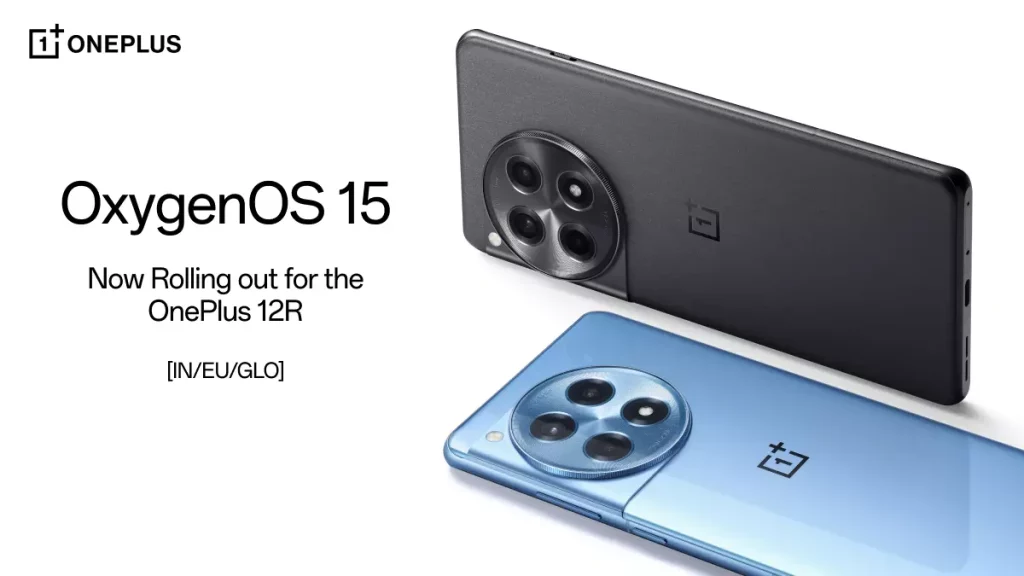
    OnePlus has launched the much-awaited OxygenOS 15 update for the OnePlus 12R smartphone across India, Europe, and global markets. The rollout is happening gradually and introduces a variety of new features and enhancements for users.

    Build Versions for Various Regions

    The build versions for the update differ by region:

    • IN Customized Version: CPH2585_15.0.0.200(EX01M001)
    • NA Customized Version: CPH2611_15.0.0.200(EX01M001)
    • EU Customized Version: CPH2609_15.0.0.200(EX01M001)
    • GLO Customized Version: CPH2609_15.0.0.200(EX01M001)

    OxygenOS 15 Update Features

    Animations
    The update includes a cutting-edge graphics engine that significantly enhances rendering and animation performance. This system utilizes advanced parallel processing, which guarantees smooth visuals during multitasking or while using demanding applications.

    With parallel processing, elements like folders, widgets, and components now experience seamless transitions and animations, even amidst interruptions. This ensures consistent swipe behavior across third-party apps, including WebView interfaces, leading to a uniform scrolling experience throughout the system.

    Visual Effects
    The Home screen has been redesigned with new icons, creating a balanced and vibrant appearance for sharper visuals. Many system function icons have also been updated for better visual consistency, contributing to a unified aesthetic experience.

    The rounded corners have undergone refinements to ensure uniformity, with smooth curves applied across all components.

    OnePlus OneTake and Customization Options

    The introduction of flux themes offers a wide array of high-quality choices, allowing users to customize their device with system wallpapers and personal images. Significant customization options are available for the Always-On Display, Lock screen, and Home screen, supporting both flux and classic modes.

    The Lock screen can now blend clock colors, feature glass textures, blurred wallpapers, AI depth effects, and auto-fills. The Home screen also supports glass patterns and blurred wallpapers for a personalized touch. The flux themes provide smooth transition animations enhancing visual continuity across the Always-On Display, Lock screen, and Home screen.

    Fluid Cloud Enhancements
    The updated Fluid Cloud improves app compatibility, now allowing a broader selection of overseas applications like Spotify, Swiggy, and Zomato. This improvement enables real-time synchronization of information for various activities, such as ordering food or listening to music.

    The design emphasizes efficient information visualization, ensuring a balanced display. Users can interact with alerts to expand capsules into detailed cards with just a tap, making it easy to access multiple live activities by swiping down from the status bar.

    Livephotos and Photo Editing Features

    Live photos now allow capturing up to 3 seconds of playback, enabling users to save more moments. The new reversible photo editing capability remembers previous edits, allowing for seamless future adjustments.

    Integration between the Camera and filters has been upgraded, enabling users to modify or remove filters after the fact in the Photos app.

    Floating Window and Split View Functions
    New gestures for Floating Windows have been introduced: swipe down on a notification to open, swipe down again to enlarge, swipe up to close, and swipe sideways to hide. Resizable Split View windows now allow users to drag dividers or tap to adjust the display area.

    Notifications & Quick Settings Improvements
    The new Split mode provides separate access to notifications and Quick Settings with a simple swipe. Quick Settings has been redesigned for a more appealing layout with smoother animations.

    OnePlus Share and Battery Management

    The update includes a new file transfer feature that allows easy sharing with iOS devices via OnePlus Share.

    A new “Charging limit” feature stops the charging process at 80%, which helps prolong battery life and reduce degradation. Additionally, a battery protection reminder activates the Charging limit if the device charges for an extended period.

    Additional Features

    OxygenOS 15 brings new Always-On Display options and Lock screen clock styles for unique visuals. A Home screen clock widget now allows customizable resizing for added versatility.

    An Easter egg in the Calculator appears when you type “1+=,” reflecting OnePlus’s philosophy of “Never Settle.” New wallpapers are included to give your device a signature OnePlus flair, along with unique app icons designed specifically for OxygenOS.

    Safety and Privacy Enhancements

    The new app security control feature blocks unwanted pop-ups and background processes, enhancing both system security and battery efficiency.

    The Private Safe has been optimized with categorized views for images, videos, and documents, making data management simpler. A new Home screen entry for hidden apps allows for quick access by tapping the folder and entering your privacy password.

    How to Update Your Device

    To upgrade your OnePlus 12R to OxygenOS 15, simply navigate to the Settings menu and check for updates. Keep in mind that the rollout is happening in stages, so it may take time to reach all devices.

    Important Reminder

    Before proceeding with the update, it is highly advised to back up important data to prevent any potential loss.

  • WhatsApp Beta Update Causes Surprising Green Screen Issue

    WhatsApp Beta Update Causes Surprising Green Screen Issue

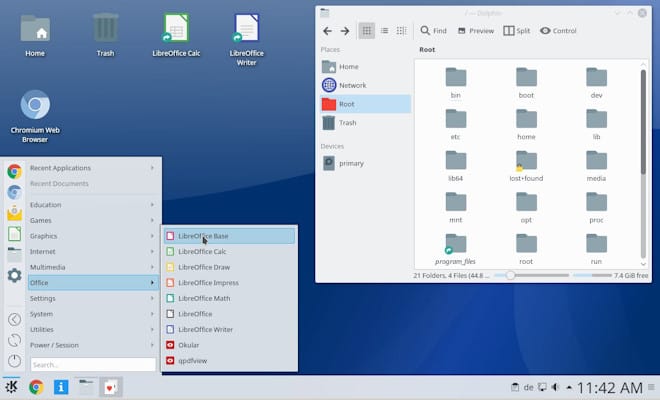
    The WhatsApp beta channel has recently released version 2.24.24.5. This update introduces a "Draft" label in the chat list for messages that are left unsent. Additionally, it aims to enhance performance and address some bugs that were previously present. Nevertheless, as users testing the beta version report, a new bug has appeared that causes the screen to turn green when opening a chat.

    Green Screen Issue Explained

    Luckily, this is not the same green screen problem that would necessitate display replacement or repair. Instead, it simply shows a solid green color while entering a chat and disappears once you exit WhatsApp. However, this isn’t the only concern affecting the new beta version.

    Startup Crashes Reported

    Users are also mentioning that the beta app crashes when starting up, rendering WhatsApp unusable. Naturally, this sort of thing isn’t surprising because beta versions of applications typically lack the stability of their public release versions.

    For those testers encountering these problems, the best course of action is to revert back to the stable build, which seems to be free from the green screen and startup crash issues. It’s important to understand that WhatsApp beta versions are released as app bundles rather than regular APKs, and due to certain restrictions in Android, rolling back to an older version isn’t straightforward.

    Recommended Solution

    Thus, the ideal solution is to uninstall the beta version and install the current stable version of WhatsApp (2.24.22.79). You can find the installer on APKMirror, a trusted source for Android applications. Given that many users are reporting these problems, it is likely that the developers will soon provide a fix.

    Source: Android Police, Android Authority

  • TikTok Offices in Canada Shut Down Over Security Concerns

    TikTok Offices in Canada Shut Down Over Security Concerns

    Last year, the Canadian government began examining the expansion strategy of ByteDance Ltd., the firm responsible for TikTok, which intended to establish a local branch named "TikTok Technology Canada Inc." Unfortunately, this initiative was halted as the government opted to eliminate TikTok’s business operations in the nation, which also results in the loss of hundreds of local jobs. On a positive note, Canadians can continue to access the website and utilize the mobile applications, at least for now.

    Government Statement

    In a statement from Canadian Innovation Minister Francois-Philippe Champagne, he mentioned, "The decision was based on the information and evidence collected over the course of the review and on the advice of Canada’s security and intelligence community and other government partners." Clearly, this does not prevent TikTok from challenging this ruling in court, hoping for a more favorable outcome.

    App Accessibility

    While everyday users can access TikTok without restrictions, the app has been prohibited on devices issued by the government. Officials have described it as having "an unacceptable level of risk to privacy and security," which was the reasoning behind this ban.

    Ongoing Legal Battles in the US

    In the United States, the Chinese social media company is currently contesting a law from the Biden administration that mandates ByteDance to divest TikTok by January 19th or face a potential ban. U.S. officials assert that the Chinese ownership of the company poses a risk to national security.