Category: Software

  • Philips Hue App Update Brings Surprise New Feature

    Philips Hue App Update Brings Surprise New Feature

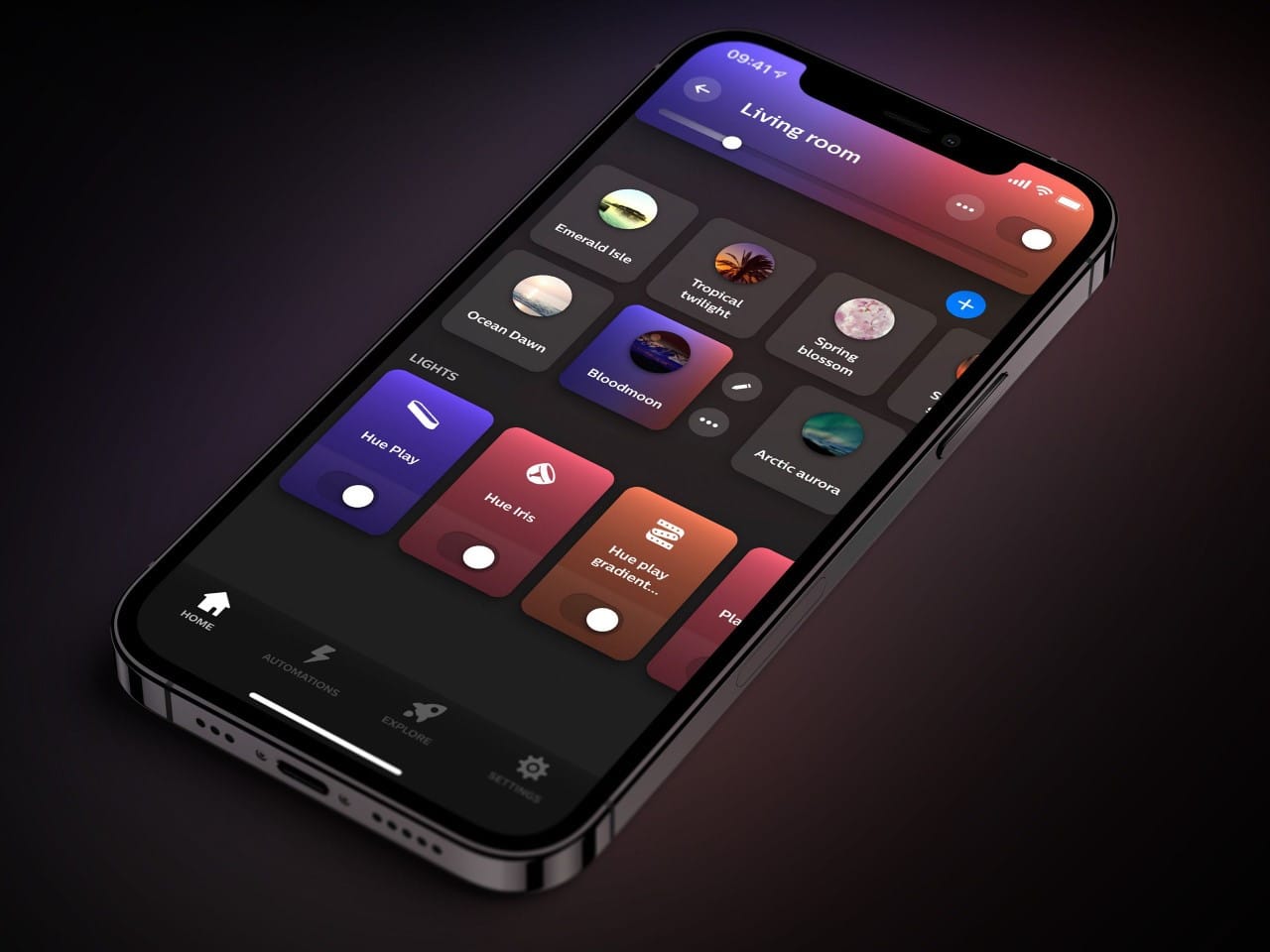
    The Philips Hue app for iOS has received an update, now at version 5.30.0. This is the first update of the month, following the previous version 5.29.0 which was released in October. The earlier update added new features for Hue security cameras and allowed users to trigger timers or Mimic presence automation directly from the iOS widget.

    Update Details

    The changelog for version 5.30.0 simply mentions that it includes bug fixes and enhances stability for the Philips Hue app. However, the company hasn’t provided any specific details about what exactly has been fixed. According to Hueblog, there appears to be new widget features for security cameras, such as the Hue Secure Battery camera (currently priced at $139.99 on Amazon). This new feature allows users to access the live video feed from their camera quickly, instead of having to search through the app. It’s puzzling why this has not been highlighted in the release notes.

    Missing Features

    Unfortunately, this update does not introduce any of the highly awaited features, like 24-hour scenes, multi-bridge support, or improved integration for Hue Secure devices with Amazon Alexa and Google Home. You can download the Philips Hue app version 5.30.0 for iOS from the Apple App Store. There’s no information yet on whether a similar update for Android devices will be released anytime soon.


    Source: Link,Link


    Image 1
  • FreeCAD 1.0 Release: Major Usability Improvements in Free 3D Software

    FreeCAD 1.0 Release: Major Usability Improvements in Free 3D Software

    FreeCAD Release Notes

    FreeCAD has launched its latest version, bringing numerous improvements and features. This update is designed to enhance user experience and functionality, making it easier for both new and seasoned users to work on their projects.

    New Features and Enhancements

    Among the most notable changes is the improved user interface. The updated layout is more intuitive, allowing for a smoother workflow. Additionally, the new tools added to the software provide users with more options for creating and editing their designs. This version also features better compatibility with various file formats, ensuring that users can easily share their work.

    Performance Improvements

    Another significant aspect of this release is the performance optimizations. The software runs faster, which is especially beneficial for large projects. Users will notice a decrease in lag time when navigating through complex models, making the overall experience more enjoyable. The developers have focused on reducing memory usage, which helps in preventing crashes and keeping the application stable.

    Pricing and Availability

    FreeCAD remains a free and open-source software, allowing users to download and use it without any cost. This accessibility continues to be a key advantage of the platform, ensuring that everyone, regardless of budget, can utilize powerful design tools. The latest version is available for various operating systems, including Windows, macOS, and Linux, making it widely accessible for all users.

    In conclusion, the latest release of FreeCAD is packed with features and improvements that cater to a wide range of users. Whether you’re a hobbyist or a professional, this update offers valuable tools to enhance your design process. Be sure to download the new version and experience the upgrades for yourself!

    Source: Link

  • Bluesky’s Rise: Is It a Competitor to X Social Media?

    Bluesky’s Rise: Is It a Competitor to X Social Media?

    Bluesky, a newer microblogging site, has seen a huge increase in its number of users. Once just a quiet player behind X (previously known as Twitter), Bluesky has now stepped up as a strong option, especially as countless unhappy users are leaving Elon Musk’s controversial site. As of November 2024, Bluesky has gained over 20 million active users, which highlights both its attraction and its capability to change the social media scene.

    The Birth of Bluesky

    Started in 2022 by Jack Dorsey, who also helped create Twitter, Bluesky had a tough time getting noticed in a crowded market ruled by X and Facebook. It was made under AT Protocol, a decentralized tech for social media meant to give users greater control over their data and interactions. The aim was straightforward: to form a space where freedom of expression could flourish without the manipulation by algorithms that often plagues other platforms. Despite having a well-known supporter, Bluesky’s growth was initially sluggish.

    A Turning Point in 2024

    Everything shifted in 2024 when major incidents started to unfold in the realm of social media. X, under Musk’s management, has run into a number of issues, from changes in moderation rules to problems with user experience. These incidents opened up chances for competitors, and Bluesky took full advantage of the situation.

  • US Justice Department Seeks Google Divestiture of Chrome, Android

    US Justice Department Seeks Google Divestiture of Chrome, Android

    The US Government submitted a final proposal on November 20, 2024, in the ongoing Google anti-monopoly case, which is being overseen by the US Justice Department. They are urging the district judge to compel Google to sell off Chrome and possibly Android to address the monopoly that Google holds in the search engine industry.

    Background of the Case

    This recent filing follows the district judge’s ruling on August 5, 2024, which confirmed that Google has indeed operated as a monopoly in violation of the Sherman Antitrust Act of 1890. This law is designed to prevent unfair monopolies and ensure that fair competition can thrive in the market.

    Proposed Actions

    Among the suggested measures, Google is required to divest the Chrome web browser, which currently reigns as the most widely used browser. Without Chrome steering users towards Google search by default, users could more easily select their preferred search engines. Furthermore, Google will not be permitted to set its other products to default to Google search, and a fund will be established to inform the public about this case and their options for search engines.

    Google is also required to provide access to its search engine data to third parties for a minimal fee, while offering its user and advertising data for free for ten years. This aims to create a fairer environment in the search engine market. Advertisers on Google will receive more comprehensive insights into ad performance, costs, and enhanced control over keyword matching. Moreover, Google is prohibited from compensating other corporations for preferential treatment of its search engine, such as the substantial payments made to Apple to ensure Google search is the default on iPhones.

    Future Implications

    If these measures are deemed insufficient, the proposal even includes the possibility of forcing Google to sell off Android, a significant source of user data and Google searches due to its vast user network.

    Federal anti-monopoly cases can span many years or even decades, often involving appeals, but the judge anticipates reaching a conclusion in 2025.

    Case No. 1:20-cv-03010-APM filing on 11/20/2024 at Court Listener, Case No. 1:20-cv-03010-APM filing on 08/05/2024 at Thomson Reuters.

    Source: Link,Link

  • Garmin Edge X40 Bike Computers Receive New Q4 Beta Update

    Garmin Edge X40 Bike Computers Receive New Q4 Beta Update

    The Garmin Edge 540, Edge 840, and Edge 1040 GPS cycling computers are getting a new beta update. This new software version 25.21 is an update to the Q4 Public Beta that started testing in early November.

    Focus on Bug Fixes

    This update mainly targets bug fixes for the X40 Edge bike computers. According to the change log, problems with maps on data screens and the Stamina Distance to Go units have been fixed. The Garmin team has also sorted out an issue where grade values appeared erratic when users paused and resumed their rides. Additionally, the devices will no longer crash when powered down. For the Edge 540 and Edge 840, there’s a fix for icons that were clipped in the Distance to Next field. Furthermore, Garmin has updated the icon that shows up when connecting your Edge device to a computer.

    Installation Requirements

    As with other recent updates, users need to have beta version 24.54 installed before they can move to version 25.21. To check this, go to Main Menu > System > About > Check for Updates. As of now, at least 20% of users with Garmin Edge 540, Edge 840, and Edge 1040 can access the new software. It’s also important to mention that the Edge 540 is now on sale for $249.99, down from its original price of $349.99, available at Amazon.

    Conclusion

    In summary, the Garmin Edge 540, Edge 840, and Edge 1040 GPS cycling computers are receiving a notable update. Users are encouraged to ensure they have the required previous version installed to enjoy the benefits of the latest improvements and bug fixes.

    Source: Link,Link


    Image 1
  • Google Pixel 6 and Newer Phones Get First Android 16 Update

    Google Pixel 6 and Newer Phones Get First Android 16 Update

    Google has just released the initial version of Android 16 for download. As is customary, the company has launched a Developer Preview first. Therefore, it’s advisable not to install Android 16 on your regular or work devices just yet.

    Focus on Developers

    As expected, Google is currently concentrating on changes that cater to developers. However, their latest post on the Android Developers Blog does share some information for users. Notably, Google has confirmed that stable versions of Android 16 should start rolling out in Q2 of 2025. In simpler terms, you can anticipate major OS updates for Pixel devices around April, May, or June.

    More Devices Supported

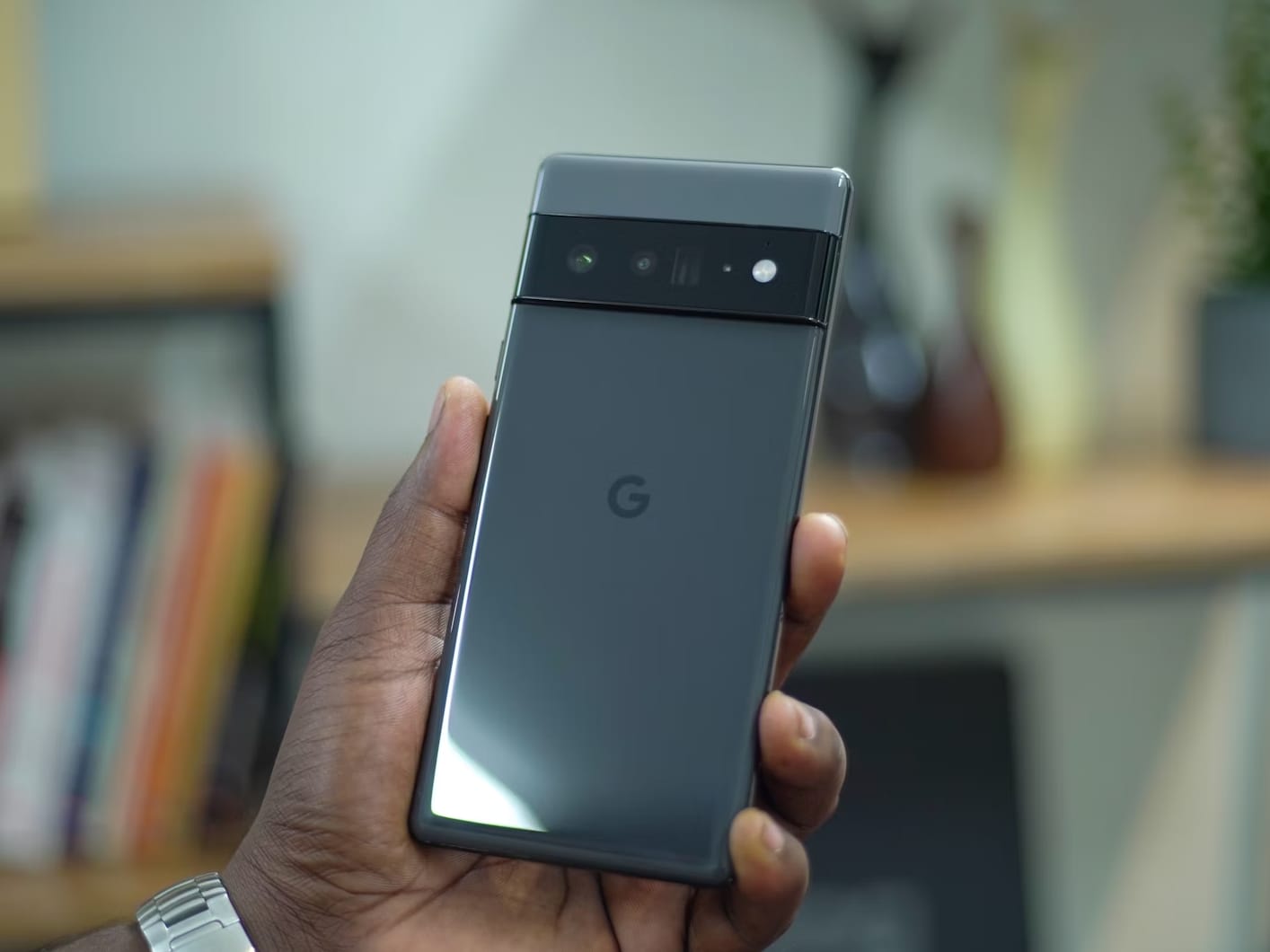
    Interestingly, it seems that Google intends to expand the availability of Android 16 to more devices than initially thought. The Developer Preview 1 can be downloaded on the Pixel 6 and Pixel 6 Pro (curr. $190 – renewed on Amazon), even though official support for these devices ended last month. For the moment, there’s no assurance that these models will get stable Android 16 updates.

    Future Updates for the Pixel 6a

    The introduction of the Pixel 6a might allow its flagship counterparts to receive one more Android update than originally anticipated. As Mishaal Rahman points out, the official software support for the Pixel 6a will wrap up after Android 16 is expected to be released. Therefore, Google will need to make Android 16 compatible with its Tensor G1 chip, which also powers the Pixel 6 and Pixel 6 Pro. As a result, there’s a possibility that all models in the Pixel 6 series could get Android 16, but it may take some time before that happens.


    Image 1
  • Over 50 Galaxy Devices Eligible for One UI 7 Update List

    Over 50 Galaxy Devices Eligible for One UI 7 Update List

    Samsung is preparing to launch its One UI 7 update, which is based on Android 15, and there’s a lot of talk about which devices will get it. Although the company hasn’t shared an official list or specific dates yet, tipster @TheGalox_ has identified over 50 devices that are expected to get the update.

    List of Eligible Devices

    The list from @TheGalox_ features a diverse selection of Galaxy smartphones and tablets, covering high-end, mid-tier, and budget options. Key models include Galaxy S devices dating back to the S21 series, which also includes the S21 FE. Samsung’s foldable devices—from the Z Fold 6 to the Z Flip3—are anticipated to be part of this rollout. While the new Galaxy W25 and W25 Flip that are exclusive to China are not mentioned, they are still thought to likely get the Android 15 update.

    Galaxy smartphones anticipated to receive One UI 7 update:

    • Galaxy Z Fold Special Edition
    • Galaxy Z Fold6
    • Galaxy Z Fold5
    • Galaxy Z Fold4
    • Galaxy Z Fold3
    • Galaxy Z Flip6
    • Galaxy Z Flip5
    • Galaxy Z Flip4
    • Galaxy Z Flip3
    • Galaxy S24 series
    • Galaxy S23 series
    • Galaxy S22 series
    • Galaxy S21 series
    • Galaxy A73
    • Galaxy A55
    • Galaxy A54
    • Galaxy A53
    • Galaxy A35
    • Galaxy A34
    • Galaxy A33
    • Galaxy A25
    • Galaxy A24
    • Galaxy A23
    • Galaxy A16
    • Galaxy A15
    • Galaxy A14

    Galaxy Tablets Expected to Receive the Update

    Galaxy Tablets likely to get the update:

    What’s in the One UI 7 update?

    The One UI 7 update is set to be the most significant upgrade in One UI’s history. It promises a new design along with various functional improvements. Leaked images hint at new icons, widgets, and wallpapers, plus the ability to use large folders for better content organization.

    User Experience Enhancements

    The software is also rumored to introduce a redesigned camera interface, making it easier for users to navigate. Visual enhancements include a fresh unlock animation as well as updated battery and charging icons.

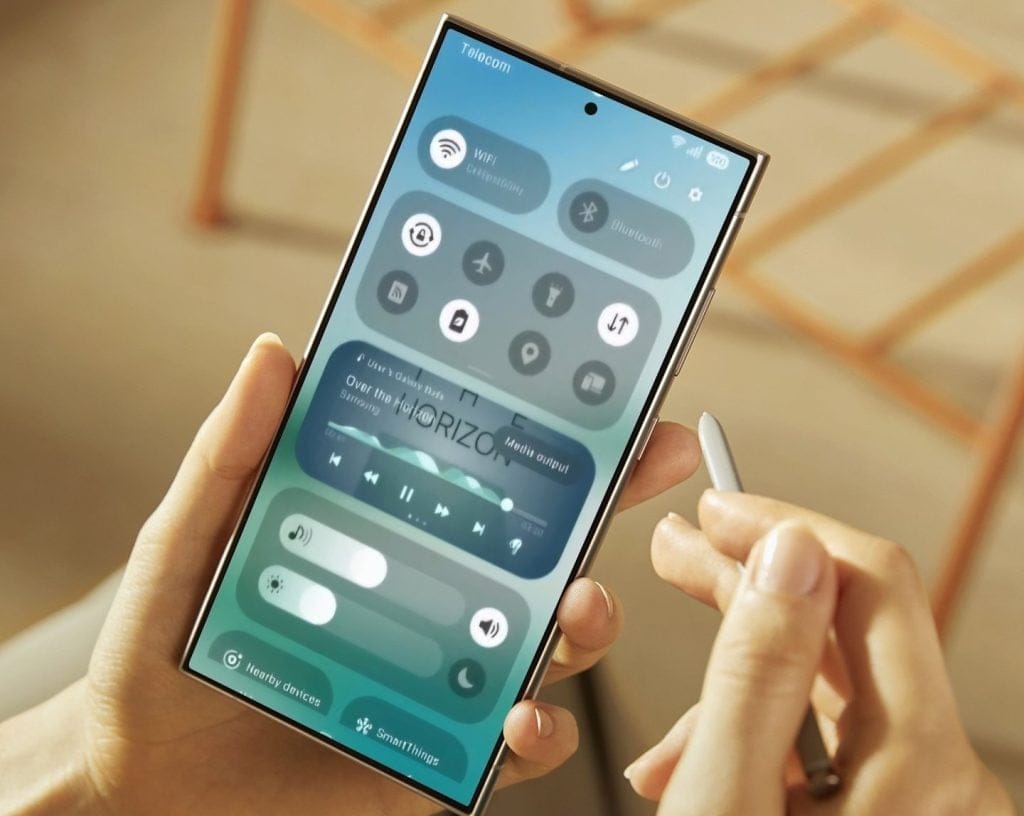
    Furthermore, a major redesign seems to be in store for the control center, featuring larger toggles for brightness and volume adjustments, which could lead to a more user-friendly experience overall.

  • GhostBSD 24.10.1: Netflix in Chromium Plus Fixes and Updates

    GhostBSD 24.10.1: Netflix in Chromium Plus Fixes and Updates

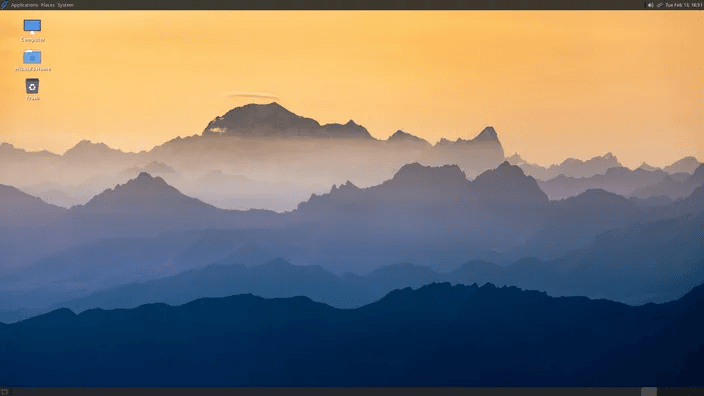
    FreeBSD-based GhostBSD has released version 24.10.1, and this update doesn’t feature major advancements like the previous version, 24.07.1, where Eric Turgeon and his team made significant enhancements by utilizing the FreeBSD PKGBSD system. The key highlight of this release is the addition of Netflix support in the Chromium web browser. Several packages have also been updated, and various bugs have been resolved.

    Key Changes in GhostBSD 24.10.1

    In GhostBSD 24.10.1, some notable changes include the removal of UFS from custom installations and the new ability to mark certain packages as vital. Additionally, the base packages have been updated to align with the most recent FreeBSD code updates, and there is now driver support for AMD Radeon R5, R6, and FirePro devices. For more detailed information, the full release notes are accessible through the link provided in the Source(s) section at the bottom of this article.

    System Requirements and Updates

    The XFCE edition has also received updates. The system requirements for both the standard and community builds remain unchanged. Those who are considering trying GhostBSD for the first time should be aware that it only supports 64-bit processors, and a complete system installation needs 15 GB of free disk space. Additionally, the minimum system requirements include 4 GB of RAM and a network card.

    Source: Link

  • Garmin Forerunner Update: New Strength Coach for Smartwatches

    Garmin Forerunner Update: New Strength Coach for Smartwatches

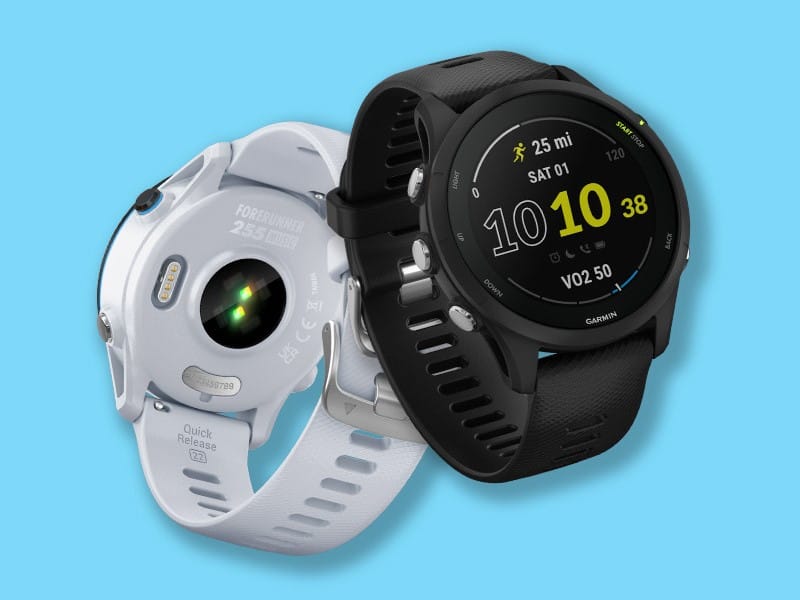
    Garmin has put out beta update version 21.18 for both the Forerunner 255 and Forerunner 955 smartwatches. According to a post on the Garmin forum, this is a release candidate. This indicates that unless any major bugs are discovered, a public version of this software should be available to all users soon.

    New Features Added

    The new version brings one main feature for the Forerunner 255 and 955 devices: Garmin Strength Coach. This tool was introduced a few months ago when the previous Garmin Coach evolved into Running Coach. With Strength Coach, you can create a training plan customized to help you build muscle or improve your fitness based on your personal objectives. The change log also reveals that there are fixes for problems related to the weather glance and triathlon activity. Additionally, an issue where sleep mode would restart even after users had exited it has been fixed. You can check out the complete change log below.

    How to Download

    To get software version 21.18, go to Main menu > Settings > System > Software Update > Check For Updates. At the moment, about 50% of users with the Forerunner 255 and Forerunner 955 should be able to install beta version 21.18. If you have one of these devices and want to participate in the beta program, you can register through Garmin Connect.

    Source: Link,Link


    Image 1
  • Garmin Fenix 7 and 7 Pro Updates: Over a Dozen New Features

    Garmin Fenix 7 and 7 Pro Updates: Over a Dozen New Features

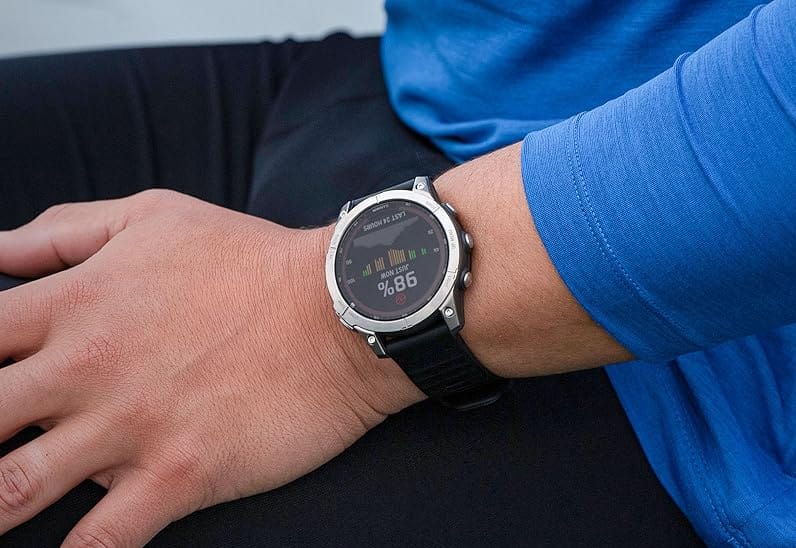
    Garmin has started rolling out a new stable update for its Fenix 7 and Fenix 7 Pro models. This update is also expected to be available for the Enduro 2, Epix 2, Marq 2, and the Quatix 7 (currently priced at $349.99 on Amazon), along with other premium smartwatches. To provide some background, System Software 19.34 is replacing version 18.16, which was released at the beginning of October to fix several lingering bugs.

    Major Software Release

    System Software 19.34 marks the first significant software update for the Fenix 7 and its counterparts since System Software 18.14 was rolled out over two months ago. As expected, this new update introduces a wide range of enhancements, which are detailed in a comprehensive fourteen-line changelog.

    Notable Improvements

    One of the key features added is the ability to back up courses and saved locations, enhancing the functionality of the service considerably. Moreover, System Software 19.34 is reported to enhance map controls and improve the sensitivity of the Fenix 7 and its similar models in automatically detecting when a climbing activity begins.

    In conclusion, this update primarily aims to fix bugs, including one issue where the flashlight might not turn on promptly when using a Connect IQ watch face. Additionally, Fenix 7 users may have experienced issues in earlier updates where pool swim activities were sometimes logged with a distance of zero, which should now be rectified. Here is the complete changelog for System Software 19.34:

    Source: Link