Tag: Chromium

  • Bluestar Linux 6.18.9 Released with New Kernel, Firefox, LibreOffice

    Bluestar Linux 6.18.9 Released with New Kernel, Firefox, LibreOffice

    Key Takeaways

    1. Bluestar version 6.18.9 is based on Arch Linux and includes kernel upgrade to 6.18.13.
    2. Chromium has been added as a secondary browser alongside Firefox.
    3. Support for Flatpak packages has been introduced in addition to traditional pkg files.
    4. The ISO file size has increased to 6.2 GB, and the update includes various package upgrades.
    5. Bluestar Linux can be tested as a live system with support for persistent storage.


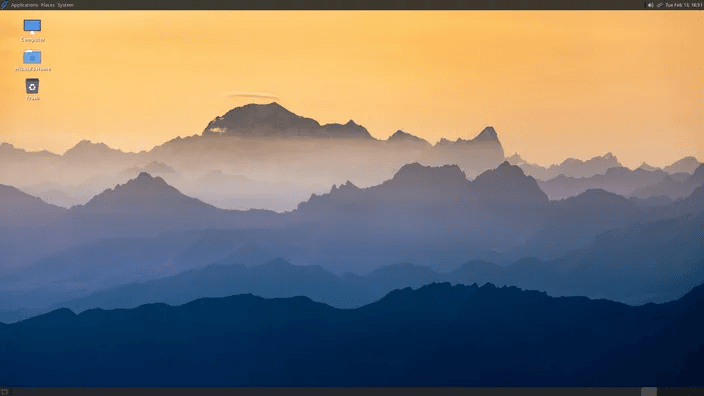
    Born in Germany and built on Arch Linux, Bluestar has come out with version 6.18.9. After several years of using Firefox as its main browser, this distribution added Chromium at the end of last year. It also started to support Flatpak packages along with the traditional pkg files. This latest update upgrades the kernel to 6.18.13 and brings in newer versions for many key packages.

    Notable Package Updates

    Some updated packages to take note of are quite significant. Previously, users could download a single ISO file (check the SourceForge link below). This time, the file size has grown to 6.2 GB. The full name of the update is bslx-6.18.13-1-2026.02.26-x86_64. It’s important to mention that the available versions still include Desktop, Deskpro, and Developer.

    Testing for New Users

    In closing, it’s worth noting for new users that Bluestar Linux can also be experienced as a live system that supports persistent storage.

    Source:
    Link


  • SeaMonkey 2.53.22 Drops 32-Bit Support, Ignores Reddit

    SeaMonkey 2.53.22 Drops 32-Bit Support, Ignores Reddit

    Key Takeaways

    1. SeaMonkey offers a nostalgic design appealing to users of older browsers like Internet Explorer, with features like large buttons and specific tool tabs.

    2. The latest version of SeaMonkey (2.53.22) is only available in 64-bit for Linux, macOS, and Windows, leaving 32-bit users without support.

    3. Despite some website compatibility issues, SeaMonkey remains a good option for users with older systems, as earlier versions worked well on older operating systems.

    4. SeaMonkey is maintained by a small team with limited resources, and there is an opportunity for developers to contribute to the project.

    5. Other browsers like Supermium and Chromium Legacy cater to older operating systems but have not seen recent updates, making them less reliable options.


    Like Chromium, Firefox is foundation for many alternative web browsers, including Basilisk. While it may not be the fastest at loading websites, it still attracts users who prefer the classic look of older Firefox versions.

    SeaMonkey’s Unique Features

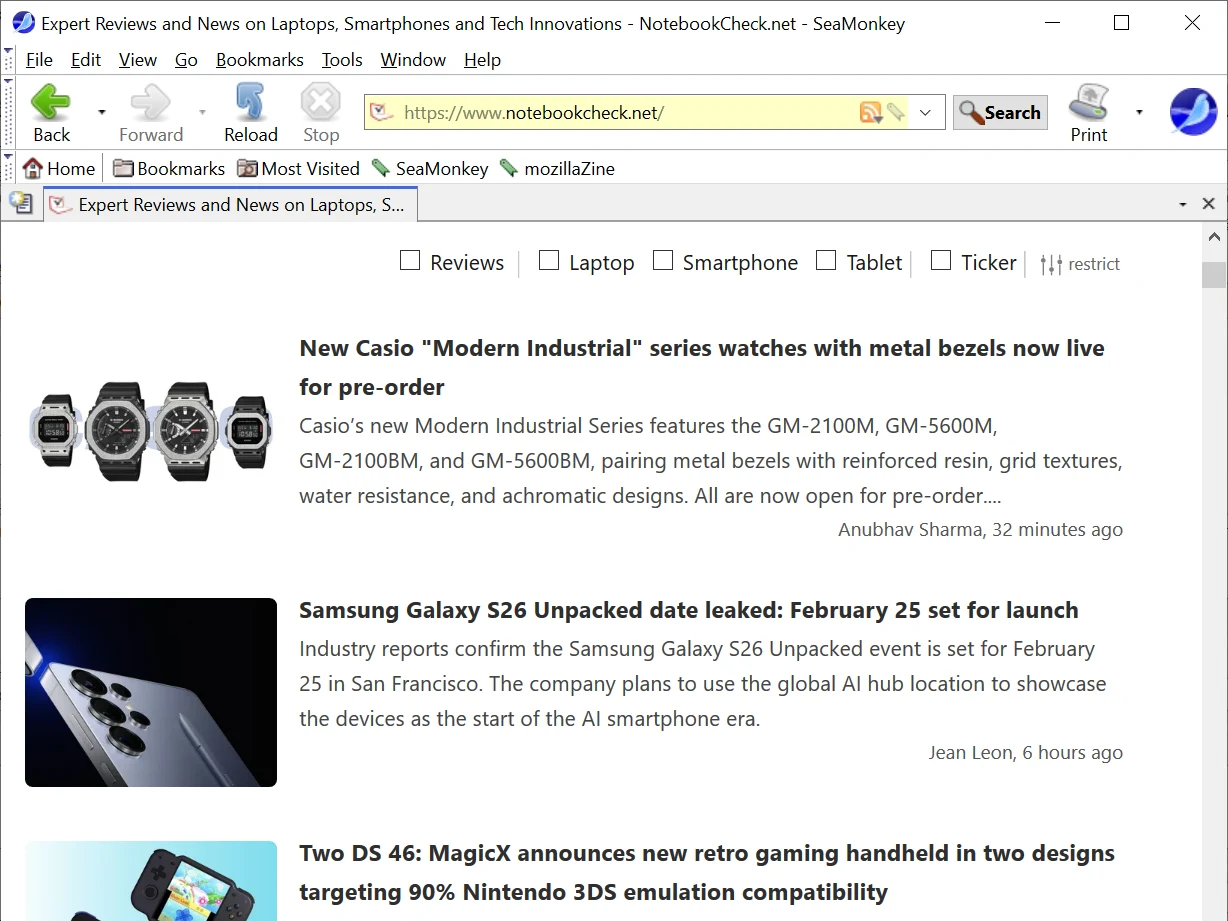
    One alternative browser is SeaMonkey, which features a nostalgic design that Internet Explorer users might find appealing. It includes large buttons, specific tool tabs, and status lines. Earlier versions of SeaMonkey were known for working well with older versions of macOS and Windows, such as 10.12 and 7. Additionally, there were x86 builds available, not just the typical x86-64 ones. Although it’s not the most reliable application, it served as a good choice for people with older systems and computers. YouTube and Google Mail functioned quite well, at least.

    Changes for 32-bit Users

    Unfortunately, users on 32-bit operating systems are now out of luck because version 2.53.22 is only offered in 64-bit versions for Linux, macOS, and Windows. To make matters worse, similar to versions 2.53.21 and 2.53.20 before it, this new release does not display some websites correctly (which the developers have acknowledged, giving them some credit).

    Fortunately, version 2.53.21 is still available for download.

    Support for SeaMonkey

    As with many projects like this, SeaMonkey is managed by a small team with limited funding and workforce. If you’re a software developer, you might be able to lend a hand.

    In other news, Supermium, another browser that supports older Windows operating systems, has been using Chromium 132 since November 02, 2025, but it has not seen an update in more than two months.

    On the other hand, Chromium Legacy, designed for older macOS systems, hasn’t been updated since the first half of 2024. However, it still remains a good choice for those who prefer to stick with an older macOS build instead of upgrading through a workaround. For instance, Chromium Legacy 108 works well on Mac OS X 10.10.

    Source:
    Link


  • OpenAI Set to Launch Chat-Style Browser to Compete with Chrome

    OpenAI Set to Launch Chat-Style Browser to Compete with Chrome

    Key Takeaways

    1. OpenAI is planning to launch its own web browser to compete with Google Chrome and Safari, featuring a chat-oriented interface.
    2. The browser will include an AI tool called Operator, designed to automate tasks on websites, like filling out forms.
    3. OpenAI aims to gain direct access to user data through this browser, which is crucial for improving its large language models (LLMs).
    4. The browser is built on Chromium and is nearing completion, though availability details for users remain unclear.
    5. This development aligns with OpenAI’s growth strategy, including recent acquisitions to enhance its AI hardware capabilities.


    In the upcoming weeks, OpenAI might introduce its own web browser to directly rival major competitors like Google Chrome and Safari, as reported by Reuters. This new browser is anticipated to feature a chat-oriented interface, akin to ChatGPT, while also incorporating unique services such as Operator, an AI tool designed to automate various tasks on websites, including filling out forms. Operator was initially launched in January 2025.

    Browser Development Insights

    Sources well-informed about the situation told Reuters that the expected launch of this browser would give OpenAI direct access to user data, which is essential for the development and enhancement of large language models (LLM). This progress reportedly comes after OpenAI’s failed attempts to collaborate with Google to gain access to search data for a project named SearchGPT. Following the breakdown of those negotiations, OpenAI decided to move forward with its own browser project.

    User Interaction Experience

    According to the report from Reuters, two sources mentioned that the design of this browser is intended to keep user engagement within the chat-like framework, minimizing the necessity for multiple clicks across different sites, a common trait in browsers like Google Chrome and Safari.

    As stated in the Reuters article, this browser is constructed on Chromium, the open-source base that powers Chrome and Edge, and is said to be almost finished. However, it is still not clear if the first version will be exclusively available to ChatGPT Pro users or if it will be launched in specific areas.

    Future Prospects for OpenAI

    While OpenAI has yet to officially verify the development of this browser, such a move aligns with a larger trend of vertical growth observed recently. In May, Sam Altman’s company revealed the acquisition of io, a hardware startup co-founded by ex-Apple designer Jony Ive. The agreement, which was completed on July 9, is anticipated to bolster OpenAI’s goals in AI-centric hardware, further solidifying its dominance over both software and user interfaces.

    Source:
    Link

  • Firefox Adds 2 Key Features for Tab Hoarders on Android Tablets

    Firefox Adds 2 Key Features for Tab Hoarders on Android Tablets

    Key Takeaways

    1. Firefox 138 introduces new features for desktop users, including tab groups and vertical tabs, enhancing productivity and profile management.
    2. Android users experience a subpar browsing experience, lacking the efficiency and design found in competitive browsers.
    3. Firefox on Android has awkward tab switching and limited keyboard shortcuts, hindering productivity for users with external keyboards.
    4. The browser lacks multi-window support, forcing Android users to choose alternative browsers for better functionality.
    5. Google maintains a monopoly in the browser market, with most competitors built on Chromium, highlighting the need for privacy-focused alternatives like Firefox.


    Firefox plays a significant role in the browser landscape, being the primary challenger to Google’s Chromium engine. This is evident in both the desktop and Android versions of the software. Even though Firefox remains quite functional on Windows, Linux, and macOS, it appears that the Firefox team is overlooking Android users who wish to be productive while on the move.

    New Features for Desktop Users

    With the introduction of Firefox 138, desktop users now benefit from tab groups and vertical tabs — the latter being added in a prior update about a month ago. This enhancement provides users with numerous options to efficiently manage a large number of tabs and improve their productivity, especially on screens with wider aspect ratios. Mozilla claims that the introduction of tab groups was the most requested feature by its users, which led to its implementation. Additionally, Firefox 138 brings profile management to the desktop application, a feature that had been notably absent.

    Android Users Left Behind

    Sadly, Android users are still feeling the brunt of neglect in their browsing experience.

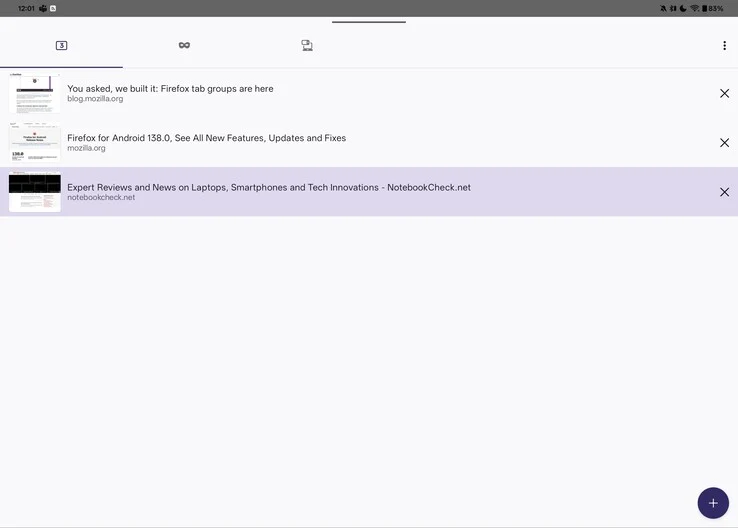
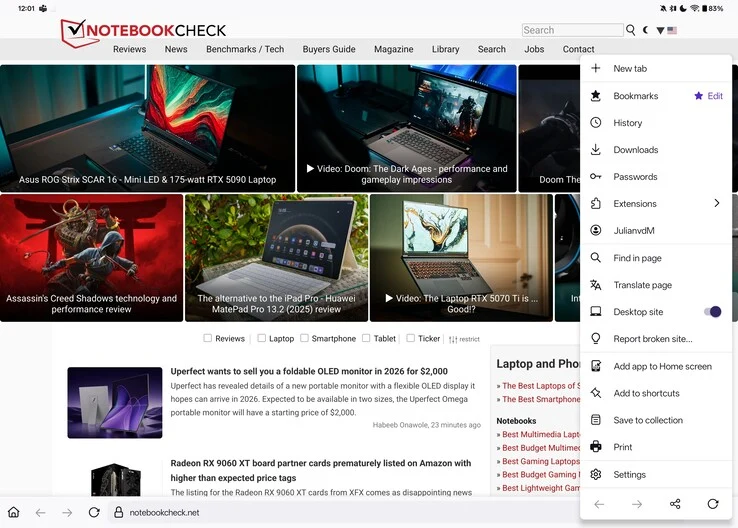
    Describing Firefox on Android as a painful experience would not do justice to just how inadequate it is. The basics are present: it loads pages reasonably well, has tabs, and the browser automatically activates desktop mode on larger screens, such as tablets. However, this is where the positives pretty much end. In contrast to competitive browsers like Brave, Vivaldi, and even Chrome, which display tabs in a ribbon above the address bar, Firefox on Android forces users to access a tab overview, creating an additional step that disrupts workflow and can be more distracting than one might think.

    User Interface Issues

    Awkward tab switching and subpar UI design are not rare in Android applications, right? You might assume that at least you could utilize keyboard shortcuts when connecting to an external keyboard or keyboard cover. Unfortunately, common shortcuts such as Ctrl+Tab/Page Up and Page Down for switching tabs, Ctrl+T for opening a new tab, and Ctrl+W for closing a tab simply do not function in Firefox, with no apparent alternatives. The only “easy” way to navigate between tabs on Firefox for Android is to enable swiping on the address bar. While this gesture is somewhat practical, it also requires users to take their hands off the keyboard if their tablet is set up in a laptop-like manner.

    Lack of Multi-Window Support

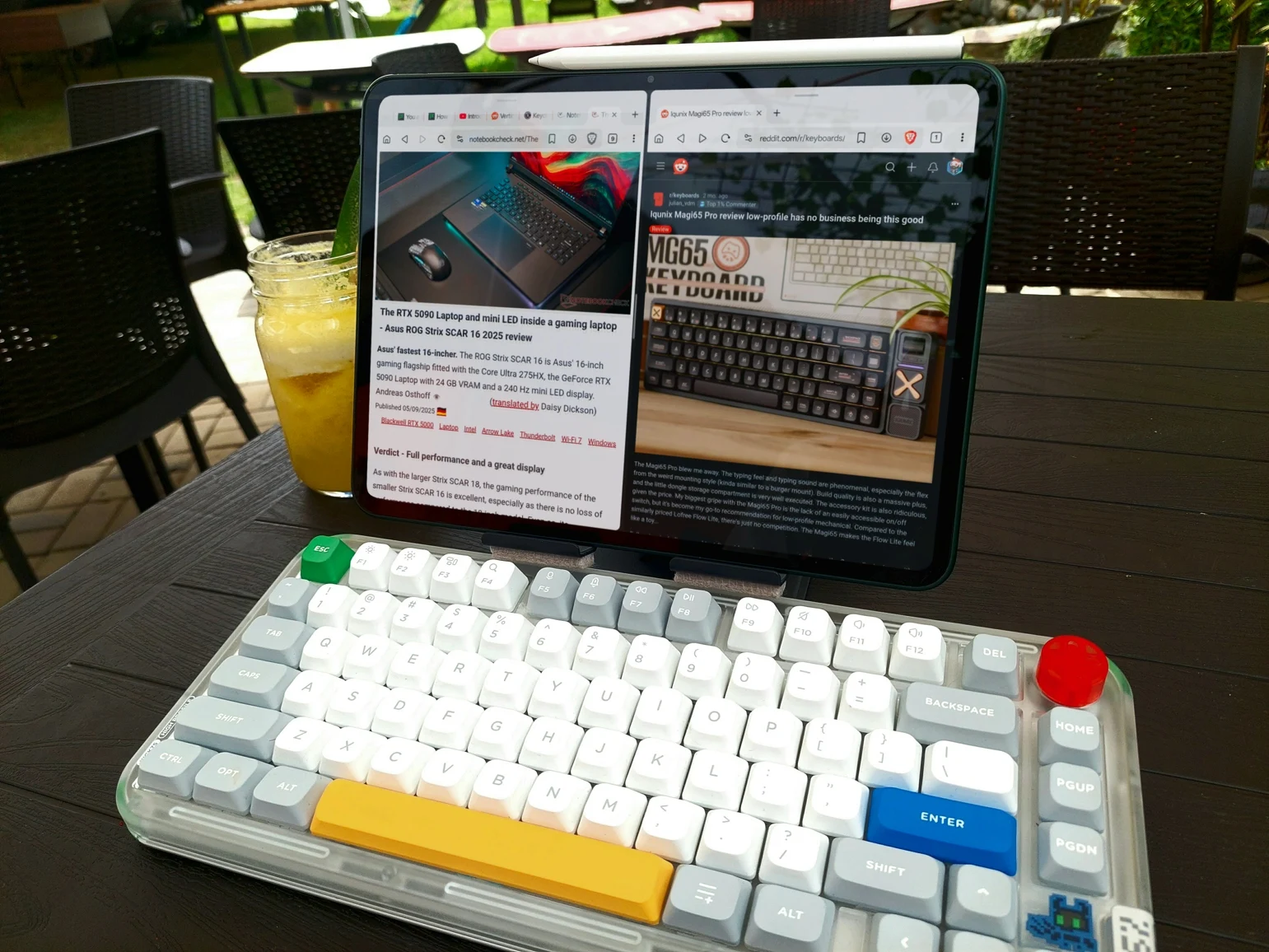
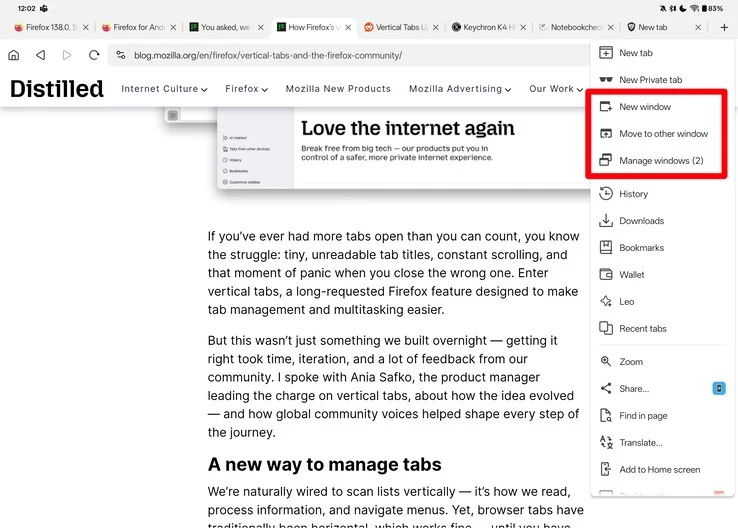
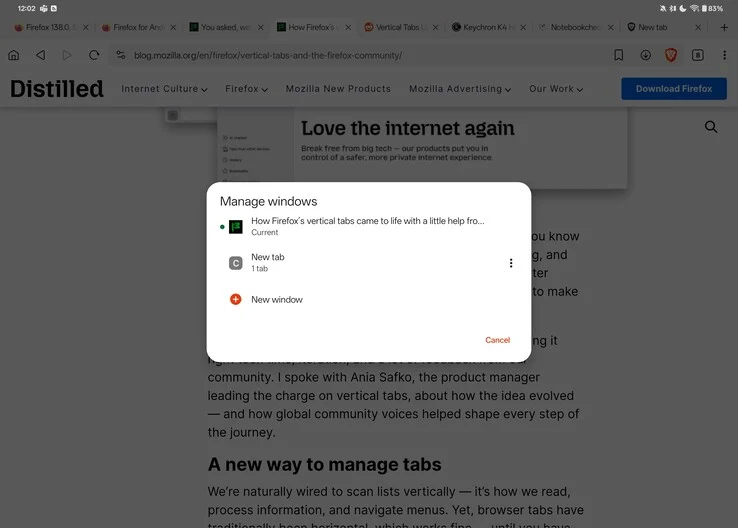
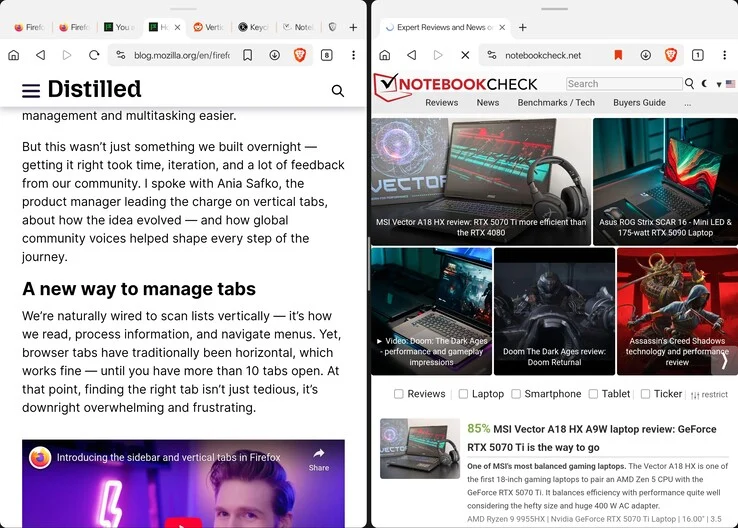
    This does not even cover the absence of window support in Firefox. Although it technically allows for resizable windows, both Brave and Vivaldi come with built-in multi-window capabilities. By tapping the “New Window” button in the browser’s menu, you can easily split your screen, displaying your original content on one side and a new window with a fresh tab on the other. Firefox lacks such functionality, which means anyone trying to use Firefox as a productivity tool on Android is forced to either switch to another browser or rely on quirky features like OnePlus’s duplicate app support for multi-window ability.

    The Browser Monopoly

    Unfortunately, Google has essentially established a monopoly in the web browser arena, with nearly every real competitor to Chrome being built on the same open-source Chromium foundation. Browsers like Brave, Opera, Vivaldi, and even Microsoft Edge are merely Chrome with their own unique touches added. While this might contribute to a solid user experience — simplifying the process for web developers to resolve issues and ensure compatibility across a large user base — it also grants Google considerable authority over web privacy, security, and user data. A prime example of this is the recent transition from Manifest V2 to Manifest V3, which has sparked significant backlash from privacy-conscious users.

    The Need for Alternatives

    Even though Firefox has a relatively small user base compared to Chrome or Safari, it’s crucial to have an alternative to Chrome for those seeking greater control over their privacy and online access. At this moment, however, Firefox continues to fall significantly short, particularly on the Android platform.

    Source:
    Link


  • GhostBSD 24.10.1: Netflix in Chromium Plus Fixes and Updates

    GhostBSD 24.10.1: Netflix in Chromium Plus Fixes and Updates

    FreeBSD-based GhostBSD has released version 24.10.1, and this update doesn’t feature major advancements like the previous version, 24.07.1, where Eric Turgeon and his team made significant enhancements by utilizing the FreeBSD PKGBSD system. The key highlight of this release is the addition of Netflix support in the Chromium web browser. Several packages have also been updated, and various bugs have been resolved.

    Key Changes in GhostBSD 24.10.1

    In GhostBSD 24.10.1, some notable changes include the removal of UFS from custom installations and the new ability to mark certain packages as vital. Additionally, the base packages have been updated to align with the most recent FreeBSD code updates, and there is now driver support for AMD Radeon R5, R6, and FirePro devices. For more detailed information, the full release notes are accessible through the link provided in the Source(s) section at the bottom of this article.

    System Requirements and Updates

    The XFCE edition has also received updates. The system requirements for both the standard and community builds remain unchanged. Those who are considering trying GhostBSD for the first time should be aware that it only supports 64-bit processors, and a complete system installation needs 15 GB of free disk space. Additionally, the minimum system requirements include 4 GB of RAM and a network card.

    Source: Link