Category: Software

  • Xiaomi 14 Global Rollout of HyperOS 2.0 with Android 15

    Xiaomi 14 Global Rollout of HyperOS 2.0 with Android 15

    Almost two weeks ago, Xiaomi announced which devices will soon get Android 15 through the HyperOS 2.0 update. The company has committed to starting the rollout of HyperOS 2.0 for over 50 devices by the year’s end. Out of these, more than a dozen are expected to receive the latest OS this month.

    Details on Update Rollout

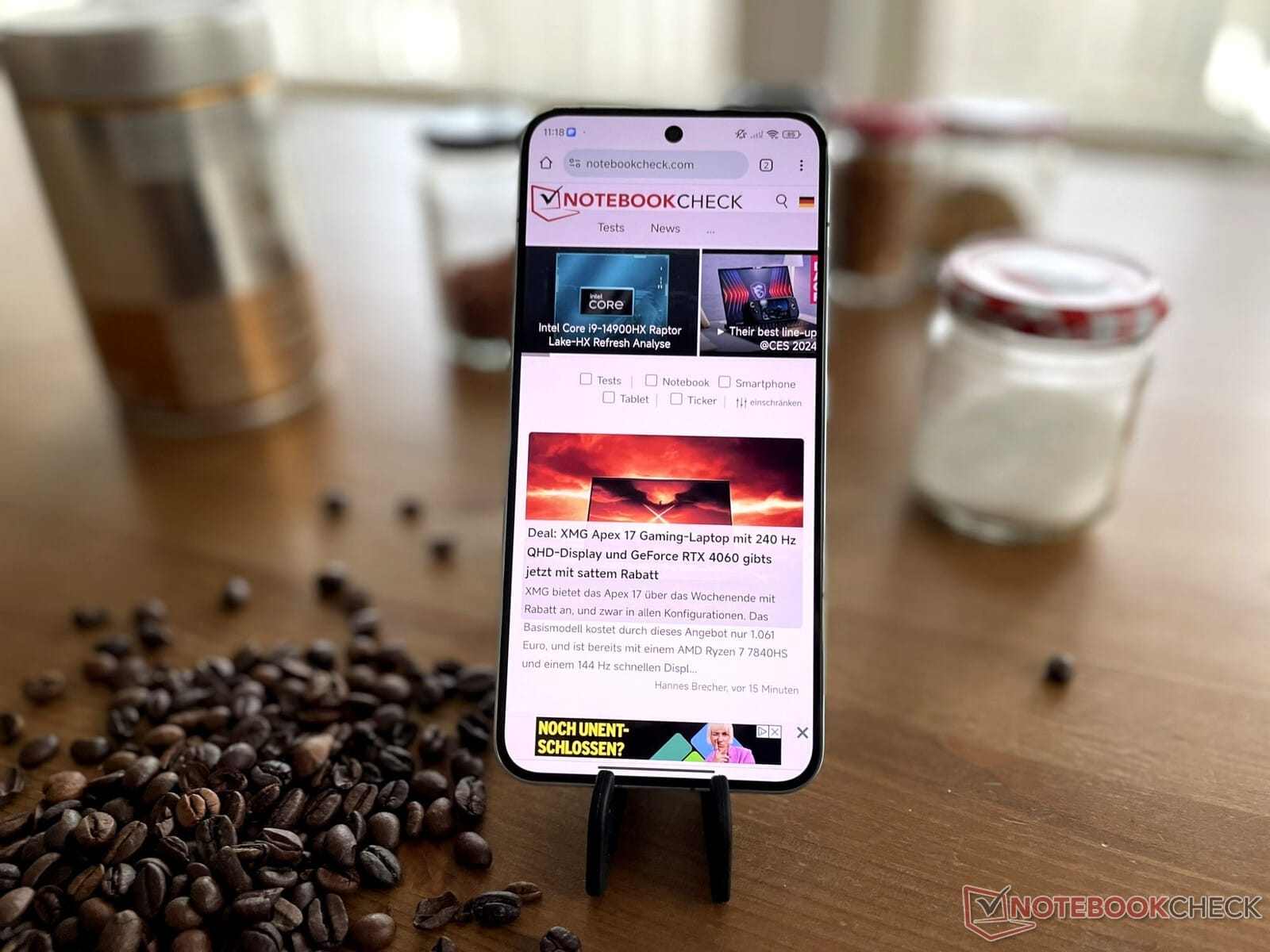
    Unfortunately, Xiaomi has not provided detailed information about which devices will be updated. However, sources like GSMArena have indicated that HyperOS 2.0 has already been made available to the Xiaomi 14, which is currently priced at $759.99 on Amazon. The update is identified by the build number HyperOS2.0.4.0.VNCMIXM.

    Previous Updates

    It’s worth noting that Xiaomi rolled out Android 15 to the Xiaomi 14 at the beginning of the month, but this was done under HyperOS 1.1. Therefore, the new update, HyperOS2.0.4.0.VNCMIXM, won’t alter the Android version for those users who are already on the latest HyperOS 1.1 builds. Nonetheless, HyperOS 2.0 brings several new features, many of which focus on artificial intelligence. For more comprehensive information, you can check out our article on the HyperOS 2.0 launch. It is expected that other devices, such as the Poco F6 Pro, will begin to receive similar HyperOS 2.0 updates soon.

    Source: Link


    Image 1
  • Australian Social Media Bill: Google and Meta Call for Delay

    Australian Social Media Bill: Google and Meta Call for Delay

    Google and Meta are suggesting that the Australian government should delay passing the new social media bill until a trial on the proposed age-verification systems is completed. This bill, which has generated a lot of debate, is backed by Prime Minister Anthony Albanese and aims to enforce a strict prohibition on social media use for individuals under 16.

    Age Verification Concerns

    To enforce this, the government is looking at an age-verification system that could involve biometrics or checking government-issued identification. Many people are unhappy with this proposal, believing it gives the government too much control over access and forces them to share personal identification with social media platforms.

    Rushed Legislation

    As reported by Reuters, the bill was introduced in parliament last week and public feedback was requested for just one day. Independent lawmakers have criticized the government for pushing this bill through parliament too quickly, raising concerns about the lack of thorough discussion.

    Responsibilities of Social Media Platforms

    The legislation also requires social media companies to establish an age-verification system by the end of the year or face significant fines. In their responses to the bill, Google and Meta have called on the government to conduct a trial of the age-verification systems prior to implementation.

    Meta stated in its response, "Without these results, neither the industry nor Australians will grasp the extent or nature of age assurance demanded by the bill, nor the consequences of these actions on Australians." The company also pointed out that, in its current state, "the bill lacks consistency and effectiveness."

    Source: Link

  • Comment on Any Web Page with Bluesky and a New Chrome Extension

    Comment on Any Web Page with Bluesky and a New Chrome Extension

    Developer Lloyd Jones has just launched a Google Chrome extension that allows users to easily comment on any web page using Bluesky. This new tool builds on the foundation laid by Emily Liu, who was the first to make Bluesky function as a comment section for various blogs. The extension also incorporates the work of coryzue and LoueeD, adding to its functionality. While setting it up requires developer privileges in Chrome, the process is quite simple and user-friendly.

    Installation Steps

    All the necessary files for the extension can be found on Jones’ GitHub page. The instructions provided are straightforward and ask users to do some initial setup, which involves downloading the files, accessing the Chrome extensions flag menu, enabling developer mode, and installing the extension itself. After this, users will need to log into their Bluesky account using the link given to create a unique password that allows the extension to work properly. With everything set up, users can easily reply to any website with just a click of the extension, and they can also view any responses to their posts within the extension’s menu.

    User Experience

    In practice, this serves as a quick and effective method for users to generate posts they wish to discuss. The ability to see comments appearing in real-time is also a cool feature. However, users must keep in mind that this extension has the capability to access the website they are visiting when the extension is clicked. Testing revealed that this could lead to accidental posts on Bluesky. Luckily, the extension is still relatively new and is expected to improve over time.

    Source: Link


    Image 1
  • Google Drive for Desktop Beta Supports Windows 11 ARM64 Devices

    Google Drive for Desktop Beta Supports Windows 11 ARM64 Devices

    Software compatibility remains a big issue for Windows 11 ARM64 usage, possibly even more than on Apple’s M series Macs. While Microsoft’s Prism emulator has improved its x86 emulation capabilities compared to earlier versions, the performance of native applications generally won’t match that of those that are emulated. Developers are slowly rolling out ARM64-optimized apps, with Signal Messenger being one of the latest entrants.

    Beta Release of Drive for Desktop

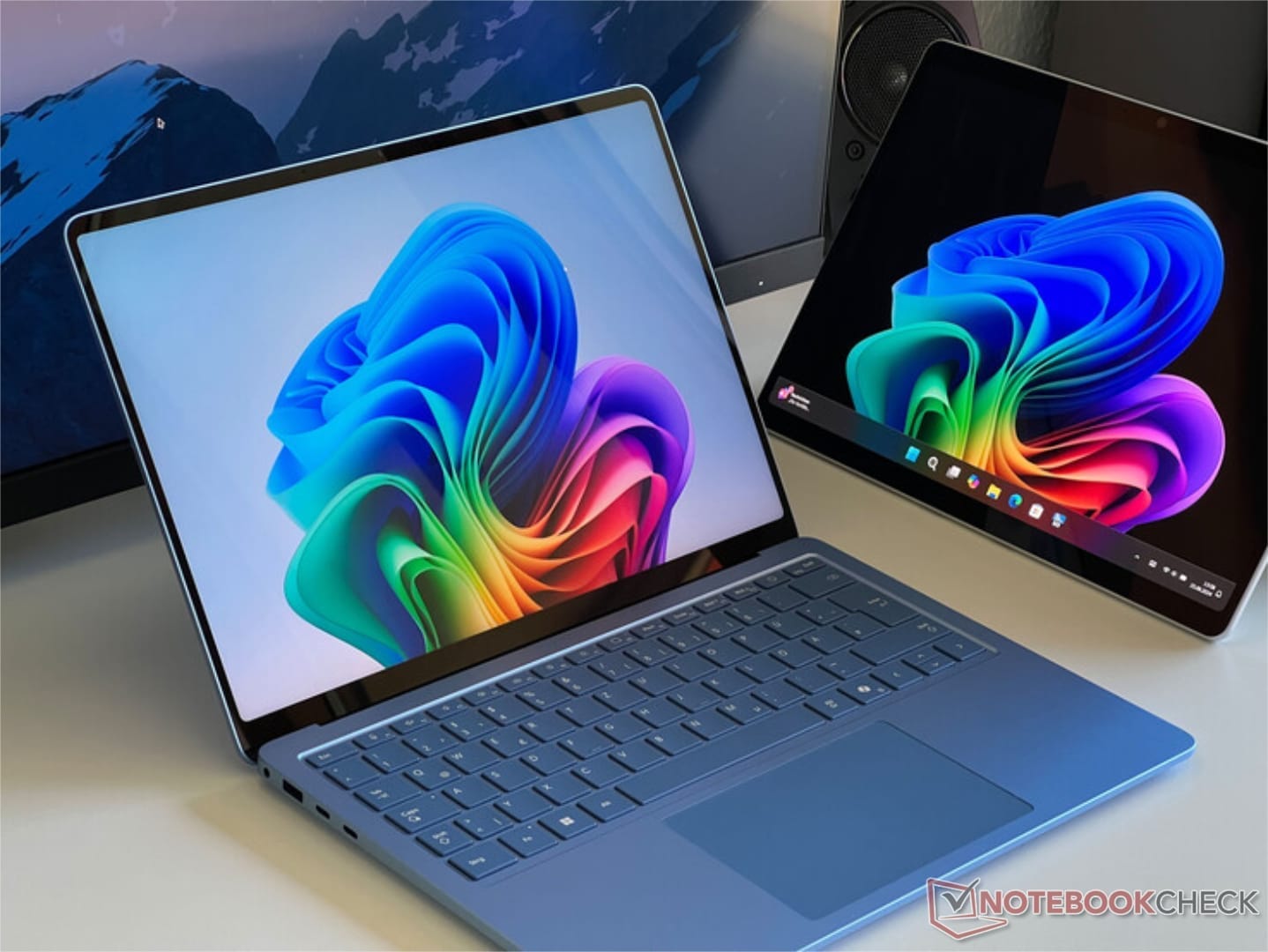
    In light of this, Google has launched a beta version of Drive for Desktop that is made especially for Windows 11 ARM64 devices. This means that the Surface Pro 11 and Surface Laptop 7 (currently priced at $899 on Amazon) which were assessed earlier this year should now work well with Google’s widely used cloud storage. This also applies to other devices that are powered by Snapdragon X Plus and Snapdragon X Elite chips.

    Important Caveats

    However, there are some important things to keep in mind for now. For one, the Drive for Desktop version is still in beta testing. It also does not support the Outlook Meet plugin at this moment. Because of this, Google advises users to only work with backed-up data or information that isn’t critical. If you’re curious about trying this early version, you can get the 279 MB installer that is available on Google Drive. For more information, check out Google’s forum post.

    Source: Link,Link

  • Gentler Streak App Update: New Sleep Tracking Feature Added

    Gentler Streak App Update: New Sleep Tracking Feature Added

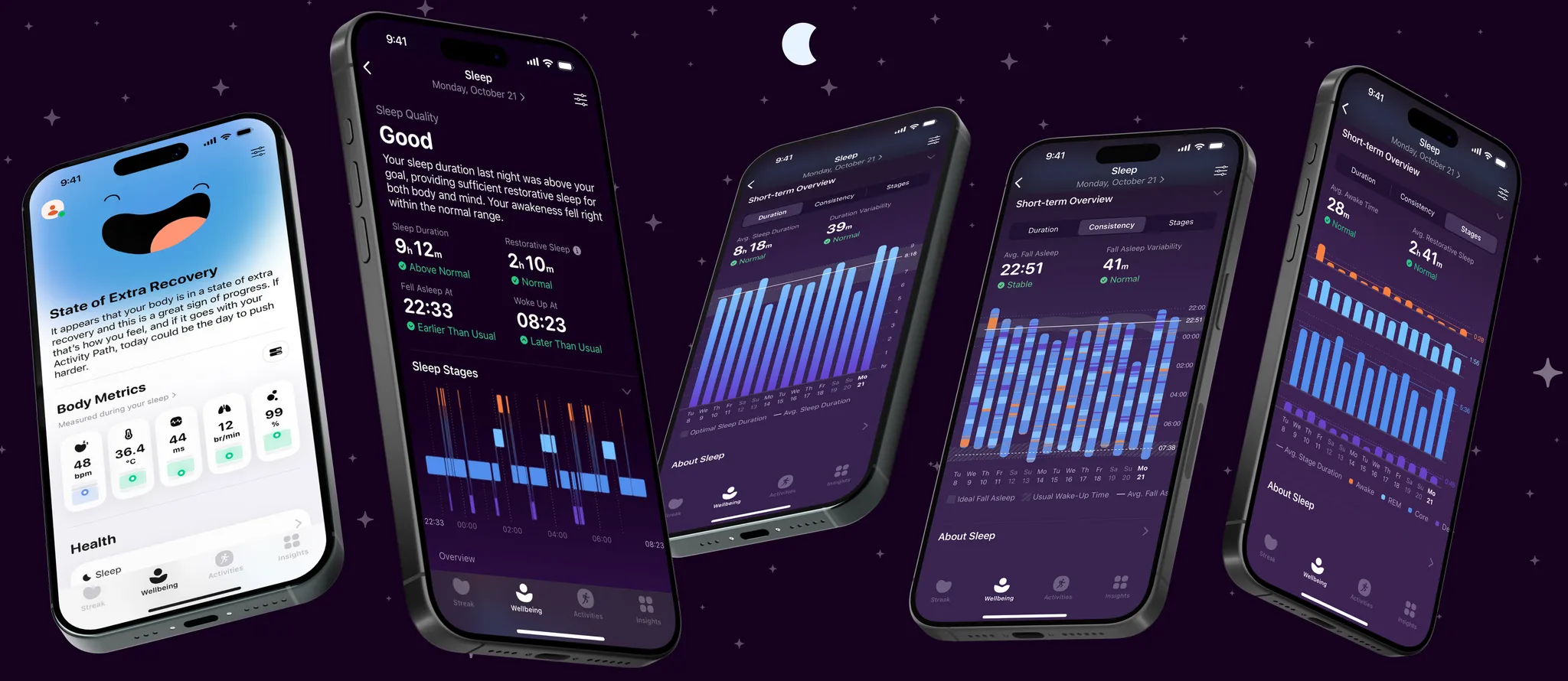
    A fresh update for the Gentler Streak app on iOS is now ready for downloading. This wellness application assist users in monitoring their health, sleep, and exercise while emphasizing sustainable lifestyle habits. The app works seamlessly with Apple Health and, true to its name, encourages you to take rest days for better self-care. It has received positive feedback and was awarded the Apple Design Award 2024 for its Social Impact.

    New Features in Version 5.0.5

    The latest version, 5.0.5, introduces enhancements to the newly added sleep section that was introduced in version 5.0.0 about a month ago. Users can now monitor their sleep health, observing trends over a span of up to two weeks. The recent update allows you to record naps with the addition of an Unspecified sleep stage. This new category acts as a fifth type of sleep, alongside the already existing REM, Deep Sleep, Core, and Awake stages. This effectively means that the time you spend napping or dozing off now contributes towards your sleep target and is included in your sleep analysis.

    Subscription Details and Compatibility

    It’s important to highlight that while Gentler Streak can be downloaded for free, accessing more advanced features requires a Gentler Streak Premium subscription. For instance, while all users can receive daily sleep analysis and insights, only those with a Premium subscription can access the previous night’s data and Sleep-Overview charts. A monthly subscription costs $7.99/£7.99/€7.99. The app is compatible with a range of devices, including various models of the iPhone, iPad, iPod, and Apple Watch, such as the Apple Watch Series 10 46mm, which is currently available for $359 on Amazon.

    Source: Link,Link,Link


    Image 1
  • OnePlus Open: Android 15 and OxygenOS 15 with AI Boosts

    OnePlus Open: Android 15 and OxygenOS 15 with AI Boosts

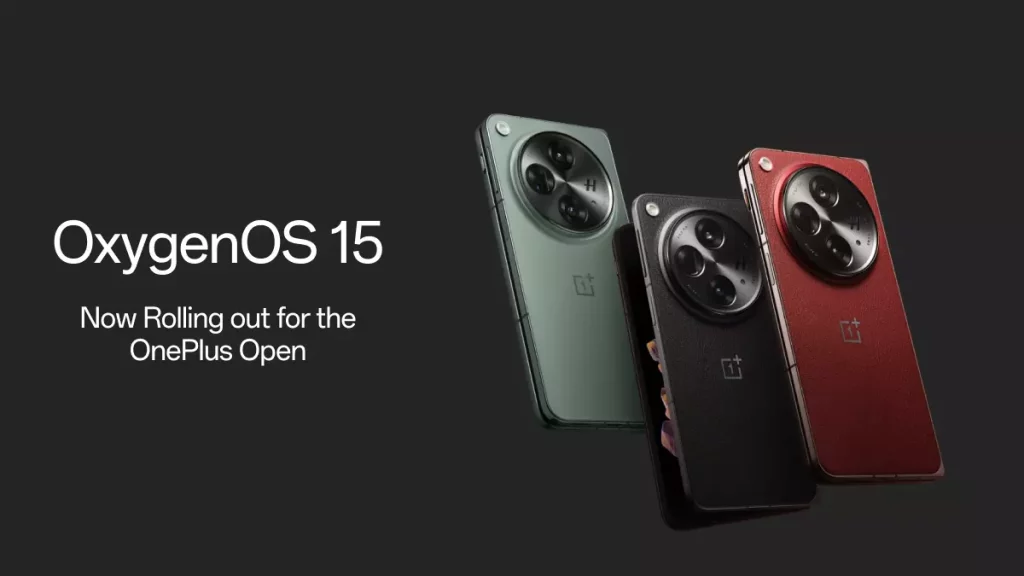
    OnePlus has launched OxygenOS 15 for its newest foldable device, the OnePlus Open. The update is currently being rolled out in India and is expected to be available globally by next week.

    Key Features of OxygenOS 15

    One of the standout features is the ultra animation effects. This update brings the first parallel processing architecture in the industry, which enhances app switching to a higher level. Even during heavy usage, the display stays smooth and stable. The update also introduces parallel animations for various scenarios like widgets, components, and folders, ensuring fluid animations even with interruptions. Moreover, it adds a system-level swiping curve for third-party apps, including WebView, for consistent scrolling experiences.

    AI Enhancements

    OxygenOS 15 enhances photo quality with AI Retouch features. The Enhance clarity tool boosts the quality of cropped or low-res images. With the AI Reflection Eraser, blurred photos become sharp and true to their original color and lighting, capturing special moments with pets or family beautifully. The update also introduces a feature to easily remove glass reflections, making photos taken through windows clearer and more authentic.

    New AI Writing Tools

    The new AI writing suite includes features like continue writing, polish, and optimize style, which help you draft and refine content quickly. There’s also a Format tool that organizes scattered information into visually appealing content. The Clean up feature aims to remove filler words from voice notes, making sentences clearer while keeping the original audio intact.

    Visual Improvements

    The rounded corner design has been optimized to ensure a consistent curvature across the interface. Additionally, new flux themes have been added, featuring a large collection of high-quality themes that can be customized with system wallpapers. You can now personalize the Always-On Display, Lock screen, and Home screen, with features such as clock color blending and blurred wallpapers.

    Enhanced Notification System

    The update includes a redesigned Live Alerts system that focuses on better visual information display. Live Alerts are now centered for a balanced appearance, and users can interact with Live Alerts capsules more easily by tapping to expand them. The animation for Live Alerts has also been improved, featuring dynamic real-time blur effects for better visuals.

    Extended Live Photos and Photo Editing

    The duration of live photos has been extended to 3 seconds, capturing more of life’s important moments. The photo editing capabilities now allow for globally reversible edits, remembering previous settings for smoother editing in the future. The integration between the Camera and filters has been enhanced, allowing you to edit or remove filters applied at the time of taking photos.

    Multi-Tasking Features

    New gestures for Floating Window allow for easy management of notifications and full-screen displays. Resizable Split View windows can be adjusted by simply dragging a divider for improved multitasking. The notification drawer and Quick Settings now support a Split mode for easier access.

    Sharing and Battery Management

    OnePlus Share now allows users to transfer files easily between OnePlus and iOS devices, including sharing live photos. A battery protection reminder has been introduced to alert users when their device has been charging for an extended period.

    Additional Features

    The update includes a resizable Home screen clock widget and a hidden “1+” easter egg in the Calculator app. More wallpapers have been added to customize your device, alongside exclusive OxygenOS app icon styles. The ability to switch contacts to a floating window has also been introduced, along with improved search options for notes.

    Privacy and Wi-Fi Enhancements

    The Private Safe feature has been upgraded with categorized browsing for easier management of private data. A new entry for hidden apps has been added to the Home screen, requiring a privacy password for access. Additionally, the multi-network experience has been optimized, allowing for smoother transitions between networks.

    For users wanting to revert to a previous version (available for Indian and European users only), OnePlus provides a guide for local OTA updates. However, this will erase all data, so backing up the device is highly recommended before proceeding.

    Source: Link

  • All You Need to Know About Samsung One UI 7.0 Update

    All You Need to Know About Samsung One UI 7.0 Update

    Over time, One UI has developed into one of the most refined and robust Android interfaces. Each new version seems to enhance the user experience further. In recent years, Samsung has excelled with its software updates, often delivering them ahead of schedule. Yet, this year has not met expectations.

    Samsung vs. Competitors

    While Samsung has often been a leader in launching new Android versions, this year Vivo has surged ahead by launching Android 15 even before Google. It marks the first time since One UI 3.0 that Samsung won’t introduce a new One UI version publicly. Although Samsung hasn’t provided specific reasons for the delay in One UI 7.0, reports suggest that it may be the most significant update from the company in a long time, necessitating more development time.

    What’s on the Horizon?

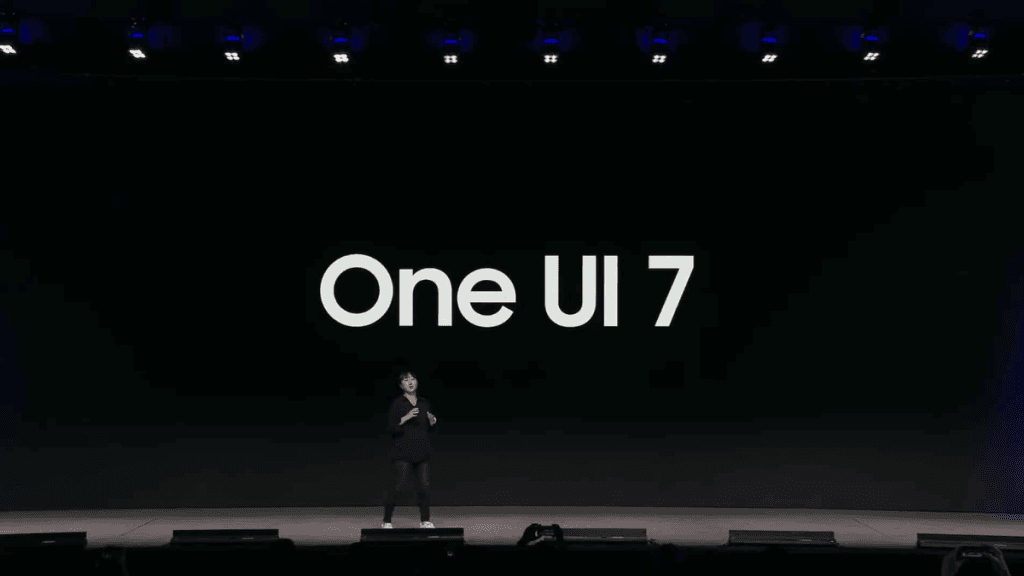
    Samsung has kept most information about One UI 7.0 under wraps, but some leaks have revealed crucial details, including its rollout schedule and new features. At its Developer Conference on October 3, Samsung hinted that the new interface will emphasize a simple, impactful, and emotional Galaxy experience, introducing a new blur engine designed to enhance user interaction with the software.

    Recently, OnePlus and Oppo have teased One UI’s slower app performance while showcasing their Android 15-based skins. However, One UI 7 could change that narrative, promising to be the largest enhancement in Samsung’s software history. Users can expect a smoother experience with improved animations and transitions.

    Exciting New Features

    One UI 7.0 is rumored to come with a revamped Quick Settings panel, offering more customization options than ever. Users may be able to rearrange various quick settings toggles and sliders. The update might also introduce a two-page Quick Panel layout—one for notifications and the other for quick settings toggles—depending on which side of the status bar you swipe down from. Still, there will be an option to combine them as it was done previously.

    Most Samsung apps are expected to receive new icons, with some undergoing a UI redesign. The Camera app is one of those slated for updates, potentially grouping various settings for a more streamlined appearance. The AR Emoji feature is now called Galaxy Avatar and will be integrated within the Settings app. It’s also anticipated that the AI Portrait Studio will have a fresh design, providing improved previews at the bottom of the display. Additionally, One UI 7.0 is likely to enhance Parental Controls and may incorporate more Good Lock features.

    Samsung is reportedly developing a new “Cloud” app that might be part of One UI 7.0, with unclear functionalities—but it could serve as a new backup solution. The Auto Blocker feature could introduce a new Maximum Restriction mode for heightened security. Users might even have the option to fully disable thermal throttling, a feature spotted in an early software version, but its presence in the final iteration remains uncertain. Furthermore, Galaxy AI may take a lesser role in One UI 7.0, likely offering fewer features than its predecessors.

    Release Timeline for One UI 7.0

    Samsung has not been vocal about the release date for One UI 7.0. However, it has confirmed that the beta testing phase will begin this year, with the stable version launching alongside the Galaxy S25 series, expected in early 2025.

    A recent leak suggests that the Galaxy S25 series will receive the beta in the first week of December, with the Galaxy S24 series following in 2-3 weeks. It remains uncertain whether the Galaxy S22 series will access the One UI 7.0 beta this year, and the Galaxy S21 series may be excluded from the beta program altogether.

    The beta program will extend to more Galaxy devices (check for the full list here). If you are interested in the eligible devices for One UI 7.0, please visit this page.

  • OPPO Launches ColorOS 15 Globally with Android 15 Features

    OPPO Launches ColorOS 15 Globally with Android 15 Features

    OPPO has unveiled its latest operating system, ColorOS 15, which is built upon the framework of Android 15 for users worldwide. This updated version aims to offer a smooth, intelligent, and tailored experience for all users.

    AI-Enhanced Tools

    The new ColorOS 15 is packed with AI capabilities to improve both photography and productivity. Some standout features are:

    • AI Unblur: Restores clarity to images that are blurry due to motion.
    • AI Reflection Remover: Easily eliminates reflections from pictures.
    • AI Photo Remaster & AI Clarity Enhancer: Upgrade images with low resolution with just a tap.
    • AI Eraser: Get rid of unwanted elements in your photos.
    • AI Perfect Shot: Enhances facial features and fixes closed eyes.
    • AI Studio: Enables the application of artistic effects on images.
    • AI Toolbox: Includes utilities like AI Reply, AI Writer, AI Speak, AI Summary, AI Docs, AI Recording Summary, and an AI Assistant for taking notes.

    Collaboration with Google AI

    The OS also incorporates Google AI technologies to enhance creativity and productivity, featuring:

    • AI-Powered Notes & Documents: Assists in improving writing quality and organization in documents and notes.
    • AI Recording Summary: Automatically generates summaries from audio recordings.
    • Circle to Search with Google: Allows users to search content on-screen without needing to switch apps.
    • Google Gemini AI Assistant: Provides help with tasks such as writing, learning, and planning.

    Performance Improvements

    With ColorOS 15, several enhancements have been introduced to boost performance and ensure a smooth user experience:

    • Trinity Engine: Enhances CPU and system efficiency, leading to quicker app launches and better battery performance.
    • Luminous Rendering Engine: Delivers realistic animations and faster system responses.
    • HyperBoost: Keeps frame rates stable during gaming.
    • Holo Audio: Delivers high-quality audio with support for multiple audio streams.

    Security and Privacy Enhancements

    OPPO has strengthened privacy and security measures with several features:

    • Clear Voice: Ensures call privacy in noisy places.
    • Auto Pixelate: Blurs out sensitive information in screenshots.
    • Strongbox: Adds an extra layer of security for important data.
    • Theft Protection: Helps to protect devices from being stolen.

    Customization and Accessibility Features

    ColorOS 15 also brings new customization options and accessibility features for users:

    • Luminous Motion Effects and Flux Themes: Offer enhanced ways to personalize devices.
    • One Take Animation: Provides smooth and engaging animations.
    • Aqua Dynamics: Highlights essential information for improved focus.
    • Accessibility features make sure that all users have a positive experience.

    Rollout Timeline

    ColorOS 15 will begin to roll out to compatible OPPO devices starting in November 2024.

    Source: Link


    Image 1
    Image 1
    Image 1
  • Microsoft Rolls Out Full-Screen Ads for Windows 10 Users

    Microsoft Rolls Out Full-Screen Ads for Windows 10 Users

    Microsoft has a history of irritating users to encourage upgrades from older Windows versions, and now they seem to be focusing on persuading people to buy new PCs—particularly from the Microsoft Surface Laptop range. While the specific laptop is not mentioned, the intent is unmistakable. Microsoft is shifting its strategy from merely encouraging users to leave Windows 10 to pushing them towards replacing outdated hardware.

    The Role of Copilot+

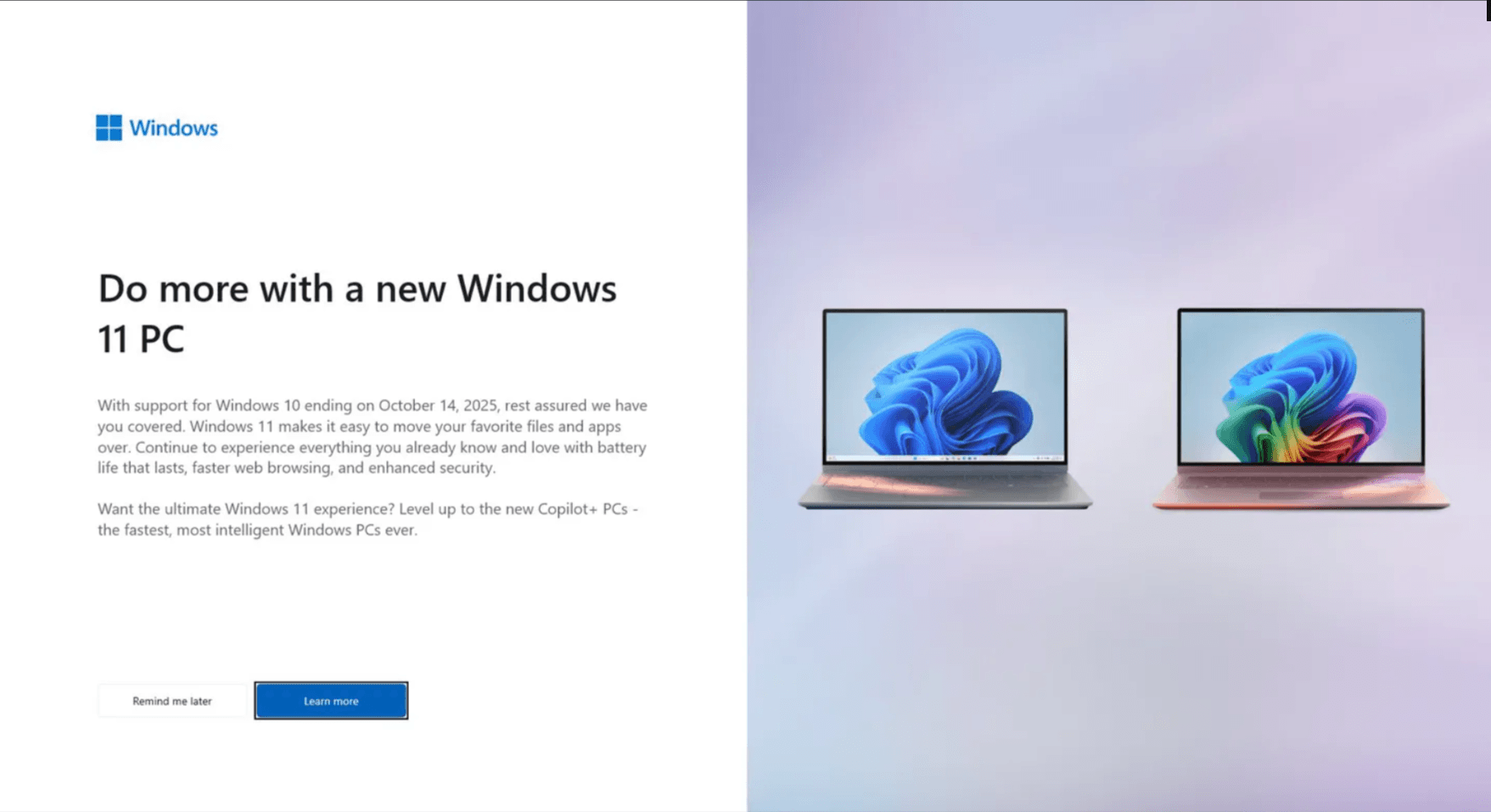
    Copilot+, an AI feature that comes standard in Windows 11, plays a major role in these new advertisements. A full-screen prompt, which isn’t appearing for every Windows 10 user just yet, encourages people to “level up” by purchasing a PC compatible with Copilot+. The catch here is that only a limited number of machines currently meet the criteria for this new feature. For a device to be certified for Copilot+, it must have an integrated neural processing unit capable of executing at least 40 trillion operations per second. Right now, the only PCs available that fulfill this requirement utilize Snapdragon X, Intel Core Ultra, or AMD Ryzen AI processors.

    A Push for New Sales

    This strategy is clearly aimed at increasing the sales of new PCs. Windows 10 has maintained high user numbers for quite a while; however, since late 2021, the majority of new PCs sold have come equipped with Windows 11. This campaign is primarily focused on users clinging to their old hardware, and its aggressive and seemingly urgent approach might just nudge less tech-savvy users to make the switch. For those who wish to remain on Windows 10 and keep their older systems, there are a few alternatives, but the official support from Microsoft will only extend for a year. On the other hand, unofficial alternatives are mainly for users with more technical skills.

    Conclusion

    In conclusion, Microsoft’s current marketing efforts highlight a trend towards getting users to update their hardware rather than just their software. With the introduction of features like Copilot+, they are making a clear push for modern machines, leaving older systems behind. While some users may find ways to stick to their current setups, the pressure from these ads could lead many to consider new purchases.

    Source: Link,Link

  • Opera GX Receives Major Update: Facelift and Performance Boost

    Opera GX Receives Major Update: Facelift and Performance Boost

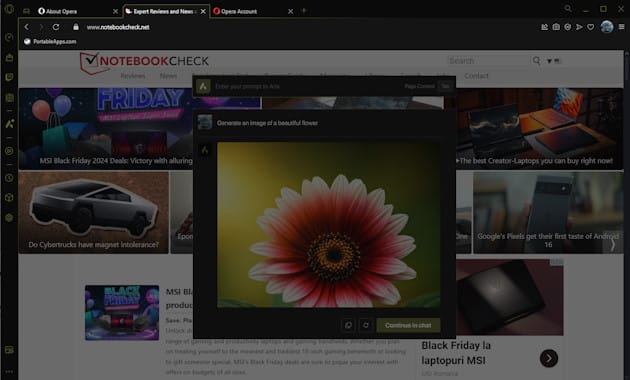
    AI-powered web browser for gamers, Opera GX, has returned with a significant update that emphasizes visual enhancements, while also offering performance upgrades and fresh customization choices along with a variety of mods. The new mods have been revamped to leverage these visuals, featuring custom splash screens, fonts, speed dial effects, and icons. Additionally, the update includes stickers compatible with iMessages and WhatsApp.

    Noteworthy Features of the Update

    Moreover, there are several user-friendly enhancements, including the MidnighFX shader that reduces blue light, GX Corner which highlights content, tooltips for tabs, and Focus Mode that allows for UI contrast adjustments. Tabs featuring video calls are now easier to identify. The update also introduces AI-powered features that enable Nvidia RTX users to benefit from optimized upscaling for images and videos.

    Growing Community of Users

    With over 250 million downloads to date, Opera GX boasts more than 30 million users across various platforms. There are over 8,000 mods available, and new ones are added every day, providing ample customization choices and enticing reasons for new gamers to become part of the community.