Tag: Nothing OS

  • Nothing Phone (4a): More Personalized with Nothing Playground

    Nothing Phone (4a): More Personalized with Nothing Playground

    Key Takeaway

    – Nothing Playground personalizes the experience: expanded Glyph LEDs, customizable light patterns, and playful visual cues turn the Phone (4a) into a more interactive, emotional device beyond typical Android skins.
    – Focus on minimalism and control: minimalist widgets, simple menus, monochrome elements, and reduced sensory overload create a calmer, more intentional user experience.
    – Software-driven differentiation: the ecosystem and design philosophy—more than hardware—shape how users interact, making the device feel unique and creative rather than just mid-range specs.


    Nothing Phone (4a): a playful software-first philosophy

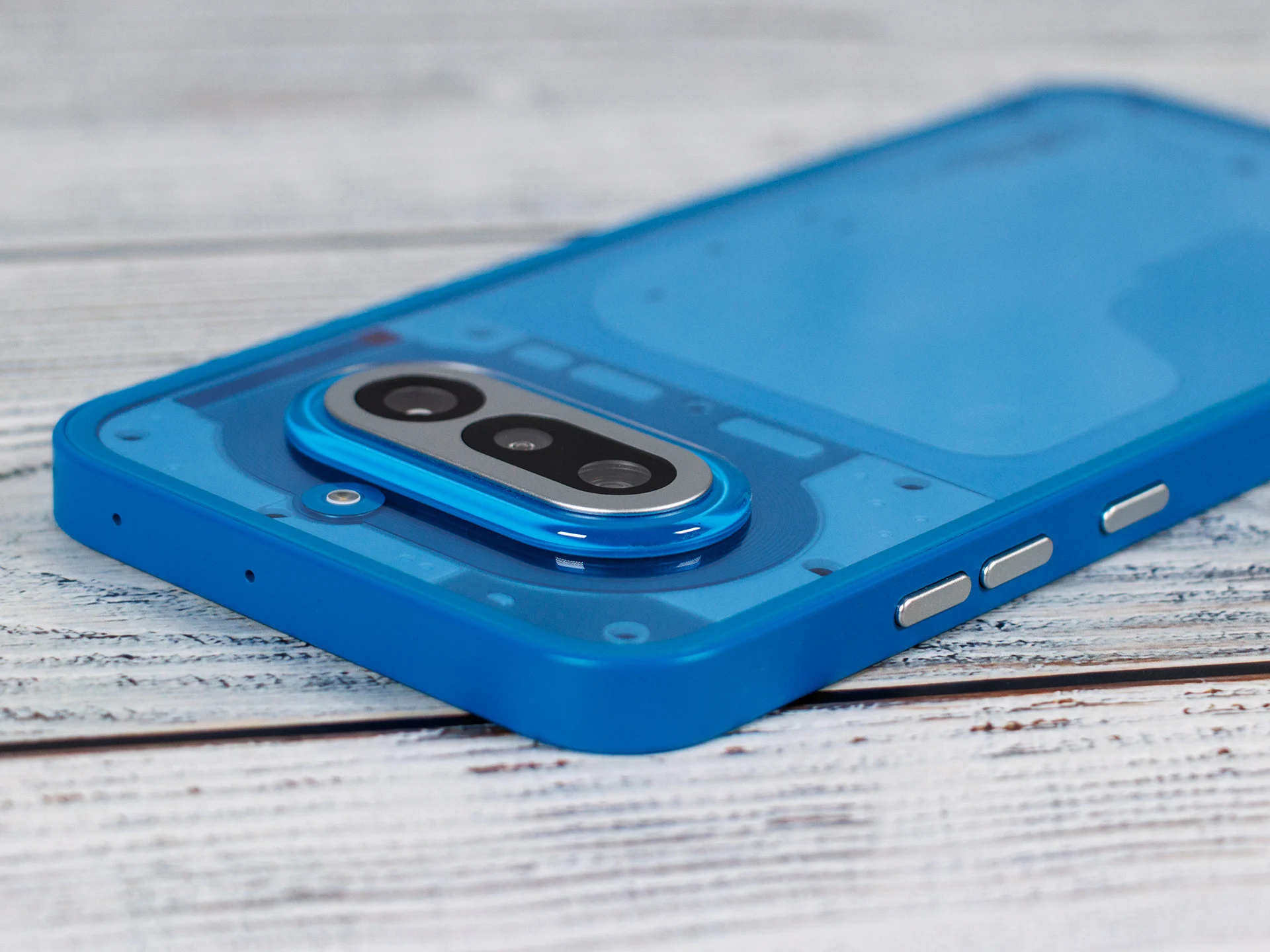
    With this device, Nothing keeps its quirky path in the smartphone world, and it shows in a brighter 120Hz OLED screen, a speedy Snapdragon 7s Gen 4 processor, and a notably capable periscope zoom cam. Yet, its real distinctiveness isn’t just the hardware; it’s how the whole experience feels under the hood. This is exactly where the so-called Nothing Playground comes into play.

    Creative software as the draw

    The Phone (4a) acts like a doorway into Nothing’s bespoke software and design world. While plenty of Android makers chase ultra-similar user interfaces, Nothing chooses a far more individualized route. Playground is the embodiment of making phones more personal, playful, and emotional again. Users aren’t just meant to use their device, but to actively shape and feel it.

    The glyphs that blink with intent

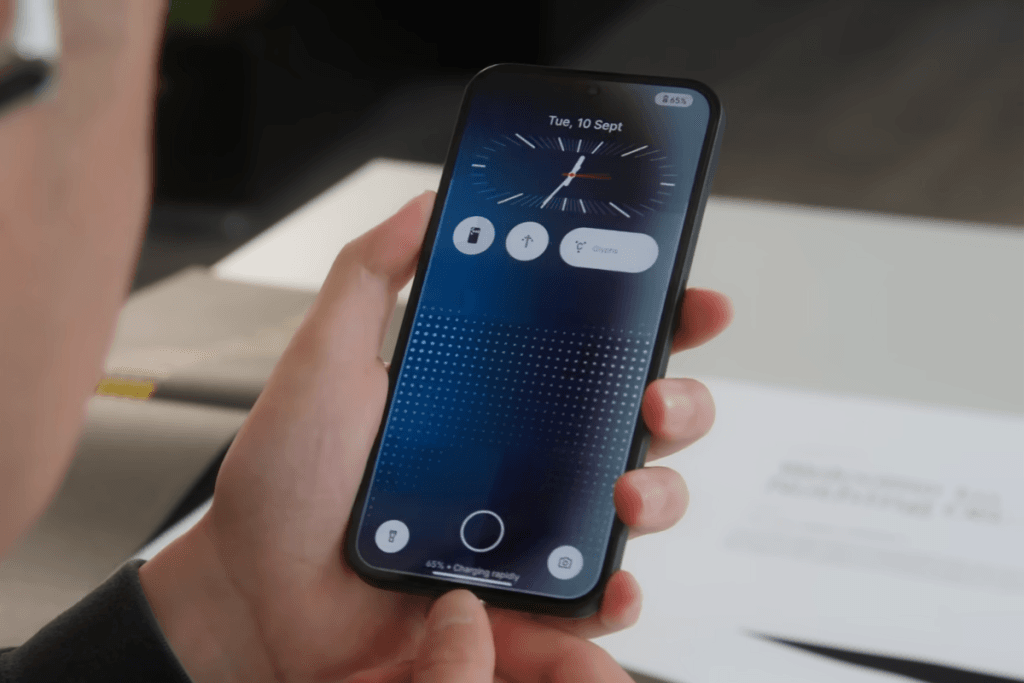
    The focus centers on the familiar Glyph LEDs on the back. On the Nothing Phone (4a), these LEDs are expanded and can be set up more deeply than before. Through Playground, you can tune various light patterns, notification profiles, or visual cues. For instance, the phone can flash for new messages, display timers visually, or signal that recording is happening through special light animations. It creates a unique form of interaction that stands apart from conventional Android devices.

    More than just lights

    But Playground goes further. Nothing leans into minimalist widgets, customizable interfaces, and tiny design experiments meant to make the device feel more purposeful and less cluttered. The aim is to curb the constant sensory onslaught of modern phones and instead craft a clearer, calmer user experience. The clean Nothing OS backs this with simple menus, monochrome elements, and unusually smooth operation.

    In sum, the Nothing Phone (4a) shows how software and design can shape today’s user experience more strongly than hardware alone. Technically, the gadget offers solid mid-range punch, a decent camera, solid battery life, and a up-to-date display. Yet it truly comes alive through Nothing Playground, turning the phone from a everyday tool into a substantially more personalized and creative stage. This is what sets Nothing apart from many other Android makers.
    Sources
    • Nothing Phone (1) Will Not Receive Android 16 Upgrade

      Nothing Phone (1) Will Not Receive Android 16 Upgrade

      Key Takeaways

      1. Nothing OS v4.0 will bring more color and upgrade the Phone (3) to Android 16.
      2. The Phone (1) will not receive the v4.0 update, as it has reached its last major software upgrade.
      3. Phone (1) users will receive one more year of official security patch upgrades.
      4. Nothing has future plans for the Phone (1), but details are not yet available.
      5. Early adopters of the Phone (1) may benefit from a new program, with more information coming soon.


      Nothing OS is soon to be “Refined” and maybe even “Redefined,” based on the latest hints from the tech company based in London. The upcoming v4.0 is expected to bring a splash of more color than usual and upgrade devices like the Phone (3) to Android 16.

      Phone (1) Update Situation

      Unfortunately, this update won’t apply to those still using the Phone (1). Nothing’s CEO, Carl Pei, took to X to announce that the first-generation flagship has already reached its last major software upgrade, as part of a promise to provide support for three years.

      Security Patches and Future Plans

      The Phone (1) is still set to receive one more year of official security patch upgrades. There are also new plans for the smartphone, though Nothing hasn’t gone into detail about what those might be.

      Exciting News for Early Adopters

      The so-called “program” is likely to benefit early users of the brand’s first flagship model, and Nothing is expected to share more information about it in the coming days.

      The Nothing Phone (3) is currently available starting at $799, featuring the sub-flagship Snapdragon 8s Gen 4 SoC on Amazon.

      Source:
      Link


    • Get Nothing OS 3.0 Beta on Your Nothing Phone: Easy Guide

      Get Nothing OS 3.0 Beta on Your Nothing Phone: Easy Guide

      Nothing OS is considered one of the top Android interfaces. It combines a clean design with a lot of features and customization options. With the recent Nothing OS 3.0 update, it has become even better.

      Joining the Beta Experience

      The beta version of Nothing OS 3.0 is currently available for selected devices, letting users experience the software before the official launch. If you’re interested in participating in the beta program, follow these steps below.

      Steps to Install Nothing OS 3.0 Beta

      Before proceeding, make sure that your device and region support the Nothing OS 3.0 beta.

      Step 1: Confirm that your device is running Nothing OS 2.6 with one of these build numbers:

      • Nothing Phone (2): Pong-U2.6-241016-1700
      • Nothing Phone (2a): Pacman-U2.6-240828_1906

      If not, head to Settings > System > System Update and download the latest update.

      Step 2: Download the APK and install it on your smartphone.

      Step 3: Go to Settings > System > Update to Beta version and tap on Check for new version.

      Step 4: Click Download Package. If you do not see this option, it means a beta version is not available for your device at the moment. Check back later.

      Step 5: After the package has downloaded, click Install Update.

      Make sure to back up your device before applying the beta update to avoid any data loss. Nothing warns that your device might get temporarily hot and consume more power, but it should return to normal soon, so there’s no need for concern if that occurs.

      Rolling Back to Nothing OS 2.6

      Beta software can sometimes have serious bugs. If you find them unbearable, it’s wise to revert to the last stable version.

      [Note: Always back up your important information before downgrading to an earlier software version.]

      To return to Nothing OS 2.6, download the rollback package from the Nothing community. Then, go to Settings > System > Update to Beta version. Tap Import file, select the rollback package, and install it.

      Here’s the direct download link for rollback packages:

      • Nothing Phone (2): Nothing OS 2.6 (rollback)
      • Nothing Phone (2a): Nothing OS 2.6 (rollback)

      Features of Nothing OS 3.0

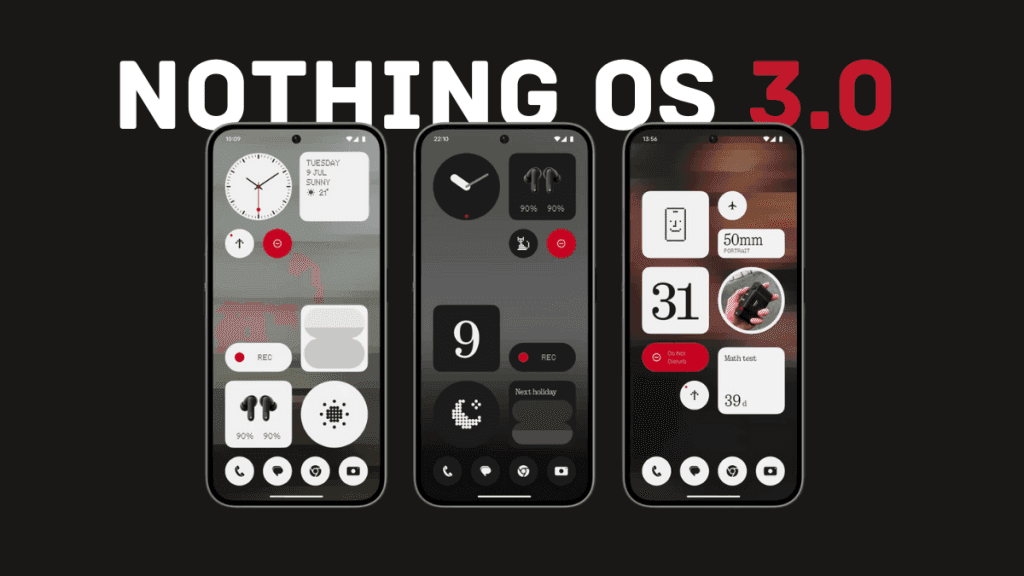
      Nothing OS 3.0 brings Shared Widgets, which allows you to share widgets with others and view their widgets on your home screen. You can also react to them.

      The lock screen has become more customizable, offering various watch faces. Users can add more widgets by expanding the widget area.

      The latest update also enhances the Camera app. Launch speed has significantly improved, and HDR and portrait processing is now up to 25% quicker. Low-light performance is also better.

      New fingerprint and charging animations have been added with a unique dot matrix style. OS 3.0 introduces predictive back animations for supported applications. Additionally, there’s an AI-powered smart drawer that organizes apps into folders automatically.

      During the announcement of Nothing OS 3.0, the company revealed the highly requested Nothing Gallery app, which is missing from the beta version. This might imply it is still in development and could be included in the stable release.


      Image 1
    • Nothing CEO Teases AI-Driven OS to Compete with Android and iOS

      Nothing CEO Teases AI-Driven OS to Compete with Android and iOS

      Nothing’s founder and CEO, Carl Pei, has shared insights into the company’s ambitions for future software, particularly focusing on Nothing OS and its deeper integration of AI. Pei pointed out that smartphones play a crucial role in how people connect and access information, but he also highlighted the current dominance of Google and Apple in the market. "We’re thinking about how we maneuver here,” Pei stated, indicating that Nothing aims to innovate by developing an operating system designed to enhance user experience.

      A Small Player in a Big Game

      Despite his vision, Nothing is still a small entity in the smartphone market when stacked against giants like Apple and Google. Pei mentioned that putting all efforts into creating a fully independent OS might not be the smartest move. Instead, he intends to weave advanced AI into Nothing OS, utilizing models from larger tech firms to improve its features. Although Pei did not go into detail, his remarks suggest that Nothing OS could see substantial upgrades, potentially changing how users engage with their devices.

      Personalization through AI

      Pei believes that AI has made the process of developing operating systems easier, allowing for levels of personalization that other platforms haven’t achieved yet. He ruled out the option of building the OS completely from scratch, prioritizing user experience over core technical elements. He stressed the idea that smartphones could become smarter by harnessing the vast amounts of data they gather.

      You shouldn’t call it the AI operating system though.

      While Pei did not confirm whether additional funding would be pursued for this initiative, he mentioned that Nothing could continue on its own if needed. He made it clear that AI will be important, but it won’t be the main focus. "We shouldn’t call it the AI operating system,” he clarified, adding that real success would depend on "who can create the best market fit” and offer a captivating user experience.

      HarmonyOS Next: A New Frontier

      In a related note, Huawei has introduced HarmonyOS Next, a brand-new operating system designed to break away from the conventional Android framework. Unlike earlier versions of HarmonyOS, which could run Android apps, HarmonyOS Next is constructed from scratch, boasting its own application ecosystem and improved privacy features that Huawei hopes will ensure its independence. This OS, developed to navigate geopolitical challenges, aims to provide a seamless experience across multiple devices in Huawei’s ecosystem.