Key Takeaways
1. Keyboard Accuracy Improvement: iOS 26.4 Beta 4 introduces better keyboard accuracy for fast typing, addressing a long-standing bug acknowledged by Apple.
2. Widespread User Complaints: Many users reported significant typing issues after the iOS 26 update, including missed inputs and lag, impacting the usability of their devices.
3. Delayed Response from Apple: It took Apple four to six months to address the keyboard bug, raising concerns about their response time to known issues.
4. Complexity of the Bug: The typing issue was linked to multiple overlapping changes in the keyboard system, making it difficult to identify and fix during testing.
5. Lack of Communication: Apple did not publicly discuss the issue until the fix was released, leaving users seeking information and reassurance from forums and social media.
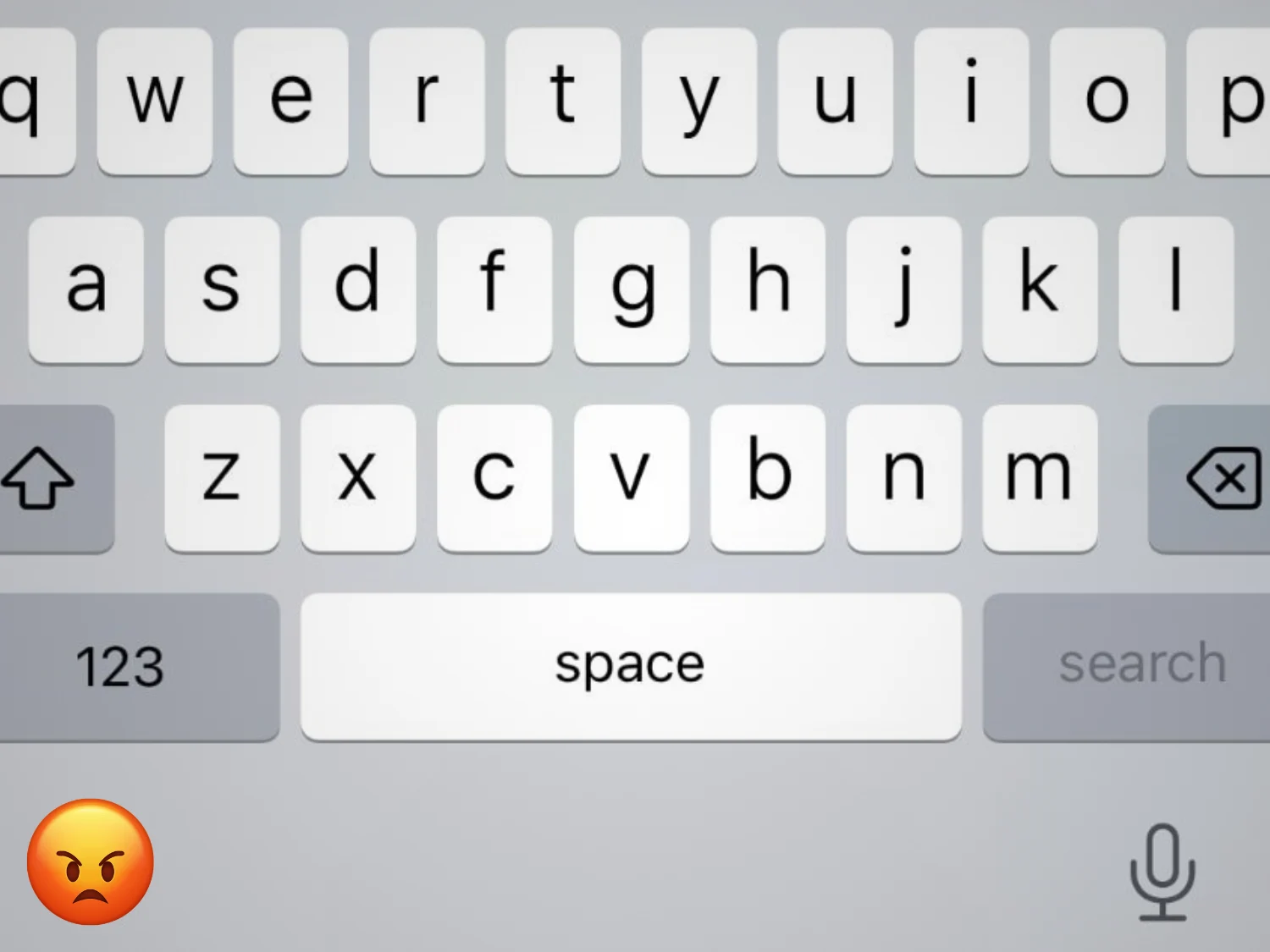
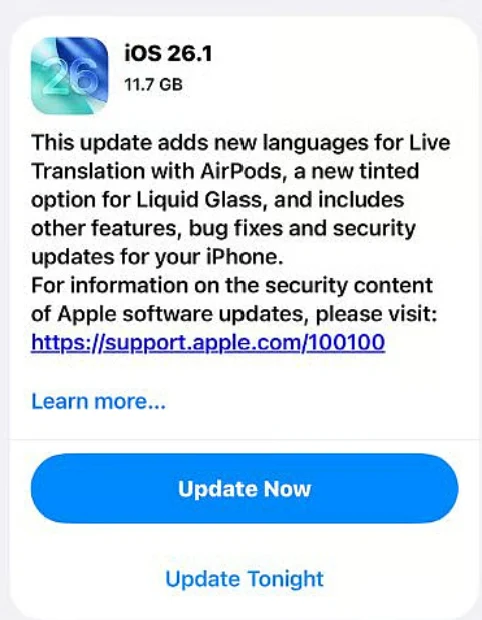
Apple has quietly launched iOS 26.4 Beta 4, which includes a small but significant change: “better keyboard accuracy when typing quickly.” This marks Apple’s first public acknowledgment of a bug that many iPhone users have been experiencing for months. Following the release of iOS 26 in late 2025, a consistent issue arose when users typed quickly, where some characters simply didn’t register. People, myself included, would tap letters, see them light up, but the input wouldn’t show up in the text. For something as fundamental as typing, this inconsistency becomes very noticeable and can be quite annoying. After all, it’s just the most basic app on any device.
User Feedback and Complaints
In November 2025, one Apple support user noted that their typing accuracy on screen had “dropped significantly” after the update. By early 2026, complaints became fairly widespread online. MacRumors highlighted “multiple complaints,” indicating that iOS 26 had made keyboards “far more error prone.” On a Reddit thread, a user expressed frustration over their keyboard “lagging, missing inputs, and autocorrecting nonsense,” making their phone nearly “unusable.” Some users traced the issue to iOS itself, indicating it was not a hardware problem or related to specific apps, and it didn’t occur with slower typing. In essence, anyone who typed fast enough faced this issue. At this point, it was clear that this was not just an isolated case, but a more common problem.
Delayed Fixes from Apple
Despite the uproar, Apple only recently provided an official fix with the 26.4 beta in March. There was no beta solution prior, and iOS 26.3 release notes didn’t mention anything either. It was only when iOS 26.4 was released that Apple’s notes highlighted the improvement. AppleInsider noted that this change “quashes a persistent, pesky bug” that had already “plagued” the iOS 26 series. In other words, Apple took approximately four to six months to address a widely recognized issue. This delay raises questions about why such a clear problem lingered for so long. To be fair, for a company that prides itself on polish, that timeline is hard to defend – at least from my point of view.
Possible Reasons for the Delay
So, what caused the delay? Several factors likely contributed. First, the bug only occurred under specific conditions—specifically, very fast typing. If a user typed at a normal speed, the keyboard functioned properly. This made the issue difficult to identify during testing since human testers or automated scripts may not have tried “type as fast as you can” situations until much later in the process. In quality assurance labs, the keyboard might have appeared to work fine during regular use, allowing the bug to slip through the initial reviews. I only noticed this after spending almost a month with iOS 26, and once I did, it was hard to ignore.
Secondly, the glitch appeared to be linked to various aspects of iOS 26’s keyboard system. Back in 2019, Apple was already late in introducing QuickPath to iPhones. A community member mentioned that even “very minor changes in the size of the keypads” could confuse some users. Several users discovered that turning off swipe typing and predictive text improved the situation. I tried this too, but it didn’t help. Essentially, this didn’t seem to be a simple bug, but rather a result of several overlapping changes. Touch input, gesture detection, and autocorrect share the same data stream, so even slight timing or detection adjustments can interfere with each other. Isolating and fixing it without causing other problems likely took time—six months still feels infuriating.
Communication Issues
Finally, there’s the issue of priority. For most iPhone users, the keyboard still worked, albeit imperfectly for fast typers. Apple probably did not consider it a security risk. They often bundle such fixes into the next point update rather than issuing urgent patches. Reports indicate that the fix first appeared in the 26.4 developer beta, suggesting that Apple took its time to test the solution before a larger release. This method can work for minor bugs, sure, but this one impacts a core interaction with the device.
It’s important to point out how Apple communicated about this issue, or rather, how they typically communicate. Unlike some companies, Apple seldom discusses bugs until they’re resolved. There was no public statement or guidance from Apple on this matter; the only indication was the patch note. That silence can make any delay feel longer. Users like me were left searching for information on Apple’s forums and Reddit. A simple acknowledgment early on could have reassured users that the problem was being taken seriously.
Positive User Responses
I am no longer part of the Apple Beta program, but I’ve been keeping an eye on discussions online. Fortunately, the feedback has been largely positive so far. Many users on Reddit threads are reporting significant improvements. I hope future iOS testing includes more aggressive typing scenarios, and that Apple’s support teams can address touch-input bugs more transparently. Because, honestly, I would really dislike having to switch back and forth between two different keyboards on my primary device even one more time.
Source:
Link