
Key Takeaways
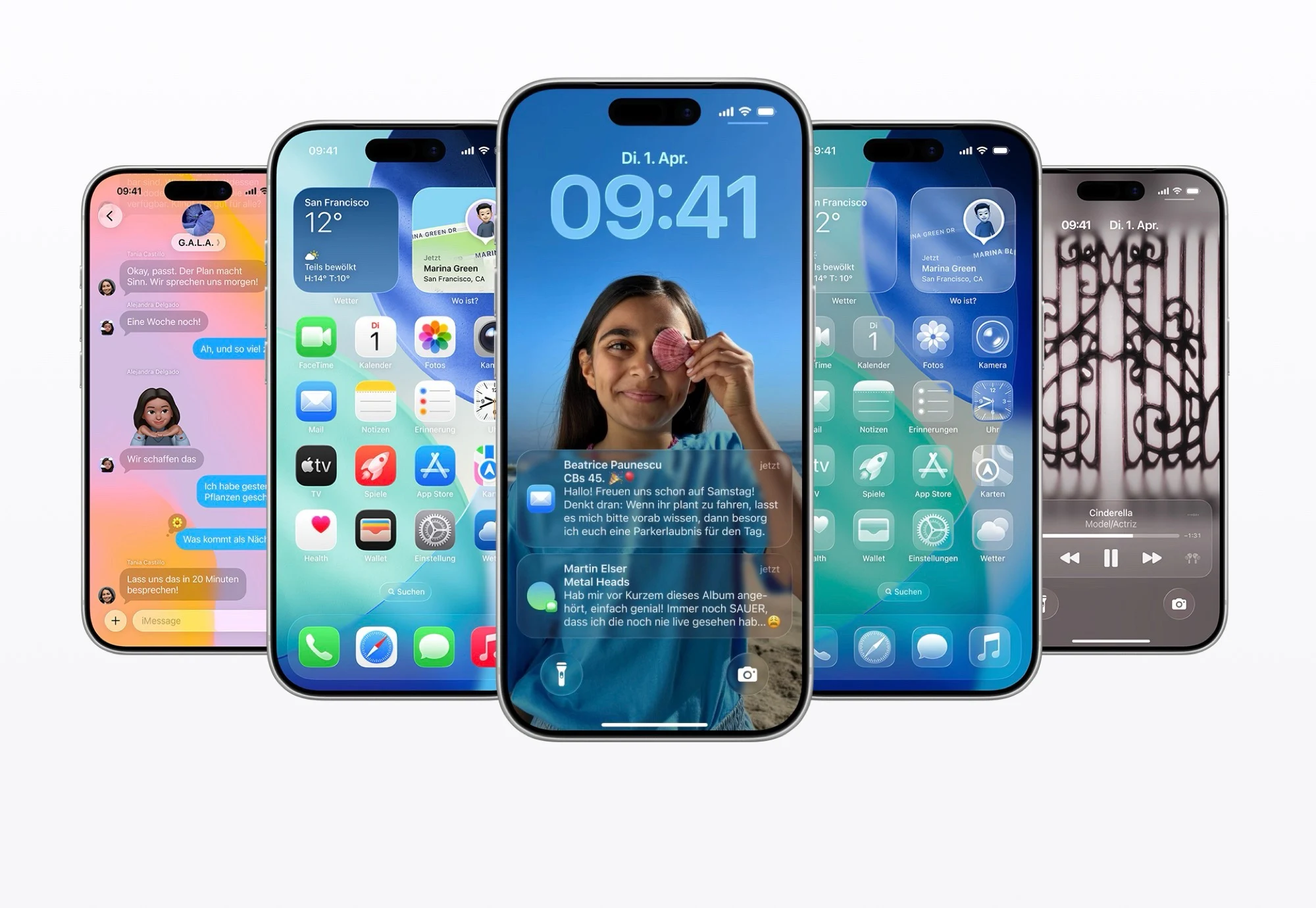
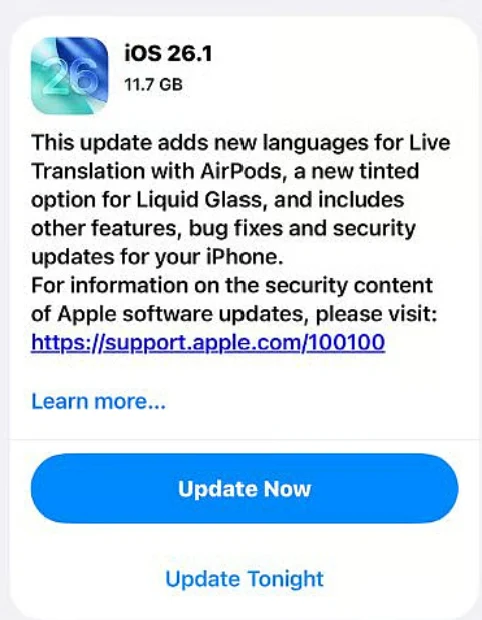
1. iOS 26 update (4.6 GB) introduces features like reduced transparency and tinted “Liquid Glass” for better text visibility.
2. Apple Music mini-player gains gesture controls for easier track navigation and a setting to disable the lock screen swipe for the camera.
3. Alarm clock now requires a swipe to deactivate instead of tapping, addressing previous user feedback.
4. Fitness app updated to allow users to create custom workouts.
5. iPadOS 26.1 returns “Slide Over” multitasking, while macOS 26.1 features minor updates, including darker Liquid Glass and revamped icons.
Following the debut of iOS 26 in September with the iPhone 17, the first major upgrade to the current iPhone operating system is here. This update, which is about 4.6 GB, brings several enhancements, including a feature to lessen transparency and the option to tint Apple’s “Liquid Glass” for better text visibility.
New Features in Apple Music
In Apple Music, the mini-player now includes new gesture controls, letting users swipe to skip to the next track or go back to the previous one. There’s also a fresh setting that lets users turn off the swipe gesture on the lock screen that usually opens the camera app. For those using a USB-C connected microphone, it is now possible to adjust its level and choose where voice recordings are saved. Additionally, Apple has enhanced audio quality for FaceTime calls when the internet connection is not strong.
Alarm Clock Changes and Fitness Updates
To deactivate an alarm instead of hitting snooze, you now need to swipe rather than simply tap the large button. This change comes after Apple faced a lot of criticism for the new alarm clock design in iOS 26. The fitness app has also been updated to let you create your own custom workouts.
iPadOS and macOS Updates
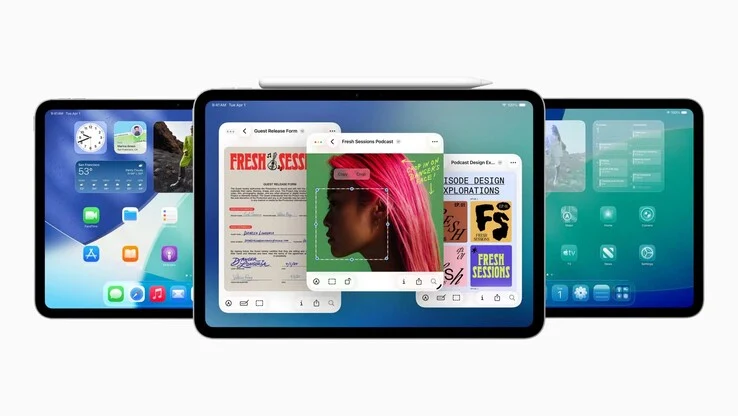
The Apple iPad gets similar updates through iPadOS 26.1, but it also sees the return of the “Slide Over” multitasking feature, which allows users to place an app on the right side of the screen as a floating window. Meanwhile, macOS 26.1 has fewer noticeable changes: Liquid Glass can now appear in a darker tone on Macs, and both the Apple TV and hard drive icons have been revamped.
Apple’s ongoing updates continue to enhance user experience across its devices, making them more intuitive and user-friendly.
Leave a Reply