Tag: Business Laptop”

  • Schenker Connect 15: From €1,000 to €1,600 Laptop

    Schenker Connect 15: From €1,000 to €1,600 Laptop

    Key Takeaway

    – Starting price is now ~€1,000 (up from €965), with Wi-Fi 7, CPU, and display included as standard.
    – RAM and storage upgrades cause the biggest price jumps: +€175 for 16GB RAM, +€355 for 32GB RAM, up to +€183 for a 1TB SSD.
    – LTE module costs an extra €79; a Secured-Core PC Level 3 option adds €29.
    – You can save €50 by choosing a 24-month warranty instead of the default 36-month warranty.
    – A fully configured review unit (32GB RAM, 1TB SSD, Windows) reaches roughly €1,655—expensive for an office laptop.


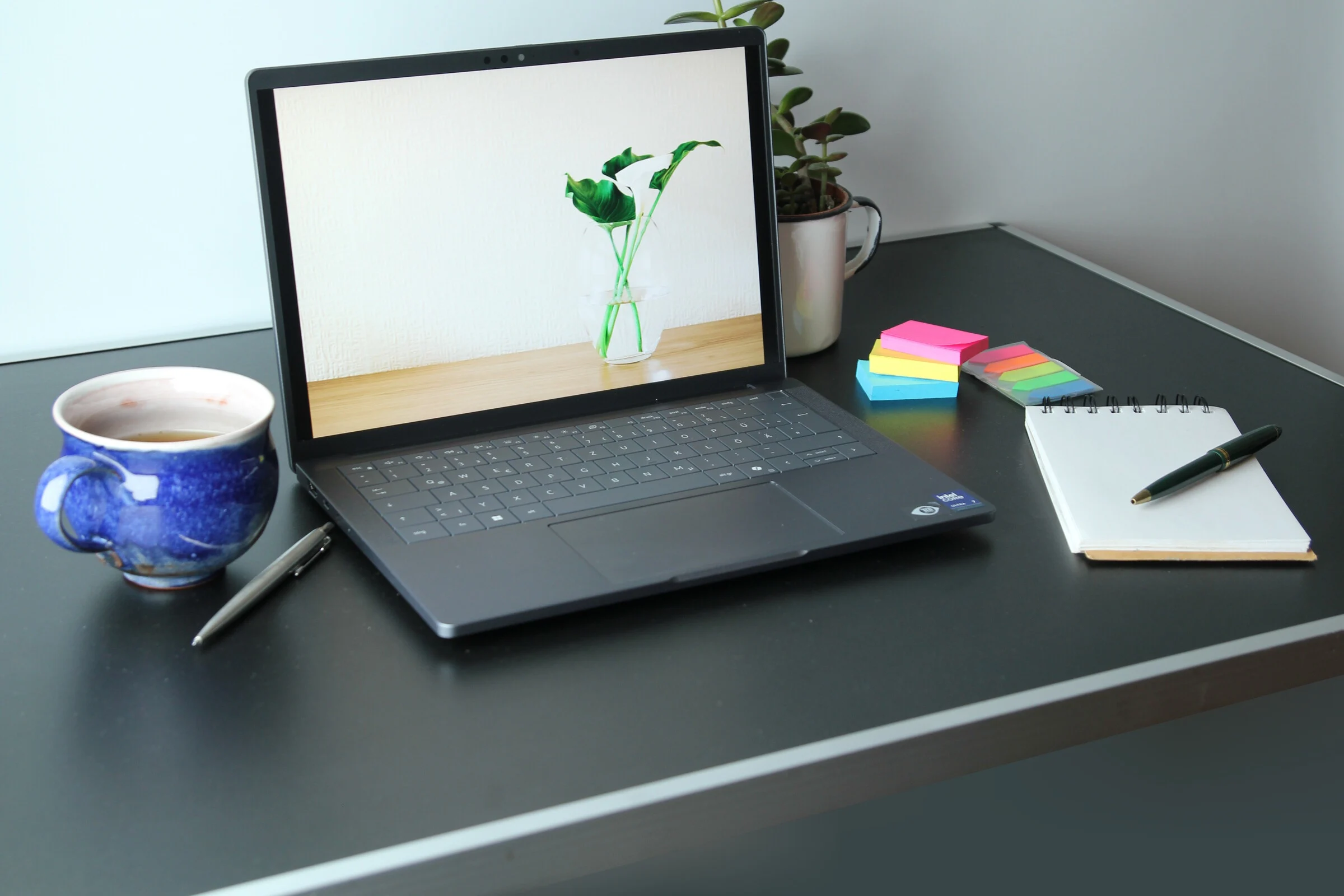
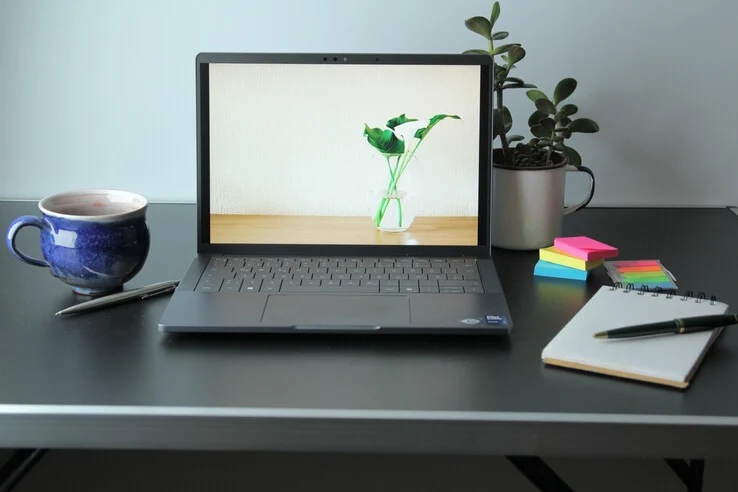
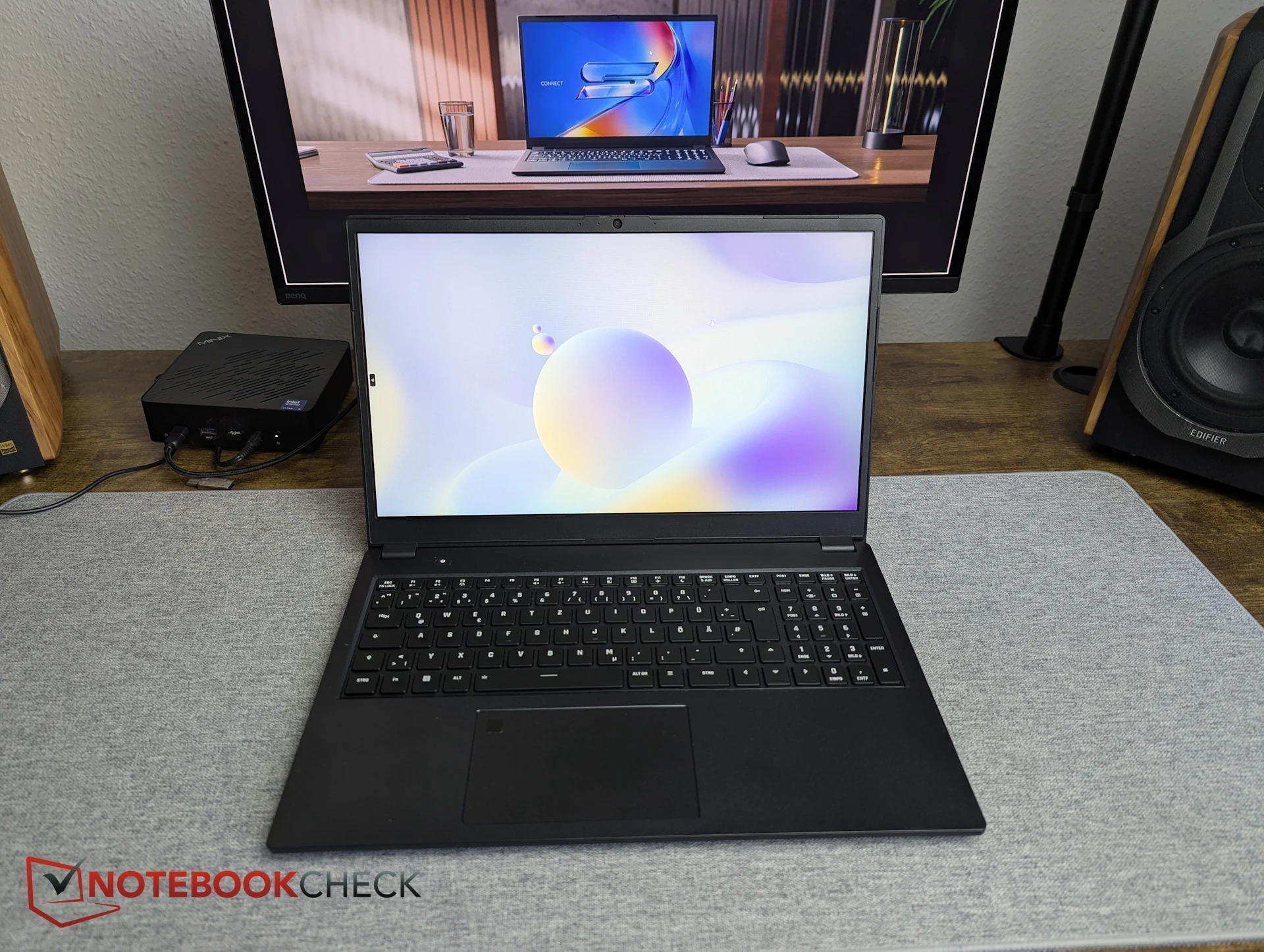
    The highly configurable business and enterprise laptop Schenker Connect 15 can be set up on bestware.com starting at 965 Euro. But what does that actually include—are LTE, smartcard support, Wi-Fi 7, and other features still part of the base package, with only RAM reduced? We spent some time configuring the system on bestware.

    Price Changes and Core Features

    Since our last visit, Schenker appears to have slightly increased prices. Instead of €965, the base configuration now shows €998.99, meaning the entry point is effectively around €1,000. The good news first: Wi-Fi 7 also appears to be included in the starting configuration at no extra cost. The same applies to the CPU and display—there are simply no alternative options available.

    Saving on the Warranty

    There is even a way to save on warranty. By default, Schenker provides a 36-month warranty on this business laptop. Those willing to accept 24 months instead can reduce the price by €50. In that case, the Connect 15 starts at €948.99.

    Add-On Features and LTE

    Unsurprisingly, the LTE module is one of the add-on features that comes at an additional cost. The Huawei ME906s module adds €79. Companies and other interested buyers can also select a Secured-Core PC Level 3 setup for €29.

    Dramatic Memory Price Jumps

    The most dramatic price jumps currently come from memory choices. The base configuration includes only 8 GB of DDR5 RAM. Upgrading to 2x 8 GB already increases the price by €175—an extreme jump for just one additional 8 GB module. Our review unit was equipped with 2x 16 GB DDR5 RAM, which adds a hefty €355 on top of the base price.

    Storage Costs and Final Summary

    Similar price jumps apply to storage. The base model comes with just 500 GB. Moving up to 1 TB costs at least €75 more, depending on the SSD model. The Samsung 990 Pro with 1 TB used in our review unit adds around €183.

    In summary, the Schenker Connect is not a low-cost business laptop. However, the premium price is not driven primarily by its core feature set. With only 8 GB of RAM and a 500 GB SSD, benchmark results would likely differ significantly compared to our test configuration. Our review setup would currently cost around €1,616—and that doesn’t even include the operating system. With a pre-configured Windows installation (without a license) the price jumps to a final 1.655 Euro, which is hardly inexpensive for an office laptop.
    Sources

    • Connect 15 Laptop with Removable Battery, Smart Card Reader & LTE Options

      Connect 15 Laptop with Removable Battery, Smart Card Reader & LTE Options

      Key Takeaway

      1. The Connect 15 offers a 15.6-inch IPS display with over 90% sRGB coverage and a resolution of 1920×1080 pixels, suitable for office use.
      2. It is powered by an Intel Core 5 120U processor and comes with options for LTE and fast charging via USB PD.
      3. The laptop features comprehensive connectivity options, including Thunderbolt 4, multiple USB ports, HDMI, Ethernet, and card readers.
      4. Battery life is approximately 6 hours during typical use, with a replaceable 55Wh battery.

      New Schenker Connect 15 Laptop Overview

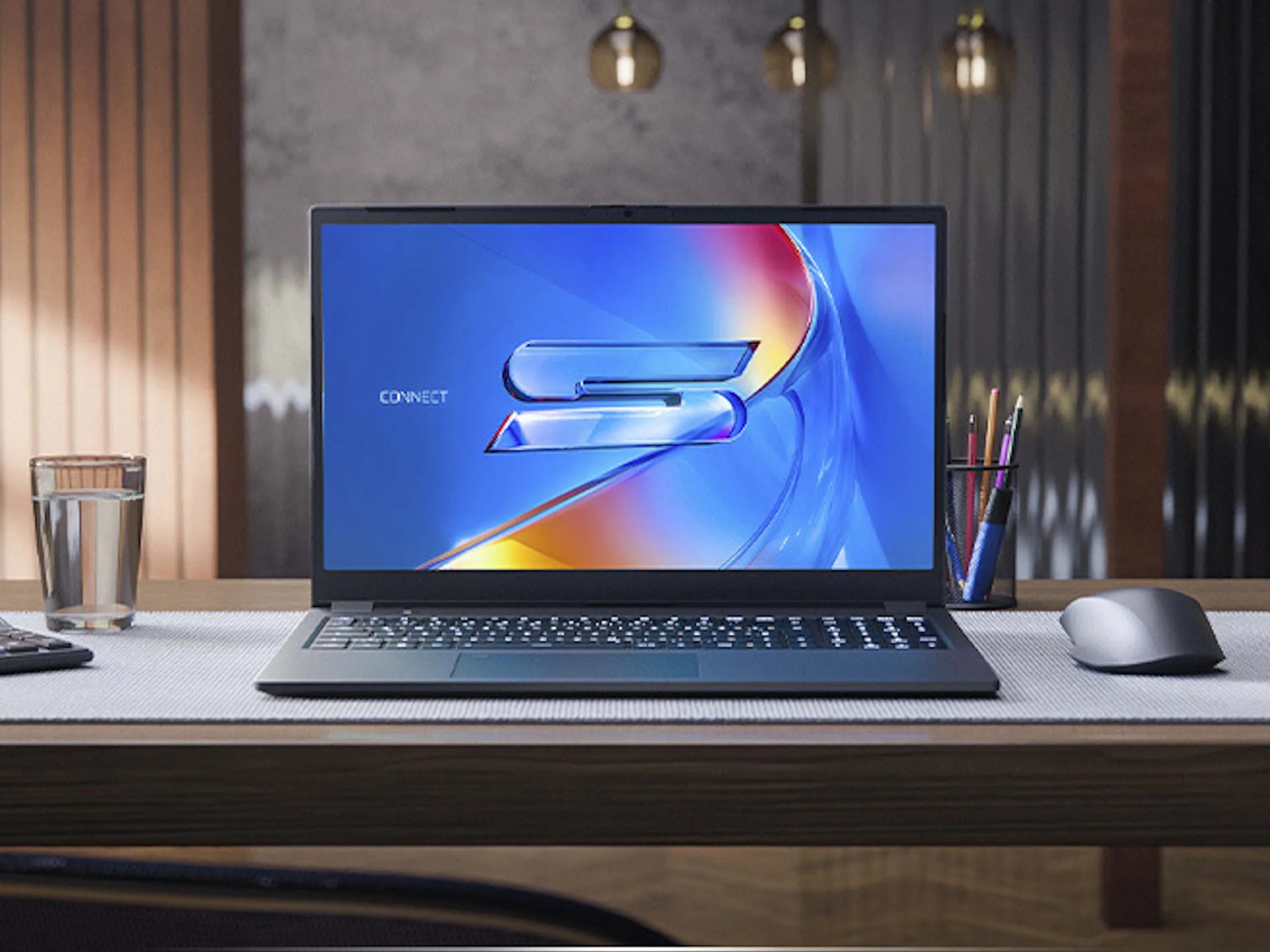
      Schenker’s unveiled the new Connect 15, a portable device that comes at starting prices of about €999. For that price, you get an 8GB DDR5 RAM and 500GB SSD, though higher configurations are available for different needs. The system is driven by the Intel Core 5 120U processor, which might be ideal for routine works but not very powerful for intense gaming or processing. Its 15.6-inch IPS display with a resolution of 1920×1080 pixels and a refresh rate of 60Hz is designed primarily for everyday tasks and office use, with claimed color coverage upwards of 90% sRGB and a brightness of 400 nits. Information suggests a balance between display quality and productivity.

      Physical Dimensions & Battery Life Facts

      The device is pretty portable, with measurements of about 10.3 x 9.4 x 0.8 inches and a weight close to 3.9 pounds. It sports a 55Wh battery that can be replaced easily without needing tools, which is good for longevity and convenience. If you lower the brightness to 150 nits while browsing online over Wi-Fi, the battery is from rated for approximately six hours of use. Wireless options include Wi-Fi 7 and Bluetooth 5.4, always standard even on lower-end models. Additionally, there is an optional LTE module costing €79, allowing users to connect via mobile networks rather than relying solely on Wi-Fi. The webcam delivers Full-HD resolution, providing decent quality for video calls or meetings. The device’s overall portability and connectivity features are quite practical for mobile users, and the quick battery replacement is a notable feature.

      Charging & Connectivity Details

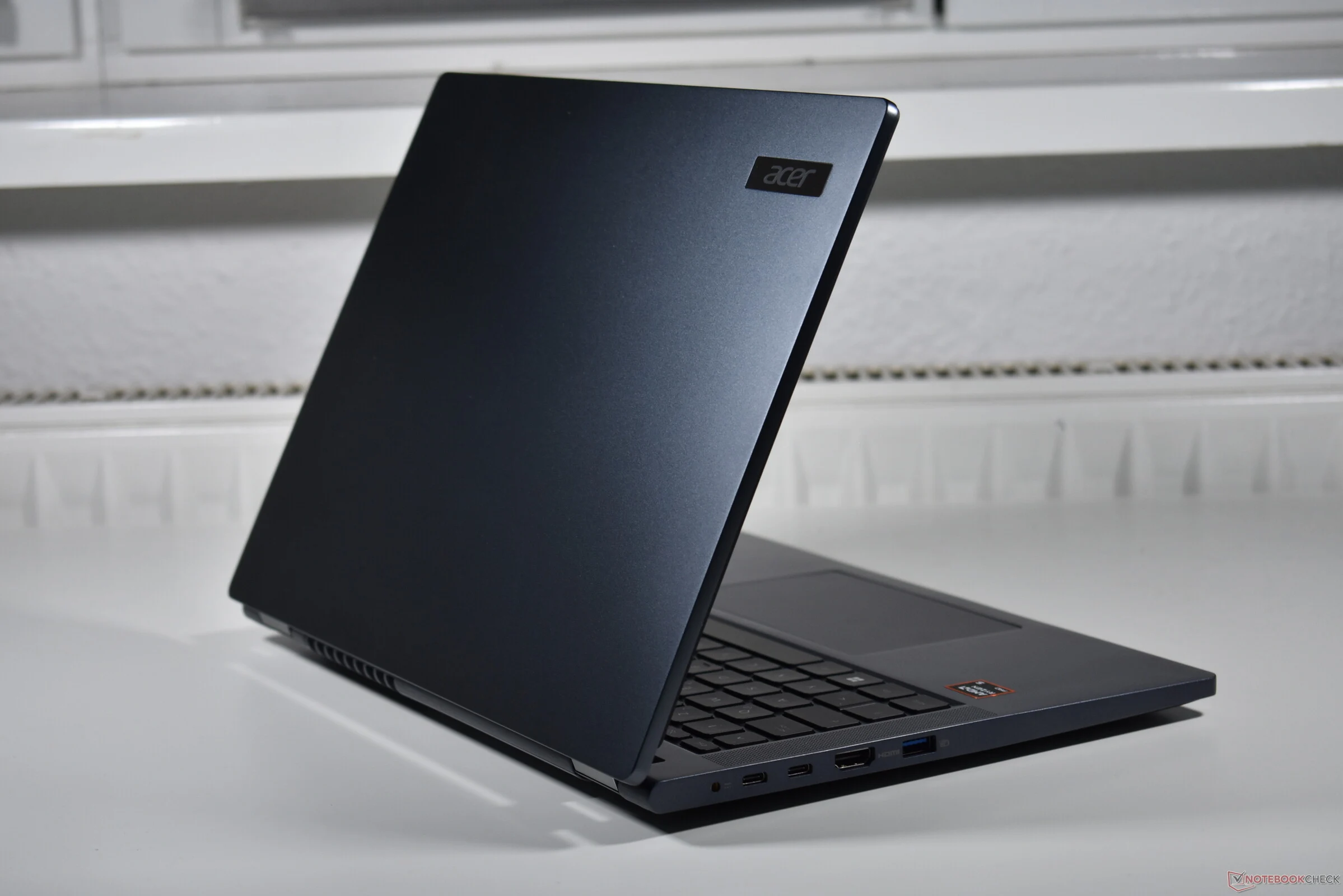
      One very unique part of the Connect 15 is the charging feature — it can be powered over USB PD at a maximum of 65 watts, which can actually be faster than the included power adapter that supplies only 45 watts through a barrel connector and weighs about 9.5 oz. This flexibility makes charging more adaptable for users who may want to use any compatible USB-C charger. The port setup includes gigabit Ethernet, alongside a microSD card reader and a SmartCard reader, catering to business or security-focused users. For connectivity options, you’ll find a Thunderbolt 4 port, a USB 3.2 Gen 1 Type-C port, a USB 3.2 Gen 1 Type-A port, HDMI 1.4b, and a combined 3.5mm audio jack. If needed, users can activate Secured-Core features for an added €29, which is useful in environments that require enhanced security measures. Overall, the device offers quite a mix of modern and legacy ports for versatile connectivity, along with innovative charging options.


      Sources

    • Affordable Lenovo ThinkPad L16 G2 AMD: Best Features for Your Desk

      Affordable Lenovo ThinkPad L16 G2 AMD: Best Features for Your Desk

      Key Takeaways

      1. Portability: Laptops are compact and designed for mobility, allowing users to work from almost anywhere.
      2. Varied User Needs: Different scenarios may prioritize screen size, performance, or price over portability, affecting laptop design.
      3. Corporate Use: Many professionals use laptops as portable desktops, connecting them to docking stations and external monitors.
      4. Business Laptop Performance: The Lenovo ThinkPad L16 Gen 2 offers adequate performance for routine tasks and is repair-friendly and upgradable.
      5. Target Audience: The L16 Gen 2 is aimed at entry-level business users who may prioritize functionality over display quality and battery life.


      What makes laptops better than desktop computers? The major benefit is their portability. Laptops come with a built-in screen, keyboard, and battery, plus they are compact, allowing users to work from almost anywhere. So, it seems that portability should be the primary focus when creating a laptop.

      Real-World Uses

      However, this idea is more complicated in real life. There are lots of scenarios where different needs take priority, and for some users, mobility isn’t crucial. For instance, if you need a larger screen, the laptop’s portability can be affected. The same goes for higher performance or lower prices; typically, budget-friendly options tend to be bulkier. Some people might not require their laptop to be portable often, while others may just use it at a desk, similar to an All-in-One (AiO PC) but in laptop form.

      Business Context

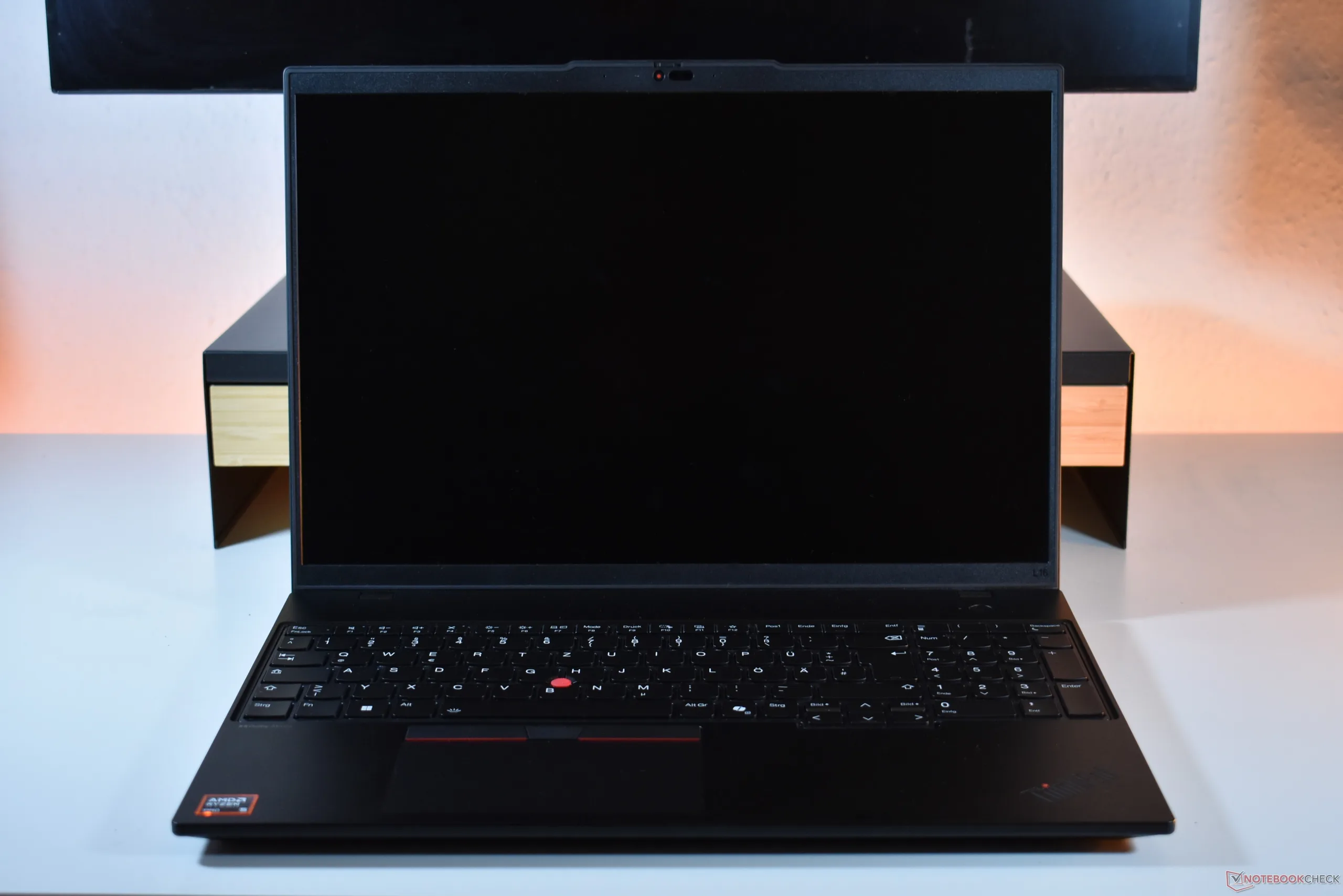
      In the corporate sector, numerous users treat their laptops like portable desktops. They take them to work, connect them to a docking station linked to an external monitor and keyboard, and then bring them back home after work. This segment represents a significant portion of the market, and it’s the target audience for the Lenovo ThinkPad L16 Gen 2 AMD, which we recently reviewed.

      Our evaluation of the L series ThinkPad, aimed at the entry-level business laptop segment, revealed two primary shortcomings: the display quality and battery life. While both aspects are lacking, they are less critical for users who operate their laptops in the way many business professionals do.

      Overall Performance

      The L16 Gen 2 (available on Amazon) shines when used as a desktop alternative. It’s repair-friendly, upgradable, and remains quiet and cool even when under pressure. Its performance is adequate for all routine tasks. As a business laptop, it carries all the perks associated with the ThinkPad brand, such as extended support for replacement parts and firmware updates.

      In conclusion, the Lenovo ThinkPad L16 Gen 2 AMD is a solid choice for users looking for a dependable and functional laptop that serves well in a stationary setup.

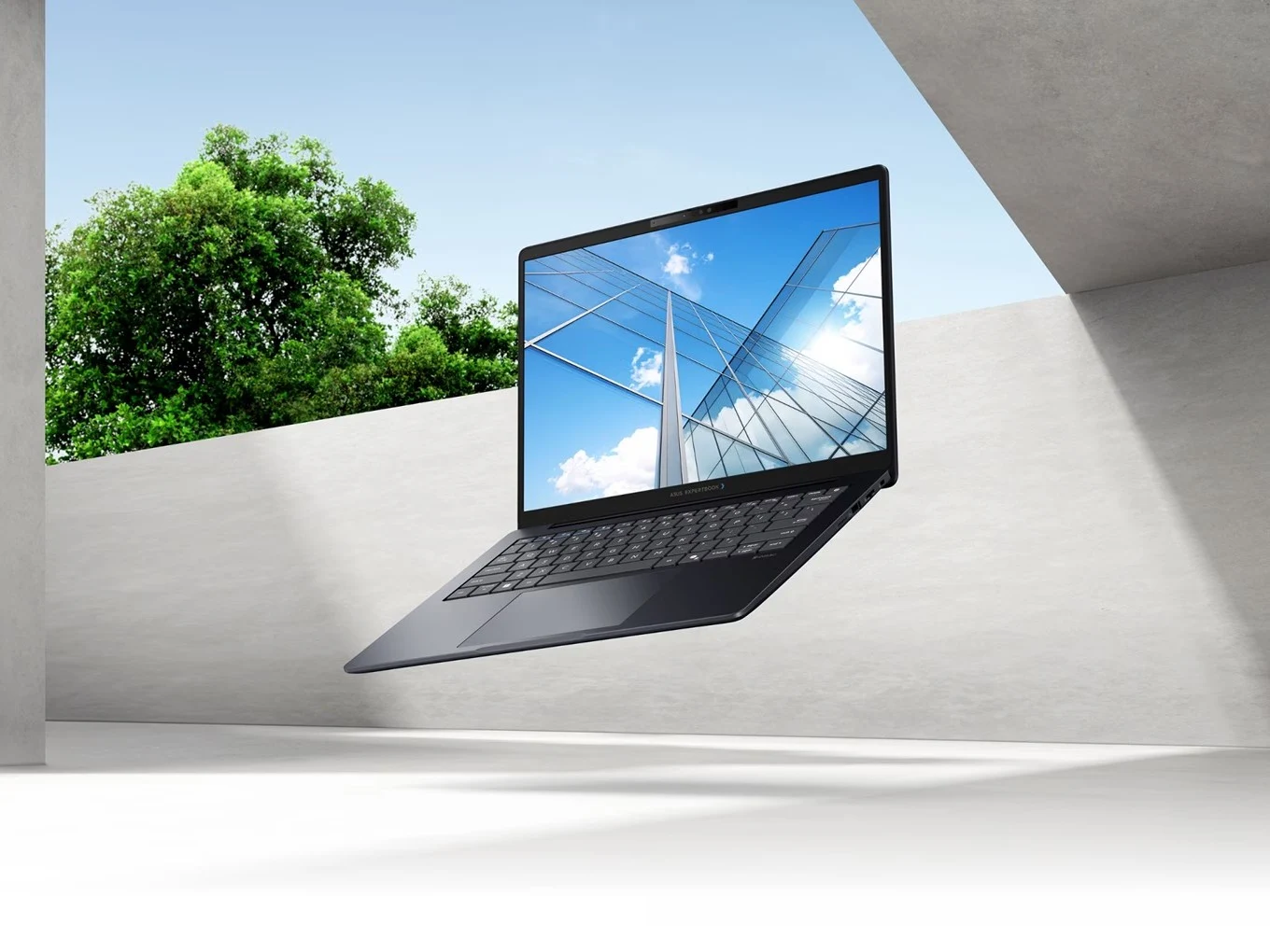
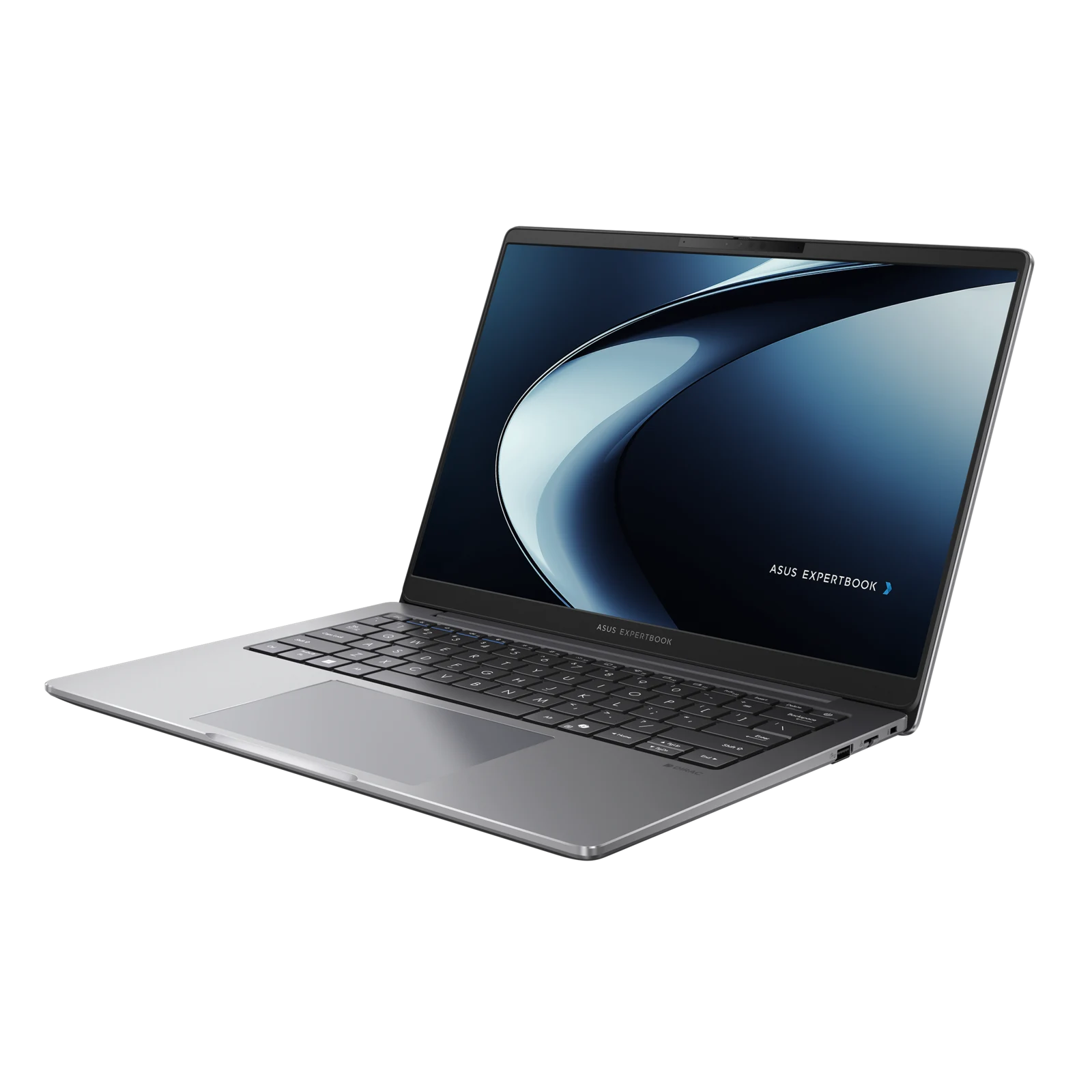
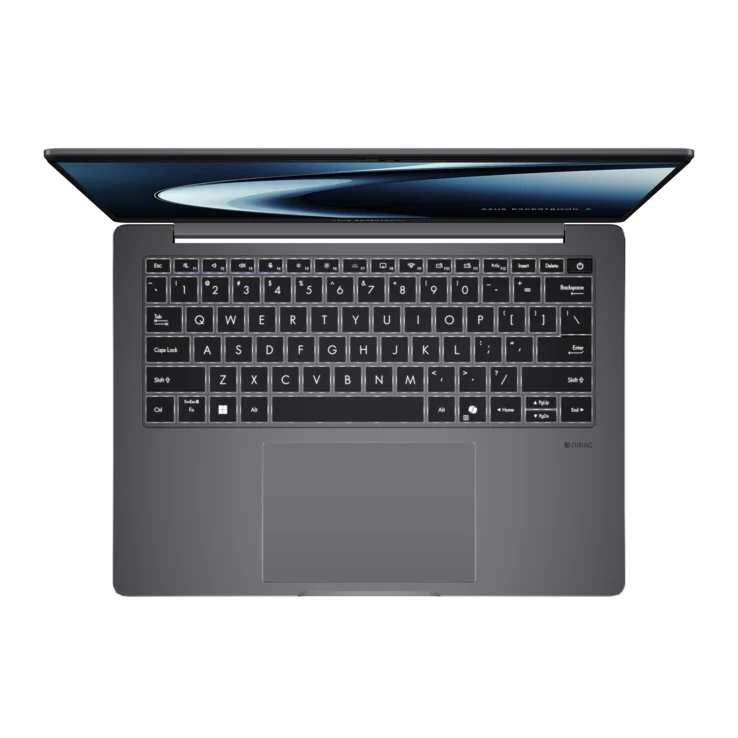
    • Asus Launches ExpertBook B5 G2 Laptops with Intel Panther Lake

      Asus Launches ExpertBook B5 G2 Laptops with Intel Panther Lake

      Key Takeaways

      1. Lightweight Design: The ExpertBook B5 G2 is a slim laptop for business users, available in 14-inch and 16-inch sizes, weighing about three pounds.

      2. Processor Upgrade: The laptop features newer Intel Core Ultra Series 3 processors, with options up to Core Ultra 7 366H, enhancing performance for AI tasks and multitasking.

      3. Display Options: Users can choose between 2560 x 1600 and 1920 x 1200 resolutions on 16:10 matte IPS displays, with brightness up to 400 nits and an optional touch screen.

      4. Enhanced Battery Life: The battery life has improved to up to 19 hours, despite keeping the same capacity as the previous model.

      5. Security and Connectivity: Includes advanced security features, AI tools, Wi-Fi 7, MIL-STD-810H durability, and multiple ports like Thunderbolt 4, HDMI, and USB-A.


      Last month, Asus introduced three new ExpertBook laptops aimed at businesses, featuring the ExpertBook B3 G2 with AMD Gorgon Point and the ExpertBook Ultra equipped with Intel’s high-end Panther Lake Core Ultra X9 and X7 processors, which we had an opportunity to test. Now, they’re launching an additional model meant to take the place of last year’s ExpertBook B5.

      Lightweight Design for Professionals

      The latest ExpertBook B5 G2 is a slim laptop designed for business users. It is available in both 14-inch and 16-inch variants, with a starting weight of about three pounds, making it slightly heavier than the 2.2-pound ExpertBook Ultra. This time, Asus has replaced the Intel Core Ultra Series 2 processors found in the older model with the newer Series 3 versions, which can go up to a Core Ultra 7 366H. Featuring up to 50 TOPS on the NPU and as much as 64GB of DDR5 RAM, this model should handle local AI tasks and multitasking with ease.

      Familiar Look with Upgrades

      Besides the CPU enhancement, not many features have been altered. The design remains quite similar, and users can still select between 2560 x 1600 and 1920 x 1200 resolutions for both screen sizes. These displays are 16:10 matte IPS with TÜV Rheinland eye protection, offering brightness levels up to 400 nits. An optional touch display is now available as well. Asus also claims improved battery life, stretching up to 19 hours compared to the previous 15 hours, despite the battery capacity staying the same.

      Security and Connectivity Features

      As a laptop aimed at business professionals, security and AI functionalities are emphasized. Asus has stated that the ExpertBook B5 G2 features a NIST SP 800-193-compliant BIOS, TPM 2.0, dual BIOS support, and fingerprint login for enhanced security. It also includes Copilot integrated, along with extra AI tools in the Asus MyExpert suite. Other notable features comprise Wi-Fi 7, MIL-STD-810H durability, and a wide array of ports, such as Thunderbolt 4, HDMI, and USB-A.

      The 14-inch (B5405CAA) and 16-inch (B5605CAA) models have been posted on the Asus website; however, details regarding pricing and availability are currently absent.

      Source:
      Link


    • Acer TravelMate P6: Smart Features for Daily Use Revealed

      Acer TravelMate P6: Smart Features for Daily Use Revealed

      Key Takeaways

      1. Easy Access to Settings: The TravelMate P6 features a specialized key for quick access to the “TravelMateSense” app, consolidating vital settings in one location.

      2. Smart Maintenance Features: A service access point allows users to clean the fan easily, and a “reverse airflow” function helps keep the cooling system dust-free.

      3. Enhanced Webcam Quality: The laptop includes a QHD resolution (2560 x 1440 pixels) webcam, providing sharper and clearer images for professional video calls.

      4. Impressive Sound Quality: The TravelMate P6 offers surprisingly clear and robust audio quality, suitable for meetings and casual viewing without headphones.

      5. User Experience Focus: Beyond technical specs, the laptop includes clever features that significantly enhance the overall user experience.


      A good laptop is more than just its components. While technical specifications like processor speed and RAM are important, it’s often the small, clever features that truly enhance the user experience at work. The new Acer TravelMate P6 exemplifies this well. Beyond the buzz surrounding the “Lunar Lake” platform and its impressive battery life, Acer has incorporated several practical details that merit further exploration.

      Easy Access to Settings

      Instead of navigating through numerous Windows settings, Acer has equipped the TravelMate P6 with a specialized key. A quick press brings up the “TravelMateSense” app, which serves as a straightforward command hub for the entire machine. Here, users can find the usual performance modes—“Silent,” “Balanced,” and “Performance”—as well as controls for battery management, webcam settings, and the fan’s built-in dust protection system. There’s even more to uncover, making this a smart solution that consolidates all vital settings in one convenient location.

      Smart Maintenance Features

      A particularly clever aspect of the laptop is Acer’s maintenance strategy. On the bottom of the device, there’s a small service access point. This feature allows users to clean the fan with compressed air without needing to disassemble the laptop. Additionally, the software prompts the fan to reverse its direction briefly every six hours. This “reverse airflow” function helps dislodge dust from the cooling fins, ensuring optimal cooling performance over time.

      Enhanced Webcam Quality

      In today’s world of video calls, the quality of the webcam is essential. While many rivals, such as the Lenovo ThinkPad X1 Carbon, still utilize older 720p or 1080p cameras, the TravelMate P6 boasts a QHD resolution (2560 x 1440 pixels) webcam. This upgrade results in a noticeably sharper and clearer image, elevating the professional appearance of video calls—a minor detail that can make a significant difference in a digital workspace.

      Impressive Sound Quality

      Typically, the speakers on a slim business laptop are not very impressive. However, the TravelMate P6 stands out in this area. The audio quality is surprisingly clear and robust, especially for voice clarity during calls or videos. This means that the speakers are not only adequate for occasional meetings but also suitable for unwinding with a TV show after a long day without the immediate need for headphones.


    • Asus ExpertBook P3 Now Features AMD Ryzen AI Pro 300 CPUs

      Asus ExpertBook P3 Now Features AMD Ryzen AI Pro 300 CPUs

      Key Takeaways

      1. Asus has launched an AMD variant of the ExpertBook P3, featuring Ryzen AI 300 Pro processors.
      2. The laptop is available in two sizes: 13-inch and 16-inch, with display options of WUXGA and WQXGA.
      3. It supports up to 64 GB of DDR5 RAM and offers 1 TB of SSD storage, but lacks a discrete GPU.
      4. Connectivity features include Wi-Fi 6/7, Bluetooth 5.4, multiple USB ports, HDMI, and a 1080p webcam with privacy shutter.
      5. Users can choose between two battery options (70 Wh or 50 Wh) and pricing is expected to start around $800.


      Asus has introduced an AMD variant of its recently launched ExpertBook P3 business laptop. This new model can be set up with Ryzen AI 300 Pro Krackan point processors, including the Ryzen AI 7 Pro 350, Ryzen AI 5 Pro 340, and Ryzen AI 5 Pro 330. However, oddly enough, Asus’ website refers to these chips as their non-Pro versions.

      Model Variants

      Similar to the Intel Raptor Lake versions, the Asus ExpertBook P3 comes in two sizes: a 13-inch model (PM3406) and a 16-inch model (PM3606). Buyers can choose between WUXGA (1920 x 1200) or WQXGA (2560 x 1600) display resolutions. There is no discrete GPU option available, so users will have to rely on the integrated Radeon iGPU for their graphical needs.

      Specifications

      Among other features, the laptop supports up to 64 GB of DDR5 RAM (using S0-DIMMs) and offers 1 TB of SSD storage. It also has a 1080p webcam equipped with an IR sensor and a physical privacy shutter. For connectivity, the laptop includes Wi-Fi 6/7, Bluetooth 5.4, two USB 3.2 Gen2 Type-C ports, and two USB 3.0 Type-A ports, in addition to an HDMI port, RJ45 Ethernet, and a 3.5 mm audio jack.

      Battery Options

      Users can choose between two battery options for the ExpertBook P3: a 70 Wh or a 50 Wh. The laptop is powered by a 65-watt charger, with a 90-watt version also available. Asus has not disclosed the pricing for either model, but based on the Intel version, a starting price of around $800 seems reasonable.

      Source:
      Link


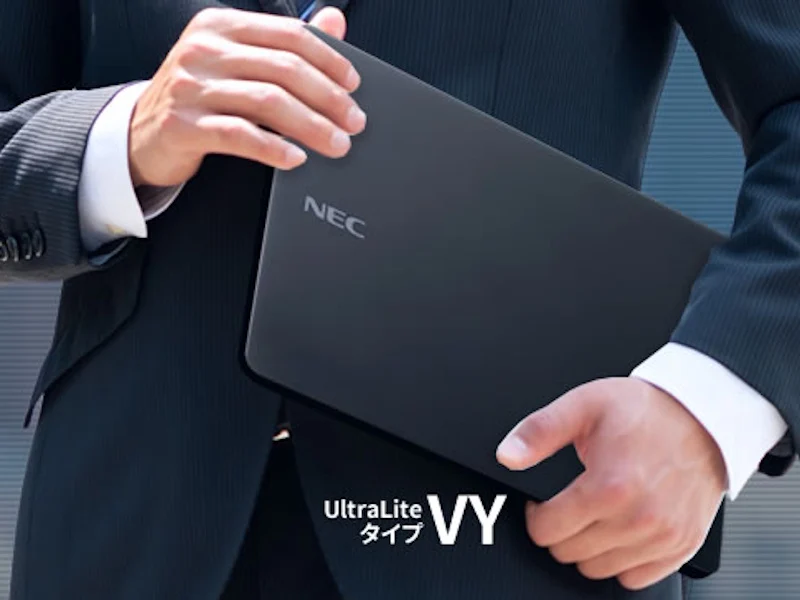
    • NEC VersaPro J UltraLite VY Laptops: AI Power, Lunar Lake, All-Day Use

      NEC VersaPro J UltraLite VY Laptops: AI Power, Lunar Lake, All-Day Use

      Key Takeaways

      1. Self-Replaceable Battery: The NEC VersaPro J UltraLite Type VY features a large, user-replaceable battery, providing extended use up to 20.1 hours for video playback.

      2. AI Power Management: The laptop utilizes an AI NPU in Intel Core Ultra Series 2 processors for efficient power consumption and enhanced features like AI background noise cancellation.

      3. Variety of Configurations: Users can choose from multiple CPU, RAM, and SSD options, with connectivity features including Ethernet, Wi-Fi 7, and Bluetooth.

      4. Lightweight Design: Weighing between 885 g and 1,031 g, the laptop is available in standard and lightweight versions, with dimensions that make it portable.

      5. Pricing and Availability: The starting price is 255,090 yen (about $1,759), and it is available for purchase in Japan, with an optional large battery for an additional cost.


      NEC has introduced the 13.3-inch WUXGA VersaPro J UltraLite Type VY business laptops that are built for extended use, featuring a large battery that users can replace themselves. This laptop is designed to endure drops, shocks, and spills on the keyboard, and it has a TFT LCD display that can flex when pressure is applied.

      Advanced Power Management

      The device utilizes the AI NPU present in the Intel Core Ultra Series 2 processors to manage power consumption and maintain battery health. With the large battery option, the VersaPro Type VY can last up to 20.1 hours for video playback, measured under the JEITA 3.0 battery operating time standards, while average usage yields about 16 hours, based on NEC’s internal tests. The NPU also enhances features like AI background noise cancellation for video calls and supports the AI Plus Biz agent for troubleshooting.

      Configurations and Connectivity

      Users can choose from different configurations, including 4P/4E Core Ultra 5 226V to Core Ultra 7 258V CPUs, with RAM options ranging from 16 GB to 32 GB and SSD storage available from 256 GB to 1 TB. Standard connectivity features include Ethernet, Wi-Fi 7, and Bluetooth, with an optional cellular LTE connection. Each model is equipped with two USB-A ports, two USB-C 3.2 Gen 2 ports (PD, DP), one HDMI port, a 3.5 mm headphone jack, and a microSD card slot. The full HD webcam supports Windows Hello and includes a privacy shutter.

      Weight and Dimensions

      The laptop is available in both standard and lightweight versions, with either a standard or large battery option. Its weight ranges from 885 g (1.95 lbs.) to 1,031 g (2.27 lbs.) and its dimensions vary between 299 x 214 x 17.9 mm and 299 x 214 x 18.2 mm (11.77 x 8.43 x 0.70 ~ 0.72 in.) depending on the specifications. The regular battery weighs 150 g (5.29 oz.), while the large battery weighs 259 g (9.14 oz.).

      The starting price of the VersaPro J UltraLite Type VY is 255,090 yen (approximately $1,759), and an additional large battery can be purchased for 4,070 yen (about $28). Both products are available for purchase on the NEC online store in Japan. For those outside of Japan seeking a comparable business laptop with a smaller battery, the ThinkPad X1 Carbon Gen 13 Aura Edition offers an 11-hour runtime for Wi-Fi browsing and can be found on Amazon.

      Source:
      Link

    • Acer TravelMate P4: A Strong Rival to Lenovo ThinkPad in Business

      Acer TravelMate P4: A Strong Rival to Lenovo ThinkPad in Business

      Key Takeaways

      1. Acer has a smaller market presence in the business laptop sector compared to brands like Dell, HP, and Lenovo.
      2. The Acer TravelMate P4 TMP414-42 model has received positive reviews for its excellent input devices, diverse ports, and commendable performance and battery life.
      3. Acer’s reputation for laptop quality has improved, moving past previous concerns that affected its market standing.
      4. The TravelMate P4 lacks some modern features like WWAN and has an old-fashioned design, limiting its appeal.
      5. Despite its drawbacks, the Acer TravelMate P4 is a viable option for corporate clients, priced around $950, though its support remains unassessed.


      There are many companies, both big and small, in the market for business laptops. When thinking of a standard business laptop, most people might picture a Dell Pro, an HP EliteBook, or a Lenovo ThinkPad. Some might even consider an Apple MacBook. However, Acer laptops often don’t come to mind. Why is that?

      Acer’s Market Position

      To start, Acer has a relatively small role in this important market. Although Acer’s TravelMate line is quite recognized, especially since it was taken over from Texas Instruments in 1997, other brands tend to earn more money. In the past, Acer’s questionable reputation for laptop quality could have affected its standing, but that seems to be behind them now.

      The TravelMate P4 TMP414-42

      A good example is the Acer TravelMate P4 TMP414-42, which was recently reviewed in detail by Notebookcheck. In short, Acer has done well with this model. It features excellent input devices, a wide array of ports, solid hinges, a bright matte display, and an efficient AMD processor. Both performance and battery life are commendable. The laptop operates quietly and does not overheat.

      Critiques and Conclusion

      However, there are a few drawbacks to the TravelMate P4, such as the absence of features like WWAN. Additionally, its design feels somewhat old-fashioned, but considering Acer isn’t one of the top players, it struggles to introduce new designs as frequently as its rivals.

      In conclusion, we see no substantial reasons why the Acer TravelMate P4, priced at approximately $950, shouldn’t be considered by many corporate clients—except possibly for Acer’s support, which we couldn’t evaluate in our review.

      Source:
      Link

    • HP EliteBook Ultra G1i: Quiet Cooling with Key Compromises

      HP EliteBook Ultra G1i: Quiet Cooling with Key Compromises

      Key Takeaways

      – The HP EliteBook Ultra G1i 14 is a sleek, lightweight business laptop but sacrifices some features for its design.
      – The laptop has a stylish aluminum body and a decent range of ports, but lacks an HDMI port and dedicated Page Up/Down keys.
      – It features a stunning 120Hz OLED display and performs well in single-core tasks, although the Intel processor is not the best for multi-core performance.
      – Compared to the Snapdragon version, the Intel model offers improvements like an enhanced webcam and Thunderbolt 4 support, along with a superior 2.8K OLED screen.
      – Battery life is satisfactory, and competition includes Lenovo’s ThinkPad X9, which also makes compromises in its design.


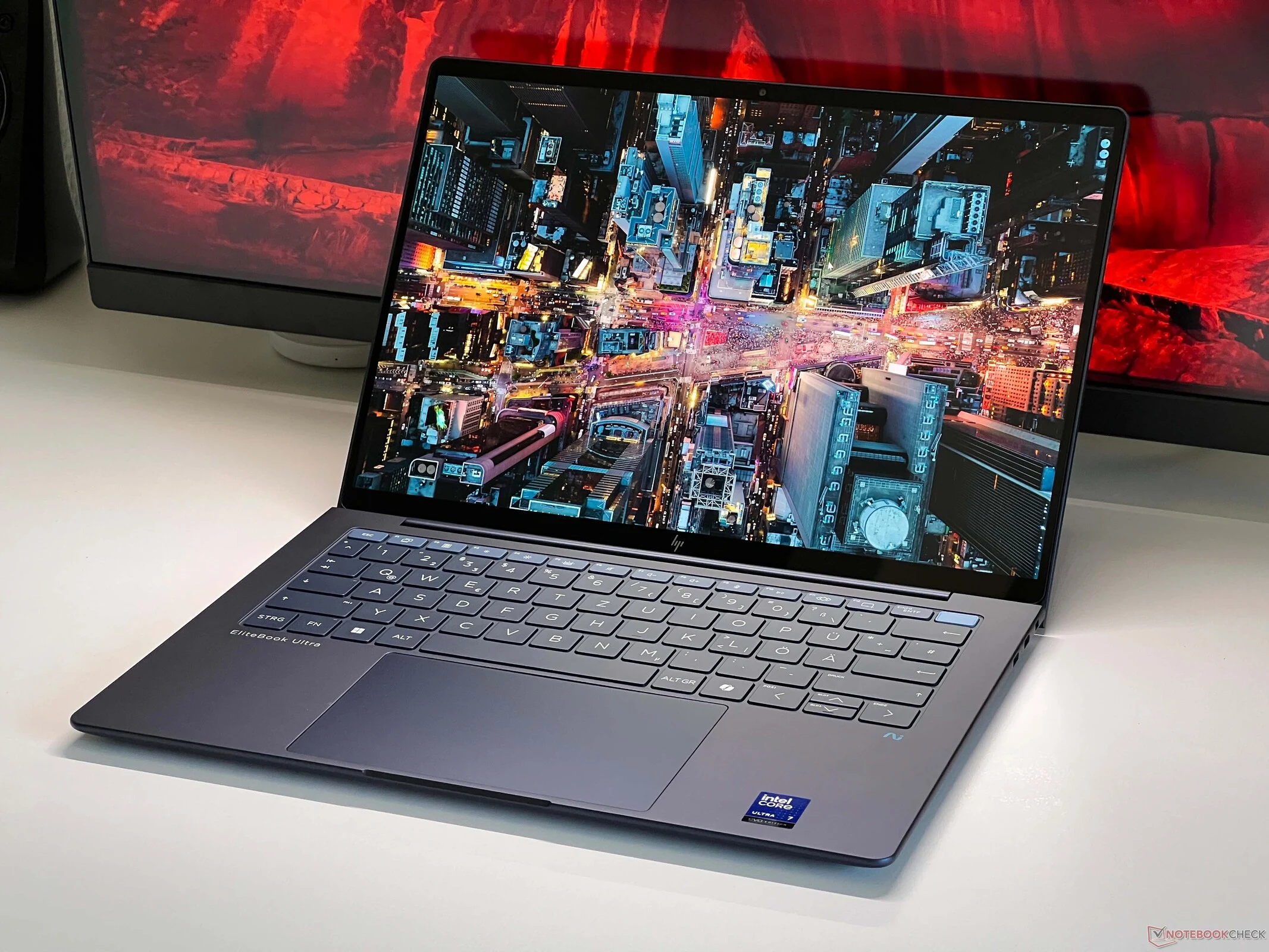
      We just took a look at the fresh HP EliteBook Ultra G1i 14, a sleek and nicely built business laptop. Keeping up with the new naming system for the EliteBooks can be a bit tricky. The standard models are now called EliteBook X, while the EliteBook Ultra stands out as the top model in the updated range. However, to make it lighter, users will need to make some sacrifices and forgo certain features that are common in business laptops.

      Design and Build Quality

      The compact aluminum body comes in a stylish dark blue, leaving a good impression overall. It features a decent range of ports, but unfortunately, it lacks an HDMI port. When compared to the EliteBook X, you won’t find an optional smart card reader here, and the slimmer design also impacts the keyboard. The key travel is shorter, and the typing experience doesn’t quite meet the high standards usually associated with EliteBooks. Depending on what you like, this might be a significant drawback. It’s also worth noting that the dedicated Page Up/Down keys found on the EliteBook X are missing here as well.

      Performance and Display

      If these drawbacks don’t bother you, you’ll find a fast everyday laptop with a stunning 120Hz OLED display. Although Intel’s Lunar Lake processor isn’t the best for multi-core tasks, it performs reasonably well in single-core tasks. The integrated GPU is quick too, so you won’t face issues with regular office work. Additionally, the processor is designed for efficiency and is cooled by a dual-fan system, making this laptop super quiet, even when it’s working hard.

      Comparison with Competitors

      When you compare it to the Snapdragon-powered EliteBook Ultra G1q, the Intel version has quite a few improvements. Besides the enhanced webcam and support for Thunderbolt 4, it features the previously mentioned 2.8K OLED screen, which delivers excellent picture quality. In contrast, the IPS screen in the Snapdragon model is noticeably less impressive. The battery life isn’t groundbreaking, but it’s still satisfactory.

      Lenovo is currently marketing a closely related business laptop, the ThinkPad X9, which also makes some compromises when compared to the more conventional ThinkPads. We’ve already taken a look at the 15-inch model and are currently reviewing the 14-inch variant. We’re looking forward to seeing how HP and Lenovo stack up against each other. In the meantime, feel free to check out our extensive review for all the technical specifications and details regarding the HP EliteBook Ultra G1i 14.


    • Dell Pro 13 Premium Review: Nearly Perfect with 90% Score

      Dell Pro 13 Premium Review: Nearly Perfect with 90% Score

      Key Takeaways

      1. Skepticism Towards Terminology: Terms like “AI,” “Premium,” and “Pro” do not always guarantee better performance or quality in laptops.

      2. Exceptional Performance: The Dell Pro 13 Premium stands out for its impressive performance in various tests, defying initial skepticism.

      3. High-Quality Build: The laptop is made from 90% recycled magnesium, making it sturdy, compact, and lightweight, with notable design features like 180-degree hinges and an 8 MP webcam.

      4. Effective Cooling System: Equipped with two fans, the Dell Pro 13 manages heat well, remaining cool and quiet during use, which is a significant advantage for a small laptop.

      5. Strong Battery Life and Connectivity: With the Lunar Lake processor, the laptop boasts nearly 24-hour battery life and includes advanced features like two Thunderbolt 4 ports and Wi-Fi 7 support.


      AI in a laptop’s name doesn’t guarantee it’s better or more efficient, just like the term “Premium” doesn’t always mean high quality or craftsmanship in every item. The word “Pro” also doesn’t necessarily signal professionalism or top-tier features. As reviewers with a lot of experience, we approach products labeled “Pro” or “Premium” with a healthy dose of skepticism.

      Impressive Performance

      The Dell Pro 13 Premium stands out as a noteworthy exception, not because of its questionable terminology, but because our doubts are mostly unfounded in this instance. This business laptop excels in nearly every test we conducted.

      Solid Build and Features

      Starting with the design, the casing is constructed from 90% recycled magnesium, which contributes to the Dell Pro 13 being very sturdy, compact, and lightweight. The build quality is remarkable, and the hinges that open to 180 degrees are quite impressive. Additionally, the high-resolution webcam features 8 MP for capturing photos, and video calls can be conducted in 1440p, with extra capabilities available for AI enhancements.

      Advanced Cooling System

      Unlike many other small 13-inch laptops, the Dell Pro 13 is equipped with two fans instead of one. This design choice helps prevent the common issue of heat buildup seen in many laptops, allowing the device to stay generally cool, and the noise levels remain very reasonable; the fans are mostly silent during light usage.

      Thanks to the Lunar Lake processor, the Dell Pro 13 has significantly improved its battery performance: the laptop can now last nearly 24 hours at lower brightness settings, meaning Intel is finally competing with Snapdragon-powered devices in this area.

      Connectivity and More

      Other notable aspects of the Dell 13 “Premium” include its two Thunderbolt 4 ports and Wi-Fi 7 support.

      Source:
      Link