Category: Software

  • Ubuntu 24.10 Voyager Live: GNOME and Xfce Unite Again

    Ubuntu 24.10 Voyager Live: GNOME and Xfce Unite Again

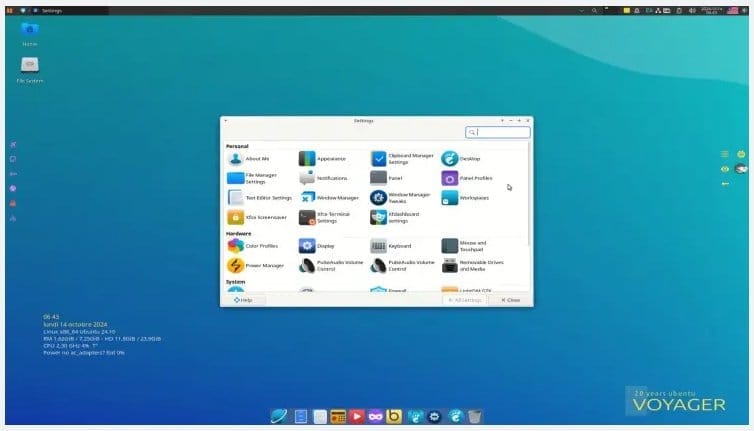
    Hailing from France, the recent release of Voyager Live 24.10, which was made available yesterday, is built on the Ubuntu 24.10 platform. While the name suggests its base, it doesn’t mention that this distribution combines GNOME and Xfce (specifically versions 47 and 4.19) into a "light, fast, modern, fluid, secure and efficient" hybrid setup designed for both PC and tablet users. The update brings a wealth of changes, and in addition to those from Ubuntu 24.10, Voyager Live 24.10 introduces numerous improvements of its own.

    Features and Software

    Voyager Live 24.10 operates on the Linux kernel version 6.11 and includes a unique gaming profile within Xfce. Users can enjoy various themes, wallpapers, icons, and customizable Conky widgets along with a robust selection of software. Included in this software package are Firefox, Thunderbird, GIMP, LibreOffice, Nautilus, VLC, and several more. Additionally, many system components have been updated, such as xfdesktop (4.19.3), xorg-server (21.1.13), mesa (24.2.3), gtk (4.16.2), alsa-lib (1.2.12), bash (5.2.32), and others.

    Why Choose Voyager Live 24.10?

    If you’re considering why this distro might be right for you, Voyager Live 24.10 stands out as a solid alternative to Linux Mint, providing an excellent out-of-the-box experience. It’s a great option for those who prefer Ubuntu without Snap and appreciate the additional features. Its key advantages, like having DEB packages readily available in the package manager and a rich selection of pre-installed GNOME extensions, are just a glimpse of what it offers.

    Voyager
  • Android 15 Update Issues Affecting Instagram Performance

    Android 15 Update Issues Affecting Instagram Performance

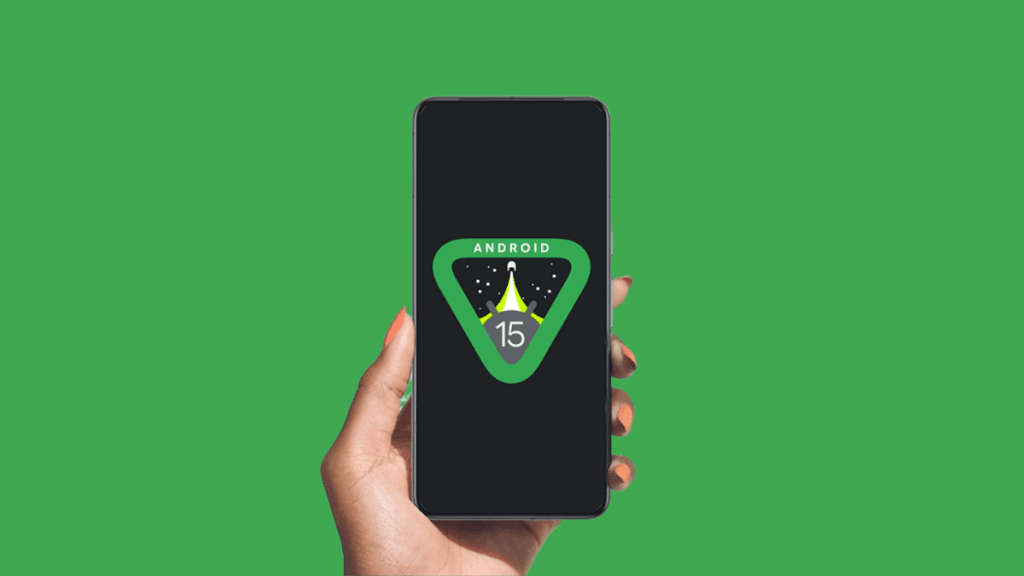
    Google has started to roll out the Android 15 update for its Pixel smartphones. However, this newest version seems to be causing issues with certain apps, particularly Instagram. Users who have already tried the Android 15 update are reporting problems, so here’s a summary of what you should know.

    Problems with Instagram After the Update

    A user on Reddit pointed out that the Android 15 update may be causing difficulties for the Instagram app (Via PhoneArena). The user mentioned that the update is making it hard to use the app effectively. On the Redditor’s Pixel 9, “Iamnotindanger” reported that they couldn’t swipe through Stories. This isn’t just a one-off problem; another user, “TheNewtBeGaming,” experienced similar issues with key features of Instagram not responding properly.

    Issues with the Android 15 OS

    It appears that Instagram Stories are freezing, which is making swipe gestures unresponsive for many users. Several other Redditors have come forward sharing the same frustrations while using Instagram. For now, the best advice is to report these issues to Instagram directly. Also, check if your Instagram app is up to date, as older versions may not work well with the new Android release.

    Keeping Apps Updated

    Remember, it’s important to keep all your apps up to date on your smartphone. This helps avoid conflicts with newer software updates and sometimes includes vital security improvements. In other news, Motorola recently unveiled its official plan for the Android 15 rollout, but surprisingly, the list doesn’t include devices launched in 2024. Meanwhile, Vivo has announced its Android 15-based OriginOS 5 custom skin, along with a list of compatible devices. Additionally, a mockup of Samsung’s Galaxy S25 Ultra was revealed last week, showcasing the future flagship running on the One UI 7 custom interface.

  • One UI 7: The Biggest Upgrade in Samsung Software History

    One UI 7: The Biggest Upgrade in Samsung Software History

    Samsung is taking its time with the One UI 7 beta release, which is based on Android 15. Originally, people thought it would launch in July, but there have been multiple delays. Now, it’s already the middle of October, and there’s still no specific date for when the One UI 7 beta will drop. However, it is confirmed that it will come before the year wraps up. This extended wait could be worthwhile, as One UI 7 promises to be the most significant update in the One UI lineup.

    A Shift in Release Patterns

    In recent years, Samsung has been among the first Android manufacturers to roll out the newest Android versions. But this year, the situation is quite different. Other brands like Google and Vivo have already begun distributing the stable Android 15 update, while Samsung is taking a more measured approach. The South Korean company is focused on refining One UI 7 to ensure a smoother software experience with minimal bugs.

    Promising Enhancements Ahead

    A trustworthy leaker known as Ice Universe suggests that One UI 7 will be the largest enhancement in Samsung’s software history. The improvements are likely to enhance animations, transitions, system stability, and overall usability. Moreover, the leaker mentions that the Galaxy S25 Ultra, featuring 16GB of RAM, will offer the most robust experience with One UI 7. This isn’t just hype; the phone’s generous RAM and its powerful Snapdragon 8 Gen 4 (also referred to as Snapdragon 8 Elite) chipset contribute to its performance. This Qualcomm processor is reputed to be the most powerful for Android devices, boasting excellent performance and energy efficiency, promising a more responsive software experience.

    Ratings and Visual Changes

    Ice Universe recently shared his scoring based on experience: he rated One UI 6 at 60 points, the Galaxy S24 Ultra on One UI 7 at 85 points, and the Galaxy S25 Ultra running One UI 7.1 at 92 points. While these scores are subjective, they indicate considerable advancements in One UI 7 and 7.1. In a more recent post on X, he mentioned that Samsung has updated various icons like Gallery, Phone, Camera, Recorder, Contacts, and Samsung Notes, making them look more appealing and practical than before.

    The upcoming One UI 7 software looks very exciting. I’m eager to try it myself. For those interested in getting a sneak peek, be sure to frequently check the Samsung Members app for announcements regarding the One UI 7 beta or head over to our One UI 7 section for more updates.

  • Chrome Ends Support for uBlock Origin and Other Popular Apps

    Chrome Ends Support for uBlock Origin and Other Popular Apps

    Users of uBlock Origin, a widely used ad blocker, will soon have to say goodbye to it. Google is updating the Chrome manifest from V2 to V3, effectively disabling uBlock Origin along with many other applications. The manifest serves as a technical guideline that controls the permissions and capabilities of browser extensions. With Manifest V3, the options available for extensions, particularly ad blockers, are significantly limited.

    Impact on Users

    The shutdown of uBlock Origin will impact nearly 40 million users. Currently, the Chrome Web Store is displaying a warning indicating that uBlock Origin may not be supported in the near future.

    It’s well-known that Google doesn’t favor Chrome users employing ad blockers to eliminate lucrative ads. However, the company can’t fully prohibit their use. Some Reddit users suggest that Google aims to restrict ad blockers by transitioning to Manifest V3. The tech giant defends this change by highlighting enhancements in security and privacy.

    Alternative Solutions

    Google has pointed out alternatives such as uBlock Origin Lite, which work with Manifest V3 but don’t offer the same effectiveness. This change appears to be unavoidable for Chrome users. Those who prefer to keep using uBlock Origin will need to switch to other browsers like Firefox or Brave.

  • Firefox 131.0.3 Fixes Crashes for Avast and AVG Users

    Firefox 131.0.3 Fixes Crashes for Avast and AVG Users

    On October 9, version 131.0.2 of Firefox was released to address a vulnerability that allowed remote attackers to take advantage of a use-after-free issue in animation timelines. Then, just a day later, Firefox 131.0.3 was made available on all desktop systems to resolve a total of five different problems. Fortunately, none of these glitches are deemed critical, but they could cause some inconvenience for users.

    List of Fixed Issues

    Here’s a rundown of the issues that will be resolved once you update Mozilla Firefox to version 131.0.3 on your Linux, macOS, or Windows devices:

    Even if these problems don’t affect a large number of users, it’s still wise to update your browser as soon as you can. If the automatic update feature isn’t functioning or has been turned off, you can manually check for updates easily by going to the Help menu and selecting the About Firefox section.

    Additional Treats for Fans

    For Mozilla Firefox enthusiasts and fox lovers, there’s a neat T-shirt available on Amazon. This shirt comes in various sizes and colors and can be purchased for less than $20.

  • Windows 11 Update Troubles for Western Digital SSD Users

    Windows 11 Update Troubles for Western Digital SSD Users

    Microsoft has rolled out its newest Windows 11 update, version 24H2, which introduces various AI features and enhancements. However, users with Western Digital NVMe SSDs are reporting significant problems, including frequent blue screen of death (BSOD) crashes.

    Affected Models

    The issues appear to be primarily with the WD Black SN770 and WD Blue SN580 SSDs, which do not utilize a DRAM-based cache. Instead, these models depend on the Host Memory Buffer (HMB) that was introduced with NVMe standard version 1.2. This allows the SSDs to use system RAM as a cache, typically utilizing about 64MB of it.

    Unexpected Changes

    With the recent Windows 11 24H2 update, however, the system has begun reserving as much as 200MB for I/O caching. This is a significant increase from the usual 64MB, and that extra 136MB seems to be causing instability in the SSDs, leading to the recurring BSOD errors.

    Western Digital’s user forums are filled with complaints regarding these issues. Many users found that reverting back to the previous Windows 11 version (23H2) resolves the crashes, indicating that the new update might be at fault.

    Ongoing Issues

    This situation reflects a larger trend with Microsoft’s updates. Since the company switched from traditional testing methods to the Windows Insider program, it appears that ordinary users are becoming unintended beta testers. While some updates offer performance improvements, others, like this recent one, can create system instability.

    For those affected, there is a workaround that involves making registry adjustments to limit HMB to 64MB or even turn it off entirely. While this could reduce performance during heavy file transfers, it should help stabilize Windows 11 24H2 after you restart the system.

  • Samsung One UI for TV Launches Early: What You Need to Know

    Samsung One UI for TV Launches Early: What You Need to Know

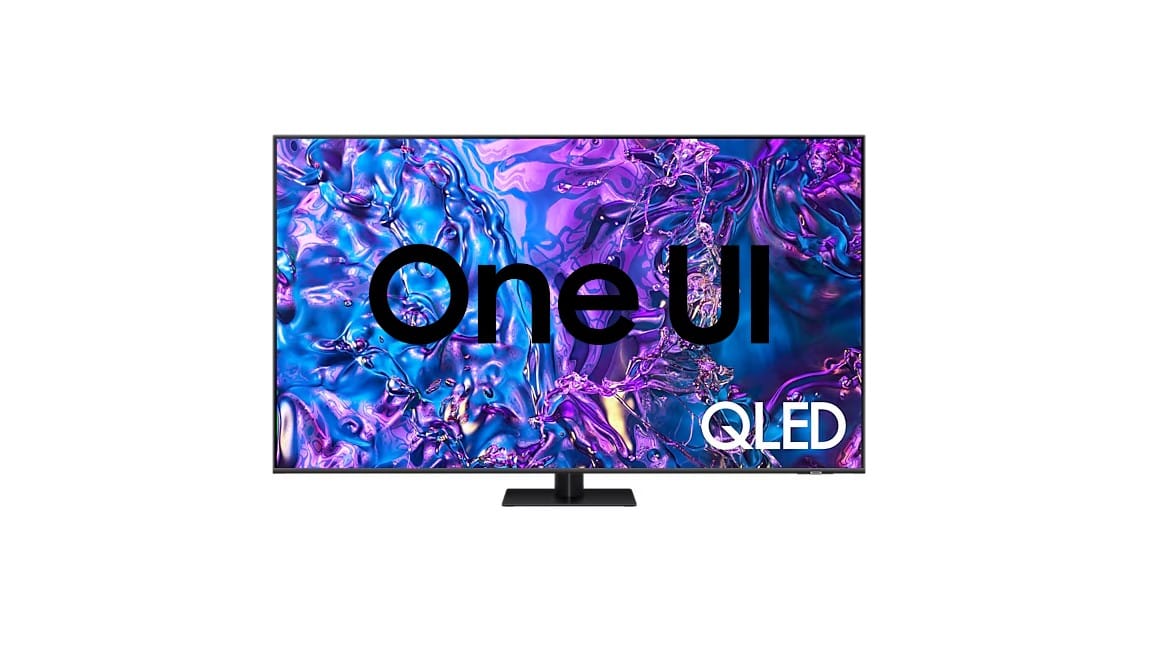
    Samsung has shared exciting news at its yearly developer conference about plans to bring together the software for all its devices under the One UI name. Originally, this unification was set for 2025, but in a surprising twist, Samsung has released a new update that introduces One UI to several of its smart TVs ahead of schedule.

    Update Details

    The update is being made available for Samsung’s 2023 smart TVs, including the S90C OLED model, as reported by SamMobile. This update comes as One UI, but it is built on Tizen 8.0, which is an enhancement over the previous Tizen 7.0 that the TV used.

    Features of One UI

    According to the report, the One UI upgrade introduces a refreshed user interface, enhancements to the UI, new Game Bar features, and more. Some of these interface updates are similar to those found on Samsung’s Galaxy smartphones, including app icons for Bixby, Gallery, Samsung Internet, and SmartThings, along with comparable animation styles.

    Additional Capabilities

    The changelog indicates that users with compatible Galaxy Watches, like the Galaxy Watch FE (currently priced at $179 on Amazon), will be able to track real-time workout data on their TVs. Also, the on-screen keyboard now supports additional languages, expanding its usability.

    Before announcing its intention to unify software across its devices, Samsung stated that it aims to offer up to seven years of software support for its smart TVs, aligning it with the same duration of support given to its top-tier smartphones.


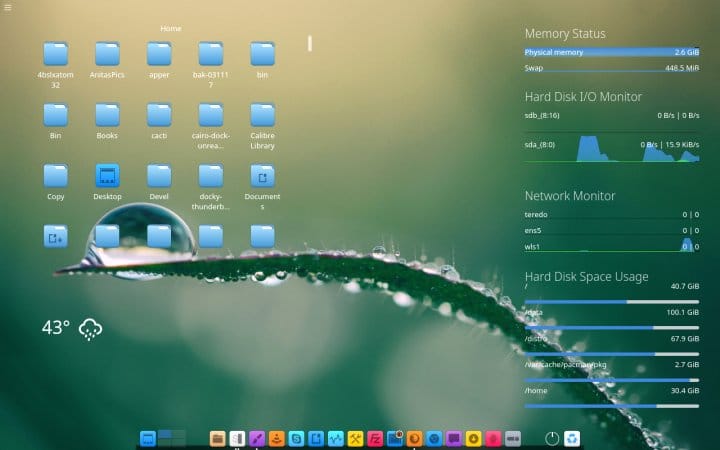
    Image 1
  • Bluestar Linux 6.11.3 Released with Updated Arch Packages

    Bluestar Linux 6.11.3 Released with Updated Arch Packages

    While Arch Linux has been around for over twenty years, Bluestar Linux is still two years shy of celebrating its 10th birthday. This German distribution aims to make Arch more user-friendly for everyone. Bluestar comes in three versions: Desktop, Deskpro, and Developer. It can be installed on a hard drive or SSD, but it also works well as a live distro with support for persistent storage. The latest version, which was announced this past weekend, is labeled 6.11.3 (the full release name is bslx_6.11.3.1.2024.10.12-x86_64) and focuses on updating most of its packages.

    Updated Packages

    Here are some key packages that have been updated along with their new versions:

    For those who want to try it out, the ISO file is available on SourceForge. It’s also important to note that Bluestar maintains its own software repository to offer more software options when needed. Alongside providing the latest available kernel, this distribution includes a wide variety of applications based on the flavor selected during installation.

    Useful Resources

    Because Bluestar is built on Arch Linux and utilizes many of its components, the book "Shiv Kumar Goyal’s a Practical Guide to Arch Linux" can be very useful. You can access the book for free if you have Kindle Unlimited, or you can purchase it in digital format for $9.99. The paperback edition is priced at $41, while the hardcover version is available for $61.

    Community Support

    If you’re interested in staying updated, you can follow Bluestar Linux on their Facebook page or check out DistroWatch for more information.

  • Stardock Launches Multiplicity 4: Control Multiple PCs Easily

    Stardock Launches Multiplicity 4: Control Multiple PCs Easily

    Stardock has introduced Multiplicity 4 Pro, a software-based KVM (keyboard, video, and mouse) switch that allows users to manage several PCs using just one keyboard and mouse, eliminating the need for the extra cables that traditional KVM switches usually need. With the help of ControlStream v4 technology, users can see multiple-monitor setups of remote PCs on their main computer all at once. Additionally, this software can transform spare laptops into extra monitors using Seamless Display technology.

    Enhanced Gaming Experience

    This software can boost gaming rig performance by enabling gamers to shift all non-gaming applications, like OBS for streaming gameplay, to secondary PCs, while still controlling those applications from the main gaming setup. Multiplicity also allows audio streaming from any PC it controls directly to the audio output of the primary computer, meaning only one set of speakers is needed for sound.

    Versatile and Portable

    Multiplicity can be utilized on low-end laptops and tablets to control powerful desktop systems that need significant power and cooling. With a lightweight portable device running Multiplicity, users can perform tasks like programming apps, video editing, and rendering 3D environments from almost anywhere, reducing the need to carry around an expensive, high-powered laptop.

    Pricing and Compatibility

    The MSRP for Stardock Multiplicity 4 Pro is $49.99. This KVM software works with PCs that have Microsoft Windows 10 and 11 operating systems. Gamers who want to use Multiplicity but are concerned about monitor space might consider getting ultrawide monitors (such as this LG available on Amazon). For those searching for a new wireless keyboard to manage their systems, a mechanical keyboard with dual mini-displays (like this Epomaker on Amazon) could be a good choice.

    Stardock, Stardock press release, Stardock on YouTube


  • Android 16: Terminal and Full Linux VM Support with GPU Acceleration

    Android 16: Terminal and Full Linux VM Support with GPU Acceleration

    Chromebook users have been able to set up a Linux virtual machine (VM) for a while now, which adds more capabilities. Soon, it looks like Android might also join in on the Linux experience, according to the latest updates in the Android Open Source Project (AOSP).

    Expanding Android’s Possibilities

    The Android Runtime (ART) operates on a Linux kernel, yet Google is getting ready to give developers and advanced users the chance to run a complete Linux desktop. This concept is reminiscent of the Ferrochrome project that Google showcased a few months ago, which demonstrated the ability to run Chrome OS on Pixel devices.

    What makes this possible is the Android Virtualization Framework (AVF), which first appeared in Android 13. With Android 15, AVF will be enhanced to support GUI operating systems in a VM, complete with full GPU acceleration. Unfortunately, the earlier Chrome OS on Pixel 8 initiative was merely a proof-of-concept.

    Real-World Applications Ahead

    Now, actual benefits could be on the horizon. Mishaal Rahman from Android Authority reports that Google is developing a Terminal app for Android. Rahman points out new “ferrochrome-dev-option” patches submitted to AOSP, which include a toggle for a “Linux terminal” in the Developer options.

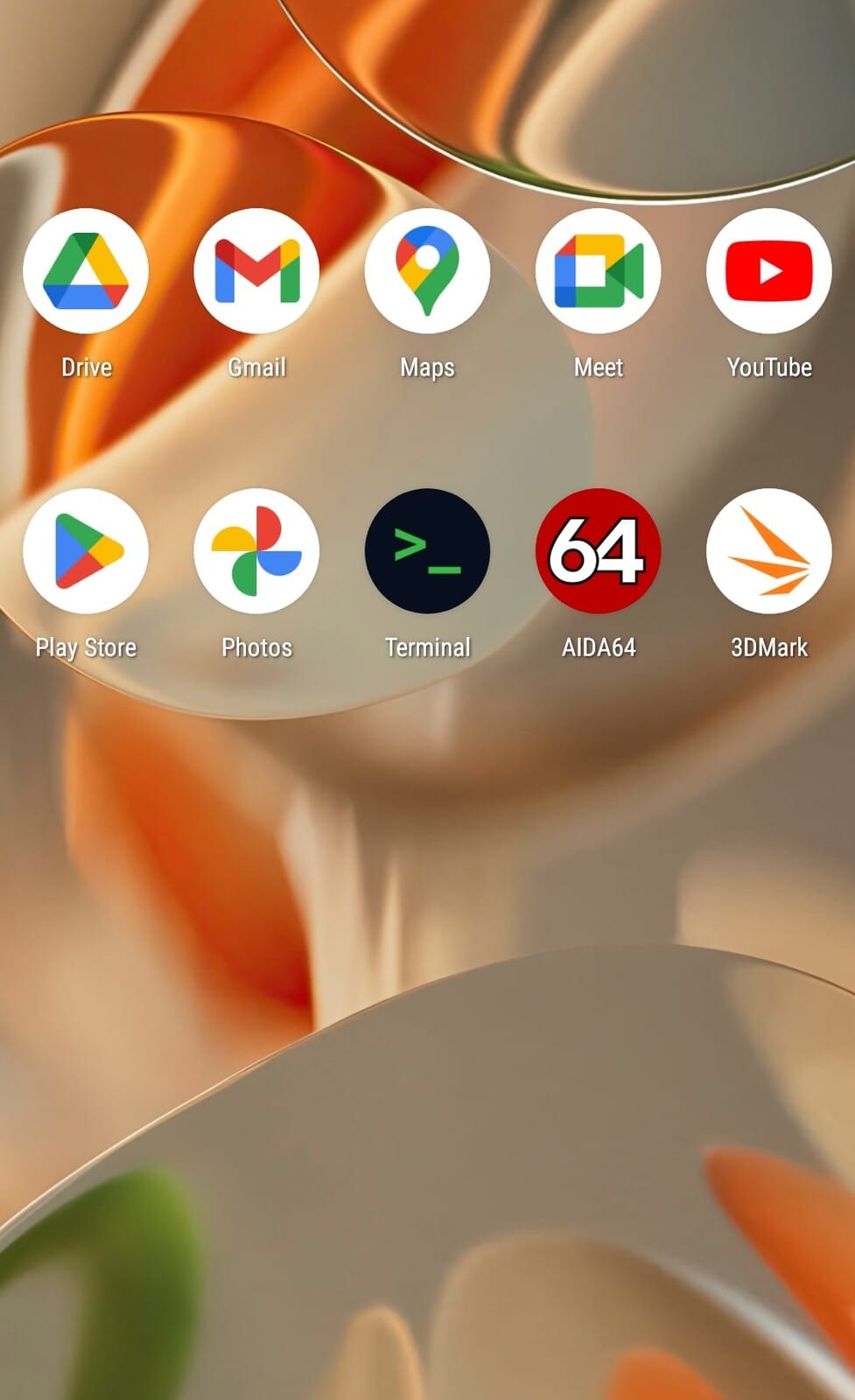
    While there have long been terminal emulator apps on the Play Store that provide a Linux-like environment, Google’s version will integrate the terminal right into Android. This new Terminal app will let users run a full Linux distribution in a VM, connecting through a local IP address to send Linux commands from the Android device.

    Making Things Simpler for Users

    At the moment, using the Terminal app involves manually setting up a Debian image and creating a vm_config.json file. However, Rahman believes the final version will simplify this process by introducing a LinuxInstaller app that automates these steps.

    Furthermore, Google seems to be planning to transform this basic Terminal app into a more robust tool by incorporating features like disk resizing, port forwarding, and partition recovery. Additionally, AVF will receive upgrades like snapshot backups and restores, nested virtualization, and support for x86_64 devices.

    A New Era for Android Developers

    While most users may not feel inclined to use a terminal on their smartphones, developers could greatly benefit from having certain command line tools available on-the-go. With AVF enabling GUI applications, we might see something akin to what Samsung previously demonstrated with Linux on DeX. There may even be a chance to run Windows on ARM almost natively on your phone. The potential is vast.

    Rahman anticipates that the new Terminal app with Linux capabilities could arrive with Android 16 next year. It’s still uncertain if this feature will be included in OEM-specific ROMs, but Pixel devices are likely to support it.

    Android Authority

    @MishaalRahman on X

    @cozy_OSS on X