Category: Software

  • Samsung Galaxy Phones Now Block Ads in Push Notifications

    Samsung Galaxy Phones Now Block Ads in Push Notifications

    Key Takeaway

    1. The Samsung Device Care app now includes “Intelligent Blocking,” which analyzes and manages push notifications to reduce unwanted advertising alerts.
    2. Apps that send frequent advertising notifications are placed into “deep sleep,” preventing further notifications from those apps.
    3. The feature is initially available on devices with One UI 8.5, such as the Galaxy S26 series, and may take weeks to roll out via official channels.

    New Update Brings Smarter Notification Management

    The latest update for Samsung’s Device Care app, now at version 13.8.80.7, bring a useful feature aimed at reducing irritation from unwanted push notifications. It is designed to analyze incoming notifications and identify which are purely advertising. Once detected, the app can automatically put these advertising notifications into “deep sleep” mode so they won’t bother you anymore. This helps make your experience more smooth and less cluttered. Samsung states that sometimes the classification between marketing and useful alerts isn’t perfect, but you can always unblock important notifications easily in the app settings.

    How Intelligent Blocking Works

    With this smart feature, called “Intelligent Blocking,” the app scans the notifications to determine if they are spam or promotional in nature. Notifications that are deemed to be more advertising than content are suppressed if they appear too frequently. This means you’ll no longer be annoyed by persistent ads. And if you still want to see certain notifications, simply unblocking them in the settings will do the trick. It is a simple but effective way to keep your notifications relevant and less intrusive, especially for power users who get bombarded constantly.

    Availability and Compatibility

    Right now, this update is seen first on smartphones that use the newest version of One UI 8.5, like the Galaxy S26, Galaxy S26+ and Galaxy S26 Ultra smart phones. If you are eager to try it sooner, versions of the app can be found outside official app stores, such as on APKMirror, where an updated version 13.8.80.7 has already been uploaded. However, official updates may take a few weeks to roll out globally to all compatible devices through proper channels like Samsung Galaxy Store or Google Play Store. Stay tuned for your device’s update to include this new helpful feature.

  • Windows 11 May 2026 Patch Tuesday Updates Now Available

    Windows 11 May 2026 Patch Tuesday Updates Now Available

    Key Takeaway

    1. The May 2026 Patch Tuesday update for Windows 11 addresses critical security vulnerabilities, including the actively exploited CVE-2026-32202 zero-day, with mandatory deployment for all users.
    2. Xbox mode, a controller-centric gaming dashboard, is now available for all Windows 11 24H2 and 25H2 users, enhancing gaming accessibility.
    3. File Explorer has been improved for stability, faster performance, and expanded archive format support, along with new features like persistent view settings and a “Preview anyway” button.
    4. The update introduces haptic feedback for compatible stylus devices and an AI activity indicator in the Taskbar, along with FAT32 drive support for volumes up to 2TB.
    5. This update accelerates the Secure Boot certificate rollout ahead of the June 26, 2026, expiration, requiring IT administrators to confirm their devices have received the updated certificates to avoid security downgrade.

    Microsoft has just pushed out its May 2026 Patch Tuesday update for Windows 11, which is a big deal coz its got lots of stuff packed into it. The update with the code KB5083631 is now rolling out to every version of Windows 11, whether it’s 24H2 or 25H2, bringing systems up to OS Builds 26100.8328 and 26200.8328 respectively. This update was first available as a sneak peek on April 30 but is now mandatory for everyone. Normally, Microsoft kicks off deploying these updates around 1:00 PM Eastern Time.

    The Importance of the Security Patch

    On the security front, this patch is especially noteworthy coz it hits a very critical point. Today, May 12, is the deadline set by the Cybersecurity and Infrastructure Security Agency (CISA) for federal agencies to apply a fix for CVE-2026-32202, a zero-day vulnerability in Windows Shell that was actively exploited and got covered last month. That patch is included in April’s cumulative update KB5083769. If users haven’t installed April’s update yet, they’ll get it as part of the initial rollout today. Once the update starts rolling out, Microsoft is expected to release a detailed list of all the new security vulnerabilities it addresses from Microsoft’s Security Response Center and other sources.

    New Features and Improvements

    For gamers, there’s a cool new feature called Xbox Mode making its debut today, set for all Windows 11 24H2 and 25H2 users. It essentially gives a full-screen, controller-first gaming dashboard that can be accessed through Settings, then Gaming, then Xbox Mode, or via the effortless Windows + F11 shortcut. Previously, only users who had manually installed the April preview version could access this feature, but now it’s baked into the OS for everyone.

    File Explorer Gets Better

    File Explorer, the staple for managing files, gets a reliability boost, fixing some crashes that used to happen during login and when interacting with the taskbar. Now, preferences for viewing and sorting files like in Downloads and Documents stay saved even after closing and reopening folders. A handy “Preview anyway” button has been added for downloaded files, making things more convenient. Also, support for more archive formats like UU, CPIO, XAR, and NuGet packages is now built-in, so no more need for third-party tools to extract common file types. Another plus is that File Explorer now opens faster than before the update.

    Haptic Feedback and AI Features

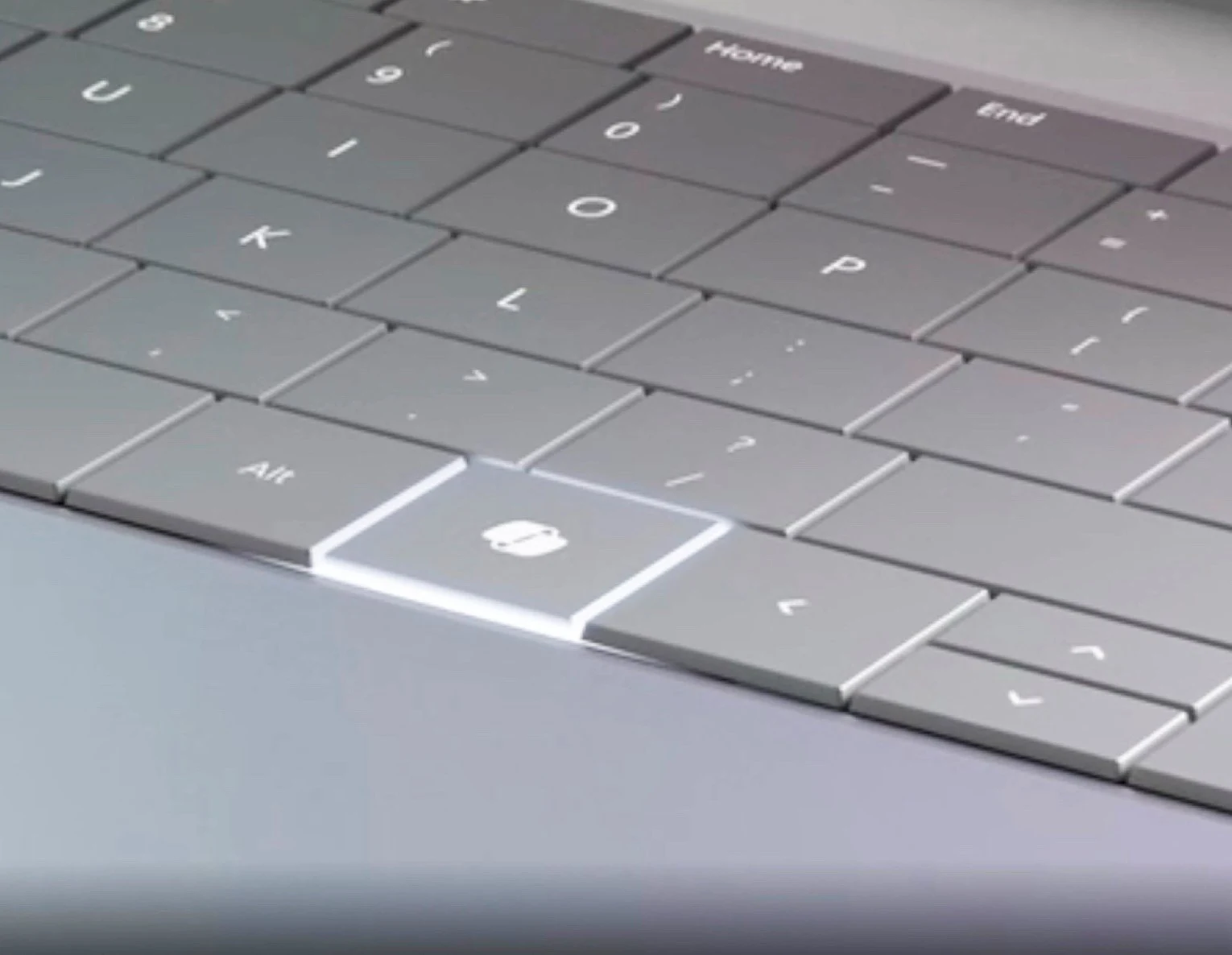
    If you own a compatible stylus or pen device, you’ll notice haptic feedback now. Devices like Surface Slim Pen 2, ASUS Pen 3.0, and MSI Pen 2 will give you tactile responses when you perform basic actions such as snapping or resizing app windows, or aligning objects — all manageable through Settings, then Bluetooth and Devices. An AI-powered agent also starts showing up on the Taskbar, initially linked to Microsoft 365 Copilot Researcher. It displays live updates while generating reports and sends a notification once done. Additionally, FAT32 formatting now supports drives up to 2TB, removing the old 32GB limit, and the Drag Tray feature has been renamed to Drop Tray, with its settings moved for easier access in Settings, then System, then Multitasking.

    Important Security and Compatibility Notes

    This update comes at a crucial time coz it’s the last update window before the expiration of Secure Boot certificates, which were issued back in 2011 and used by most Windows devices built between 2012 and 2025. These certificates will expire on June 26, 2026. Devices that haven’t received the updated certificates will enter a degraded security state starting the day after that date. Microsoft has been gradually pushing out the updated certificates since February 2026, and this May update continues that process. IT admins are advised to check their fleets to make sure all devices are running with the latest certificates before June’s Patch Tuesday, otherwise they’ll face login issues or reduced security.

    Known Issue and Final Advice

    There’s one known problem reported: Windows Server 2025 machines with an particular BitLocker group policy may boot into BitLocker recovery mode after installing this update, asking for the recovery key right after restart. Enterprise admins should double-check their BitLocker policy settings prior to deploying these updates. Microsoft says there are no other known issues at the moment, but monitoring feedback is always recommended.

    Sources
  • Parrot 7.2: Debian-Based OS with New Tweaks and Fixes

    Parrot 7.2: Debian-Based OS with New Tweaks and Fixes

    Key Takeaway

    1. Parrot 7.2 includes the Linux kernel 6.19.13 with a patch for the CVE-2026-31431 (“Copy Fail”) vulnerability.
    2. Significant updates and visual overhauls have been made to Parrot’s website and documentation.
    3. Recommended security measure: Use encrypted USB drives like Kingston Ironkey Locker+ 50 for data protection and backup.

    Introduction to Parrot 7.2 and Its New Features

    Staying true to its roots, Parrot 7.2 continues to evolve in the ethical hacking realm by bringing in a bunch of new features and fixes. One of the major updates is that it now runs on the new Linux kernel 6.19.13, which is important because it patches the CVE-2026-31431 vulnerability, also called “Copy Fail.” This vulnerability has been making waves in the security community, even catching the eye of Microsoft’s Security Blog. Such updates makes the system more resilient against potential threats.

    Recent Updates & Improvements

    The developers have been busy revamping the website and documentation. They’re making the information more accessible and clearer for users, with some parts getting a big overhaul. Expect a sleek look and easier navigation soon as the visual updates to the documentation are just around the corner. All downloads are conveniently available on the official pages so users can always get the latest version without hassle.

    Secure Storage Options for Ethical Hackers

    If you thinking about defensive tools, then consider starting with an encrypted USB stick. The Kingston Ironkey Locker+ 50 is a great choice for anybody serious about security. It features automatic cloud backup and uses XTS-AES encryption, protecting your data from many attack types like brute force and BadUSB. The 128 GB model specifically is priced around $89, down from its original retail, offering a good balance of price and security features.

    Sources
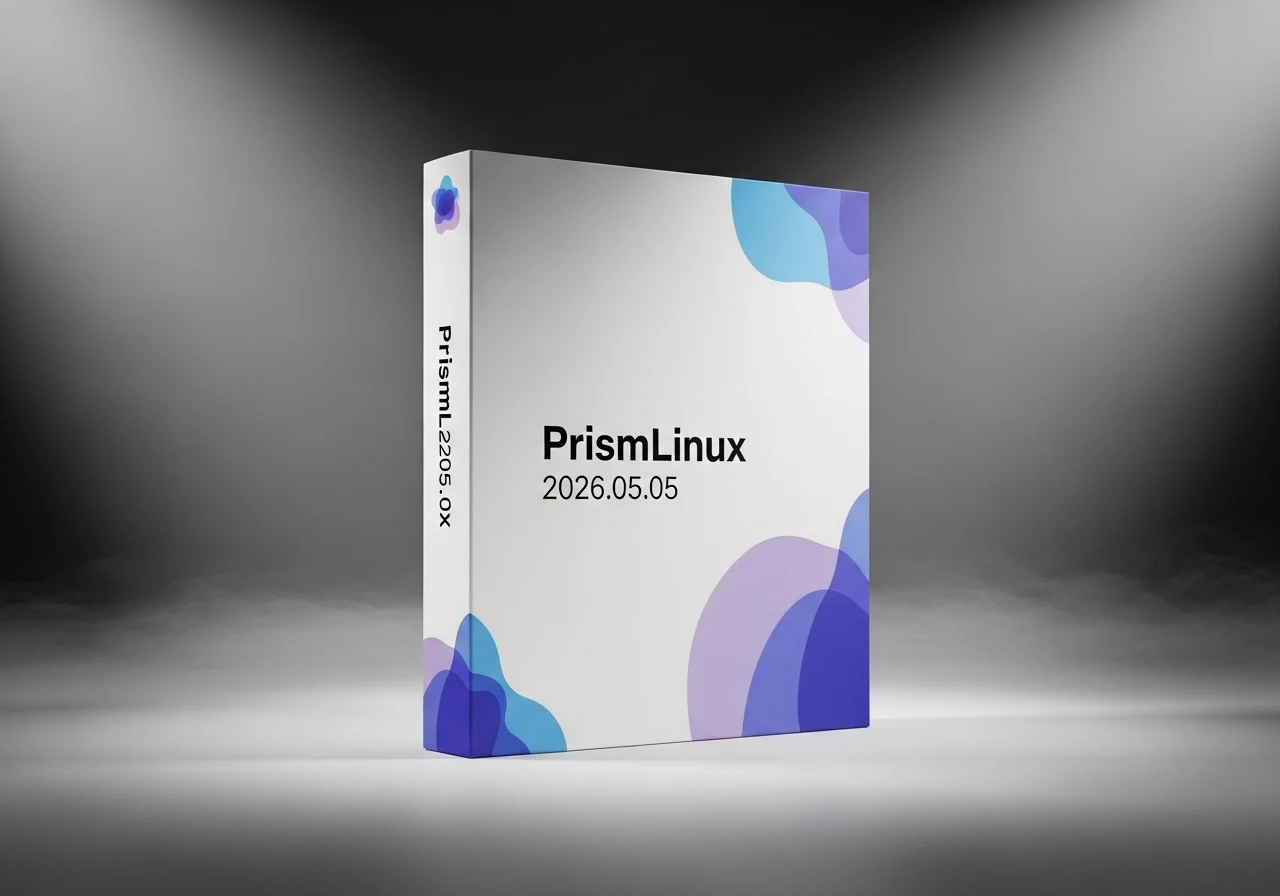
  • PrismLinux 2026.05.05 with New Installer and Linux Kernel 7.0 Release

    PrismLinux 2026.05.05 with New Installer and Linux Kernel 7.0 Release

    Key Takeaway

    1. PrismLinux 2026.05.05 is a stable, Arch-based release featuring the 7.0 kernel and GNOME 50 support.
    2. The update includes a full website redesign and multiple repository fixes.
    3. The ISO size is 2.5 GB, with recommended 8 GB RAM for optimal performance.

    The latest update to the lightweight Linux distributions has arrived with a bang, now known as PrismLinux 2026.05.05. This new version, based on Arch Linux, brings along some significant upgrades, including the latest 7.0 kernel, support for GNOME 50, and various other improvements. The developers have worked hard to make this release more stable and user-friendly for enthusiasts who prefer a minimalistic yet powerful OS.

    New Features and System Requirements

    The size of the ISO file is about 2.5 GB, which is quite reasonable for an ultralight distro. You will need at least 2 GB of RAM and 30 GB of storage to run it properly, but for an optimal experience, 8 GB of memory is highly recommended. Although there’s no specific processor mentioned on the official site, an AMD Ryzen 5 5500 (which can be found at an 86-dollar discounted rate on Amazon) should be more than sufficient to keep PrismLinux running smoothly.

    Design Improvements and Fixes

    • The official webpage has undergone a full redesign, giving it a sleeker, more modern look.
    • The repository has received numerous fixes that enhance stability and security, making the system more reliable for daily use.

    Additional Details Your Should Know

    Another notable aspect is the complete overhaul of the system’s visual and performance aspects. The inclusion of GNOME 50 support means you’ll get a more updated desktop environment that’s both performant and visually appealing—perfect for users who want a balance of speed and user experience. All these features make PrismLinux 2026.05.05 an exciting choice for those who crave lightweight yet capable Linux distributions for their hardware.

    Sources
  • Samsung Releases One UI 8.5 to 40+ Galaxy Phones and Tablets

    Samsung Releases One UI 8.5 to 40+ Galaxy Phones and Tablets

    Key Takeaway

    1. Samsung has begun rolling out One UI 8.5, starting in Korea with a wider release in mid-May.
    2. The update is available for the Galaxy S26 series, Galaxy S26+, Galaxy S26 Ultra, and other smartphones and tablets.
    3. One UI 8.5 introduces a redesigned user interface, new AI features like Photo Assist, and improvements to Bixby voice assistant.

    Latest Updates on Samsung’s Software Rollout

    After the release of the Galaxy S26, along side the Galaxy S26+ and the Galaxy S26 Ultra, which is priced at $1,299, the company has already begun shipping devices equipped with One UI 8.5. This new software update brings many fresh features both in terms of AI capabilities and user interface improvements. Samsung has officially announced that the update started rolling out today, initially in Korea, and other countries should get it by mid-May. This rollout includes several selected smartphones and tablets, but don’t expect it to be immediately available for all devices on supporting lists.

    Coverage and Deployment Timeline

    Just an heads up, it’s going to take a few more months for the update to reach all eligible Samsung smartphones and tablets. The process of releasing the update is gradual and will vary by region and device. It’s always best to check your device settings regularly for new updates. We’ve gone through the new features in this article so you can stay informed about what’s coming to your device soon.

    What’s New in One UI 8.5

    On the design front, One UI 8.5 makes some visual overhauls, especially with fresh menus and navigation bars that look more modern and intuitive. On the software side, the update is packed with AI-enhanced features. For example, Photo Assist now offers improved AI-generated images, making your photos look even better. Additionally, Bixby’s voice assistant has been upgraded to be smarter, allowing more natural and effective voice commands. All these features aim to enhance your overall Samsung experience, offering smoother interactions and more personalized options.

    Sources
  • OmniOS r151058: Tool Updates, New Features & Hardware Support

    OmniOS r151058: Tool Updates, New Features & Hardware Support

    Key Takeaway

    1. OmniOS is a secure, open-source enterprise server OS based on illumos, derived from OpenSolaris.
    2. Version 3.7.0 includes various improvements such as tool updates, new features, and extended hardware support.
    3. Deprecated features include the grub boot loader, certain versions of OpenSSL, Python 2, and GSSAPI support in OpenSSH.
    4. The ISO and USB-DD files are notably compact, and users of older versions should upgrade to ensure continued support and updates.

    Introduction to OmniOS

    OmniOS is mainly a operate-os designed for the server market. It is built upon the illumos project, which itself os derived from the old OpenSolaris—discontinued by Oracle back in 2010. Known for its security features, this OS has been developing since 2010 with a focus on stability and enterprise readiness.

    Latest Version and Improvements

    The recent release, OmniOS 3.7.0, bring several cool upgrades like new tools, more hardware compatibility, and additional features. For example, it now supports a wider array of hardware, making deployment in diverse environments easier. Updates also include bug fixes and security patches to make using this server OS safer and more reliable.

    Deprecated features and system specs

    It’s important to note that some older features no longer supported include the grub boot loader, OpenSSL versions 1.0.x and 1.1.1, Python 2, and GSSAPI key exchange support for OpenSSH. The distributions come in compact ISO files and USB-DD images, with sizes of 301 MB and 401 MB respectively. Once upon a time, version 151046 was current, but it’s now at its end-of-life, and users are encouraged to upgrade to either r151054 or r151058 for continued support and updates.

    Sources
  • Plex Remote Pass for NAS Streaming Now 50% More Expensive

    Plex Remote Pass for NAS Streaming Now 50% More Expensive

    Key Takeaway

    1. Plex allows streaming of personal media libraries on devices through NAS installation, offering a convenient home entertainment solution.
    2. The Remote Watch Pass enables outside access but increases in price from $1.99/month to $2.99/month starting June 1, 2026.
    3. Features like “download to devices,” “share access,” or “skip intro” require a Plex Pass subscription, which may also see future price changes.
    4. A one-time lifetime Plex Pass can be purchased for $249.99, providing all features without ongoing fees.
    5. Open source alternatives like Jellyfin offer free access to all playback features without subscriptions.

    About Plex and Its Core Functionality

    Plex be a software that you can put on a NAS system like the Terramaster F4-425 Plus, which costs about $549. Once installed, it allows you to stream your personal photo, movies, and music library straight to your smartphone, smart TV, or other connected devices. It’s like having your own private Netflix, but with the content you actually own, not just rent. This makes a super convenient way to enjoy your media collection without lugging around external drives or plugging into specific devices.

    Subscription Plans and Their Growing Costs

    Many users find themselves relying on a monthly subscription to unlock all Plex’s features. For example, the basic functions are free, but the Remote Watch Pass, which enables viewing outside your home network, costs $1.99 per month or $19.99 per year. Recently, Plex announced that from June 1, 2026, this price will increase by 50%, making it $2.99 per month or $29.99 annually.

    Premium Features and Pricing Options

    If you’re looking to download content for offline viewing, share access with friends, or enjoy a feature like “skip intro”, then the Plex Pass is necessary. This subscription costs $6.99 monthly or $69.99 yearly. Whether these prices will also see an increase isn’t confirmed just yet. Alternatively, for those who prefer a one-time payment, there’s a lifetime Plex Pass for $249.99. And if you want to avoid subscriptions altogether, open-source options like Jellyfin offer similar functionalities totally free of charge, fulfilling those who wants to stream their existing media without any extra expenses.

    Sources
  • Booklore Self-Hosted E-Book Library Sparks Licensing Controversy

    Booklore Self-Hosted E-Book Library Sparks Licensing Controversy

    Key Takeaway

    1. Concerns about code quality and reliance on vibe coding raise reliability and maintenance questions for Booklore.
    2. License changes and community contribution handling suggest potential transparency and ethical issues.
    3. Privacy and security concerns, including telemetry and permission settings, have impacted user trust.
    4. Features like paywalled downloads and file permission issues upon uninstallation have frustrated users.

    Initial Impressions of Booklore

    I first got to know about Booklore when it was a fresh new player in the scene, trying to be a modern alternative to Calibre Web. The platform aimed at being a self-hosted way to handle your e-book library, complete with a slick and modern user interface. It looked promising at first, especially for those wanna’ keep things in house, without needing third-party hosting services. But, like a lot of new projects, it didn’t take long before some red flags began to showed up.

    Community Concerns and Code Quality

    On Reddit, some users started raising questions about the quality of code behind Booklore. There were comments suggesting that much of it might be vibe-coded—quick, informal, and perhaps not the most structured coding practices. Judging by the frequent commits, it’s clear the developer was actively pushing updates, but that doesn’t always means the code is solid. And the risk of vibe coding for an app meant to handle important libraries could be problematic. Poor coding sometimes leads to issues like data loss or corruption, especially if the app deletes a database with a simple mistake. For those storing a big collection of ebooks, this is pretty concerning.

    License Changes and Community Feedback

    Another thing that stirred controversy was the licensing. Initially, Booklore was released under an AGPL license, which is open source. But then, there were whispers about a switch to a BSL license—a license that gives the project sponsor more control, including the ability to publish contributions under non-open-source terms without consulting contributors or getting their permission. This felt like a breach of trust for many community members. Plus, the developer’s handling of the situation on Discord didn’t sit well with everyone, as they did not acknowledge the community’s contributions properly.

    Privacy and User Control Issues

    There were also worries about privacy; namely, telemetry data being sent to servers owned by the developer, despite users opting out of the feature. Although later updates seem to have addressed this, it was a source of frustration early-on. And let’s not forget a paywall feature—those attempting to download multiple books from their own library found themselves blocked, which upset a lot of users who thought they were in control of their own data. Such limitations can easily make users reconsider whether the software is really worth using.

    Uninstalling and Final Thoughts

    When I finally removed Booklore from my setup, I noticed something odd. All the permissions on my e-book files on my Unraid server had been changed to d–x–x–x, blocking me from moving or deleting my books without adjusting permissions manually. This is not just inconvenient, but also a potential risk for data security. Changing those permissions was straightforward, but the experience confirmed that, for me, removing it was the best move. The whole controversy, combined with the technical issues, made it clear that I needed a more reliable solution for my library management needs.

  • Garmin Data Export Tips for Easy Local Analysis Without Costs

    Garmin Data Export Tips for Easy Local Analysis Without Costs

    Key Takeaway

    1. garmin-health-data simplifies exporting Garmin Connect data into a local, flexible SQLite database for easier analysis.
    2. Supports multiple accounts and various data types, including activity metrics and health parameters like heart rate variability.
    3. The Python-based tool is easy to install, with features such as error handling and resumable downloads to enhance user convenience.

    Introducing Garmin Data Export Simplified

    Garmin Connect is a popular platform that gathers data from users wearables like fitness trackers and smartwatches. This data can span years, even decades, providing a rich history of health and activity info. But, the problem is that the built-in options for exporting this info are often slow and complicated to use. Many people have tried finding better methods to analyze their workout and health data outside Garmin Connect, but it remains a challenge. Thankfully, a new tool called garmin-health-data has come to make this much easier. This program lets users directly export their Garmin data into a local database, which is super useful for doing more detailed analysis later on.

    Why Use garmin-health-data?

    What makes garmin-health-data cool is that it supports not just exercise data but also health stats like heart rate variability. The project is coded in Python, which makes it pretty easy to install even for those not super tech-savvy. Once set up, it stores all your info into one simple SQLite database file. This means you can gather data from multiple Garmin accounts—maybe for the entire family or a running club—into a single place. Plus, the tool has some helpful features to save you trouble, like handling errors quietly so the whole process doesn’t break if one part runs into a problem. And if your download gets cut off unexpectedly, you can pick right back up without starting all over again.

    Technical Details and Usage

    The software’s main strength is its straightforward approach to gathering Garmin data efficiently. It’s built with convenience in mind, so users can manage large datasets seamlessly. The project, supported by the PyPi package repository, is well-documented and simple to deploy. Users can customize their data extraction, focusing on certain types of metrics if needed. The database created is flexible enough to empower complex analysis, including AI methods, though leveraging new tech ideas like large language models is optional. This way, users can turn their data insights into actionable health and fitness plans or even just better visualizations of their progress.

    Summary and Final Thoughts

    Ultimately, garmin-health-data represents a significant upgrade from traditional, cumbersome data exporting routines. Its ability to integrate multiple accounts, handle errors gracefully, and resume interrupted downloads make it a valuable tool for health enthusiasts and data scientists alike. Whether you’re a casual user wanting to review your weekly activity or a researcher analyzing long-term health trends, this software caters to a broad audience with its flexible and user-friendly design.

    Sources