Key Takeaways
1. ETA PRIME tested a portable gaming setup using the Lenovo Legion Go 2 and an external Adlink Pocket AI GPU dock powered by a battery.
2. The Adlink Pocket AI, while not designed for gaming, enhances performance for light gaming and older titles with its Nvidia RTX A500 GPU.
3. Lossless Scaling was used to improve frame rates significantly, with God of War: Ragnarok jumping from 35–40 FPS to around 70 FPS after activation.
4. Cyberpunk 2077 performance improved from 45 FPS to approximately 80 FPS with Lossless Scaling enabled, showcasing the potential of dual-GPU configurations.
5. The experiment demonstrated that a low-power external GPU can greatly enhance the gaming experience on handheld devices when properly configured.
We recently observed the performance of a gaming handheld paired with an external GPU dock, but what occurs when we operate the whole setup on battery power and integrate lossless scaling? The well-known YouTuber, ETA PRIME, took on this challenge, and the findings are quite astonishing.
Experimenting with Portable Gaming
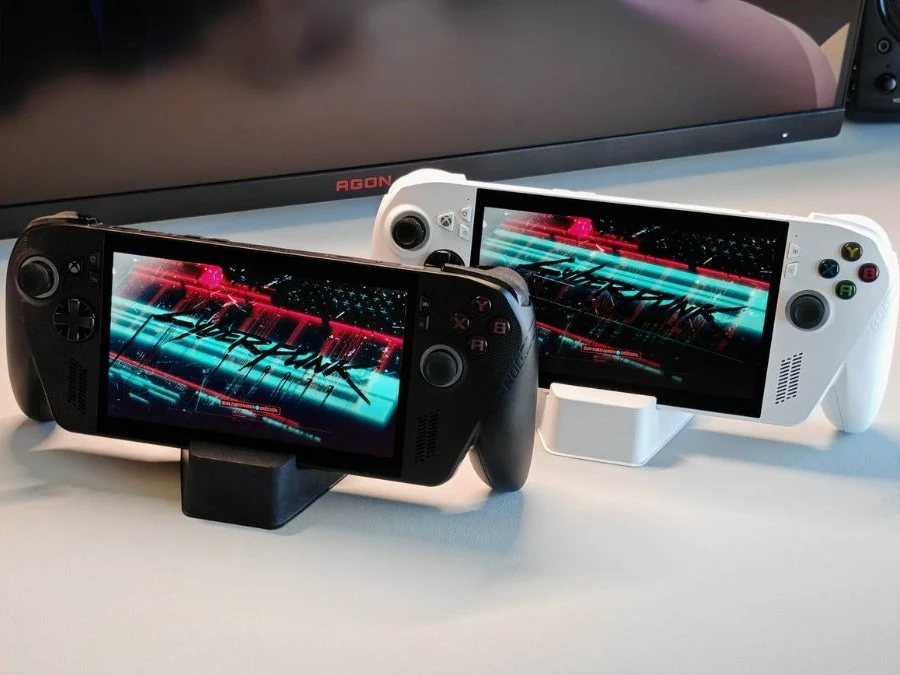
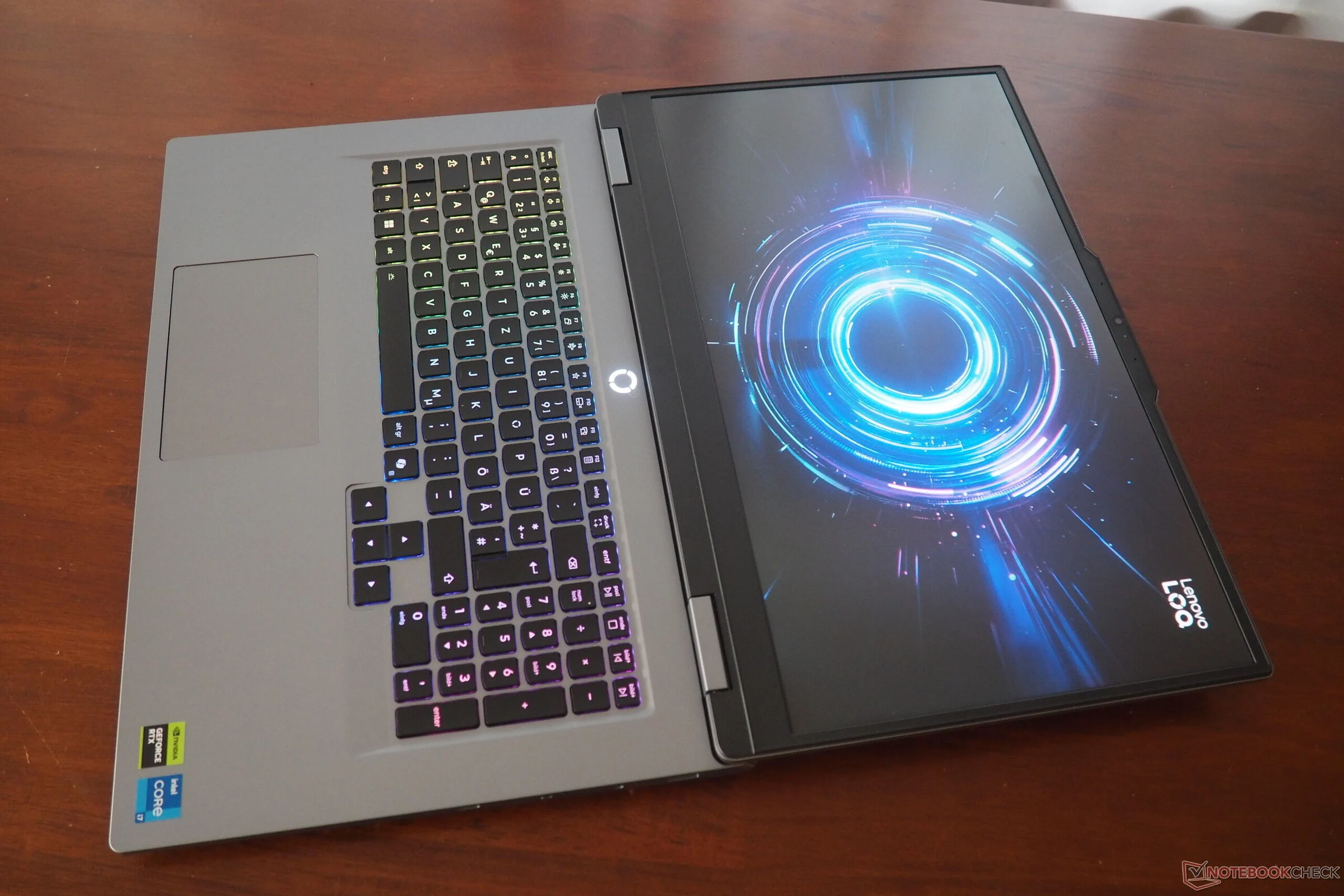
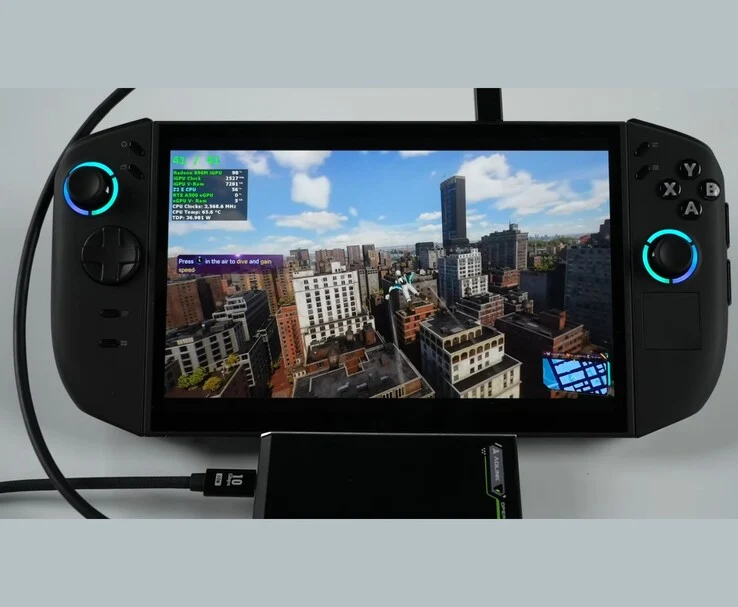
In this new venture, ETA PRIME aimed to explore the boundaries of portable gaming by utilizing a fully battery-operated dual GPU configuration on the Lenovo Legion Go 2. To achieve this, the YouTuber connected the Lenovo Legion Go 2 to the Adlink Pocket AI GPU enclosure via the USB4 port. This external unit is equipped with an Nvidia RTX A500 GPU, which is entirely powered by a high-capacity power bank rather than a wall outlet.
The Capabilities of the Adlink Pocket AI
While the Adlink Pocket AI is not specifically designed for gaming, it can still manage light gaming and older games, providing a significant performance enhancement for systems lacking a dedicated graphics card. However, its primary goal is to enhance AI tasks, 3D rendering, and other professional computing needs.
Since the Pocket AI GPU lacks any video output, all rendering occurred on the internal display of the Legion Go 2, with the frames generated sent back through the USB4 connection.
Setting Up Lossless Scaling
After connecting the hardware, the following step was to install the Lossless Scaling utility from Steam, which is a lightweight program that utilizes AI for frame generation. In Windows’ Graphics Settings, the YouTuber set the Radeon 890M iGPU as the main graphics processor for gaming, while assigning the external RTX A500 for frame generation. This ensured that the rendering tasks were divided between the two GPUs.
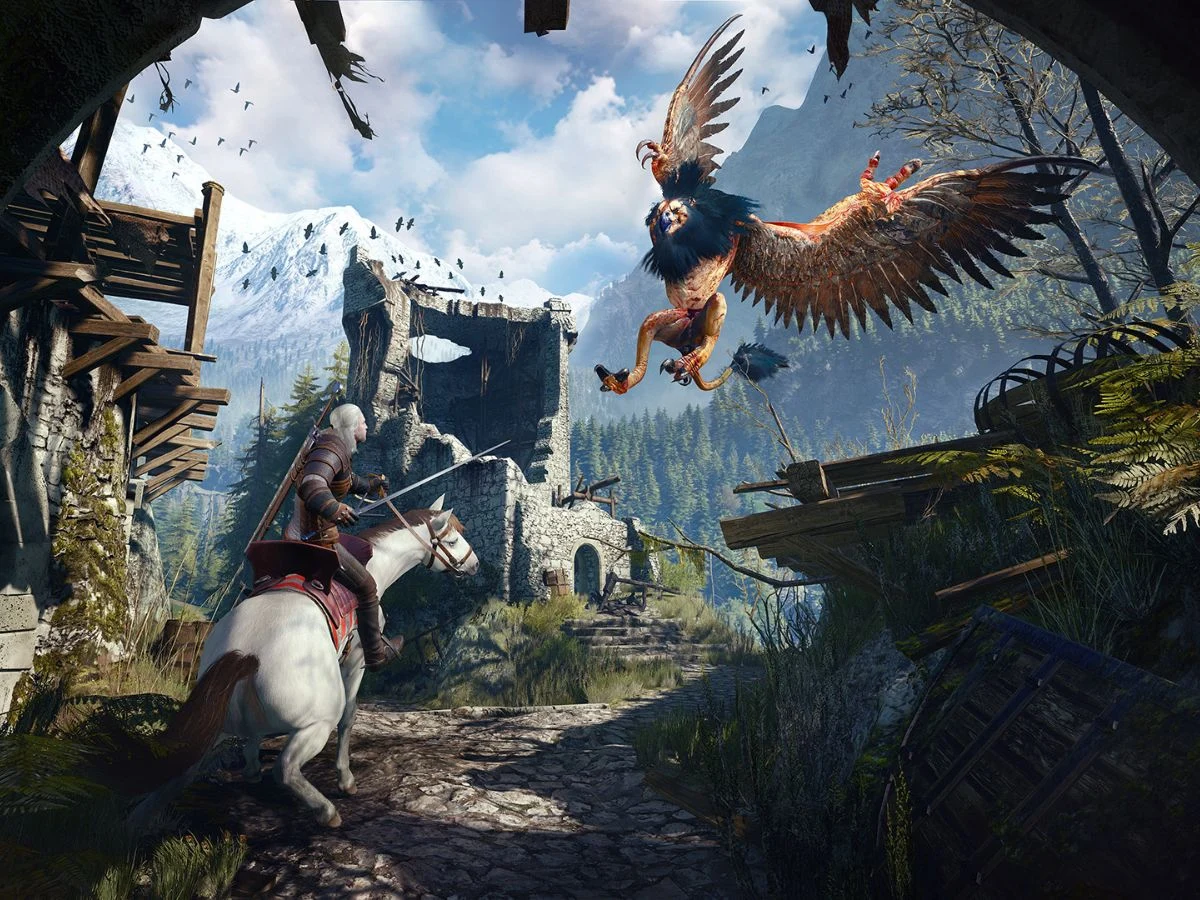
With the configuration complete, testing began. The first game tested was God of War: Ragnarok, running at 1200p resolution on high settings with FSR set to Quality. The Lenovo Legion Go 2, using only the integrated Radeon 890M iGPU, managed around 35–40 FPS. However, once Lossless Scaling was activated, the frame rates surged to approximately 70 FPS.
In this configuration, the external RTX A500 did not directly render the game, but rather generated interpolated frames that were sent back to the Legion Go 2’s internal display via the USB4 connection. The GPU enclosure consumed about 25 watts from the power bank, while the iGPU continued to manage native rendering tasks.
Performance in Demanding Titles
When testing Cyberpunk 2077, one of the more demanding games, the Ryzen Z2 Extreme APU initially had trouble maintaining 45 FPS at 1080p high settings with FSR Balanced mode. However, after enabling Lossless Scaling, the handheld jumped to the 80 FPS range, effectively doubling its smoothness. Even though the frame back-feed through the USB4 interface limited overall throughput, the frame pacing remained consistent.
Given that both the Legion Go 2 and the external GPU enclosure were powered entirely by battery, this setup turned into a fully portable dual-GPU arrangement.
In conclusion, the experiment revealed that with proper adjustments, even a low-power RTX A500 could significantly improve a handheld’s gaming performance. If you’re keen on replicating a similar setup, be sure to watch the full video linked below for a detailed guide.
Source:
Link