Tag: iPhone 15 Pro

  • Civilization VII Launching on iPhone and iPad Soon

    Civilization VII Launching on iPhone and iPad Soon

    Key Takeaways

    1. Sid Meier’s Civilization VII Arcade Edition launches on Apple Arcade on February 5, 2025, for mobile users.
    2. The game offers the core Civilization VII experience but lacks multiplayer mode and will not receive additional content or updates.
    3. It features touch controls and supports controllers and mouse inputs for flexibility in gameplay.
    4. Players need a device with at least Apple’s A17 Pro chip, like the iPhone 15 Pro or iPad Mini 7, to play the game.
    5. Larger map sizes require a minimum of 8 GB of RAM, and the game will take up 3.5 GB of storage space.


    Apple gamers are about to dive into history while on the move.

    Sid Meier’s Civilization VII Arcade Edition is set to launch on Apple Arcade on February 5. This version is tailored for mobile users and is a spin-off of the 4X strategy game that originally debuted on February 11, 2025. It enhances the traditional Civilization gameplay, allowing players to explore maps, establish new cities, negotiate with other civilizations, defeat opponents, and uncover new technologies to build a successful empire.

    Game Features and Limitations

    According to the information on the game’s store page, “this is the genuine Civilization VII base game experience,” but there are several important limitations. First off, multiplayer mode will not be available when it launches. Moreover, this Arcade Edition won’t receive any downloadable content or updates that the main version will have. It employs touch controls, but it also supports controllers and mouse inputs for those who prefer them.

    Hardware Requirements

    The Arcade Edition has specific hardware requirements that might limit accessibility. Players need a device with at least Apple’s A17 Pro chip, which means they will need an iPhone 15 Pro, iPad Mini 7, or a newer model to enjoy the game. Furthermore, larger map sizes (Large and Huge in the in-game settings) will necessitate a minimum of 8 GB of RAM. However, this shouldn’t pose an issue since any device featuring an A15 Pro or later is guaranteed to have at least 8 GB of RAM. Additionally, this version will take up 3.5 GB of storage space.

    Source:
    Link


  • AirPods Pro 3 Features Incompatible with Older iPhones, Even iPhone 16

    AirPods Pro 3 Features Incompatible with Older iPhones, Even iPhone 16

    Key Takeaways

    1. Significant Upgrades: AirPods Pro 3 feature an improved U2 chip for better Precision Finding and include a speaker in the charging case.

    2. Compatibility Restrictions: Enhanced features like Live translations and Precision Finding are only available for iPhone 15 Pro and newer models.

    3. Distance Tracking Improvement: The new Precision Finding can track the earbuds 1.5 times farther than AirPods Pro 2, but only with compatible iPhones.

    4. Limited Regional Support: Not all regions support ultra-wideband technology, limiting the functionality of the AirPods Pro 3.

    5. Higher Cost with Limited Features: Priced at $249, the need for the latest iPhone models to access full features may deter potential buyers.


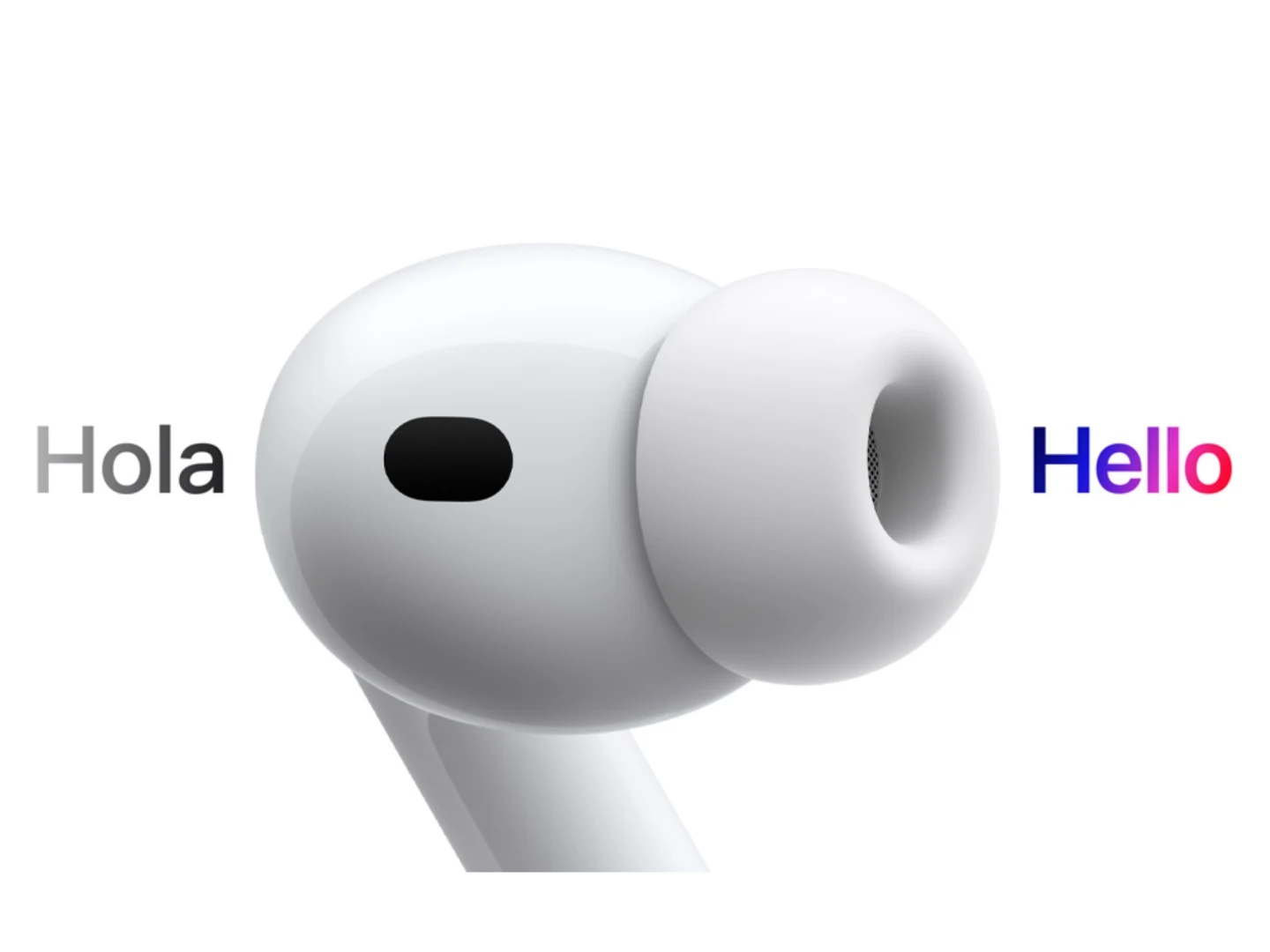
    The AirPods Pro 3 offer significant upgrades compared to the AirPods Pro 2, but not all users with iPhones can access these enhancements. Recently, it was found that the Live translations feature, powered by Apple Intelligence, is only compatible with the iPhone 15 Pro and newer devices. Additionally, the new Precision Finding functionality comes with a similar restriction, which some might say is even more disappointing.

    Enhanced Features

    The AirPods Pro 3 are equipped with an improved U2 chip that enhances Precision Finding capabilities. This new version allows the earbuds to be tracked over a distance that’s 1.5 times greater than what was possible with the AirPods Pro 2. With the speaker integrated into the charging case, finding the earbuds should be much simpler. However, this upgraded feature doesn’t support older iPhone models, not even those from the previous generation.

    Compatibility Issues

    In the detailed terms and conditions, Apple specifies that the enhanced Precision Finding feature is only available for AirPods Pro 3 when used with iPhone 17 series. While the U2 chip was first introduced with the iPhone 15, Apple has not clarified why the improved Precision Finding is not functional on these devices. Thankfully, the iPhone Air is compatible, but that’s as far as the list goes. Additionally, not every region supports ultra-wideband technology.

    This follows the earlier news that the Live translations feature on the AirPods Pro 3 is restricted to iPhone 15 Pro models or newer, as it relies on Apple Intelligence. Priced at $249, these earbuds are already on the pricier side, but the requirement for the latest iPhone to access all features makes them even less appealing.

    Summary of Limitations

    In conclusion, while the AirPods Pro 3 come with several advancements, the limitations tied to iPhone compatibility could frustrate many potential users. As technology progresses, it’s crucial for companies like Apple to ensure broader access to features rather than restricting them to the latest devices.

    Source:
    Link


  • AirPods Pro 3: Live Translations Limited to Select iPhone Users

    AirPods Pro 3: Live Translations Limited to Select iPhone Users

    Key Takeaways

    1. Apple introduced the iPhone 17 series, new Apple Watch, and AirPods Pro 3 at the ‘Awe Dropping’ event on September 9.
    2. The AirPods Pro 3 feature live translation, but only users with an iPhone 15 Pro or newer can utilize this function.
    3. Other compatible devices for live translation include the iPad mini (A17 Pro), iPads with M1 or later, Macs with M1 or later, and Apple Vision Pro.
    4. AirPods Pro 2 and AirPods 4 will also support live translation with a firmware update, but the unique ear-to-ear translation feature is exclusive to AirPods Pro 3.
    5. Live translation currently supports English, French, German, Portuguese, and Spanish, with plans to add Italian, Japanese, Korean, and Chinese later this year; AirPods Pro 3 are priced at $249 and launch on September 19.


    Apple recently held its ‘Awe Dropping’ event on September 9, where it introduced the new iPhone 17 series, along with the latest Apple Watch and AirPods Pro earbuds. All of these devices come with improved features compared to their predecessors. The AirPods Pro 3, in particular, offer a live translation function that can be very useful for many users. However, it’s important to note that not every iPhone user will be able to utilize this feature, even if they purchase the new earbuds for $249.

    Live Translation Requirements

    Live translation capabilities are powered by Apple Intelligence, and the processing takes place on the connected iPhone. This indicates that the iPhone model must support Apple Intelligence, and Apple has verified that only the iPhone 15 Pro models and newer versions have this support. Hence, if you desire to take advantage of live translation, you’ll need to upgrade to an iPhone 15 Pro or a newer model if you do not already own one.

    Compatibility with Other Devices

    It’s not only iPhones that are compatible; the iPad mini (A17 Pro), iPad models equipped with M1 or later, Macs with M1 or later, and the Apple Vision Pro also support Apple Intelligence features.

    The AirPods Pro 3 aren’t the sole earbuds capable of live translations. With a firmware update, both the AirPods Pro 2 (buy on Amazon) and AirPods 4 (buy on Amazon) will allow users to access this functionality. However, the AirPods Pro 3 provide the unique ability for users to hear translations directly in their ears when both parties are using the Pro 3 earbuds. Even though the translation feature requires an Apple Intelligence-enabled iPhone, which does the processing, it remains uncertain whether AirPods Pro 2 and AirPods 4 users will have the same capability.

    Supported Languages and Pricing

    Currently, live translation supports a limited number of languages, which include English (both UK and US), French (France), German, Portuguese (Brazil), and Spanish (Spain). According to Apple, support for Italian, Japanese, Korean, and Chinese will be added later this year.

    The AirPods Pro 3 are priced at $249 and will officially launch on September 19. Pre-orders are available now on Apple’s website and at various retailers.

    Source:
    Link


  • Free Up to 7GB iPhone Storage by Disabling Apple Intelligence

    Free Up to 7GB iPhone Storage by Disabling Apple Intelligence

    With the launch of iOS 18.3, iPadOS 18.3, and macOS 15.3, Apple has introduced its newest AI-driven feature, Apple Intelligence, which is now automatically active on devices that are compatible. This collection of AI capabilities includes features like message summaries, image creation, and improved Siri interactions, but it also requires a substantial amount of storage. According to Apple’s official documentation, Apple Intelligence can take up to 7GB of space on iPhones, iPads, and Macs.

    Managing Storage Needs

    For users facing storage limitations or those who may not find the AI features beneficial, there is a way to completely disable Apple Intelligence. Once you turn it off, the local AI models will be deleted from the device, freeing up the space they occupied. This is particularly helpful for iPhone users who have limited storage, especially for those who don’t actively utilize AI-generated features or content.

    Steps to Disable Apple Intelligence

    To turn off Apple Intelligence, users can go to Settings on an iPhone or iPad, or System Settings on a Mac, and find the “Apple Intelligence & Siri” section. By toggling off Apple Intelligence, a confirmation prompt will appear, after which the system will erase AI-related resources. Some AI capabilities, like Writing Tools, Genmoji, and Image Playground, will no longer be accessible. However, it’s worth noting that certain tools, like the Clean Up function in the Photos app, might still be available.

    Apple Intelligence is unavailable in mainland China at this time, and the company has not shared a timeline for when it might be launched there. Additionally, only devices with Apple’s newest hardware, including the iPhone 15 Pro, iPhone 16 series, and M-series iPads and Macs, can support Apple Intelligence. Users upgrading to iOS 18.2 must also opt-in to access the AI features.

    Customizing Your Experience

    For those who are hesitant about fully disabling Apple Intelligence, Apple allows users to selectively turn off specific features through app settings. Options like message summaries in notifications and writing assistance tools can be disabled without shutting down the entire AI suite. By managing these settings, users can customize their experience while still maintaining control over the storage and functionality of their devices.

  • iOS 18.3 Update Fixes Major Criticism of Apple Intelligence

    iOS 18.3 Update Fixes Major Criticism of Apple Intelligence

    Apple is in the process of releasing iOS 18.3, which is a 1.8 GB update that brings a variety of new features. Most of these updates are focused on Apple Intelligence, which is currently only accessible on the iPhone 15 Pro, iPhone 16, and iPhone 16 Pro, and just for users in the USA at this moment. The launch of Apple Intelligence in Europe is anticipated to coincide with the arrival of iOS 18.4, set for April.

    Key Improvements

    This update largely focuses on enhancements to Notification Summaries, which faced significant backlash last year due to AI-generated misinformation. With iOS 18.3, users can now modify the Notification Summary settings directly on their lock screens. A fresh icon has been introduced, making it simpler for users to differentiate between summaries and standard notifications. For now, news apps will be left out of the summaries to prevent the spread of misleading headlines.

    New Features and Fixes

    Visual Intelligence has been upgraded to allow users to create calendar entries simply by scanning a poster or flyer with their iPhone camera. Additionally, it can now identify and label animals and plants. The calculator app has also received a handy new feature that lets users repeat a calculation by tapping the equal sign again. This update addresses various issues in the keyboard and music app as well. Furthermore, Apple Intelligence will automatically activate for anyone who is new or upgrading to iOS 18.3, meaning that users who prefer not to use this feature will need to turn it off themselves via the “Settings” and “Apple Intelligence & Siri” options.

    Conclusion

    Apple is making strides with the iOS 18.3 update, focusing on user experience and feedback. While some features are limited to specific devices and regions for now, the company is clearly working towards broader availability in the near future. Users should keep an eye on these developments and be prepared to manage their settings accordingly.

  • iOS 18 AI Features Exclusive to iPhone 15 Pro, Not Older Models

    iOS 18 AI Features Exclusive to iPhone 15 Pro, Not Older Models

    Apple has been developing a range of AI features for the upcoming iPhone 16 series and beyond, which were anticipated to be available to older models with the iOS 18 update. However, according to Mark Gurman, the more sophisticated AI features will only be accessible on the iPhone 15 Pro and iPhone 15 Pro Max.

    Limited AI Features for Older iPhones

    Mark Gurman suggests that while the basic AI functions in iOS 18 will operate on-device, the more advanced features will necessitate more processing power and will depend on Apple’s servers.

    Previous reports indicate that Apple is also creating chips for its servers to manage these advanced AI features. Additionally, there are mentions of the company’s plans to utilize its M series chips in servers to process AI tasks.

    The restriction of cloud-based AI features to fewer iPhones could be due to the current limited infrastructure. Similar strategies have been adopted by Samsung and Google, who have also reserved many of their advanced AI capabilities for newer models.

    iOS 18 AI Features

    The iOS 18 update is expected to incorporate AI features such as notification summarization (termed Greymatter Catch Up), object removal from photos, an overhauled notes app with speech-to-text and summarization capabilities, among others. Siri will also gain new abilities, like opening specific documents, deleting emails, and summarizing articles.

    AI Features for Older Models

    Most text-based AI functionalities are likely to be considered basic features that can run on-device. Therefore, recent iPhone models eligible for iOS 18 (including the iPhone 11 series and above, iPhone XS, iPhone XS Max, iPhone XR, iPhone SE 2nd and 3rd generations) might receive these features. However, it remains unclear which specific features will be available on-device.

    Moreover, Gurman indicates that there could be some on-device AI features that only the iPhone 15 Pro models and later are capable of handling. These functionalities might not be available on older models and the non-Pro iPhone 15 models equipped with the A16 Bionic chip.

    AI Features in iPadOS 18 and macOS 15

    iPadOS 18 and macOS 15 are also set to receive some AI features. Gurman notes that the minimum requirement for macOS and iPadOS devices will be an M1 chip or later. Consequently, Intel-powered Mac devices will not support these features, which is understandable given that Intel chips and older iPhone Bionic chips lack the necessary NPU to run on-device LLMs.

  • Resident Evil 4 Remake pushes iPhone 15 Pro to its limits, struggling to maintain 30fps

    Resident Evil 4 Remake pushes iPhone 15 Pro to its limits, struggling to maintain 30fps

    Apple’s iPhone 15 Pro Struggles with Gaming Performance in Resident Evil 4 Remake

    Apple's iPhone 15 Pro series has been highly marketed as a powerhouse for gaming, with strong performance in AAA games like Resident Evil Village. However, recent tests conducted on the upcoming Resident Evil 4 Remake reveal a less-than-optimal gaming experience on the iPhone 15 Pro. In contrast, the M2 powered iPad Pro ran the game fairly well, posing a challenge for Apple's push into the gaming market.

    Performance Tests Highlight iPhone 15 Pro's Struggles

    MrMacRight conducted performance tests comparing the iPhone 15 Pro, M1 iPad, and M2 iPad, with a specific focus on "Resident Evil 4: Remastered." The results, presented in a video, indicate that the iPhone 15 Pro struggled to deliver a satisfactory gaming performance. The game, running at a resolution of 1560×720 with MetalFX sharpening technology enabled, consistently fell short of the capped 30 FPS (frames per second) on iOS.

    Inconsistent Frame Rates and Stuttering Impact Gaming Experience

    While simpler scenes maintained a relatively stable frame rate, reaching close to 30 FPS, more intense scenarios such as combat caused a significant drop, plunging below 25 FPS and sometimes as low as 20 FPS. This resulted in severe stuttering and impacted the overall gaming experience, especially when using a sniper rifle.

    Lack of Customizable Settings and Absence of Ray Tracing

    In contrast to the successful adaptation of Resident Evil Village on the iPhone, the iOS version of Resident Evil 4 Remake lacks customizable settings and relies on preset graphics. Notably, the much-anticipated ray tracing feature, previously emphasized by Apple, is notably absent in this game.

    Heat Dissipation Issues Likely a Contributing Factor

    One prominent factor contributing to the iPhone 15 Pro's subpar performance is likely heat dissipation issues. The device experienced rapid temperature increases during testing, triggering a reduction in frequency limit and exacerbating stuttering problems. This suggests that the iPhone 15 Pro may struggle with sustained gaming sessions.

    M2 iPad Pro Emerges as a More Reliable Option

    Interestingly, while the iPhone 15 Pro faced challenges with Resident Evil 4 Remake, the iPad Pro equipped with the M2 chip showcased superior performance. Running the game at a higher resolution with a more stable frame rate, the M2 iPad Pro emerged as a more reliable option for gamers.

    In conclusion, the iPhone 15 Pro's performance in Resident Evil 4 Remake falls short of expectations, with inconsistent frame rates and stuttering issues. The absence of customizable settings and ray tracing further contributes to a less-than-optimal gaming experience. Apple may need to address heat dissipation issues to improve the gaming performance of their flagship iPhone series. Meanwhile, the M2 iPad Pro demonstrates its capabilities as a viable alternative for gamers seeking a smoother gaming experience.