Tag: iOS 18.3

  • Android 17 Simplifies Switching from iPhone to Google Pixel

    Android 17 Simplifies Switching from iPhone to Google Pixel

    Key Takeaway

    – Wireless data transfer via Wi-Fi during setup, no cable required
    – Automatic transfer of passwords, iMessage history, wallpapers, home screen layouts
    – Auto-download of Android-compatible apps and support for third-party app data via API
    – Transfers eSIM, missed calls, notes, calendar entries, and Google Account
    – Works without extra apps, but initially limited to select Android 17 devices


    Seamless Switching Between Ecosystems

    Apple and Google have been working for years to make it easier to switch from an Android smartphone to an Apple iPhone, and vice versa, though not entirely of its own volition, since many of these features were developed only under pressure from the European Union. Apple recently released an update to iOS 26.3, introducing significant improvements in this regard. With Android 17 , Google is now following suit.

    What The New Migration Process Looks Like

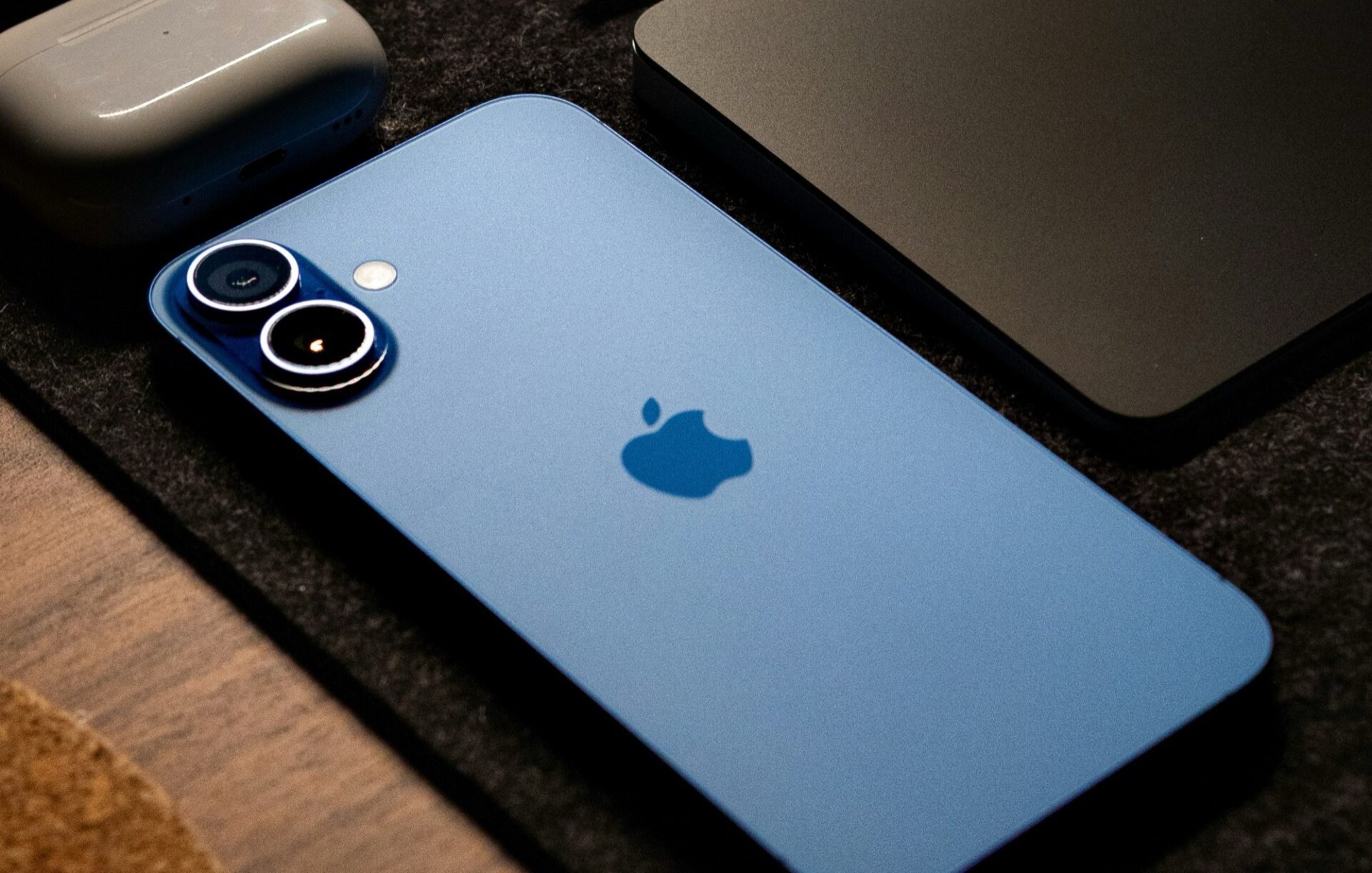
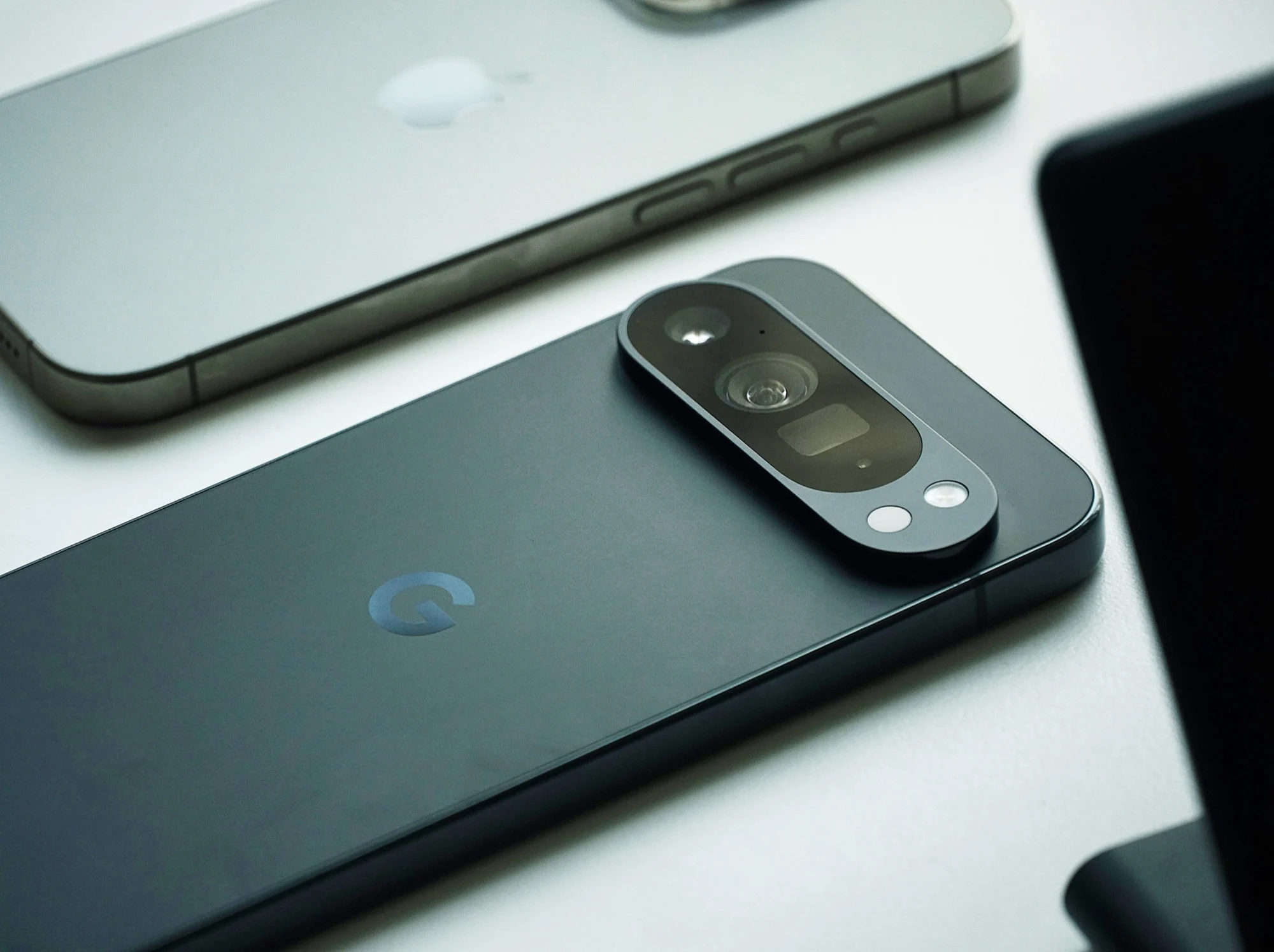
    Paul Dunlop, manager of the Android onboarding team at Google, has now broken down the improvements. Anyone who owns an iPhone running iOS 26.3 or later, such as the iPhone 17 ($744 on Amazon), and wants to switch to a smartphone with Android 17 can start the migration process right during setup. Compatible data can then be transferred wirelessly via Wi-Fi, rather than just via a cable as was previously the case, which is convenient, especially if you don’t have a USB-C-to-Lightning cable on hand.

    Data That Gets Transferred Automatically

    Data such as passwords, passkeys, Wi-Fi networks, iMessage chat histories, wallpapers, and even home screen layouts are transferred automatically. Apps that are also available on Android can be downloaded automatically. An API also allows data from third-party apps to be transferred, provided the app in question supports this feature. Missed calls, notes, calendar entries, a Google Account, and even the eSIM can be transferred this way.

    Availability And Initial Limitations

    Paul Dunlop emphasizes that all of this works without any additional apps. However, this smartphone migration will initially be available only on select smartphones; it is expected to take a few weeks before all users of Android 17 can access this feature.
     

    Sources
  • Free Up to 7GB iPhone Storage by Disabling Apple Intelligence

    Free Up to 7GB iPhone Storage by Disabling Apple Intelligence

    With the launch of iOS 18.3, iPadOS 18.3, and macOS 15.3, Apple has introduced its newest AI-driven feature, Apple Intelligence, which is now automatically active on devices that are compatible. This collection of AI capabilities includes features like message summaries, image creation, and improved Siri interactions, but it also requires a substantial amount of storage. According to Apple’s official documentation, Apple Intelligence can take up to 7GB of space on iPhones, iPads, and Macs.

    Managing Storage Needs

    For users facing storage limitations or those who may not find the AI features beneficial, there is a way to completely disable Apple Intelligence. Once you turn it off, the local AI models will be deleted from the device, freeing up the space they occupied. This is particularly helpful for iPhone users who have limited storage, especially for those who don’t actively utilize AI-generated features or content.

    Steps to Disable Apple Intelligence

    To turn off Apple Intelligence, users can go to Settings on an iPhone or iPad, or System Settings on a Mac, and find the “Apple Intelligence & Siri” section. By toggling off Apple Intelligence, a confirmation prompt will appear, after which the system will erase AI-related resources. Some AI capabilities, like Writing Tools, Genmoji, and Image Playground, will no longer be accessible. However, it’s worth noting that certain tools, like the Clean Up function in the Photos app, might still be available.

    Apple Intelligence is unavailable in mainland China at this time, and the company has not shared a timeline for when it might be launched there. Additionally, only devices with Apple’s newest hardware, including the iPhone 15 Pro, iPhone 16 series, and M-series iPads and Macs, can support Apple Intelligence. Users upgrading to iOS 18.2 must also opt-in to access the AI features.

    Customizing Your Experience

    For those who are hesitant about fully disabling Apple Intelligence, Apple allows users to selectively turn off specific features through app settings. Options like message summaries in notifications and writing assistance tools can be disabled without shutting down the entire AI suite. By managing these settings, users can customize their experience while still maintaining control over the storage and functionality of their devices.

  • iOS 18.3 Update Fixes Major Criticism of Apple Intelligence

    iOS 18.3 Update Fixes Major Criticism of Apple Intelligence

    Apple is in the process of releasing iOS 18.3, which is a 1.8 GB update that brings a variety of new features. Most of these updates are focused on Apple Intelligence, which is currently only accessible on the iPhone 15 Pro, iPhone 16, and iPhone 16 Pro, and just for users in the USA at this moment. The launch of Apple Intelligence in Europe is anticipated to coincide with the arrival of iOS 18.4, set for April.

    Key Improvements

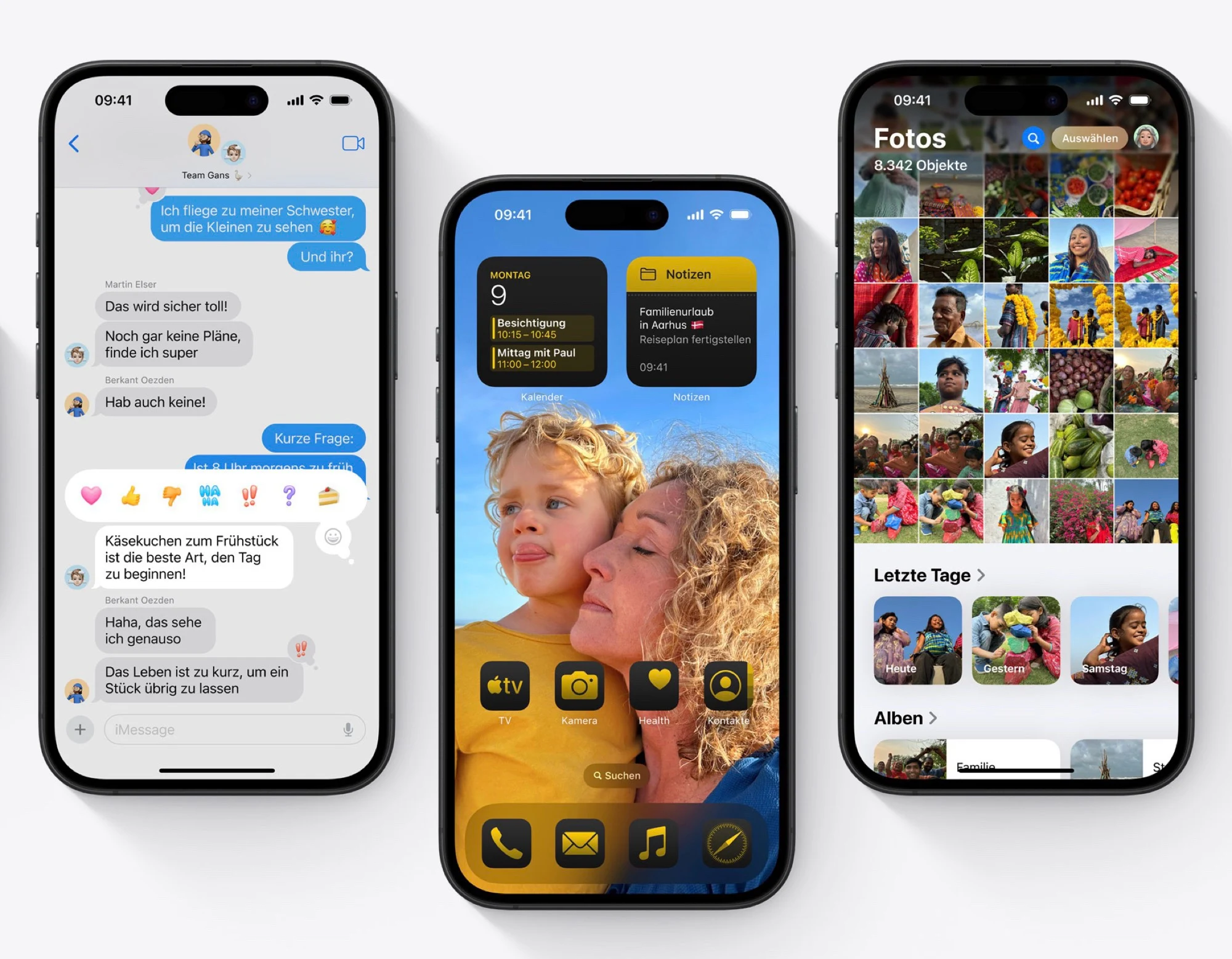
    This update largely focuses on enhancements to Notification Summaries, which faced significant backlash last year due to AI-generated misinformation. With iOS 18.3, users can now modify the Notification Summary settings directly on their lock screens. A fresh icon has been introduced, making it simpler for users to differentiate between summaries and standard notifications. For now, news apps will be left out of the summaries to prevent the spread of misleading headlines.

    New Features and Fixes

    Visual Intelligence has been upgraded to allow users to create calendar entries simply by scanning a poster or flyer with their iPhone camera. Additionally, it can now identify and label animals and plants. The calculator app has also received a handy new feature that lets users repeat a calculation by tapping the equal sign again. This update addresses various issues in the keyboard and music app as well. Furthermore, Apple Intelligence will automatically activate for anyone who is new or upgrading to iOS 18.3, meaning that users who prefer not to use this feature will need to turn it off themselves via the “Settings” and “Apple Intelligence & Siri” options.

    Conclusion

    Apple is making strides with the iOS 18.3 update, focusing on user experience and feedback. While some features are limited to specific devices and regions for now, the company is clearly working towards broader availability in the near future. Users should keep an eye on these developments and be prepared to manage their settings accordingly.

  • Apple iPhone SE 4 and iPad 11 Launch Rumored for January

    Apple iPhone SE 4 and iPad 11 Launch Rumored for January

    Just recently, there were talks that the upcoming fourth-generation iPhone SE might be named the iPhone 16e, intended as a budget-friendly option next to the iPhone 16. MacRumors has now reported from a source that seems credible that the iPhone 16e could debut alongside the rollout of iOS 18.3.

    iOS 18.3 Release Timing

    Looking back at past releases, iOS 15.3, 16.3, and 17.3 all came out in January, so it’s likely that iOS 18.3 is also on the way, especially since a beta version is already out. However, launching an iPhone in January would be quite odd, seeing as all previous iPhone SE models have been introduced in March or April. Yet, with Apple halting sales of both the iPhone 14 and the third-gen iPhone SE by the end of December due to the EU’s USB-C requirement, it makes sense for the iPhone 16e to be launched soon.

    Specifications of the iPhone 16e

    Rumored details suggest that the iPhone 16e will feature a 6.1-inch OLED screen with a 60 Hz refresh rate, a 12 MP front-facing camera equipped with Face ID, and a single 48 MP rear camera. It will also be powered by the latest Apple A18 chip. When compared to the pricier iPhone 16, the iPhone 16e lacks certain features like a dedicated camera shutter button and a 12 MP ultra-wide camera. Additionally, MacRumors indicates that the iPad 11 is also set for a January launch, expected to include an upgraded processor and 8 GB of RAM to enhance Apple Intelligence capabilities.

    Conclusion

    With all these updates, it seems like Apple is gearing up for some exciting new releases. The iPhone 16e and iPad 11 could bring some fresh choices for consumers looking for modern tech at a lower price. Keep an eye out for official announcements as the launch dates approach!

    Source: Link