
– Wireless data transfer via Wi-Fi during setup, no cable required
– Automatic transfer of passwords, iMessage history, wallpapers, home screen layouts
– Auto-download of Android-compatible apps and support for third-party app data via API
– Transfers eSIM, missed calls, notes, calendar entries, and Google Account
– Works without extra apps, but initially limited to select Android 17 devices
Seamless Switching Between Ecosystems
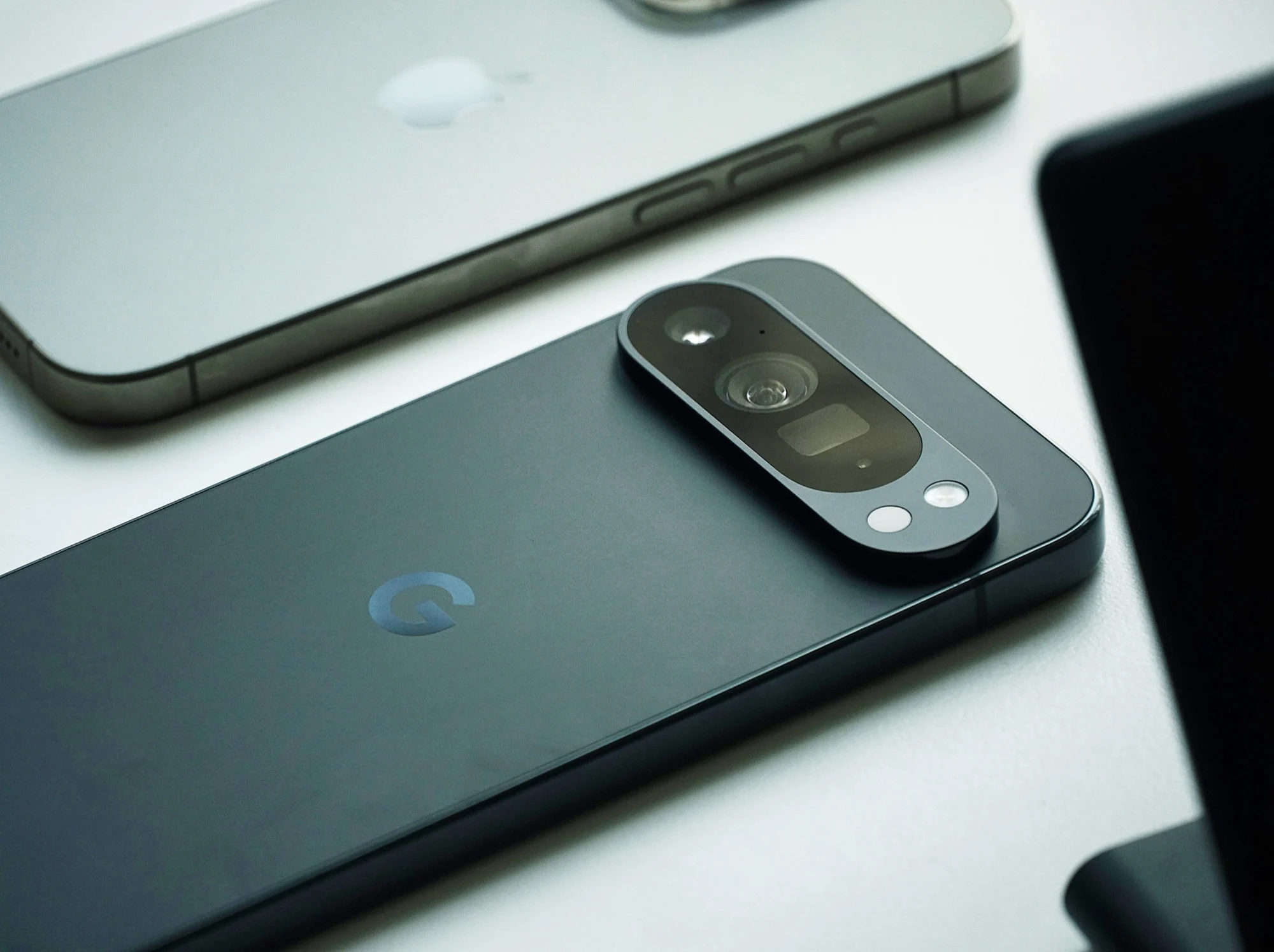
Apple and Google have been working for years to make it easier to switch from an Android smartphone to an Apple iPhone, and vice versa, though not entirely of its own volition, since many of these features were developed only under pressure from the European Union. Apple recently released an update to iOS 26.3, introducing significant improvements in this regard. With Android 17 , Google is now following suit.
What The New Migration Process Looks Like
Paul Dunlop, manager of the Android onboarding team at Google, has now broken down the improvements. Anyone who owns an iPhone running iOS 26.3 or later, such as the iPhone 17 ($744 on Amazon), and wants to switch to a smartphone with Android 17 can start the migration process right during setup. Compatible data can then be transferred wirelessly via Wi-Fi, rather than just via a cable as was previously the case, which is convenient, especially if you don’t have a USB-C-to-Lightning cable on hand.
Data That Gets Transferred Automatically
Data such as passwords, passkeys, Wi-Fi networks, iMessage chat histories, wallpapers, and even home screen layouts are transferred automatically. Apps that are also available on Android can be downloaded automatically. An API also allows data from third-party apps to be transferred, provided the app in question supports this feature. Missed calls, notes, calendar entries, a Google Account, and even the eSIM can be transferred this way.
Availability And Initial Limitations
Paul Dunlop emphasizes that all of this works without any additional apps. However, this smartphone migration will initially be available only on select smartphones; it is expected to take a few weeks before all users of Android 17 can access this feature.
Leave a Reply