
Key Takeaways
1. Microsoft introduces “Agentic AI” with Copilot Actions, enabling voice navigation of Windows 11 for a hands-free experience.
2. Users can interact with their computers in everyday language to perform tasks like drafting emails or organizing files.
3. Microsoft emphasizes user control, allowing users to monitor progress and intervene in tasks as needed.
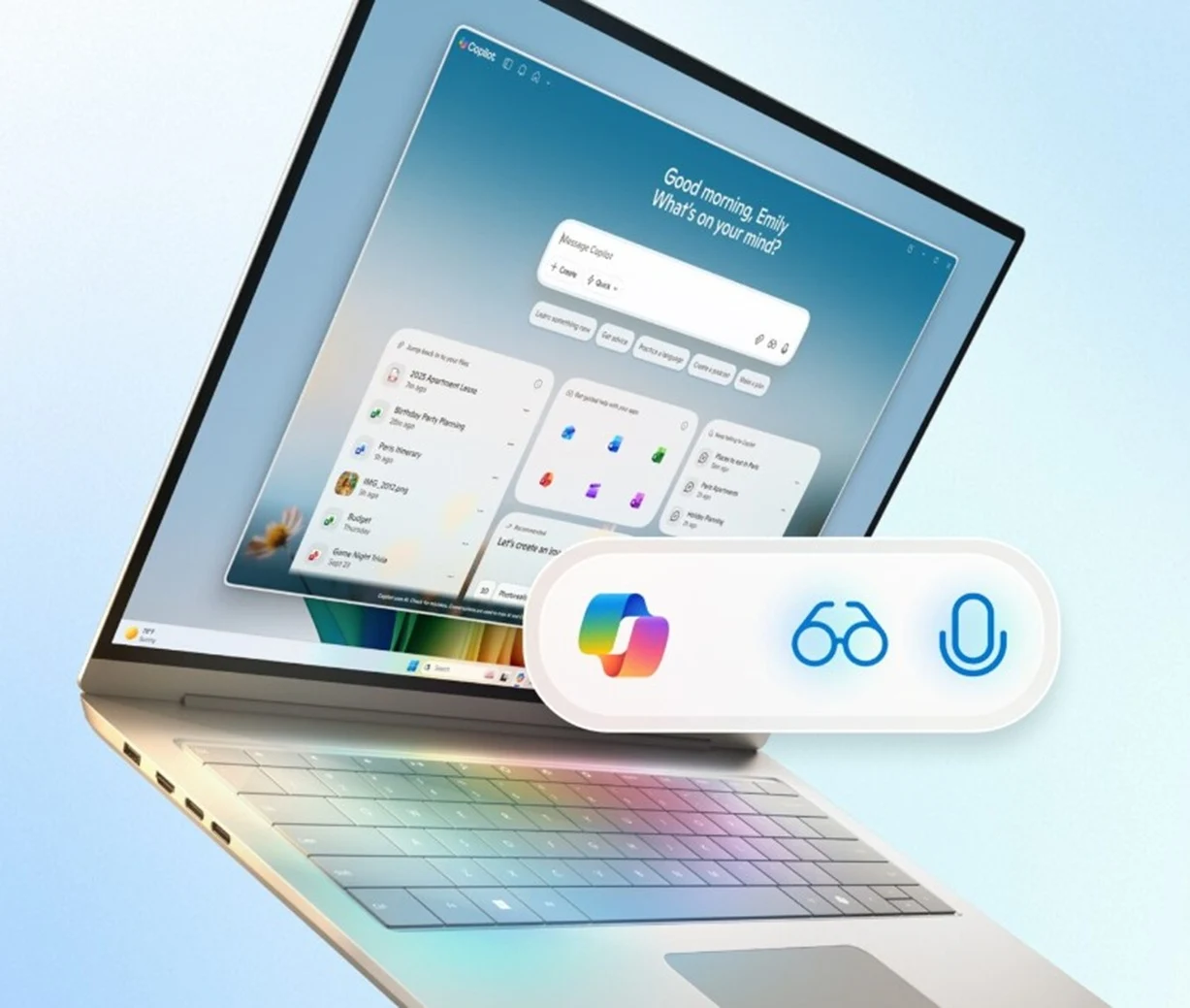
4. A new wake word, “Hey Copilot,” simplifies interaction with the assistant, supported by Copilot Vision for contextual understanding.
5. Copilot features will be rolled out to all Windows 11 devices in phases, enhancing accessibility beyond just Copilot+ users.
Microsoft is encouraging users to engage in conversation with their computer as it unveils one of the most ambitious updates for Windows 11. A new feature called “Agentic AI” named Copilot Actions will allow users to navigate the operating system (OS) using just their voice, offering a hands-free experience.
A New Era of Interaction
Windows 11 is evolving into “the computer you can talk to,” as Microsoft enhances the OS with more AI capabilities. With Copilot Actions, users can communicate with their computers in everyday language, allowing for interaction with apps, files, and online services.
For instance, Copilot Actions can independently draft and send emails or arrange folders while users focus on other tasks. Progress updates will appear in the Copilot app, and the system will ask for user confirmation or intervention when needed.
Simplifying Tasks with AI
Yusef Mehdi, who is the Chief Marketing Officer for Microsoft Consumer, said, “Just explain the task you wish to accomplish in your own words, and the agent will work to finish it by interacting with both desktop and web apps. During this process, you can concentrate on different tasks. You can always take control of the task or check how it’s going, including what actions have been taken.”
To start using Copilot Actions, users must enable it manually before it can connect with the Copilot app.
New Features for Seamless Experience
Additionally, Microsoft has introduced a new wake word, “Hey Copilot,” allowing users to bypass a few clicks to interact with the assistant whenever they want. This voice-activated feature is driven by Copilot Vision, which understands the context of what’s on the screen. A redesigned Taskbar will merge Copilot chat with the traditional Windows search.
Microsoft plans to roll out these new Copilot features to all Windows 11 devices, not just those equipped with Copilot+. Some updates will be delivered to users in phases, starting today, while other Copilot Actions are set to enter preview shortly.
Source:
Link
Leave a Reply