Category: Software

  • Philips Hue Launches Migration Tool for Multiple Hue Bridges

    Philips Hue Launches Migration Tool for Multiple Hue Bridges

    Key Takeaways

    1. Philips Hue now allows users to migrate multiple Hue Bridges to a Hue Bridge Pro, enhancing the migration process.
    2. The multi-Bridge migration feature is included in the Philips Hue app version 5.57.0 for iOS and Android, alongside other updates.
    3. Users can access the migration tool when setting up a new Bridge Pro or through the app settings.
    4. The migration transfers complete content from the first Bridge to the Bridge Pro and partial content from additional Bridges, depending on storage space.
    5. The app update and new software for Hue Bridges will be gradually rolled out, with the Hue Bridge Pro priced at $98.99 on Amazon US.


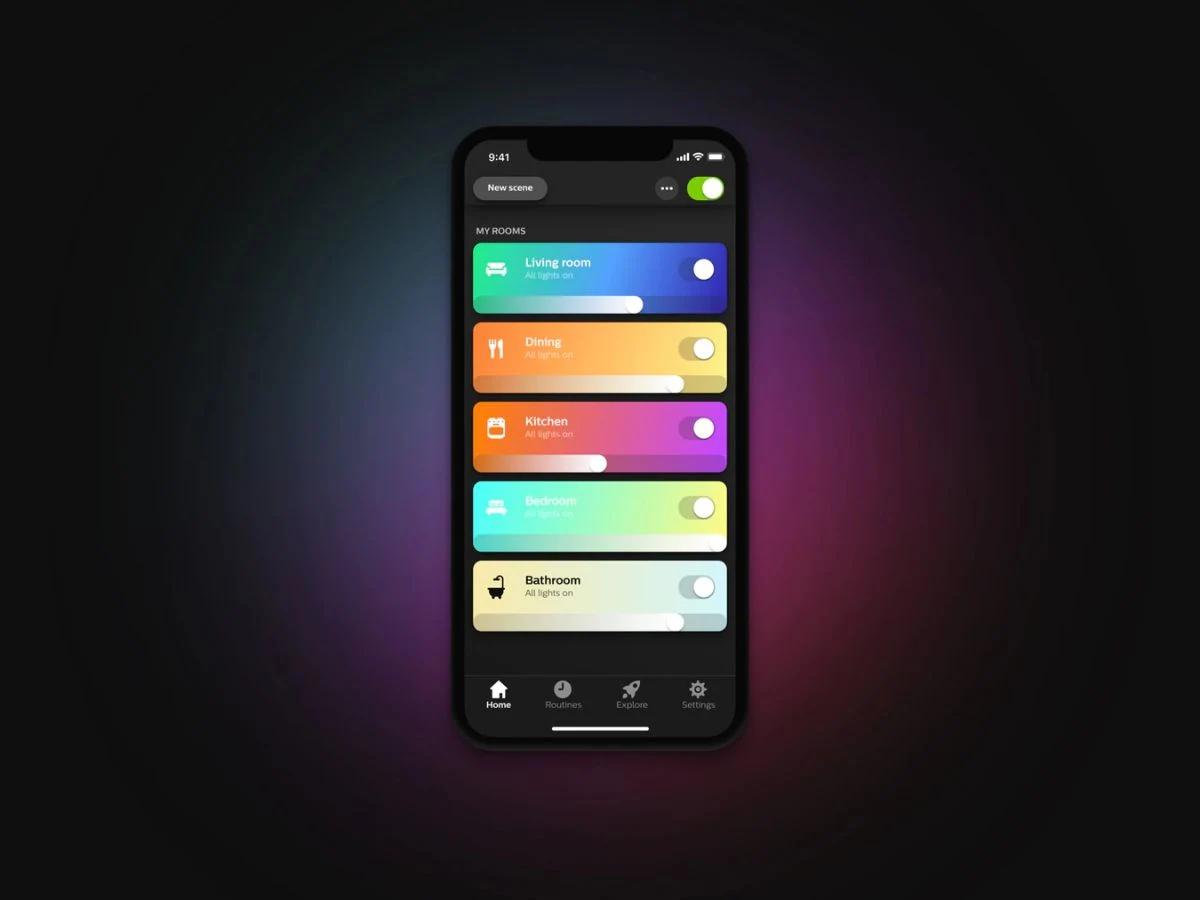
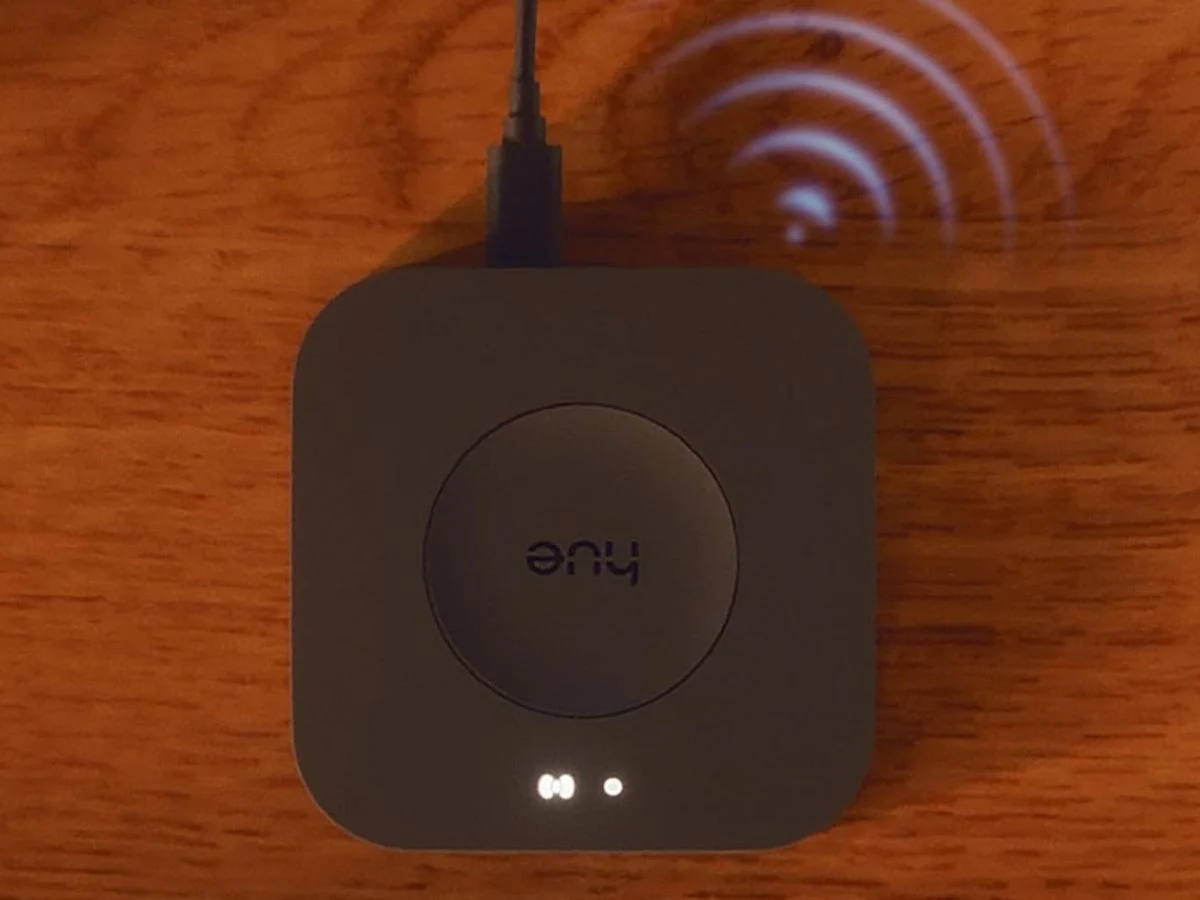
    Philips Hue has introduced a fresh tool that enables users to shift multiple Hue Bridges to a Hue Bridge Pro. This feature was revealed during the launch of the Hue Bridge Pro. At first, users could only move one Hue Bridge at a time.

    Update in the Philips Hue App

    The new multi-Bridge migration capability has been added to the Philips Hue app version 5.57.0 for both iOS and Android devices, along with various other enhancements. This feature was also highlighted in the change logs for two recent updates: Philips Hue Bridge v2 Software version 1974142030 and Philips Hue Bridge Pro Software version 2071153010.

    How to Access the Migration Tool

    Users can find the Philips Hue Bridge Pro migration tool in two different ways. First, it’s an option available for anyone who is setting up a new Bridge Pro. Alternatively, it can be accessed in the app by navigating to Settings > Bridges > “[Bridge name]” > Migrate. Philips Hue mentions that you can transfer as many Bridges as you want, as long as you have enough storage space. The complete content from the first Bridge will be transferred to a blank Bridge Pro, while only part of the content from any additional Bridges will be added. For more information about the migration process, you can visit the dedicated support page.

    Availability of the Update

    The latest update for the Philips Hue app can be downloaded from the Apple App Store or the Google Play Store. Meanwhile, the Philips Hue Bridge v2 Software version 1974142030 and Philips Hue Bridge Pro Software version 2071153010 are being rolled out to users gradually in the upcoming days. It’s important to mention that the new software updates for both the Philips Hue Bridge v2 and the Philips Hue Bridge Pro have also brought “a few minor changes behind the scenes” to these devices, as noted in the release information. At present, the Philips Hue Bridge Pro is listed on Amazon US for $98.99.

    Source:
    Link


  • Stable HyperOS 3 Update for Xiaomi, Redmi, Poco Phones Coming Soon

    Stable HyperOS 3 Update for Xiaomi, Redmi, Poco Phones Coming Soon

    Key Takeaways

    1. Xiaomi is launching the stable HyperOS 3 for older devices, following the Android 16-based version for newer models.
    2. Internal testing is underway for at least 16 models, including Xiaomi 12T Pro, MIX Fold 2, and Redmi Note 13 5G.
    3. The builds for older devices are based on Android 15 but include similar UI changes and new features as HyperOS 3.
    4. The stable update is expected to start rolling out in December 2023 for select models, with a full rollout by March 2026.
    5. Chinese versions of the devices will receive the update sooner, with some expected to get it in December and others in January.


    After launching the Android 16-based version of its upcoming significant software update for over a dozen devices, such as the Xiaomi 15 series, Redmi Note 14 line, POCO X7 series, and Poco F7 / F7 Pro, Xiaomi is preparing to introduce stable HyperOS 3 for a selection of older Xiaomi, Redmi, and Poco smartphones.

    Internal Testing Underway

    Internal test builds seen by XiaomiTime show that at least 16 models are currently utilizing stable internal test versions of HyperOS 3. These devices include the Xiaomi 12T Pro, MIX Fold 2, Xiaomi 12S Ultra, Xiaomi 13, Xiaomi 13 Lite, Redmi Note 13 5G, Poco F5 Pro, Poco F5, and Redmi Note 12T Pro. If everything goes well and no major bugs arise in these test builds, a public release for these models should not be too far away.

    Features and Updates

    Even though these builds are based on Android 15 instead of the Android 16 foundation used for HyperOS 3 on newer devices, they still offer similar UI changes, fresh features, and upgrades across devices that represent the company’s newest software design.

    The complete list of devices currently in internal testing, along with their respective builds, is as follows:

    Rollout Schedule

    According to Xiaomi’s HyperOS 3 global update timeline, the Xiaomi 12T Pro, 12S Ultra, 12 Pro, Xiaomi 13 Lite, Redmi Note 13 5G, Poco F5 Pro, and Poco F5 should begin receiving the stable update in December, with the full rollout expected to finish by March 2026.

    The Chinese versions are planned to get the update sooner. For instance, the Redmi K60 Pro, Redmi Note 13 5G, Xiaomi Pad 6 Pro, and Pad 6 Max are anticipated to receive it in December, while MIX Fold 2, Xiaomi 12S series, Xiaomi 12 series, Redmi Note 12 series, Redmi 14C, and Redmi Pad Pro are expected to see it in January, concluding the rollout.

    Source:
    Link


  • Linux Founder Claims Elon Musk Lacks Tech Company Skills

    Linux Founder Claims Elon Musk Lacks Tech Company Skills

    Key Takeaways

    1. Linus Torvalds is known for his blunt and controversial opinions, previously criticizing Nvidia harshly.
    2. In an interview, Torvalds rejected the idea of measuring developer efficiency by lines of code, calling it “simply incompetent.”
    3. He stated that anyone who believes in this metric is “simply too stupid to work in a tech company.”
    4. Torvalds was unaware his criticism was linked to Elon Musk but later affirmed his stance upon realizing it.
    5. The tech community largely supported Torvalds’ comments, expressing skepticism towards Musk’s approach to software development.


    Linus Torvalds, the creator of the Linux OS, is well-known for his straightforward and often harsh manner. He has stirred up controversies before, notably when he labeled Nvidia as “the worst company” he had ever dealt with, even adding a middle finger gesture for emphasis. Recently, the open-source pioneer has turned his criticism towards Elon Musk, albeit initially without realizing it.

    Interview Insights

    During a chat on the YouTube channel Linus Tech Tips, the discussion was supposed to center around the future of software creation. At one moment, the topic of evaluating developer efficiency by counting the number of lines of code instead of considering code quality, organization, or maintainability came up. Torvalds quickly dismissed this idea as “simply incompetent.”

    The seasoned expert remarked that anyone who holds such a perspective is “simply too stupid to work in a tech company.” At that point, Torvalds was unaware that this metric was reportedly associated with Elon Musk. When he learned about this, he didn’t retract his statements — rather, he reaffirmed his stance, stating, “apparently I was spot on.”

    Community Reaction

    Torvalds’ remarks received a lot of support in the comments section of YouTube and on Reddit, especially from programmers and fans of open source. Numerous users showed doubt towards Elon Musk, perceiving him more as a performer than a genuine tech innovator. One user, u/kraven48, summed it up plainly: “Even a freshman in college could tell you that using the number of lines of code as a metric is stupid.”

    Source:
    Link


  • Apple UI Designer Joins Meta as More Executives Depart

    Apple UI Designer Joins Meta as More Executives Depart

    Key Takeaways

    1. Alan Dye, head of Apple’s user interface design team, is leaving to join Meta as Chief Design Officer, focusing on Reality Labs.
    2. Several key figures are departing from Apple, including former COO Jeff Williams and AI head John Giannandrea, raising concerns about future exits.
    3. Stephen Lemay will replace Dye as head of design, bringing extensive experience from his long tenure at Apple.
    4. CEO Tim Cook praises Lemay for his high standards and contribution to Apple’s design culture.
    5. Positive employee reactions indicate excitement about Lemay’s appointment, suggesting confidence in the design team’s future.


    It hasn’t been a very great week for the way Apple is run.

    Alan Dye, who leads the user interface design team at Apple, is leaving the company to join Meta Platforms Inc. He will take on the role of Chief Design Officer at Meta. As reported by Mark Gurman from Bloomberg, Dye will be working directly under Andrew Bosworth, Meta’s Chief Technology Officer. His new role will have him help lead Reality Labs, the group responsible for products like the Meta Quest VR headsets.

    Departures at Apple

    This change is happening during a time when several significant figures are also leaving Apple. Jeff Williams, the former Chief Operating Officer, retired back in November. Just this week, John Giannandrea, who was in charge of AI development at Apple, announced his resignation. Bloomberg and other news sources are speculating that more departures may be on the horizon, including Johny Srouji, Apple’s head of silicon development, and even CEO Tim Cook.

    A Possible Bright Side

    Interestingly, Dye’s exit could have a silver lining. Though Apple is losing its head of design, Stephen Lemay, an experienced member of the company, will take his place. Lemay has been instrumental in designing every major Apple interface since 1999, as noted by CEO Tim Cook. Cook also mentioned that “[Lemay] has always set an extraordinarily high bar for excellence and embodies Apple’s culture of collaboration and creativity.”

    Positive Reactions

    John Gruber, a tech blogger known for his insights on Apple, has shared that employees he has talked to are “happy – if not downright giddy – at the news that Lemay is replacing Dye.”

    Source:
    Link


  • Home Assistant 2025.12 Introduces New Philips Hue Integration

    Home Assistant 2025.12 Introduces New Philips Hue Integration

    Key Takeaways

    1. Home Assistant 2025.12 introduces a new section called Home Assistant Labs for beta testing features like Winter mode and purpose-specific triggers.

    2. Dashboard enhancements allow users to create a system-level detail dashboard and rearrange home floors and areas, along with real-time power monitoring.

    3. The new Philips Hue BLE integration enables direct management of Philips Hue Bluetooth lights without needing a Hue Bridge.

    4. Additional integrations added in this update include Google Air Quality, Google Weather, and Airobot smart thermostats.

    5. This update is the last for 2025, following the previous version (2025.11) which introduced a target picker tool and design improvements to the automations editor.


    Home Assistant 2025.12 has been released. This newest version of the open-source smart home automation software is the last update of the year, coming just a month after the 2025.11 version. The previous update introduced a target picker tool and made several enhancements to the automations editor’s design.

    New Features in Home Assistant Labs

    With the launch of Home Assistant 2025.12, a new section called Home Assistant Labs is now accessible under Settings > System > Labs. This area showcases a variety of features still in beta testing, allowing users to experiment with them before they are fully rolled out. One exciting addition is Winter mode, which decorates your dashboard with falling snowflakes. Another feature being tested includes purpose-specific triggers and conditions, which aim to simplify automations. Instead of using vague actions like “Call service,” users can now opt for clearer phrases such as “When a light turns on” or “If the climate is heating up.”

    Dashboard Improvements

    In addition to these new features, Home Assistant 2025.12 brings several enhancements to the dashboard. Users can now create a system-level detail dashboard and rearrange the floors and areas of their homes. Furthermore, the Energy dashboard now supports real-time power monitoring and downstream water tracking for use with power sensors and water meters.

    New Integrations

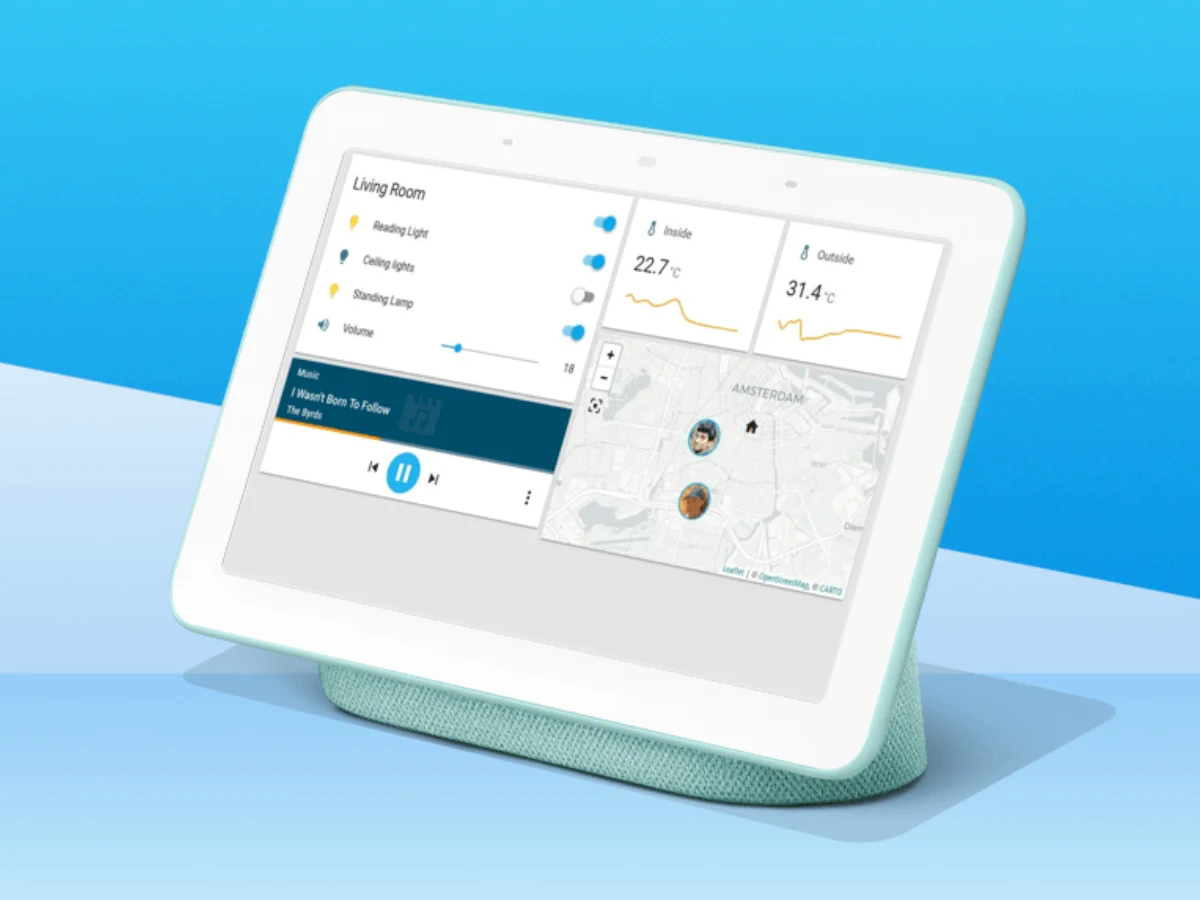
    The update also introduces a fresh Philips Hue BLE integration, allowing users to manage Philips Hue Bluetooth lights, such as the A19 LED smart bulb (currently priced from $52.51 at Amazon), directly through Home Assistant. This means the Hue Bridge is no longer necessary. Other new integrations include Google Air Quality, Google Weather, and Airobot smart thermostats. For a complete list of updates and features in Home Assistant 2025.12, you can check the company’s blog.

    Source:
    Link


  • Capture Screenshots Efficiently with This Open-Source Tool for Testers

    Capture Screenshots Efficiently with This Open-Source Tool for Testers

    Key Takeaways

    1. Greenshot is an open-source software that saves time and is easy to use for capturing screenshots.
    2. It is particularly useful for laptop testers, who rely on screenshots for reviews and performance benchmarks.
    3. Greenshot can be downloaded for free on Windows, while Mac users pay $1.99; it can also be installed quickly via the terminal.
    4. After installation, users can customize settings in the Preferences panel to enhance functionality and reduce notifications.
    5. Greenshot has limitations with in-game screenshots, as some games block it or cause performance issues, prompting users to use alternative tools.


    The open-source software Greenshot is on all my personal and review devices because it saves a lot of time and is super easy to work with. At home, I use it to keep track of important information—stuff like subscription details, QR codes, and much more.

    Screenshots in Reviews

    In my role as a laptop tester, I depend on various screenshots for my reviews. These include images of CPU-Z tabs, PCMark 10 results, 3DMark benchmarks, along with our YouTube and latency tests, plus SSD benchmarks such as CrystalDiskMark and AS SSD, to name a few. A great example is my review of the Asus TUF Gaming A18, where all the screenshots were taken using Greenshot.

    Downloading Greenshot

    There are a few options to download it. If you like the traditional way, you can go to the download section on the official website. The Windows version is free, while Mac users need to pay $1.99. Another choice is the official Github page—just look for “Releases” on the right for the download.

    The fastest way, though, is through the terminal. It might sound a bit scary, but it has become my quickest method: open CMD or PowerShell from the Start menu search and type:

    “`
    winget install greenshot.greenshot
    “`

    And that’s all it takes—Greenshot installs automatically without needing to visit a website or manually download anything.

    Setting Up Greenshot

    After I install it, I right-click the Greenshot icon in the taskbar (double-clicking opens the storage folder) and go to the Preferences panel. Then, I adjust these settings:

    With these settings in place, Greenshot operates quietly in the background and performs perfectly. I can even disable the notification that shows up when a screenshot is taken—Greenshot continues to capture everything reliably.

    Limitations with Gaming

    The only notable exception is when it comes to in-game screenshots. While taking a full-screen shot usually works fine, some games completely block Greenshot, and taking a screenshot might slow down performance momentarily. For gaming, I usually rely on the built-in tools, the GPU driver (Nvidia), or the gaming platforms (like Steam, Ubisoft Connect, etc.).

    Source:
    Link


  • Samsung One UI 8.5 Changelog: New Features for Galaxy Devices

    Samsung One UI 8.5 Changelog: New Features for Galaxy Devices

    Key Takeaways

    1. Enhanced Bixby Features: Bixby can now understand natural language better, making it easier to find settings and features without precise commands.

    2. Improved Weather and Health Tools: The weather widget now includes precipitation alerts and a pollen index, while weekly health reports offer more comprehensive data, including medication tracking.

    3. New Photo and Media Sharing Options: Quick Share can suggest sharing photos with people in them, and the Photo Assist feature allows continuous image generation without saving each version separately.

    4. Power Management and Security Enhancements: The update includes improved power saving options, a revamped battery info screen, and new theft protection measures for enhanced security.

    5. Customizable User Experience: Users can now personalize their lock screen clock, rearrange quick settings in the Quick Panel, and use features like partial screen recording and early reminder alerts for a tailored experience.


    The first leak of One UI 8.5 appeared in September, and many recent clues about the new Galaxy S26 features stem from it. Just a few days ago, wallpapers for the Galaxy S26 Ultra surfaced, showcasing the anticipated color choices for Samsung’s upcoming flagship devices. Now, the full changelog for the significant update to One UI has also been leaked, detailing all the modifications from the initial beta version.

    New Features and Improvements

    This changelog probably doesn’t cover all the features that will debut solely with the Galaxy S26 line, like those related to Galaxy AI. Some notable highlights include enhanced power management, improved Auracast support, new security features, a time zone calculator, and a revamped weather widget that can alert users about impending rain.

    Continuous Image Generation

    Keep creating without stopping. Photo Assist now allows you to generate AI images using various Photo Assist features without needing to save each version separately. Once you finish, you can check all your creations in your history and select your favorites.

    Smarter Device Control

    Talk to Bixby in your own words. Bixby is now better at locating the settings or features you need, even if you don’t use precise commands or feature names. Just express what you need, and let Bixby handle the rest.

    Ask Anything, Anytime

    If you require a quick answer or in-depth information, just ask Bixby for an instant reply. You won’t have to waste time on multiple searches or switching between apps.

    Conversation History

    Looking back at earlier chats with Bixby has become simpler than ever. You can now access your chat history from the side panel in the Bixby app.

    Storage Share

    Access your files from anywhere. Files from your other Samsung devices, including phones, tablets, and PCs, are available in the My Files app on your phone. You can also reach your phone’s files on other Samsung devices, such as your TV.

    Quick Connection to Smart View Devices

    Connect to your favorite displays more swiftly. You can now add a shortcut on your Home screen to instantly mirror your phone’s display to a TV or another screen.

    Enhanced Auracast Features

    It’s now easier than ever to listen to and broadcast sound with Auracast. Options for both broadcasting and listening can now be found in the Audio broadcast menu under “Settings.”

    Voice Broadcasts

    Broadcast your voice to those around you using Auracast. In addition to media sound, you can now share your voice through your phone’s built-in microphone.

    Avoid Unwanted Sharing Requests

    You can now configure Quick Share to only accept files from devices logged into your Samsung account or Google account.

    Photo Sharing Suggestions

    Share pictures with the right people quicker. When you share photos that feature friends or family, Quick Share can identify who’s in them and suggest sharing directly with those individuals.

    Automatic Lock Screen Layout

    Wallpapers featuring people or pets now fit perfectly every time. When you select a photo for your Lock screen, the layout adjusts automatically, ensuring the clock and widgets don’t obscure important parts of the image.

    More Customizable Clock Fonts

    Personalize your Lock screen clock more. You can now modify the thickness of various font styles to align with your preferred aesthetic.

    Enhanced Weather Widget

    Quickly check expected precipitation in the Weather widget on your Home screen. The widget now shows a graph if rain is anticipated in the upcoming hours.

    Pollen Index

    Check the pollen levels in the air to help manage your allergies. You can view pollen counts for trees, grass, and ragweed.

    Weather Alarm Backgrounds

    Wake up to an alarm that prepares you for the day’s weather. Your alarm screen can now display the current weather conditions as a background when it goes off.

    Time Zone Converter

    View time zones at a glance. The new slider in the Clock app makes it simple to check the time difference between locations worldwide.

    Enhanced Weekly Reports

    Get a more comprehensive view of your health weekly. Weekly reports now encompass data from your medication tracker and mindfulness sessions.

    Upgraded Sharing Experience

    Share your workouts your way. Combine your exercise stats with photos from your workout to create the ultimate social media post.

    Start Meditations from Your Watch

    Find calm right from your wrist. You can now initiate preferred or recommended meditations directly on your Galaxy Watch without needing to grab your phone.

    Antioxidant Measurements from Your Watch

    Check your antioxidant levels anytime. Measure directly from your Galaxy Watch, even if it’s not linked to your phone. This is compatible with Galaxy Watch8 and Galaxy Watch Ultra.

    Theft Protection

    Keep your phone and information secure if it gets lost or stolen. Activate the Failed authentication lock to automatically lock the screen after too many failed attempts to verify your identity with fingerprints, PINs, patterns, or passwords. Identity check now safeguards even more settings than before.

    Temporarily Disable Auto Blocker

    If you need to turn off Auto Blocker’s security temporarily, a new option allows you to automatically turn it back on after 30 minutes, so you don’t forget.

    Revamped Battery Info

    View your battery usage more clearly. The redesigned Battery settings screen makes it easier to monitor remaining time, charging status, and daily use over the past week.

    Improved Power Saving

    Utilize Power Saving to extend your battery life without needing to recharge. Choose Standard for moderate savings and customizable limits, or select “Maximum” to deactivate all non-essential features and maximize battery duration.

    Easily Control Bluetooth Hearing Aids

    Access the settings for your Bluetooth hearing aids directly from the Accessibility shortcut. A pop-up appears that allows you to modify your hearing program, toggle Ambient sound on or off, and more.

    Control Magnification with Mouse or Keyboard

    Keep what you need magnified in view with these new choices. You can make the magnified area follow the cursor as you type or shift when you change focus using the keyboard. When using a mouse, you can make the magnified area adjust as you move the pointer toward the edge of the screen.

    Dwell and Corner Actions

    The Auto action after pointer stops feature has been split into two features. Dwell action enables you to set custom actions when your mouse stops moving for a certain duration. Corner actions allow you to assign different actions for each corner of the screen.

    More Customizable Quick Panel

    Arrange your quick settings exactly how you prefer. You can now add, remove, reorder, and reorganize controls in the quick panel.

    Early Alerts for Reminders

    Receive alerts before reminders are due to ensure you don’t overlook important tasks. You can decide how far in advance to get a notification for each reminder.

    Partial Screen Recording

    Capture only what you need in your screen recordings. You can now select just the part of the screen you wish to record.

    Calculator Nudges

    Save time on calculations. Numbers and formulas copied to your clipboard will be suggested when you open Calculator, allowing you to enter them with a quick tap.

    Keep Window Sizes in DeX

    DeX now remembers your app window sizes and positions. When you reopen an app, it will appear just as you left it.

    Source:
    Link


  • Windows 11 Bug Hides Password Icon on Lock Screen But Works

    Windows 11 Bug Hides Password Icon on Lock Screen But Works

    Key Takeaways

    1. Microsoft has identified a bug in Windows 11 that causes the password sign-in icon to disappear from the lock screen after recent updates, confusing users about login options.

    2. The issue affects Windows 11 versions 24H2 and 25H2 following the August 2025 KB5064081 preview update, especially for users with multiple sign-in methods enabled.

    3. Although the password icon is missing, the password login function remains accessible; users can click on the blank space to reveal the password field.

    4. Microsoft has not provided a permanent fix for the issue yet, but they are working on it, with no timeline for resolution currently available.

    5. This missing icon is part of a series of problems related to the KB5064081 update, including issues with DRM video playback and app installation failures for non-admin accounts.


    Microsoft has acknowledged a peculiar bug in Windows 11 that can cause the password sign-in icon to disappear from the lock screen following recent updates, leaving some users confused about how to log in—even though the actual button remains functional.

    Sign-In Options Confusion

    Typically, Windows 11 displays the password icon only when multiple sign-in methods are set up—like a mix of PINs, passwords, security keys, or fingerprints. If someone uses just a password, the system defaults to showing only the password field, which means everything seems normal. The bug, however, impacts those who have various authentication methods enabled.

    Update Impact Details

    The issue is present in Windows 11 versions 24H2 and 25H2 after the installation of the August 2025 KB5064081 preview update or any subsequent updates. In these situations, the password icon is completely absent from the Sign-in options list, leading users to believe that password login is no longer an option.

    Workaround and Future Fixes

    In truth, the function is still there; it’s just not displayed correctly, appearing as an empty space instead. According to Microsoft’s updated support documentation, hovering the mouse over this blank area reveals a clickable zone. Clicking on it opens the password field as usual, allowing users to input their credentials and log in without issues.

    Currently, Microsoft hasn’t provided a permanent solution apart from using this hidden control, stating that a proper fix is under development, but a timeline for its release has not been shared.

    The missing icon is just the latest problem associated with the KB5064081 update. In late September, Microsoft resolved a bug that caused freezing, playback issues, or black screens when playing DRM-protected videos in Blu-ray, DVD, and Digital TV apps. They also had to fix failed app installations for non-admin accounts due to unexpected User Account Control prompts, as well as significant lag and stuttering issues in NDI-based streaming software on both Windows 10 and Windows 11.

    Source:
    Link


  • Xiaomi Updates HyperOS 3 Global Rollout for Poco Devices

    Xiaomi Updates HyperOS 3 Global Rollout for Poco Devices

    Key Takeaways

    1. Xiaomi launched four new Poco devices, including smartphones and tablets, but details on the software for the Pad M1 and Pad X1 were unclear.
    2. The Poco F8 Pro and Poco F8 Ultra will come with HyperOS 3, which contradicts an earlier global rollout schedule.
    3. A new Poco-specific rollout schedule prioritizes the Poco F8 Pro and Poco F8 Ultra over previously launched models.
    4. There is a possibility of a day-one update for HyperOS 3 for the Poco F8 Pro and Poco F8 Ultra.
    5. The Pad M1 and Pad X1 will remain on HyperOS 2 until at least March 2026, with no changes to other Poco devices’ upgrade timelines.


    Earlier this week, Xiaomi introduced four new devices under the Poco brand, including smartphones and tablets. During the launch, the company didn’t provide clear information about the software running on the Pad M1 or Pad X1. However, it did mention that the Poco F8 Pro and Poco F8 Ultra would come with HyperOS 3, which seems to contradict a new official rollout schedule.

    Background on HyperOS 3 Rollout

    To give some background, Xiaomi released a global HyperOS 3 rollout schedule at the end of September during the launch event for the Xiaomi 15T and Xiaomi 15T Pro (curr. $882 on Amazon). This rollout plan is now outdated, as GSMArena has found evidence of a Poco-specific schedule that Xiaomi shared when it unveiled its new Poco devices. According to this new schedule, the Poco F8 Pro and Poco F8 Ultra have been prioritized over other models, even though the Poco F7 and Poco F7 Pro had already started receiving HyperOS 3 in the past week.

    Potential for Day-One Patch

    Because of this, it’s possible that Xiaomi could provide HyperOS 3 as a day-one update for the Poco F8 Pro and Poco F8 Ultra. On the other hand, the Pad M1 and Pad X1 are expected to continue using HyperOS 2 until at least March 2026. As far as we can see, Xiaomi hasn’t altered the rollout timelines for the other nineteen Poco devices that were previously confirmed to get HyperOS 3 upgrades. For more information, please refer to the image below.

    GSMArena

    Source:
    Link


  • Xiaomi Prepares Stable HyperOS 3 Update for Two 2022 Phones

    Xiaomi Prepares Stable HyperOS 3 Update for Two 2022 Phones

    Key Takeaways

    1. Xiaomi is nearing completion of the first set of global devices for the stable HyperOS 3 rollout by November 2025.
    2. The Xiaomi 13 series is in the internal testing phase for HyperOS 3, part of the third batch of updates.
    3. The global Xiaomi 13 and 13T series are expected to receive the Android 16 update by March 2026.
    4. The stable HyperOS 3 update for the Xiaomi 13 series may arrive as early as December 2025.
    5. Approximately 40 global devices are planned to receive stable HyperOS 3 by December 2025, with only a few devices left in the first batch.


    Xiaomi has nearly finished the first set of global devices that were scheduled to get the stable HyperOS 3 by November 2025. A few phones from the second set are anticipated to receive the Android 16 update shortly, and it now appears that devices in the third set will also be updated in a timely manner.

    Testing Phase for Xiaomi 13 Series

    To be more precise, the internal stable test builds for the Xiaomi 13 series have been identified. This series falls under the third batch of the rollout timeline that was announced, having initially launched in 2022.

    As reported by XiaomiTime, the global Xiaomi 13 has the internal test build numbered OS3.0.0.1.WMCMIXM, while the 13 Pro is on OS3.0.0.3.WMBEUXM. Additionally, the internal build for the Xiaomi 13 Ultra has been found, but it’s specifically for the Chinese market.

    Future Updates Planned

    Looking back, both the global Xiaomi 13 and 13T series are expected to receive the Android 16 update by March 2026. However, if these devices have indeed entered the internal testing phase, they are likely to receive the stable HyperOS 3 update sooner, possibly as early as December 2025.

    For those who haven’t heard, Xiaomi plans to roll out stable HyperOS 3 to around 40 global devices by December 2025. Among the first batch of devices, only the Xiaomi Pad Mini, Mix Flip, Redmi Note 14 4G, and Redmi Note 14 Pro 4G are remaining. These models are anticipated to receive their updates by November 2025.

    Source:
    Link