Key Takeaways
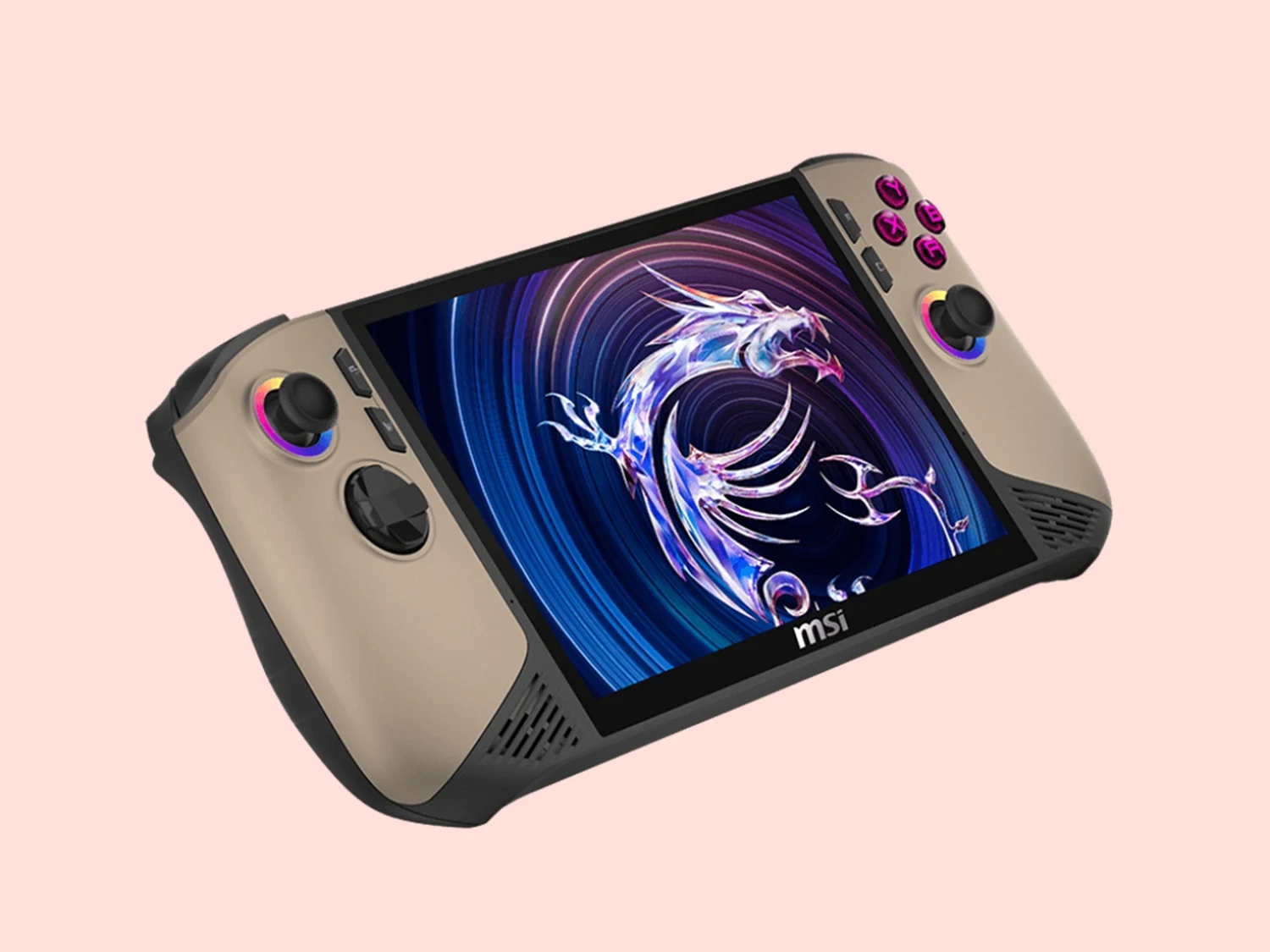
1. Xbox FSE offers a user-friendly interface for MSI Claw device owners, optimizing controller use for Windows-based gaming.
2. The update reduces system RAM consumption by over 5%, allowing for smoother gameplay and potentially higher FPS.
3. Quick Settings can be easily accessed through the Xbox Game Bar, enabling one-click adjustments to power modes and system features.
4. The MSI Claw can boot directly into the Xbox FSE interface for a focused gaming experience from startup.
5. The update is available for download, with activation instructions provided for all MSI handhelds.
With the introduction of Xbox FSE, owners of MSI Claw devices can enjoy their games through a more user-friendly and controller-optimized interface designed specifically for Windows-based gaming handhelds. This new gaming library brings together titles from various sources, such as Xbox Game Pass, Epic Games Store, and Steam.
Enhanced Gameplay Experience
The Xbox FSE also elevates the gaming experience. MSI states that this update lowers system RAM consumption by over 5 percent when compared to regular Windows desktops. This reduced resource use allows MSI Claw devices to allocate more memory for smoother gameplay and may even enable higher frames per second (FPS).
Easy Access to Quick Settings
Gamers can now easily access MSI Claw’s Quick Settings through the Xbox Game Bar, which means they can adjust power modes and utilize key system features with just one click. Since this feature is integrated into the gaming interface, there’s no need to return to the Windows desktop or open MSI utilities separately.
Streamlined Boot Experience
The MSI Claw can now start directly into the Xbox FSE interface, creating a gaming-focused experience right from the beginning.
Source:
Link