
Tag: Xbox FSE

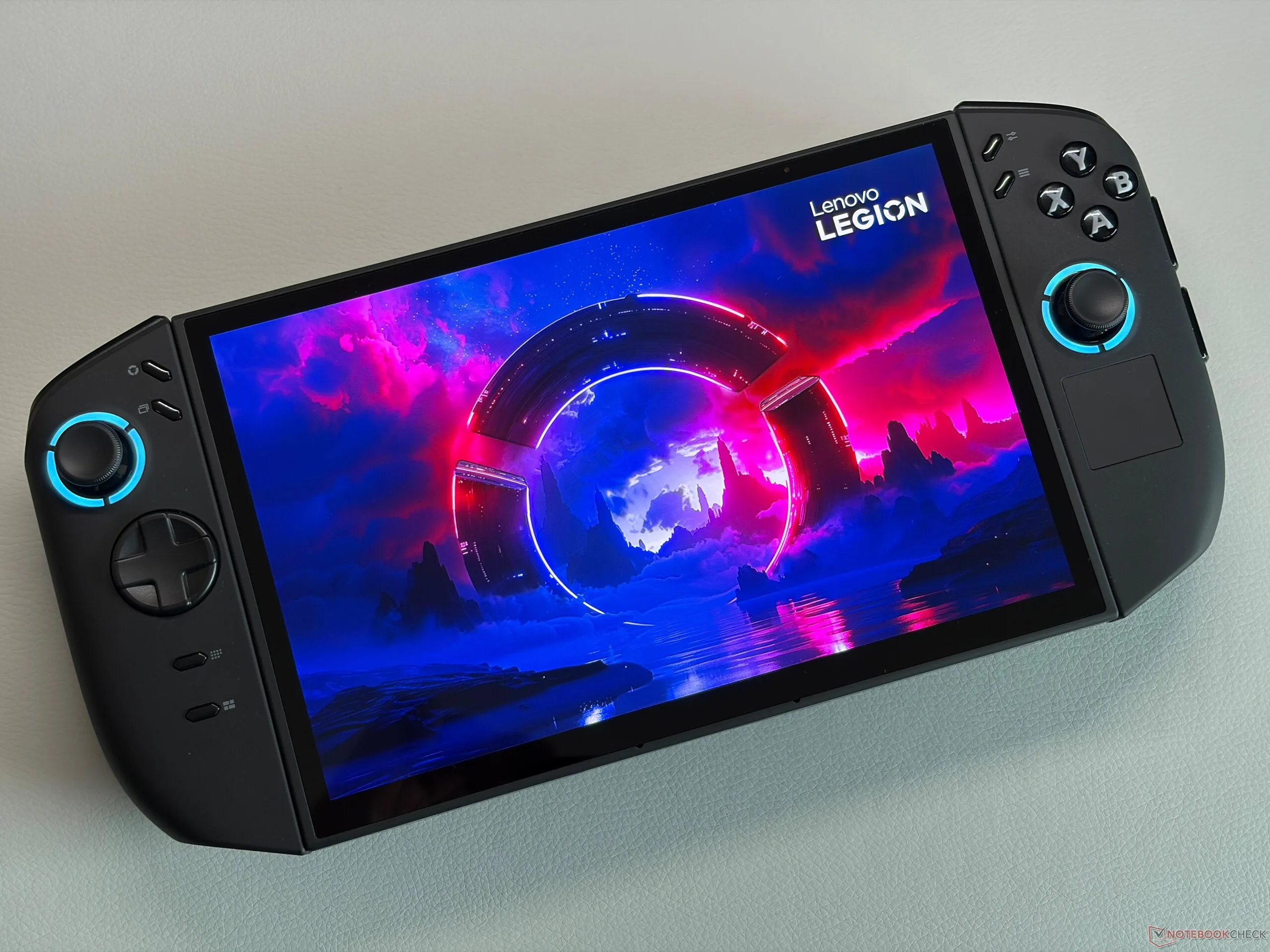
  • Lenovo Confirms Xbox Full Screen for Legion Go Devices Soon

    Lenovo Confirms Xbox Full Screen for Legion Go Devices Soon

    Key Takeaways

    1. Microsoft introduced the Xbox Full Screen Experience (FSE) in June 2025, initially for ROG Xbox Ally devices.
    2. The FSE is expanding to other Windows gaming devices, including the Lenovo Legion Go.
    3. The FSE for Legion Go is currently in a testing phase, with early trials being conducted to gather feedback.
    4. Owners of Legion Go or Legion Go 2 can sign up for early testing by providing their email through Gleam.
    5. The sign-up period for early testing will close in approximately 45 hours, with no specific public rollout date announced yet.


    Microsoft first unveiled the Xbox Full Screen Experience (FSE) in June 2025. The ROG Xbox Ally and ROG Xbox Ally X were the initial handheld devices to come equipped with this interface, but Microsoft has since broadened its reach to other Windows gaming gadgets. Now, it seems that users of the Lenovo Legion Go will be the next to benefit from FSE.

    Announcement of FSE for Legion Go

    Recently, Ben Green, Lenovo’s Senior Global Gaming Manager, posted on X, revealing that the Xbox Full Screen Experience is on its way to the Legion Go devices. However, this feature is still in the testing phase and isn’t available to everyone just yet, as the company is running early trials first. This approach allows Lenovo to collect feedback and sort out any problems before the official launch.

    How to Participate in Early Testing

    The exciting part is that if you own a Legion Go or Legion Go 2, you can participate in the test by signing up through Gleam. All that’s required is to provide your email on the sign-up page, and if you’re chosen, Lenovo will send you instructions on how to install and activate Xbox FSE on your device. Just ensure your handheld is updated to the latest software version before you proceed with the installation of the new interface.

    Timeline and Sign-Up Details

    At this point, Lenovo hasn’t disclosed a specific date for when the full public rollout will occur. However, the Gleam page indicates that the sign-up period for the early testing program will close approximately 45 hours from now, meaning you have about two days left to join in and experience the feature before it becomes widely available.

    Source:
    Link


  • MSI Claw Lineup Adds Xbox Full Screen Support with Less RAM Use

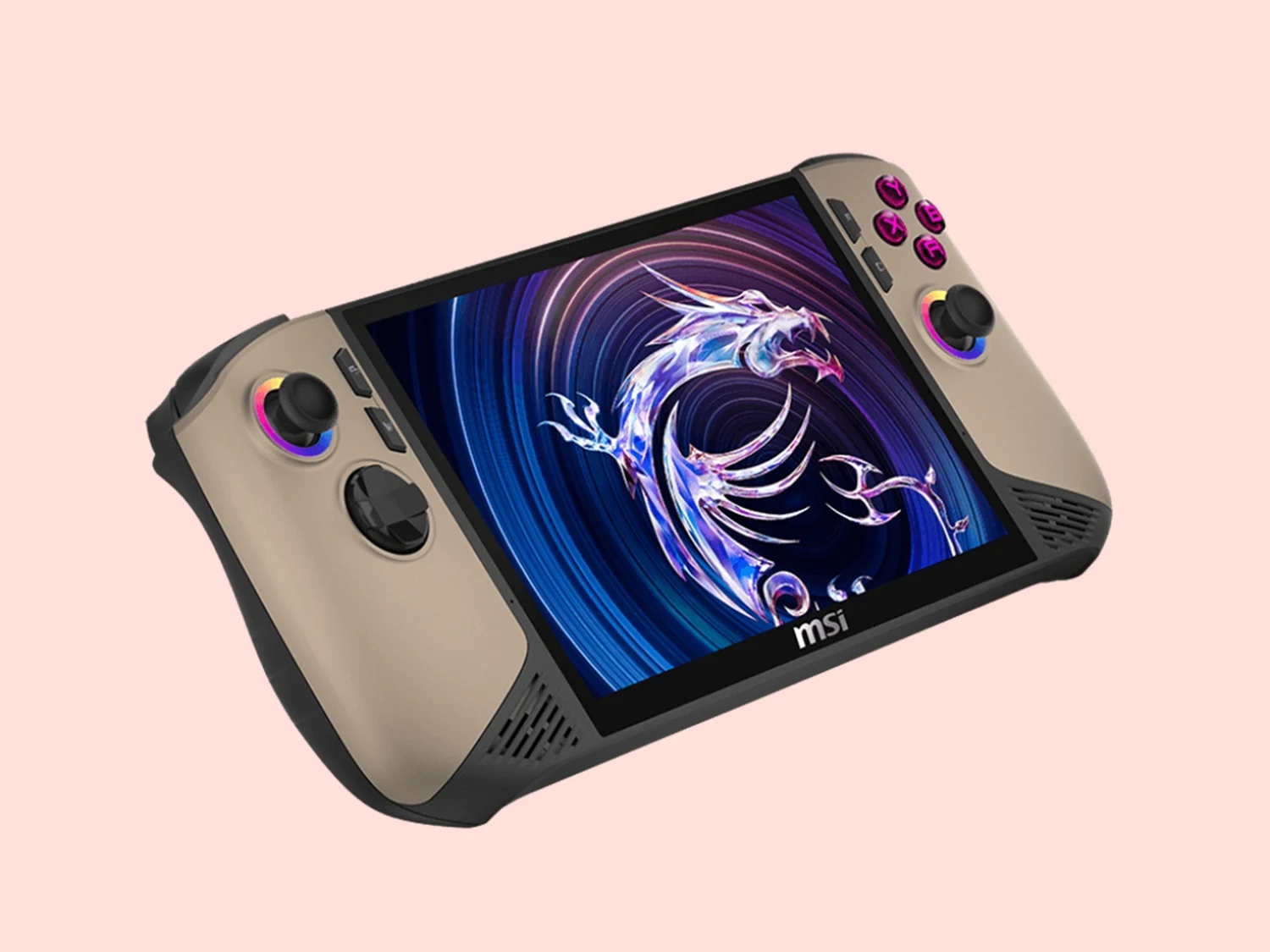
    MSI Claw Lineup Adds Xbox Full Screen Support with Less RAM Use

    Key Takeaways

    1. Xbox FSE offers a user-friendly interface for MSI Claw device owners, optimizing controller use for Windows-based gaming.
    2. The update reduces system RAM consumption by over 5%, allowing for smoother gameplay and potentially higher FPS.
    3. Quick Settings can be easily accessed through the Xbox Game Bar, enabling one-click adjustments to power modes and system features.
    4. The MSI Claw can boot directly into the Xbox FSE interface for a focused gaming experience from startup.
    5. The update is available for download, with activation instructions provided for all MSI handhelds.


    With the introduction of Xbox FSE, owners of MSI Claw devices can enjoy their games through a more user-friendly and controller-optimized interface designed specifically for Windows-based gaming handhelds. This new gaming library brings together titles from various sources, such as Xbox Game Pass, Epic Games Store, and Steam.

    Enhanced Gameplay Experience

    The Xbox FSE also elevates the gaming experience. MSI states that this update lowers system RAM consumption by over 5 percent when compared to regular Windows desktops. This reduced resource use allows MSI Claw devices to allocate more memory for smoother gameplay and may even enable higher frames per second (FPS).

    Easy Access to Quick Settings

    Gamers can now easily access MSI Claw’s Quick Settings through the Xbox Game Bar, which means they can adjust power modes and utilize key system features with just one click. Since this feature is integrated into the gaming interface, there’s no need to return to the Windows desktop or open MSI utilities separately.

    Streamlined Boot Experience

    The MSI Claw can now start directly into the Xbox FSE interface, creating a gaming-focused experience right from the beginning.

    Source:
    Link