
Key Takeaways
1. macOS 26.4 is now available for compatible Macs, including models with Apple ARM chips.
2. A new battery management feature allows users to cap battery charge levels at 80%, 85%, 90%, or 95% to prolong battery lifespan.
3. The compact tab layout has returned in Safari, organizing tabs and buttons in a single line to save vertical space.
4. The Freeform app now offers premium content for subscribers of Apple Creator Studio.
5. A new alert notifies users when launching apps not optimized for ARM processors, as Rosetta 2 support will end with macOS 28 next year.
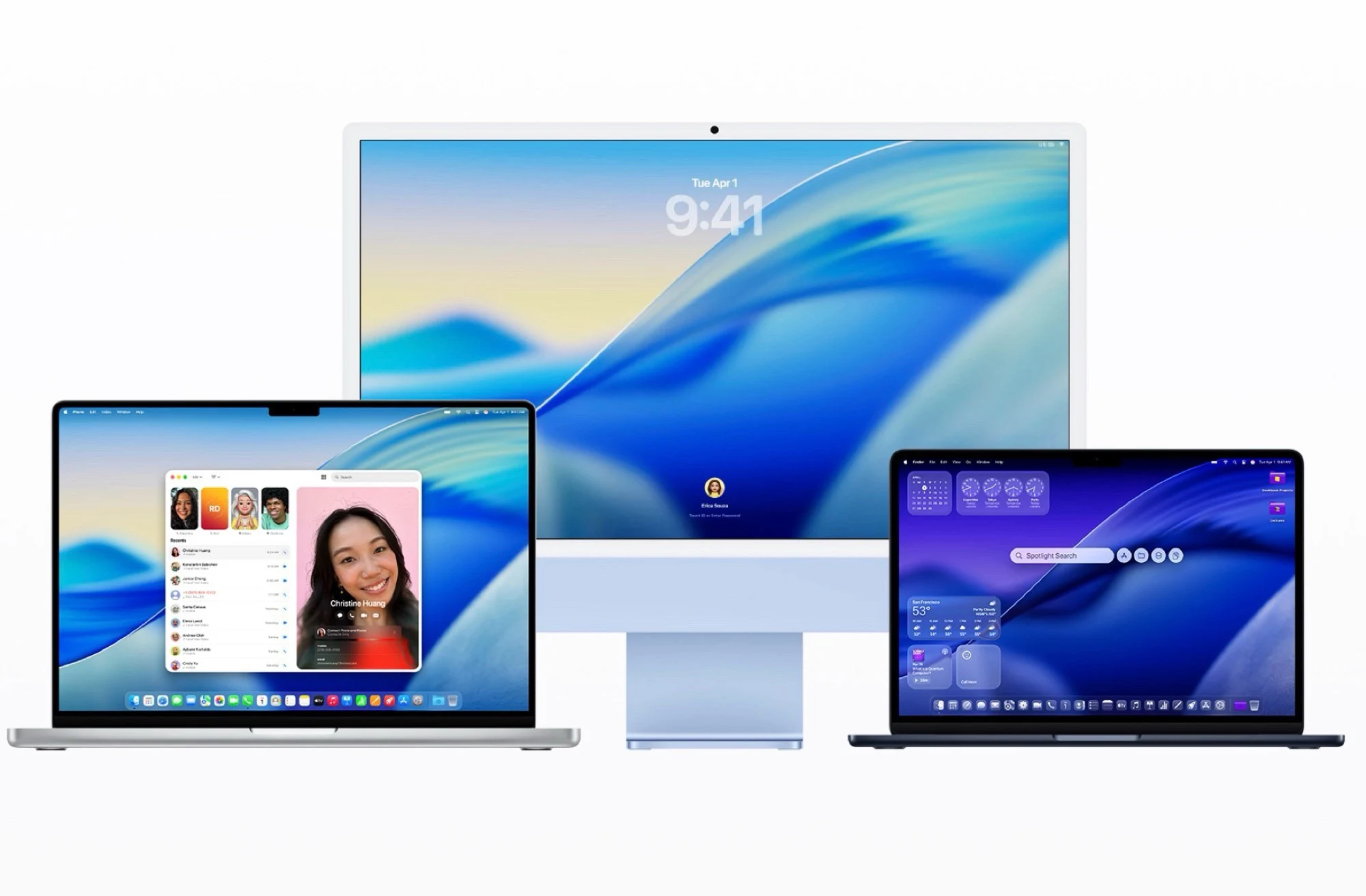
At the same time that iOS 26.4 for the iPhone is released, Apple has also launched macOS 26.4. This update should be accessible on all compatible Macs within a few hours and can be downloaded and installed from System Preferences under General –> Software Update. The update is available for all Macs using the Apple ARM chip, including the new MacBook Neo ($599 on Amazon), as well as the MacBook Pro and the Mac Pro from 2019.
New Battery Management Feature
One of the most thrilling new features is the ability to cap the battery charge level at 80, 85, 90, or 95 percent in the system settings. Not charging the battery to its full 100 percent could potentially prolong its lifespan before a replacement is necessary. This feature comes alongside Apple’s “optimized charging,” which aims to charge the battery only to the specified maximum at the time the MacBook usually gets unplugged from the power source – this should also help in extending the battery’s life.
Safari and App Updates
macOS 26 reintroduces the compact tab layout in Safari, which was taken away with the previous macOS 26 release. The tabs, buttons, and address bar are organized in a single line to conserve vertical space. The Freeform app is now getting premium content, but this is only for subscribers of Apple Creator Studio. Furthermore, macOS 26.4 adds a new alert when launching an app that has not been optimized for ARM processors, as Rosetta 2 will be phased out with macOS 28 next year, meaning these apps won’t be accessible in the future. The Reminders app now has an option to mark entries as “urgent” with a keyboard shortcut for easier filtering.
Conclusion
Apple’s macOS 26.4 is packed with significant updates that aim to enhance user experience and device longevity. The new battery management feature is particularly noteworthy, allowing users to manage their battery life more effectively. With the return of the compact tab layout and the introduction of new functionalities in apps, Apple continues to refine its software to meet the needs of its users.
Leave a Reply