Tag: iOS 26.4

  • Apple Music Surpasses Spotify: A New Era in Streaming Services

    Apple Music Surpasses Spotify: A New Era in Streaming Services

    Key Takeaways

    1. Improved Music Discovery: Apple Music’s new “Playlist Playground” feature enhances song discovery, competing effectively with Spotify’s “Discover Weekly.”

    2. Superior Sound Quality: Apple Music offers higher sound quality with “Hi-Res Lossless” and Dolby Atmos, surpassing Spotify’s recent lossless audio launch.

    3. Competitive Pricing: Apple Music is cheaper at $10.99 compared to Spotify’s $12.99, especially beneficial for users within the Apple ecosystem.

    4. Better User Interface: Apple Music’s user interface is visually appealing and user-friendly, while Spotify’s interface is more social media-like and less cohesive.

    5. Fairer Artist Compensation: Apple Music pays higher royalties per stream than Spotify, making it a more artist-friendly platform.


    The ongoing arguments in technology seem like they will never end—there are so many examples. You have Android vs iOS, team red vs team green, Azure vs AWS, and many more. Music streaming is another hot topic, with two major players in the US (let’s not include YouTube Music for now). With the latest update of iOS 26.4, I’m happy to say I’ve made my decision. For context, I’ve been a longtime user of Spotify over Apple Music, but it always felt like a trade-off: I chose Spotify for its user interface and the chance to discover new songs, while I used Apple Music for its higher sound quality. However, in 2026, I believe Apple has finally addressed the “discovery gap,” and considering all factors—the technology, pricing, and ethics—Spotify is no longer the top choice.

    A New Player in Discovery

    Spotify’s “Discover Weekly” used to be its biggest strength. But with the introduction of “Playlist Playground” in iOS 26.4, the competition is more balanced than ever. Although I haven’t tried it myself yet (it’s only available in the US), it looks promising. Unlike Spotify’s algorithm, Playlist Playground leverages on-device intelligence to create a 25-song playlist from a simple text prompt—like “a synth-heavy playlist with moody songs.” It’s quick, it’s precise, and I hope it gives me more control over my music curation, which was previously Spotify’s domain.

    Sound Quality Matters

    When it comes to sound quality, Apple wins by a landslide. Spotify just launched its lossless audio tier at the end of 2025, but it feels like it came too late. While Spotify’s lossless audio reaches 24-bit/44.1 kHz, Apple Music’s “Hi-Res Lossless” goes up to 24-bit/192 kHz (I stick with the former since I don’t have the right equipment). Then there’s Dolby Atmos Spatial Audio—although I usually keep it off, it is a cool feature. Spotify still struggles with immersive audio, which is a dealbreaker for those who care about sound quality. Plus, as of March, Spotify Lossless isn’t even available in India, making my decision much easier.

    Pricing Changes the Game

    Pricing used to be similar between the two services, but Spotify’s recent price increases have altered the situation. As of early 2026, a Spotify Premium Individual plan in the US has risen to $12.99. In contrast, Apple Music remains at $10.99 and includes “Apple Music Classical” and high-resolution audio at no extra cost. If you’re already in the Apple ecosystem, the Apple One bundle, which includes TV+, Arcade, and 50 GB of iCloud storage, makes the music service feel nearly free.

    From a visual perspective, I think it’s not even close, but that might be because I’m using iOS. Spotify looks nearly the same across both platforms, but Apple Music on Android is quite different from iOS. Apple’s new user interface is gorgeous, featuring full-screen artwork that colors the entire display to match the album’s mood. In comparison, Spotify has opted for a TikTok-style vertical feed for some reason—the home feed feels more like a social media platform, which aligns with the company’s focus on that aspect. Additionally, Apple Music includes a karaoke/sing-along feature that works smoothly for the most part, while Spotify’s lyrics tab doesn’t even come close.

    Treatment of Artists

    Lastly, what really pushed me over the edge was how these companies treat the musicians. Apple Music pays about $0.01 per stream, which is nearly two to three times the $0.003 – $0.005 average rate that Spotify offers. Being a premium-only service means Apple doesn’t have to drain royalties to support a large “free” ad-supported tier. Moreover, Spotify has used generative AI for features like daylists and the 2024 Wrapped, which didn’t sit well with some users.

    Certainly, neither of these giants is perfect. Spotify is still reeling from the backlash of its “podcasting-first” strategy, facing ongoing protests about misinformation on platforms like the Joe Rogan Experience. Meanwhile, Apple is under scrutiny from global regulators, having recently faced a hefty €1.8 billion fine for “anti-steering” practices that allegedly disadvantage competitors like Spotify.

    But when you look at the app on your phone today, the choice seems clear. Apple Music offers better sound, greater value, and now, with Playlist Playground and “Concerts Near You,” improved song discovery. If you’ve been sticking with Spotify out of habit and have been thinking of switching—now’s the time. Apple Music makes it simple to transfer your albums and playlists from Spotify too.
  • Apple macOS 26.4 Released: Boost Your MacBook Battery Life

    Apple macOS 26.4 Released: Boost Your MacBook Battery Life

    Key Takeaways

    1. macOS 26.4 is now available for compatible Macs, including models with Apple ARM chips.
    2. A new battery management feature allows users to cap battery charge levels at 80%, 85%, 90%, or 95% to prolong battery lifespan.
    3. The compact tab layout has returned in Safari, organizing tabs and buttons in a single line to save vertical space.
    4. The Freeform app now offers premium content for subscribers of Apple Creator Studio.
    5. A new alert notifies users when launching apps not optimized for ARM processors, as Rosetta 2 support will end with macOS 28 next year.


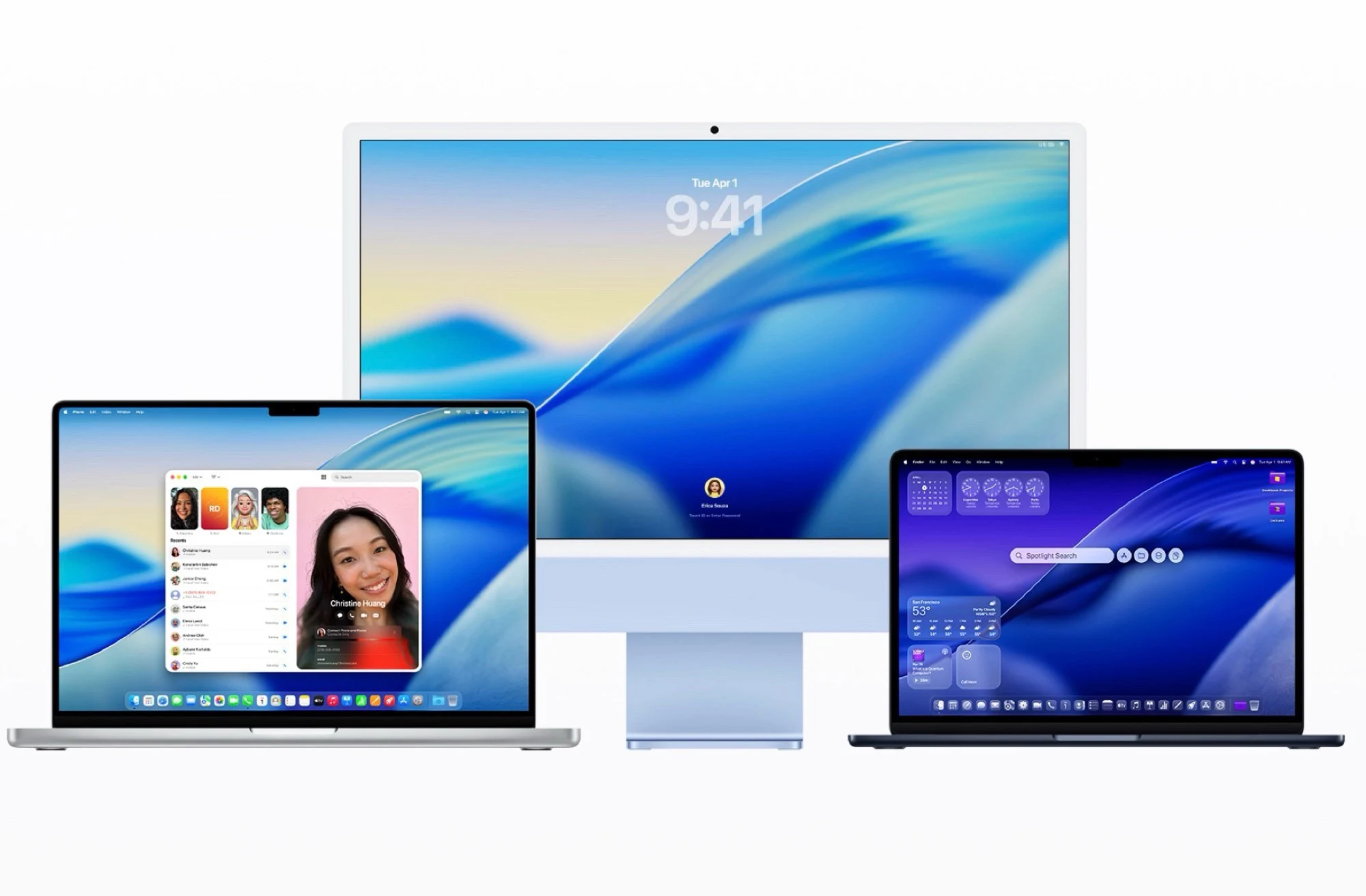
    At the same time that iOS 26.4 for the iPhone is released, Apple has also launched macOS 26.4. This update should be accessible on all compatible Macs within a few hours and can be downloaded and installed from System Preferences under General –> Software Update. The update is available for all Macs using the Apple ARM chip, including the new MacBook Neo ($599 on Amazon), as well as the MacBook Pro and the Mac Pro from 2019.

    New Battery Management Feature

    One of the most thrilling new features is the ability to cap the battery charge level at 80, 85, 90, or 95 percent in the system settings. Not charging the battery to its full 100 percent could potentially prolong its lifespan before a replacement is necessary. This feature comes alongside Apple’s “optimized charging,” which aims to charge the battery only to the specified maximum at the time the MacBook usually gets unplugged from the power source – this should also help in extending the battery’s life.

    Safari and App Updates

    macOS 26 reintroduces the compact tab layout in Safari, which was taken away with the previous macOS 26 release. The tabs, buttons, and address bar are organized in a single line to conserve vertical space. The Freeform app is now getting premium content, but this is only for subscribers of Apple Creator Studio. Furthermore, macOS 26.4 adds a new alert when launching an app that has not been optimized for ARM processors, as Rosetta 2 will be phased out with macOS 28 next year, meaning these apps won’t be accessible in the future. The Reminders app now has an option to mark entries as “urgent” with a keyboard shortcut for easier filtering.

    Conclusion

    Apple’s macOS 26.4 is packed with significant updates that aim to enhance user experience and device longevity. The new battery management feature is particularly noteworthy, allowing users to manage their battery life more effectively. With the return of the compact tab layout and the introduction of new functionalities in apps, Apple continues to refine its software to meet the needs of its users.


  • Apple iPhone iOS 26.4 Update: New Features and Bug Fixes

    Apple iPhone iOS 26.4 Update: New Features and Bug Fixes

    Key Takeaways

    1. iOS 26.4 is available for iPhone 11 to iPhone 17 and second-generation iPhone SE.
    2. New features include offline music identification using Shazam and an “Ambient Music” widget for curated playlists.
    3. The Music app now has full-screen backgrounds and a “Concerts” feature for nearby live shows.
    4. Accessibility improvements include reduced Liquid Glass animations and compatibility with AirPods Max 2, plus eight new emoji.
    5. A key bug fix enhances keyboard responsiveness for faster typing.


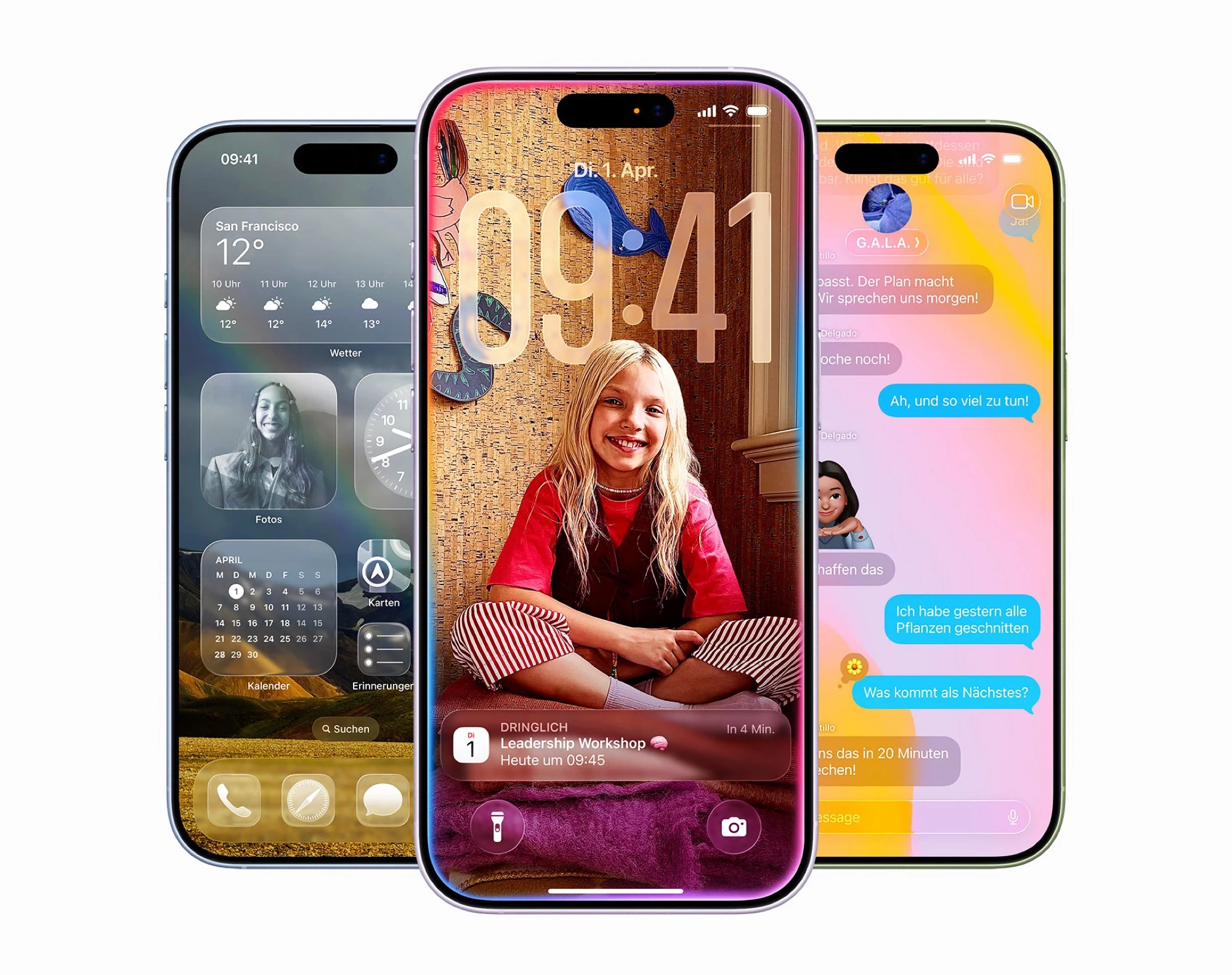
    Apple has recently launched iOS 26.4. This update is available for all devices ranging from the iPhone 11 to the iPhone 17 ($799 on Amazon) as well as the second-generation iPhone SE. Users can easily download and install the update by navigating to system settings and selecting General –> Software update.

    New Features and Enhancements

    This update introduces several exciting features. One notable addition is the ability to identify music using the Shazam button found in the quick settings, even when the iPhone is offline. However, the results will only appear once the device reconnects to the Internet. Another new widget called “Ambient Music” provides direct access to curated playlists that are designed to help with sleeping, working, or simply relaxing.

    Improvements to the Music App

    The Music app has been revamped with full-screen backgrounds for albums and playlists. Additionally, it now includes a “Concerts” feature that highlights live shows from your preferred artists nearby. On the accessibility front, users now have the option to lessen Liquid Glass animations and bright elements on the screen. Furthermore, the update adds compatibility for the new AirPods Max 2 and includes eight new emoji. The Freeform app from Apple also receives premium content that necessitates a subscription to Apple’s Creator Studio.

    Bug Fixes and User Experience

    One of the most anticipated fixes in this update addresses a known issue where the keyboard fails to recognize inputs properly when users type very quickly. This fix is expected to enhance the typing experience for many users, making it a significant improvement in usability.

  • iOS 26.4 Update: CarPlay Users May Soon Watch Videos in Cars

    iOS 26.4 Update: CarPlay Users May Soon Watch Videos in Cars

    Key Takeaways

    1. Upcoming iOS 26.4 update may include video playback for Apple’s CarPlay.
    2. Apple TV integration could allow users to watch videos directly on car displays.
    3. Video playback will only be available when the vehicle is parked for safety reasons.
    4. Apple encourages developers to support CarPlay with AirPlay video features.
    5. Automakers will need to activate video playback, meaning it may not be available in all vehicles.


    Drivers might soon find a new way to enjoy entertainment while on the road, with the upcoming update to Apple’s CarPlay.

    Video Playback Coming Soon

    Rumor has it that video playback will be included with the release of iOS 26.4. Aaron Perris on X shared a series of code snippets that suggest Apple TV could be integrated into CarPlay, indicating that users may soon be able to watch videos directly on their car display. Similarly, 9to5Mac discovered code that mentioned video playback alongside features like climate controls, notifications, and a “TV App,” likely referring to Apple TV.

    Apple’s Statement on Video Features

    Apple confirmed that video playback is indeed on the way with some iteration of iOS 26. The company mentions on its CarPlay developer site that “AirPlay video in the car enables people to watch their favorit videos from iPhone right on their CarPlay display when they aren’t driving.” Apple is also urging developers to “integrate support for CarPlay with AirPlay video to enable this feature in your car.”

    Important Safety Considerations

    However, there’s a significant (and critical for safety) condition: Video playback on CarPlay will only work when the vehicle is parked. This ensures that distracted drivers won’t be able to watch TikTok videos during rush hour (which is definitely a positive). Yet, it also means that families and other passengers might not be able to use the car’s screen as a video player or infotainment hub to entertain themselves.

    Moreover, it seems that automakers will have the responsibility to activate this feature, which means that video playback may not be available in all cars when it launches.

    Source:
    Link