
Key Takeaways
1. Kodi as a Screensaver: Users can set up Kodi on their Android TV or devices to create a screensaver that displays photos from a NAS, requiring a shared photo directory.
2. Limitations of Kodi: The Kodi screensaver cannot be set as the default in Android, and prolonged use may fill up storage on devices like the Nvidia Shield.
3. Immich for Self-Hosting: Immich is a more complex, self-hosted photo management tool that can serve as a Google Photos alternative, allowing for a default screensaver and video playback on Android TV.
4. Aerial Views Screensaver App: This app offers a simple way to stream images and videos from a NAS without complex setups, featuring additional functionalities like music overlays and OLED burn-in protection.
5. Preference for Local Data Control: Many users prefer NAS solutions over cloud services for managing photos, allowing them to maintain control over their data.
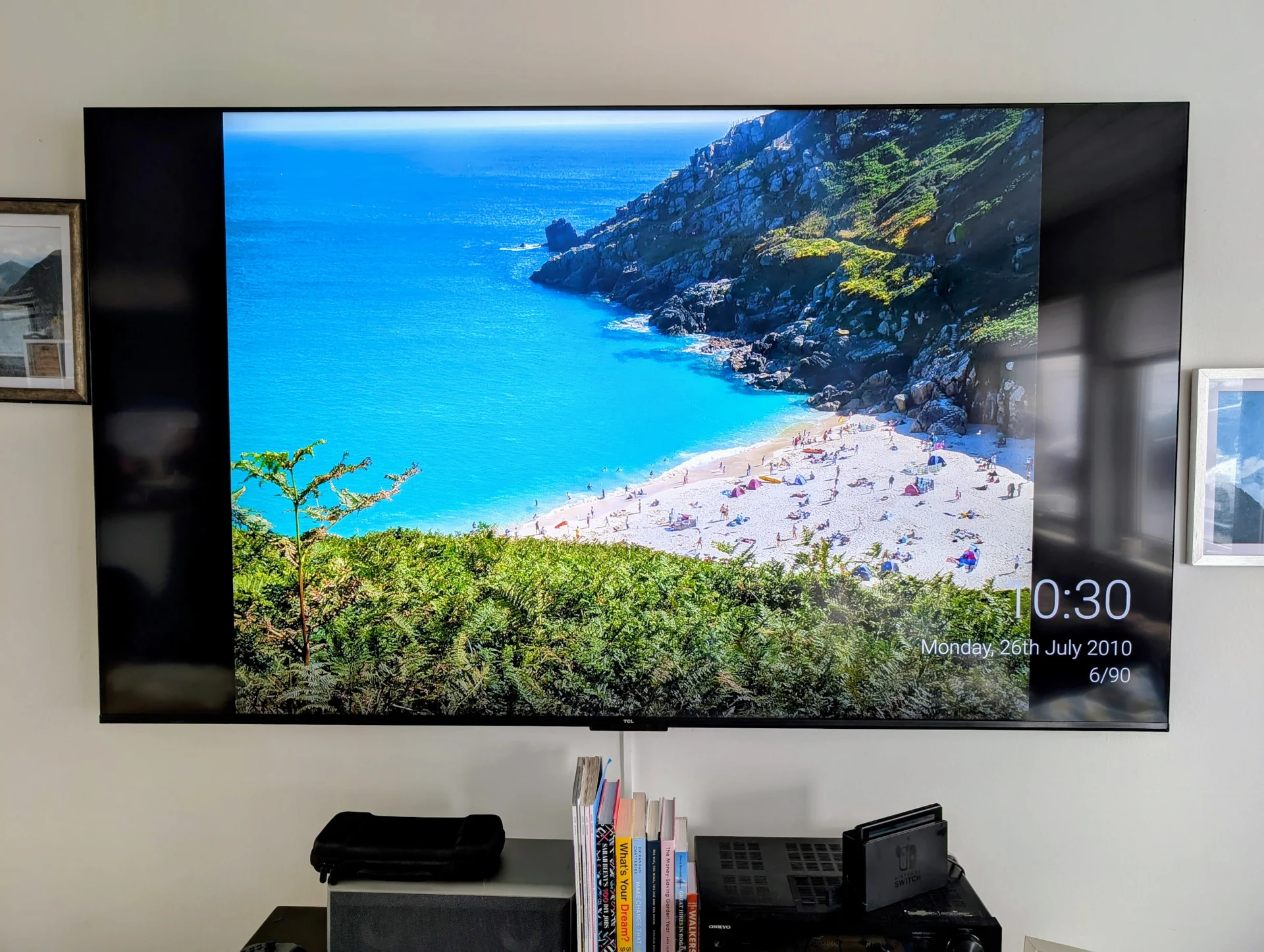
As Samsung has demonstrated, many people are interested in transforming their TVs into digital art displays. For those who are deep into the Google ecosystem, a simple way to configure your Android TV (or just about any Android device) is to set your screensaver to access images directly from Google Photos. Nevertheless, quite a few users prefer to avoid cloud services to keep control over their own data, and a NAS (Network Attached Storage) is a favored option for this. Below are three methods to set your Android TV or tablet screensaver to retrieve photos from your NAS, effectively converting your TV into a large digital photo frame.
Setting Up Kodi for Screensavers
One of the easiest methods to establish a screensaver for pictures using a NAS is through Kodi. Your photo directory on the NAS must be shared in some manner for this to function, either by configuring an SMB or NFS share, but most NAS users probably have this already set up. After that, setting up Kodi is quite straightforward and can be achieved using any compatible client, which includes Android TV, Raspberry Pi, Android tablets, and even iPads if you’re okay with sideloading.
After getting Kodi running, go to:
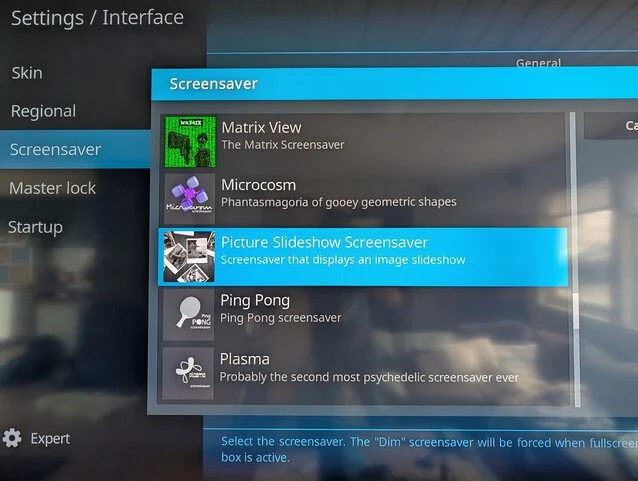
Settings > Interface > Screensaver > Screensaver Mode
By clicking on “Add More,” you will see a variety of screensavers that you can download, but the one we want is the “Picture Slideshow Screensaver.”
Once this is installed, you can add a network location to the screensaver in the same way you would to the Kodi library. You can choose the timeout and select various transition effects, including the Ken Burns effect.
A Few Caveats with Kodi
Using Kodi for a pictures screensaver works quite well, but there are a few limitations. For starters, you cannot set the Kodi screensaver as the default in Android, which means Kodi must be open for the screensaver to activate.
Moreover, running the screensaver can fill up your Android TV’s storage. This doesn’t happen immediately; in fact, it took about four years of using the Kodi picture screensaver before I noticed a slowdown on my 8 GB Nvidia Shield (available on Amazon) due to full storage. However, it’s something to keep in mind if your device has limited space.
Exploring Immich for Self-Hosting
Immich is a self-hosted photo and video management tool for computers and NAS devices. Setting it up is a bit more complex than simply installing Kodi, as it requires running an instance of Immich in a Docker container on your network storage. However, if you’re interested in self-hosting a Google Photos alternative, Immich is definitely worth considering. It provides various features, including automated photo backups from phones using the Immich app.
If you already have or plan to establish an Immich instance, the (unofficial) Immich Android TV app can add a native Immich screensaver to your Android TV. Unlike Kodi, this can be set as the default screensaver and will activate no matter what app is open on your Android TV. The Immich screensaver can also display videos from your collection, with or without sound. Although Immich is completely free, you have the option to buy a personal or server license, which helps support the project, which gets regular updates.
The Aerial Views Screensaver App
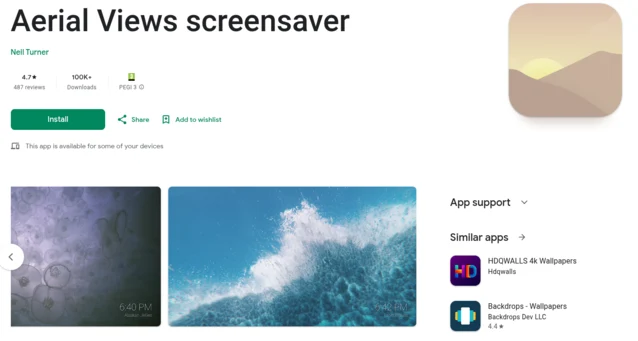
The Aerial Views Screensaver app was initially created as a screensaver for Android TV that streams 4k videos, similar to the native screensaver on Apple TV. You can even configure it to use the same videos that Apple TV employs. Over time, the software has developed to include the ability to retrieve images and videos from an SMB share for your Android TV or similar devices.
In contrast to Immich, this setup does not need any special hosting arrangements (although it can also access images from an Immich server). The app is completely free and open-source, allowing the code to be reviewed on GitHub. It also offers various additional features such as overlays for currently playing music, location info, image dates, and a clock. It even includes burn-in protection for OLED TVs when the overlay is used.
Source:
Link
Leave a Reply