
Key Takeaways
1. The Xbox Full Screen Experience (FSE) will expand to more handheld gaming PCs on November 21st, moving up from its initial 2026 timeline for the Lenovo Legion Go 2.
2. Microsoft began rolling out the full-screen feature for MSI Claw devices in late October, requiring gamers to join the Windows Insider program to access it.
3. The new menu system improves navigation on handheld devices, allowing users to easily toggle the FSE and control the screen with analog sticks and buttons.
4. The updated interface minimizes background processes to enhance performance, but some glitches remain, particularly with controller functionality in other apps on the ROG Xbox Ally.
5. Future improvements are expected with new Xbox hardware, but critics argue that a user interface specifically designed for consoles is needed to reduce frustrations.
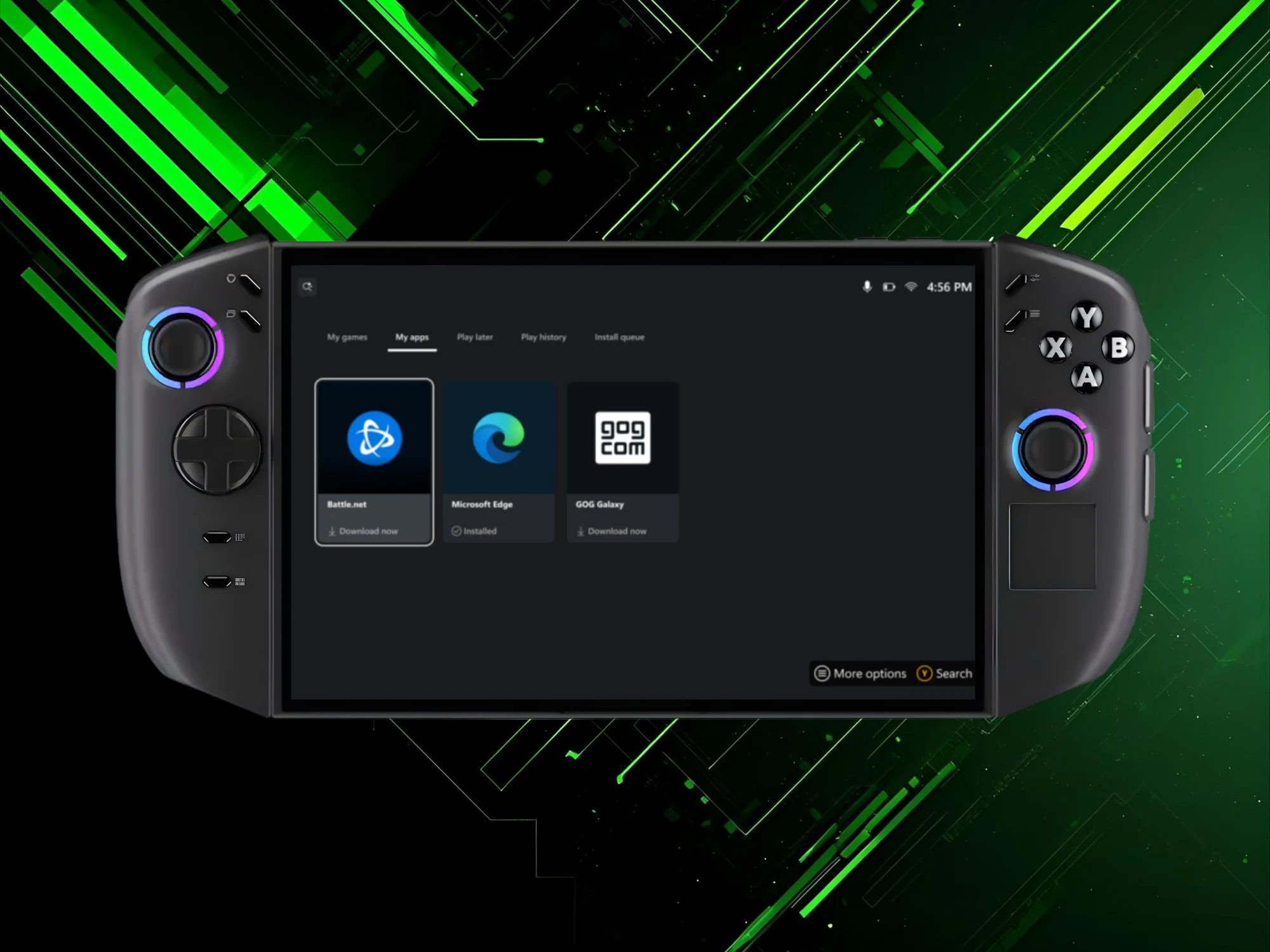
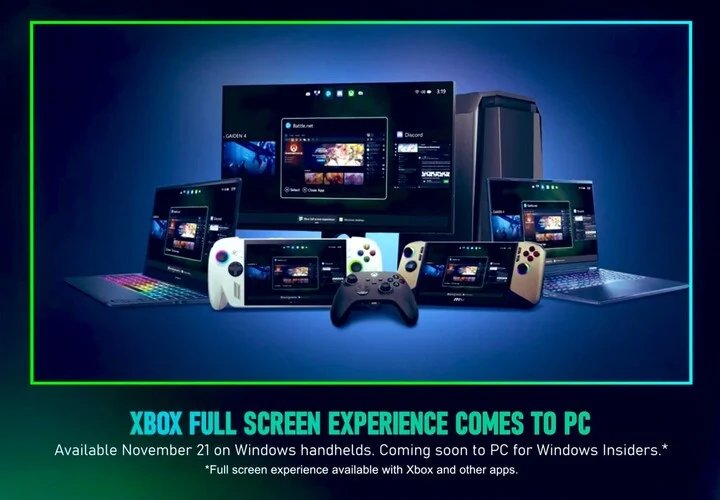
The Asus ROG Xbox Ally and ROG Xbox Ally X were pioneers in introducing Microsoft’s latest gaming interface for Windows handhelds. The Xbox Full Screen Experience (FSE) is set to expand to more handheld gaming PCs on November 21st. Initially, it was expected that this interface would debut on the Lenovo Legion Go 2 in Spring 2026.
Microsoft’s Announcement
During the recent Xbox Partner Preview showcase, Microsoft shared its updated release schedule. In late October, they began to roll out the full-screen feature for MSI Claw devices. However, gamers needed to join the Windows Insider program to access this new option.
Updates for the Legion Go 2
For the Legion Go 2, which includes the AMD Z2 Extreme model, users also had to find workarounds to enable the Xbox Full Screen Experience. Lenovo had previously indicated that the official update wouldn’t be available until 2026. However, this timeline has now shifted, with Microsoft announcing that all Windows handhelds will receive this update sooner than expected.
Enhanced Navigation for Gamers
Users can now enjoy a menu system that simplifies the navigation of handheld gaming devices. Windows settings provide an easy way to toggle the FSE on or off. When enabled, the devices restart, and the Xbox app takes control of the screen. This allows players to browse and launch games from various marketplaces using their analog sticks and buttons.
The updated interface also minimizes background processes, which helps to free up memory and aims to enhance performance. Nevertheless, the ROG Xbox Ally has experienced some glitches since its launch. Users have reported that the controller functionality does not always work correctly with other apps. Despite Microsoft’s improvements, some clunky elements of its operating system can still disrupt gameplay.
Future Improvements
It is hoped that when a new Xbox handheld or console is released, the FSE will become more efficient. However, critics maintain that only a user interface specifically designed for consoles will truly reduce frustrations.
Additionally, desktop and laptop users should gear up for the Xbox Full Screen Experience. The Partner Preview broadcast confirmed that Insider members will have the opportunity to try out this feature on all Windows 11 PCs.
Source:
Link


Leave a Reply