
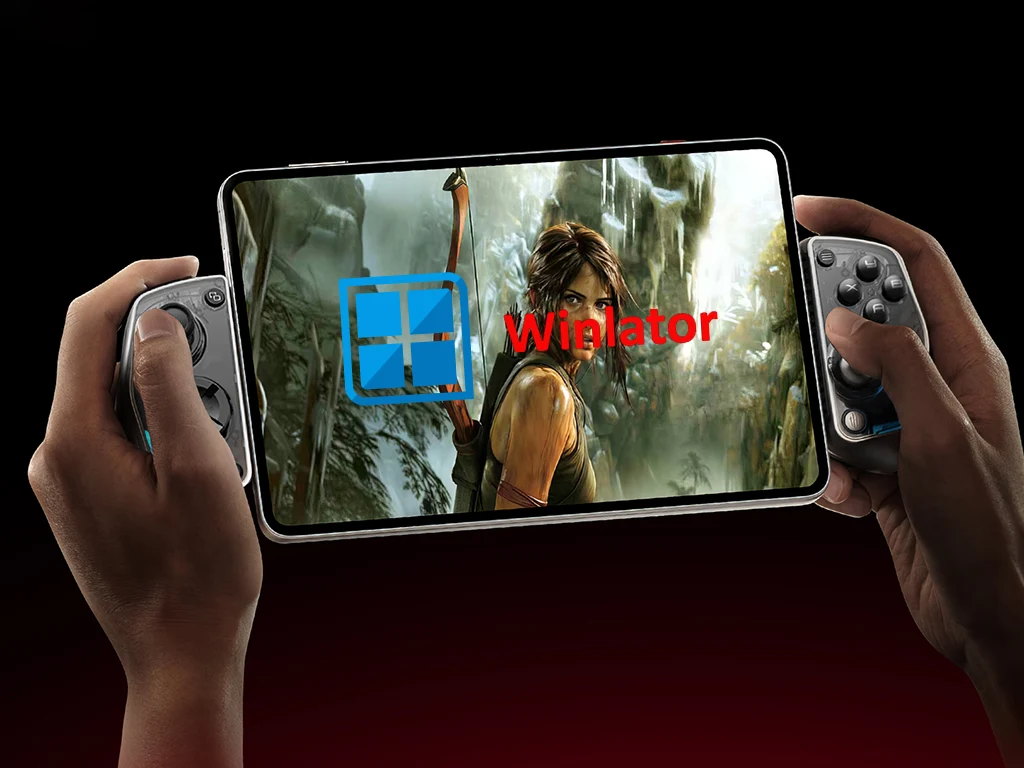
Key Takeaways
1. Improved performance through the shift to native code and updates to the VortK graphics driver.
2. New features including an updated Box64 to version 0.3.6 and a “performance” preset for efficiency.
3. Enhanced controller support, including MIDI input/output and a virtual CD-ROM drive.
4. New control options with on-screen touch control profiles and the ability to import optimized profiles for specific games.
5. Compatibility improvements and resolution of issues with Steam Client startup.
Winlator developer brunodev85 has released a fresh update for the Android Windows game emulator. The new version, v10.1, brings a range of new features and enhances performance and compatibility.
Improved Performance
A key change in this update is the shift of certain parts of the app to native code, which should result in better gaming performance. Along with modifications to the VortK graphics driver, users can expect an overall improved emulation experience with this Android Windows game emulator.
New Features and Updates
In Winlator 10.1, several essential components have been updated. The Box64 has been upgraded to version 0.3.6, and users now have access to a “performance” preset designed for optimal efficiency.
Enhanced Controller Support
Winlator 10.1 now includes support for external media controllers. It features a specific option for MIDI input/output, allowing for greater versatility. Users can also set up a virtual CD-ROM drive within the emulator. Additionally, the new active Windows side menu simplifies the process of switching between multiple open windows.
Control Options
Changes have also been made in the input and control area. One significant update is the inclusion of new control types and on-screen touch control profiles. This means that players can now import optimized on-screen profiles tailored for specific games. However, using a physical controller, such as the GameSir G8 Plus priced at $79.99 on Amazon, will still provide a superior gaming experience.
Other Improvements
Finally, Winlator 10.1 addresses issues with Steam Client startup and offers improvements in compatibility. For more details about the latest version of this Windows games emulator for Android, be sure to check out the complete changelog available from brunodev85 on GitHub.
Source:
Link
Leave a Reply