Tag: GameSir G8 Plus

  • Lenovo Launches Telescopic Controller with Pass-Through Charging

    Lenovo Launches Telescopic Controller with Pass-Through Charging

    Key Takeaways

    1. The Legion GamePad G3 competes with products like the GameSir G8 Plus, priced at $79.99.
    2. The GamePad G3 can stretch up to 213 mm and includes detachable silicone pads for device fitting.
    3. It may not be compatible with foldable phones, such as the Galaxy Z Fold7, due to Type-C port placement.
    4. The dimensions of the GamePad G3 are 197 x 88 x 47 mm, and it weighs about 135 g.
    5. Priced at CNY 169 (approximately $25), the GamePad G3 is expected to work well with the Legion Tab Gen 5.


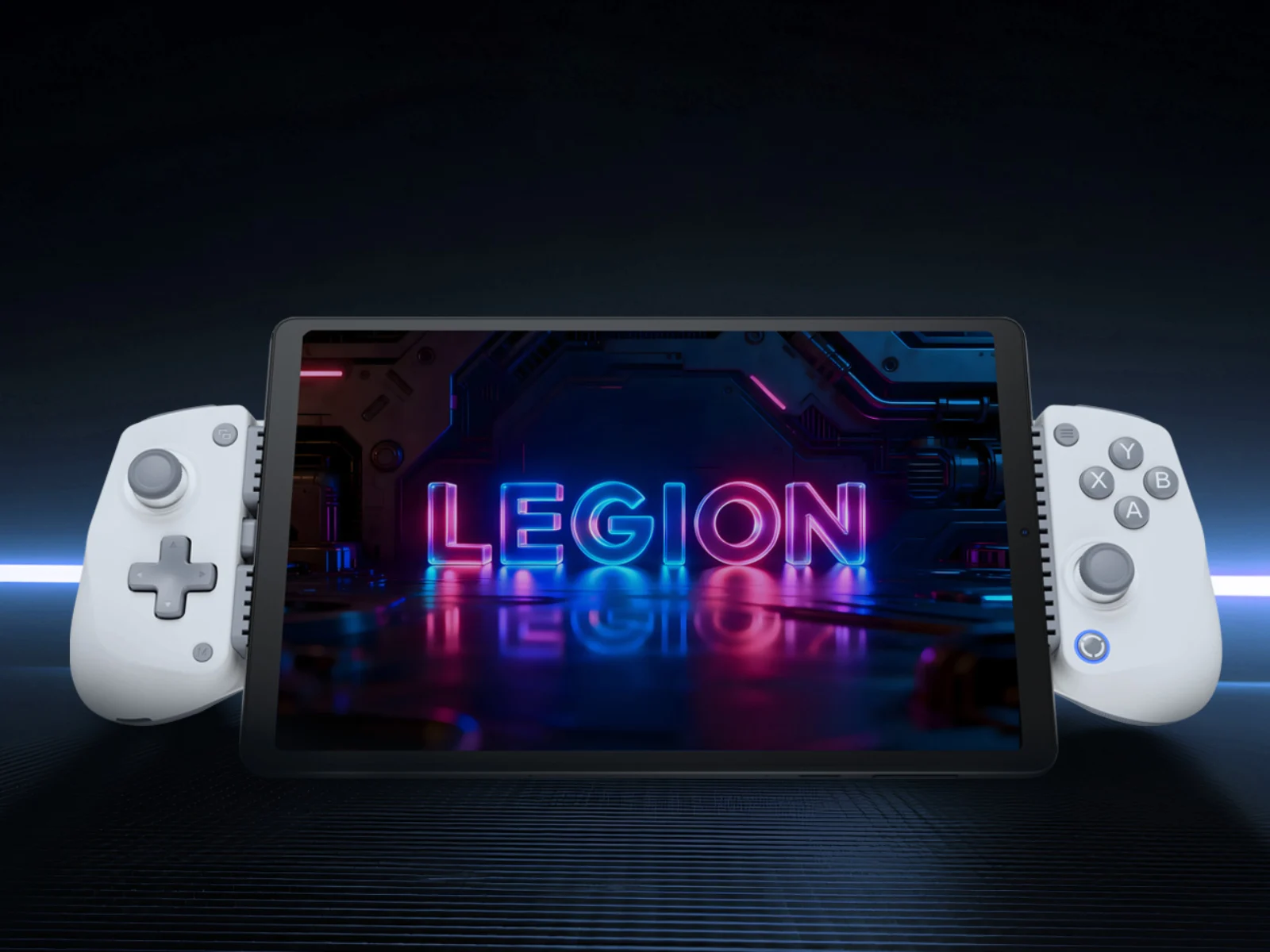
    In this regard, the Legion GamePad G3 competes with other products like the GameSir G8 Plus (currently priced at $79.99 on Amazon). For example, the GamePad G3 can stretch up to 213 mm and includes detachable silicone pads to fit larger or smaller devices. Nevertheless, this accessory might not work with foldable phones such as the Galaxy Z Fold7 due to how their Type-C ports are located.

    Dimensions and Weight

    Moving on, the Legion GamePad G3 is sized at 197 x 88 x 47 mm and weighs about 135 g. Lenovo claims that both color variations feature Hall effect joysticks and flexible silicone ABXY buttons, along with a conductive silicone d-pad and triggers.

    Pricing and Compatibility

    Lenovo has set the price of the Legion GamePad G3 at CNY 169 (approximately $25) in China. Additionally, this accessory is expected to work well with the Legion Tab Gen 5. This tablet was showcased at MWC 2026 in Barcelona in early March, and it’s already being sold in certain markets.

    Source:
    Link



  • GameSir MFi-Certified Controller Launching on December 21

    GameSir MFi-Certified Controller Launching on December 21

    Key Takeaways

    1. GameSir is launching a new controller with Apple’s MFi certification, ensuring optimal performance for iPhones and iPads.
    2. The new controller will also be compatible with Android devices.
    3. The expected release date for the controller is December 21.
    4. Features include Bluetooth connectivity, possible USB-C support, textured grips, and stacked shoulder buttons.
    5. GameSir will showcase a new racing wheel controller at CES 2026.


    GameSir has a wide range of controllers, most of which can be used on various platforms. While a few of these controllers are compatible with iOS devices, none have received official certification from Apple. Recently, the gaming brand hinted at a new controller that comes with Apple’s MFi certification badge.

    Official Certification

    As per their social media updates, the upcoming controller is officially Made for iPhone/iPad (MFi)-certified, meaning it has been designed to deliver the best performance with iPhones and iPads. Another post on their X page revealed that the controller will also work with Android devices.

    Features and Release Date

    In a second teaser, a sneak peek of the controller was shared, confirming a launch date of December 21. From the image, it appears to be a telescopic controller, similar to the GameSir G8 Plus, which can be found on Amazon for $79.99.

    It is anticipated that the controller will connect through Bluetooth, but it may also include USB-C support. The teaser indicates that the controller will feature textured grips, stacked shoulder buttons, and a white/light gray color scheme.

    Upcoming Events

    Alongside this new controller, GameSir is set to participate in CES 2026, where they are expected to introduce a new game controller rumored to be a racing wheel.

    GameSir on X: 1, 2

    Source:
    Link


  • GameSir Android Emulator Update: Hollow Knight Silksong Optimized

    GameSir Android Emulator Update: Hollow Knight Silksong Optimized

    Key Takeaways

    1. GameHub 5.0 fully optimizes Hollow Knight: Silksong for mobile gamers.
    2. The update includes complete support for Steam, allowing cloud saves and online gaming.
    3. Users may experience syncing issues with Steam, but switching out of “lightweight” mode can help.
    4. Enhanced controller experience with immersive vibrations and adaptive triggers is introduced.
    5. GameHub 5.0 features a new “native rendering mode” for improved frame rates and smoother gameplay.


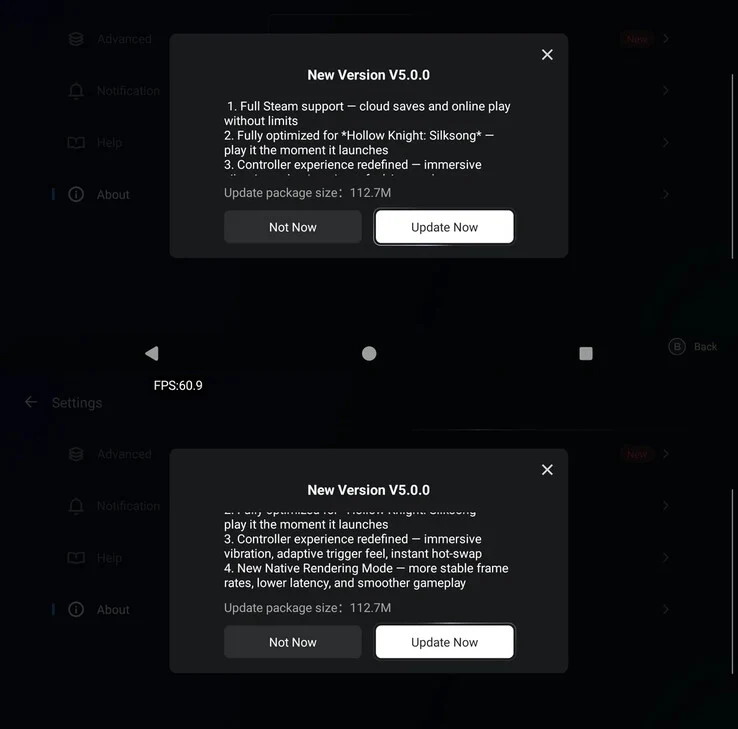
    GameSir has rolled out a new update for its Windows game emulator for Android, called GameHub, now at version 5.0. A standout feature of this update is its full optimization for Hollow Knight: Silksong, enabling mobile gamers to enjoy this highly-rated, freshly launched action-adventure title on their smartphones.

    Additional Enhancements

    This update isn’t just about Hollow Knight. GameHub version 5.0 also brings complete support for Steam, giving users the ability to access cloud saves and online gaming through the Windows emulator for Android. This means that players can easily keep their game progress consistent across different devices, which is a significant advantage for those who switch between them. Some initial users have mentioned that their achievements and playtime are also syncing correctly after this update.

    Syncing Issues and Solutions

    It’s important to highlight that the Steam sync feature may not always work perfectly right away in certain cases. However, some users on Reddit recommend switching Steam’s client out of “lightweight” mode for a better experience overall.

    Improved Controller Experience

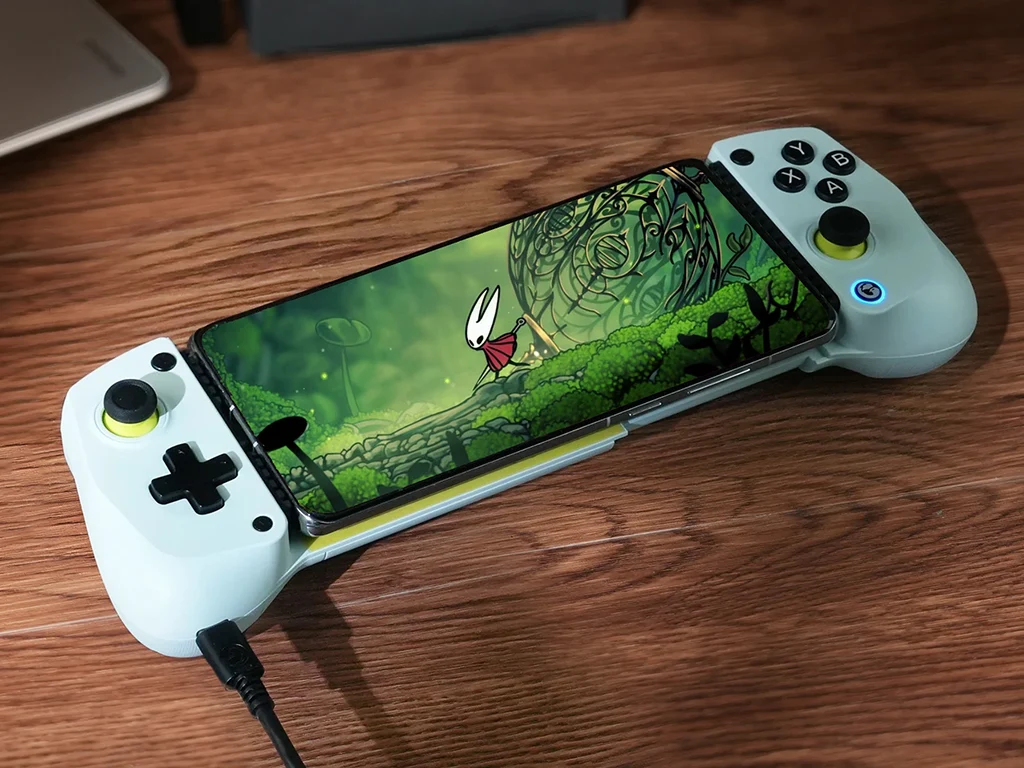
    The latest update also promises an enhanced controller experience (GameSir G8 Plus currently priced at $79.99 on Amazon). It introduces support for “immersive” vibrations and adaptive triggers. GameSir emphasizes that GameHub 5.0 incorporates a new “native rendering mode,” which is claimed to provide consistent frame rates, smoother gameplay, and reduced latency.

    While GameSir hasn’t shared any specific before-and-after performance metrics, numerous users have observed a noticeable increase in performance. For instance, one user on r/EmulationOnAndroid noted a nearly 2x FPS boost in GTA V. Naturally, the emulation efficiency is largely influenced by the phone’s hardware, but GameHub is widely recognized for its stable performance on most devices, including those equipped with a Mali GPU.

    Source:
    Link


  • Winlator 10.1 Update Enhances Windows Game Emulator for Android

    Winlator 10.1 Update Enhances Windows Game Emulator for Android

    Key Takeaways

    1. Improved performance through the shift to native code and updates to the VortK graphics driver.
    2. New features including an updated Box64 to version 0.3.6 and a “performance” preset for efficiency.
    3. Enhanced controller support, including MIDI input/output and a virtual CD-ROM drive.
    4. New control options with on-screen touch control profiles and the ability to import optimized profiles for specific games.
    5. Compatibility improvements and resolution of issues with Steam Client startup.


    Winlator developer brunodev85 has released a fresh update for the Android Windows game emulator. The new version, v10.1, brings a range of new features and enhances performance and compatibility.

    Improved Performance

    A key change in this update is the shift of certain parts of the app to native code, which should result in better gaming performance. Along with modifications to the VortK graphics driver, users can expect an overall improved emulation experience with this Android Windows game emulator.

    New Features and Updates

    In Winlator 10.1, several essential components have been updated. The Box64 has been upgraded to version 0.3.6, and users now have access to a “performance” preset designed for optimal efficiency.

    Enhanced Controller Support

    Winlator 10.1 now includes support for external media controllers. It features a specific option for MIDI input/output, allowing for greater versatility. Users can also set up a virtual CD-ROM drive within the emulator. Additionally, the new active Windows side menu simplifies the process of switching between multiple open windows.

    Control Options

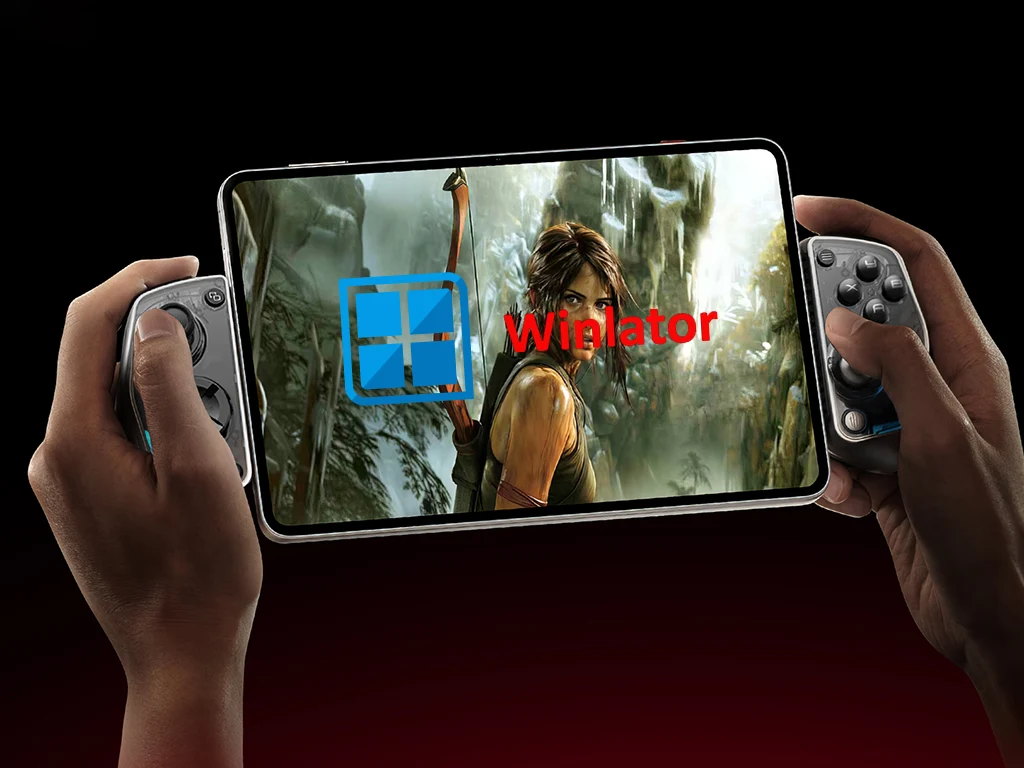
    Changes have also been made in the input and control area. One significant update is the inclusion of new control types and on-screen touch control profiles. This means that players can now import optimized on-screen profiles tailored for specific games. However, using a physical controller, such as the GameSir G8 Plus priced at $79.99 on Amazon, will still provide a superior gaming experience.

    Other Improvements

    Finally, Winlator 10.1 addresses issues with Steam Client startup and offers improvements in compatibility. For more details about the latest version of this Windows games emulator for Android, be sure to check out the complete changelog available from brunodev85 on GitHub.

    Source:
    Link

  • GameNative: Easy Windows Game Emulation on Android Devices

    GameNative: Easy Windows Game Emulation on Android Devices

    Key Takeaways

    1. Winlator is a popular emulator for running Windows games on Android, requiring a good smartphone and adjustments for optimal performance.
    2. GameNative, based on Pluvia, outperforms it by supporting DRM-protected games that Pluvia cannot run.
    3. GameNative offers native support for Steam, simplifying the process of playing Windows games on Android devices.
    4. The emulator includes an on-screen keyboard, controller overlay, and cloud save support, but cannot run games needing an external launcher.
    5. While it has more features than Pluvia, GameNative is not completely stable and may have issues with certain games.


    Winlator is a well-known emulator for Windows games on Android, and it has gotten to a point where it can smoothly run many big-name games. To have the best experience, though, you’ll need a good smartphone and some adjustments to the emulator. GameNative makes this easier by providing a setup that is pretty simple.

    Improvements Over Pluvia

    This application is based on Pluvia and uses Winlator as its backend. One of the key reasons it outshines Pluvia is its ability to support games that have DRM. This means that this Windows emulator for Android can run a lot of games that Pluvia usually cannot.

    Native Steam Support

    Another significant benefit of GameNative is that it can run Steam natively. This means users don’t have to put in much effort to start playing Windows games on their Android devices.

    Additionally, the emulator includes an on-screen keyboard and a controller overlay (the GameSir G8 Plus is curr. $79.99 on Amazon), alongside various performance enhancements. It even offers cloud save support, but it’s important to know that it cannot run games needing an external launcher.

    Stability Considerations

    While GameNative has more features compared to Pluvia, it is still not completely stable. Users might encounter some problems when trying to emulate certain Windows games. You can download the app for free from its official GitHub repository, and there’s a Discord server that can be useful for tips and guidance.

    Source:
    Link