Tag: Vodafone

  • Activate Vodafone Bridge Mode: Use Your Router as a Modem

    Activate Vodafone Bridge Mode: Use Your Router as a Modem

    Key Takeaways

    1. Switching to Bridge Mode: Before using OpenWRT, the Vodafone router must be set to bridge mode to avoid network issues like double NAT.

    2. Accessing Bridge Mode: Bridge mode cannot be enabled through the local web interface; it must be done via the Vodafone online account.

    3. Homespot Feature: The Homespot feature, which allows sharing of the internet connection, must be disabled to activate bridge mode, and this process can take up to a week.

    4. Testing the New Setup: Ensure that the OpenWRT router is functioning properly before enabling bridge mode by testing it behind the Vodafone Station.

    5. Next Steps: After confirming the new router works, bridge mode can be activated, leading to further network enhancements like adding a switch and a dedicated access point.


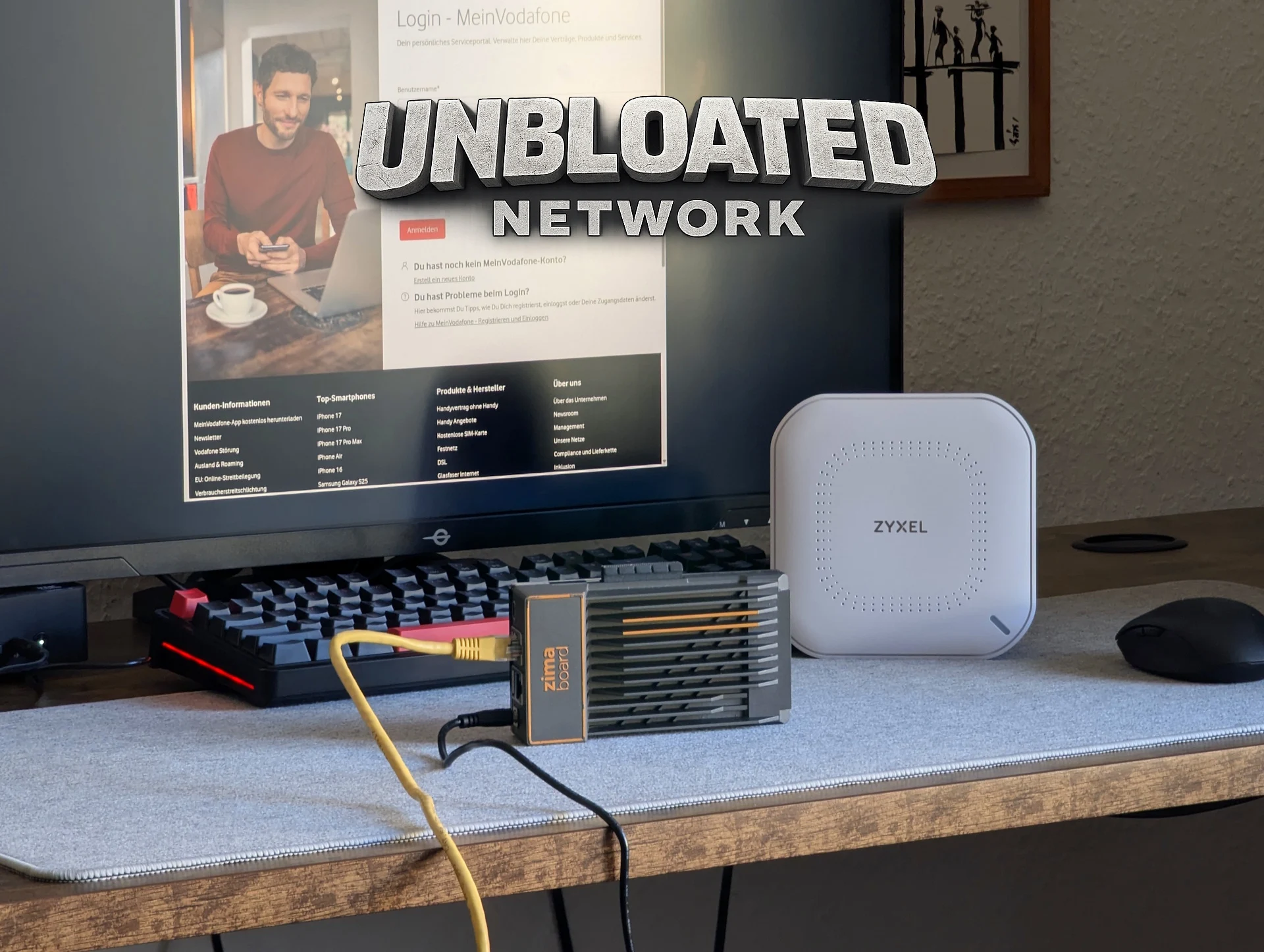
    In the last section of this series, I got OpenWRT up and running on an x86 PC, specifically a Zimaboard (the prices are nuts right now: $376 for the Zimaboard 2 over on Amazon).

    Time to Change the Vodafone Router

    Before the new open-source router can take charge, the Vodafone router must stop being a router. If both devices are routing, you’ll face issues like double NAT and other network problems. To prevent that, it’s necessary to switch the Vodafone Station into bridge mode so it can operate solely as a modem.

    Enabling Bridge Mode

    Turning on bridge mode isn’t very complicated, but it can’t be done through the router’s local web interface. Instead, you have to log into your Vodafone online account. Once you’re logged in, head over to the homepage (“My Vodafone”), then:

    Sometimes, you can switch it on right away. If you see the option and it’s clickable, the process might be pretty easy.

    However, in many situations, bridge mode can’t be activated immediately because the Vodafone Homespot is still on. Homespot lets you share a part of your internet connection with other Vodafone users, and in return, you get access to millions of Vodafone hotspots across the globe.

    Understanding the Homespot Issue

    The catch is that Homespot makes the Vodafone Station create a distinct public Wi-Fi network. This feature doesn’t work with bridge mode since a modem-only setup can’t support extra wireless networks.

    To move forward, you’ll need to turn off the Homespot feature. Remember that doing this will cut off access to Vodafone’s hotspot network. Personally, I’ve never used it.

    Disabling Homespot isn’t immediate. Vodafone mentions that the process could take up to a week. After you request the deactivation, keep checking your account. Once Homespot is completely turned off, you should be able to switch on bridge mode.

    Testing Your Setup

    But, it’s essential to only enable bridge mode after confirming that your new router is operating as it should (refer to part 3 of the Unbloated Network series). Before making the change, it’s wise to test your new setup.

    Plug your OpenWRT router behind the Vodafone Station. If everything connects properly in this arrangement, your new router is working as it should and is ready to take over. Only after that should you enable bridge mode.

    In the upcoming part of the series, we’ll check if everything runs smoothly as planned. With bridge mode activated, the new router connected behind the modem, and the PC linked to the router—will the system function well?
  • Unbloated Network: Switching to OpenWRT Routers (Part 1)

    Unbloated Network: Switching to OpenWRT Routers (Part 1)

    Key Takeaways

    1. Weak Wi-Fi Signal: The current Vodafone router struggles to provide a strong Wi-Fi signal, especially in areas like the kitchen, due to walls and outdated technology (Wi-Fi 5).

    2. Concerns About Router Security and Privacy: The Vodafone router operates as a “black box,” raising concerns about remote updates, potential security risks, and privacy issues regarding browsing habits.

    3. Planned Network Setup Changes: The intention is to separate the modem, router, and Wi-Fi functions into different devices to improve performance and efficiency, using the Vodafone router solely as a modem.

    4. Pros and Cons of Device Separation: While an all-in-one device may seem more energy-efficient, splitting functions can enhance network flexibility and performance, especially for future needs.

    5. Knowledge Gain and Control: Transitioning to a new setup offers valuable learning opportunities about networking and greater control over the home network configuration.


    I put off this issue for quite a while, but now I’m ready to face it. For instance, the Wi-Fi signal from my router barely reaches my kitchen due to two walls in the way; even the room next door has a tough time getting a decent signal—it’s really weak. Plus, the router’s Wi-Fi technology is pretty old now, being Wi-Fi 5 and all.

    Understanding the Vodafone Router

    The Vodafone router feels like a total “black box” to me. I have no idea how often the provider sends updates from afar, which remote maintenance services might be security risks, or what firewall rules might be in place (could there be censorship?). Vodafone might even be able to track my browsing habits (privacy concerns). When the device restarts, everything goes offline—including my phone, which is a single point of failure.

    Rethinking My Network Setup

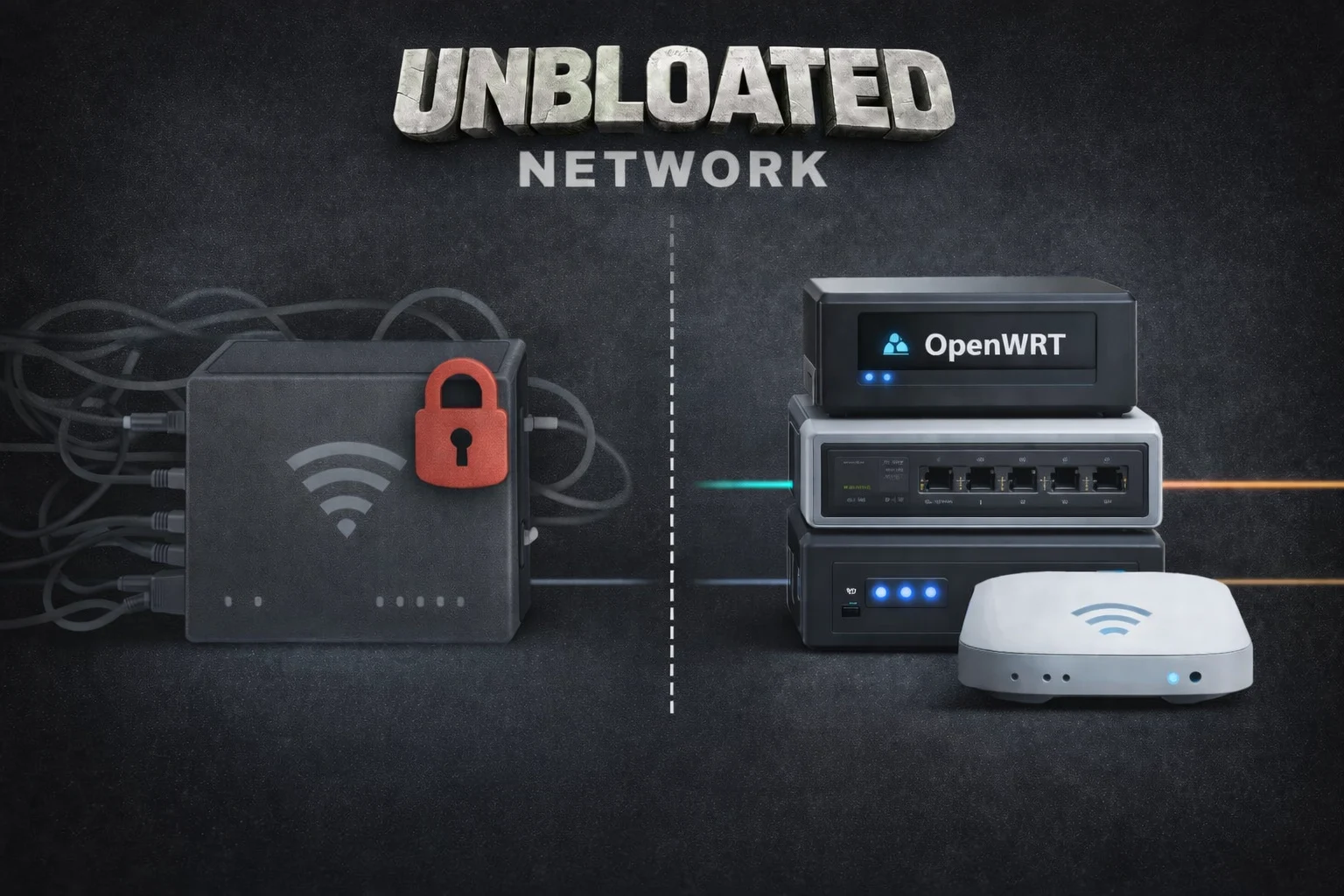
    My long-standing Vodafone router combines a modem, router, and Wi-Fi access point all in one. Now, I’m planning to divide these roles among different devices. The Vodafone box will simply act as a modem, with its router and Wi-Fi functions turned off. A low-energy mini-PC will take on the role of the new router, while a separate energy-friendly access point will manage the Wi-Fi. I’ll also use a small switch to connect LAN devices (like my PC through Ethernet, an AV receiver, or a home server). The setup will look something like this:

    Wait a second—this means I’ll be introducing three new devices instead of just relying on the single Vodafone unit. Is it really worth switching to a Vodafone modem along with a different router, switch, and access point?

    Weighing the Pros and Cons

    As I mentioned before, provider black boxes come with plenty of downsides. From a technical perspective, splitting these functions is logical for various reasons:

    An all-in-one router can quickly reach its limits, especially if you want to run multiple services, virtual machines, or different network segments in the future.

    Sure, breaking one device into four might seem a bit wasteful. But calculating energy consumption isn’t as simple as it looks, as it largely depends on the hardware you select. Choosing energy-efficient devices is crucial. Here’s a rough idea of how much power each device might use:

    The Vodafone router likely uses about 12-15 W continuously—perhaps even more, since DOCSIS is always active, Wi-Fi is perpetually on, and the internal SoC and switch are consistently running. In the new configuration, the power consumption looks like this:

    Yes, that’s more than before. And I’m honest about that. A single combo device does use a bit less energy. However, the additional power usage is almost insignificant:

    Most importantly—this is probably my biggest personal motivation for this project—you gain a lot of knowledge about networking and configuration, which allows you to fully control your home network.

    The next section will dive into the hardware: what options are out there, what a device needs to transform into an OpenWRT router, and whether you can repurpose just any PC or even a Raspberry Pi.


  • Satellite Internet Launching on European Smartphones This Year

    Satellite Internet Launching on European Smartphones This Year

    In the video below, Vodafone showcases how users can make video calls through a satellite network using just a regular smartphone, without needing extra equipment. Vodafone claims this is a groundbreaking achievement. Unlike the Apple iPhone 16 or a Starlink connection, this service is not restricted to just text messages and emergency calls.

    Full Broadband Access

    Vodafone states that smartphone users will enjoy complete broadband internet access via satellite, allowing their devices to function just like they would on a 5G network. The transition between the radio tower and the satellite network will happen seamlessly. While SpaceX has similar plans for Starlink, Vodafone is expected to be ahead of the US satellite provider, with the first European smartphone users anticipated to connect to Vodafone’s satellite network by the end of 2025. For this initiative, Vodafone will rely on the BlueBird satellite network from AST SpaceMobile.

    Connecting Remote Areas

    The goal of satellite connectivity is to eliminate dead zones and link customers in isolated locations to the network. Essentially, any 4G or 5G smartphone should be able to establish a satellite connection without the need for specialized hardware. Theoretically, users could achieve data speeds up to 120 MBps, although the bandwidth will decline just like traditional broadband when multiple users in the same area access the network simultaneously. However, it is still uncertain how much the mobile plans or contracts for these satellite connections will cost.

    Source:
    Link

  • Vodafone, Qualcomm, Xiaomi Achieve Record 5G Download Speeds

    Vodafone, Qualcomm, Xiaomi Achieve Record 5G Download Speeds

    European telecommunications leader Vodafone, chipmaker Qualcomm, and smartphone maker Xiaomi have announced the successful testing of new 5G technology that achieved download speeds of almost 1.8 gigabits-per-second (Gbps).

    The tests, carried out in Germany and Spain, employed a more efficient data transmission method known as 1024 quadrature amplitude modulation (QAM), which is an upgrade from the existing 256 QAM system. The 1024 QAM technique reportedly allows for more data to be packed into each transmission, resulting in faster download speeds for users.

    Innovative Testing and Technology

    The test device was Xiaomi’s latest flagship, the 14 Ultra, which features Qualcomm’s Snapdragon X75 5G Modem-RF System. The results varied slightly by location: in Germany, the test demonstrated about a 20% throughput improvement on a commercial network over a distance of 600 meters. The most impressive peak download speed of 1.8 Gbps was recorded at Vodafone’s 5G test center in Ciudad Real, Spain.

    According to Vodafone, the impact of 1024 QAM extends beyond just speed. The increase in speed and data throughput will enhance network capacity, enabling it to support more users in crowded areas such as shopping centers. Vodafone claims that, theoretically, 1.8 Gbps could offer a capacity gain of up to 25% in ideal conditions.

    Future Availability and Device Compatibility

    “The successful trials conducted in Germany and Spain with Vodafone and Xiaomi are proof that we are continuing to push the boundaries of what is possible with 5G technology,” said Qualcomm’s Dino Flore in a statement.

    Vodafone anticipates that this advanced technology will be widely accessible by 2025. However, it’s crucial to note that not all current 5G devices may be compatible with it.