
Key Takeaways
1. Weak Wi-Fi Signal: The current Vodafone router struggles to provide a strong Wi-Fi signal, especially in areas like the kitchen, due to walls and outdated technology (Wi-Fi 5).
2. Concerns About Router Security and Privacy: The Vodafone router operates as a “black box,” raising concerns about remote updates, potential security risks, and privacy issues regarding browsing habits.
3. Planned Network Setup Changes: The intention is to separate the modem, router, and Wi-Fi functions into different devices to improve performance and efficiency, using the Vodafone router solely as a modem.
4. Pros and Cons of Device Separation: While an all-in-one device may seem more energy-efficient, splitting functions can enhance network flexibility and performance, especially for future needs.
5. Knowledge Gain and Control: Transitioning to a new setup offers valuable learning opportunities about networking and greater control over the home network configuration.
I put off this issue for quite a while, but now I’m ready to face it. For instance, the Wi-Fi signal from my router barely reaches my kitchen due to two walls in the way; even the room next door has a tough time getting a decent signal—it’s really weak. Plus, the router’s Wi-Fi technology is pretty old now, being Wi-Fi 5 and all.
Understanding the Vodafone Router
The Vodafone router feels like a total “black box” to me. I have no idea how often the provider sends updates from afar, which remote maintenance services might be security risks, or what firewall rules might be in place (could there be censorship?). Vodafone might even be able to track my browsing habits (privacy concerns). When the device restarts, everything goes offline—including my phone, which is a single point of failure.
Rethinking My Network Setup
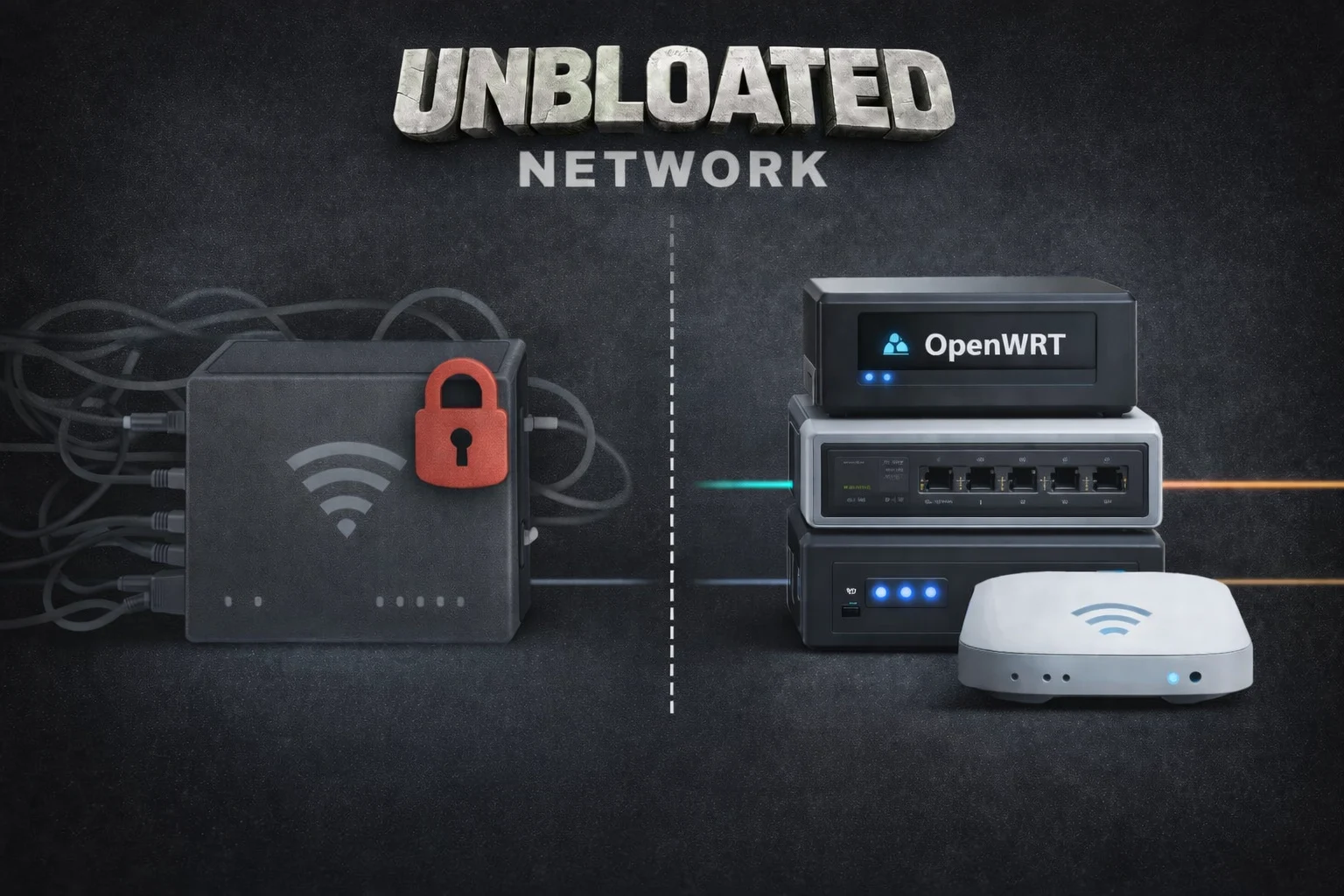
My long-standing Vodafone router combines a modem, router, and Wi-Fi access point all in one. Now, I’m planning to divide these roles among different devices. The Vodafone box will simply act as a modem, with its router and Wi-Fi functions turned off. A low-energy mini-PC will take on the role of the new router, while a separate energy-friendly access point will manage the Wi-Fi. I’ll also use a small switch to connect LAN devices (like my PC through Ethernet, an AV receiver, or a home server). The setup will look something like this:
Wait a second—this means I’ll be introducing three new devices instead of just relying on the single Vodafone unit. Is it really worth switching to a Vodafone modem along with a different router, switch, and access point?
Weighing the Pros and Cons
As I mentioned before, provider black boxes come with plenty of downsides. From a technical perspective, splitting these functions is logical for various reasons:
An all-in-one router can quickly reach its limits, especially if you want to run multiple services, virtual machines, or different network segments in the future.
Sure, breaking one device into four might seem a bit wasteful. But calculating energy consumption isn’t as simple as it looks, as it largely depends on the hardware you select. Choosing energy-efficient devices is crucial. Here’s a rough idea of how much power each device might use:
The Vodafone router likely uses about 12-15 W continuously—perhaps even more, since DOCSIS is always active, Wi-Fi is perpetually on, and the internal SoC and switch are consistently running. In the new configuration, the power consumption looks like this:
Yes, that’s more than before. And I’m honest about that. A single combo device does use a bit less energy. However, the additional power usage is almost insignificant:
Most importantly—this is probably my biggest personal motivation for this project—you gain a lot of knowledge about networking and configuration, which allows you to fully control your home network.
The next section will dive into the hardware: what options are out there, what a device needs to transform into an OpenWRT router, and whether you can repurpose just any PC or even a Raspberry Pi.