
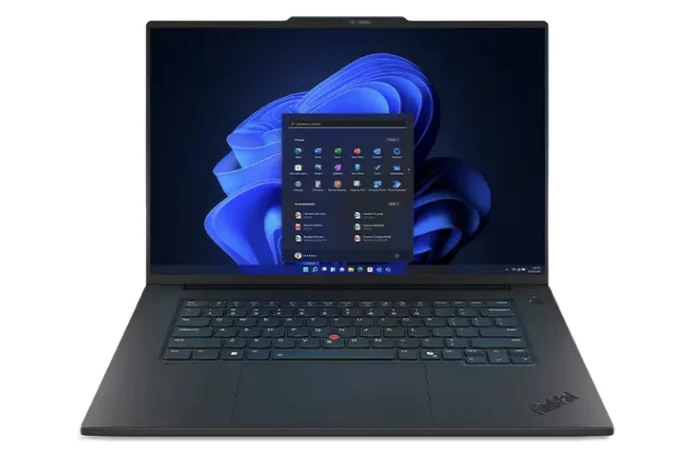
Tag: ThinkPad P1 16 Gen 8

  • Lenovo ThinkPad P1 Gen 8: Bright OLED Display at 1500 Nits

    Lenovo ThinkPad P1 Gen 8: Bright OLED Display at 1500 Nits

    Key Takeaways

    1. The ThinkPad P1 16 Gen 8 features a new tandem OLED touchscreen with exceptional brightness levels.
    2. It can reach 600 nits in SDR mode and up to 1500 nits in HDR mode, outshining many competitors.
    3. The tandem OLED display eliminates the halo effect often seen in mini-LED laptops, enhancing HDR content quality.
    4. The high HDR brightness may not be necessary for the primary professional users of the workstation.
    5. Lenovo may use this advanced panel in future premium multimedia and gaming laptops where HDR is more relevant.


    The ThinkPad P1 16 Gen 8 might appear just like its predecessor, the ThinkPad P1 16 Gen 7, but it comes with some noteworthy upgrades. A standout feature is the new tandem OLED touchscreen, which provides several advantages over standard OLED displays, notably its remarkable brightness levels. In fact, the ThinkPad P1 16 Gen 8 can achieve 600 nits in SDR mode and an impressive 1500 nits in HDR mode, a fact we verified using our independent X-Rite colorimeter.

    Brightness Comparison

    At 600 nits, this Lenovo workstation outshines many IPS or OLED multimedia laptops, which typically max out between 400 and 500 nits. When HDR is turned on, the maximum brightness of 1500 nits surpasses that of even high-end gaming laptops with mini-LED technology, such as the Razer Blade 18. Furthermore, the tandem OLED display does not experience the halo effect commonly seen in mini-LED laptops, resulting in HDR content looking exceptionally vivid on the ThinkPad P1 16 Gen 8.

    Target Audience Consideration

    However, having such a high HDR brightness feature on a mobile workstation feels a bit odd, since professionals who are the main users may not require such elevated brightness levels. It’s likely that Lenovo will incorporate this same panel option in some of their premium multimedia and Legion gaming laptops down the line, where HDR functionalities could be seen as a more valuable selling point.
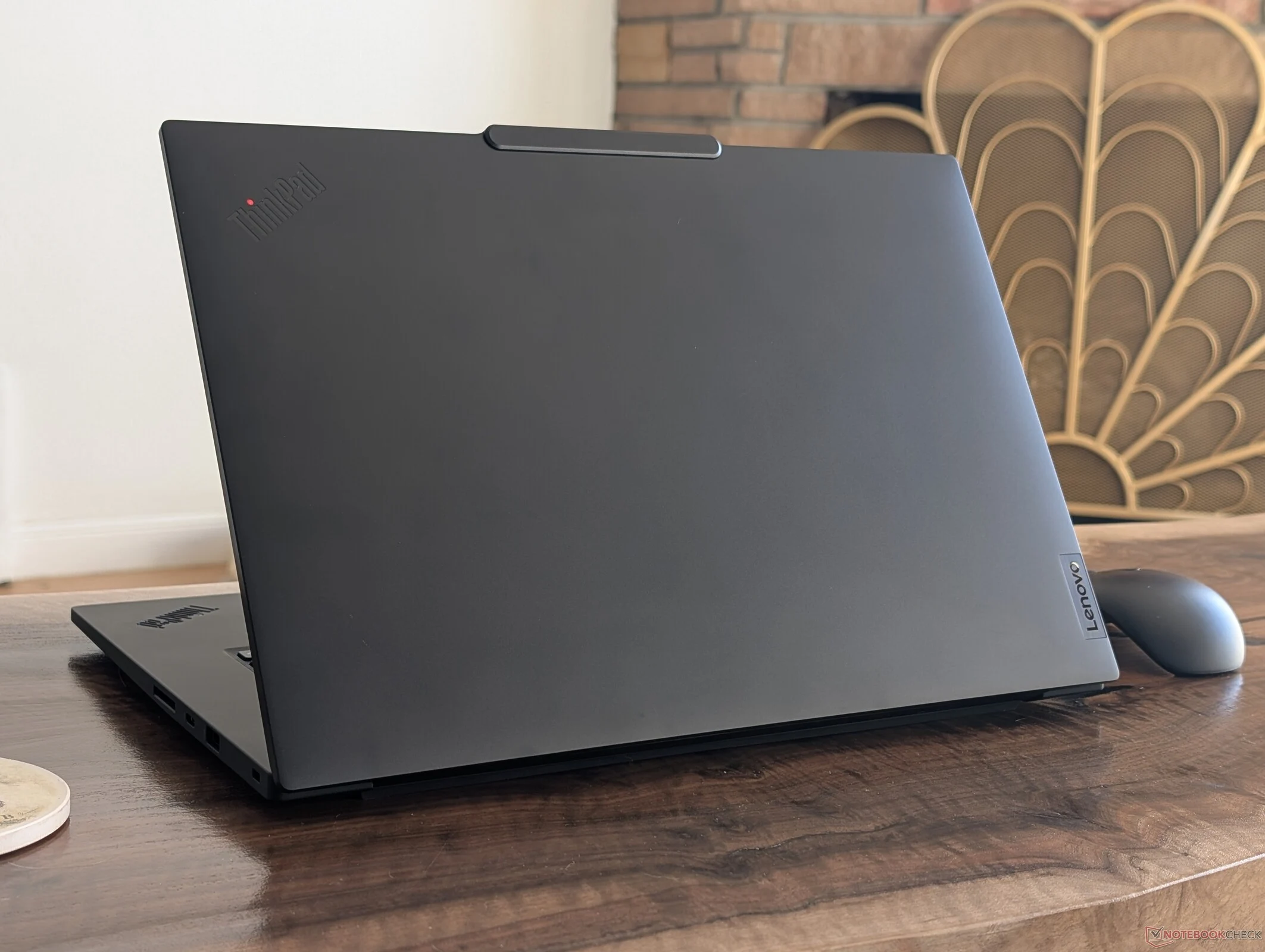
  • Lenovo ThinkPad P1 Gen 8 Ditches AC Adapter for USB-C Charging

    Lenovo ThinkPad P1 Gen 8 Ditches AC Adapter for USB-C Charging

    Key Takeaways

    1. The ThinkPad P1 16 Gen 8 maintains the same design as Gen 7 but features upgraded internal components and a smaller 140 W USB-C AC adapter.
    2. CPU and GPU performance in the Gen 8 model is noticeably faster than the Gen 7, despite the reduced power rating of the adapter.
    3. The Gen 8 model’s performance indicates that the Gen 7 did not fully utilize its higher 170 W power limit.
    4. The larger 170 W adapter in the Gen 7 allows for faster charging under heavy loads compared to the Gen 8’s 140 W adapter.
    5. The universal USB-C AC adapter in the Gen 8 is preferred for portability over the bulkier proprietary adapters of older models.


    The ThinkPad P1 16 Gen 8 is a mobile workstation designed for ultrathin portability while providing Core Ultra H performance and discrete Nvidia graphics options. It has the same external design and size as last year’s ThinkPad P1 16 Gen 7, but with upgraded internal components and a newer, smaller USB-C AC adapter. This new adapter is particularly noteworthy as it has a lower rating of 140 W compared to the 170 W of the previous model. Fortunately, the performance of the device does not seem to be affected by the reduced power rating.

    Performance Comparison

    In our assessment of the 2025 ThinkPad P1 16 Gen 8, we discovered that both CPU and GPU performances were notably quicker than those of the 2024 Gen 7 version, even with the smaller AC adapter in play, as demonstrated by the benchmarks shown below. It’s important to note that power usage remains roughly the same when handling demanding tasks, suggesting that last year’s Gen 7 model didn’t fully utilize the higher 170 W power limit for optimal performance.

    Charging Capabilities

    However, there is a significant benefit to the larger 170 W adapter. The ThinkPad P1 16 Gen 7 can charge more quickly when operating under heavy loads, since the larger adapter has extra power available for charging. In contrast, the newer Gen 8 model consumes between 120 W to 140 W when under stress, which is nearly the entire capacity of the 140 W USB-C AC adapter. Therefore, if the CPU is heavily utilized for long periods, charging would become very slow. Yet, for most travel and practical uses, we prefer the universal USB-C AC adapter over the bulkier proprietary ones that were previously standard on older ThinkPad models.