
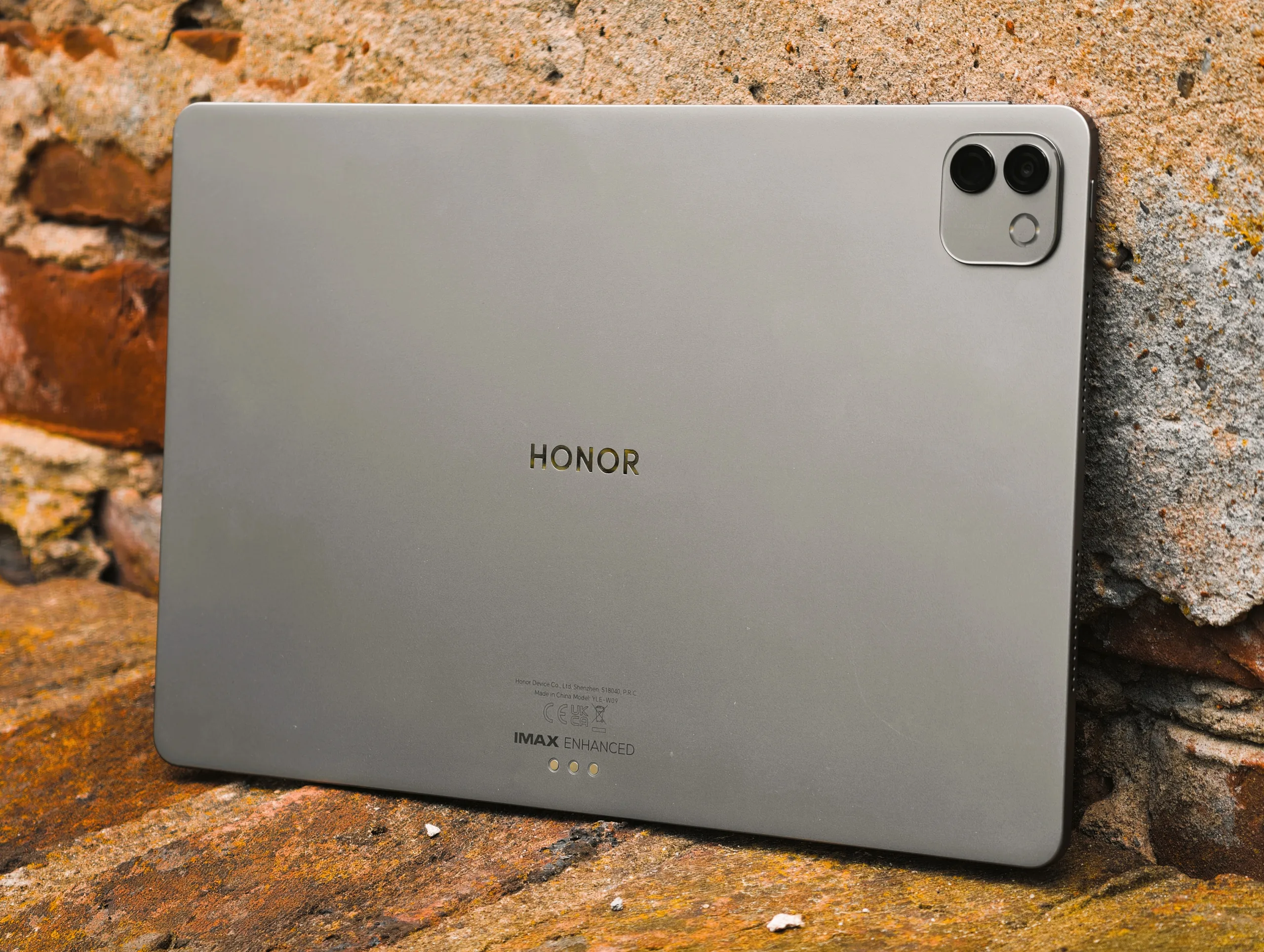
Tag: HDR brightness

  • iPad Air 13 vs MagicPad 4 OLED: Entry‑level Tablet?

    iPad Air 13 vs MagicPad 4 OLED: Entry‑level Tablet?

    Key Takeaway

    – Excellent display with OLED technology and outstanding brightness/contrast, outperforming rivals (IMAX Enhanced certified).
    – Very strong overall package for mid-range, including premium sound via DTS:X optimization.
    – High value proposition with features like pen and keyboard cover, though not officially sold in the US.


    The MagicPad 4 impresses in our review with an excellent overall package for the mid-range. The RRP of the MagicPad 4 starts at around $750 as a complete package with pen and keyboard cover. However, it is not officially sold in the US.

    Display and Visual Quality

    In addition to the great sound quality, the Honor tablet stands out from the competition in another area – namely the display. While the predecessor featured a rather weak IPS-Panel in our review, the MagicPad 4 delivers one of the best displays on the tablet market. The brightness test showed 2,337 cd/m², and the manufacturer states HDR peak brightness of 2,400 nits, which we surpassed with our own measurement. An HDR video pushed beyond 3,000 cd/m², and compared to an Apple iPad Air 13 (2025) which reaches only 652 cd/m², this Honor tablet appears four times brighter in this metric.

    Contrast and OLED Advantage

    In addition to the better color reproduction, the contrasts of the MagicPad4 are also a class above those of the Apple tablet thanks to the OLED technology. Honor has leaned into IMAX Enhanced certification for the successor to the MagicPad 3 — a logical choice given the extra‑bright OLED display. The certification is intended to ensure top‑tier picture quality, accurate color reproduction, and strong HDR performance. Streaming services such as Disney+ already offer IMAX Enhanced versions of many blockbuster titles.

    Audio and Immersive Experience

    Thanks to DTS:X optimization, the MagicPad 4’s very capable speaker system delivers a more spacious soundstage, ensuring that audio enthusiasts won’t feel short‑changed during movie playback. The combination of bright visuals and robust audio makes the device appealing for multimedia consumption. Test MagicPad 4

    Sources

  • Lenovo ThinkPad P1 Gen 8: Bright OLED Display at 1500 Nits

    Lenovo ThinkPad P1 Gen 8: Bright OLED Display at 1500 Nits

    Key Takeaways

    1. The ThinkPad P1 16 Gen 8 features a new tandem OLED touchscreen with exceptional brightness levels.
    2. It can reach 600 nits in SDR mode and up to 1500 nits in HDR mode, outshining many competitors.
    3. The tandem OLED display eliminates the halo effect often seen in mini-LED laptops, enhancing HDR content quality.
    4. The high HDR brightness may not be necessary for the primary professional users of the workstation.
    5. Lenovo may use this advanced panel in future premium multimedia and gaming laptops where HDR is more relevant.


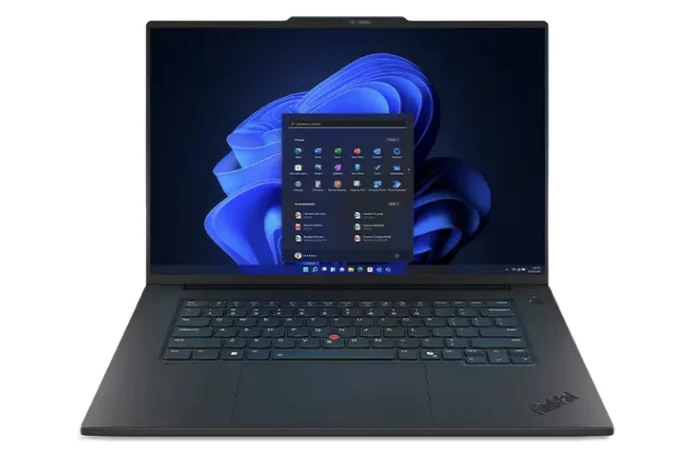
    The ThinkPad P1 16 Gen 8 might appear just like its predecessor, the ThinkPad P1 16 Gen 7, but it comes with some noteworthy upgrades. A standout feature is the new tandem OLED touchscreen, which provides several advantages over standard OLED displays, notably its remarkable brightness levels. In fact, the ThinkPad P1 16 Gen 8 can achieve 600 nits in SDR mode and an impressive 1500 nits in HDR mode, a fact we verified using our independent X-Rite colorimeter.

    Brightness Comparison

    At 600 nits, this Lenovo workstation outshines many IPS or OLED multimedia laptops, which typically max out between 400 and 500 nits. When HDR is turned on, the maximum brightness of 1500 nits surpasses that of even high-end gaming laptops with mini-LED technology, such as the Razer Blade 18. Furthermore, the tandem OLED display does not experience the halo effect commonly seen in mini-LED laptops, resulting in HDR content looking exceptionally vivid on the ThinkPad P1 16 Gen 8.

    Target Audience Consideration

    However, having such a high HDR brightness feature on a mobile workstation feels a bit odd, since professionals who are the main users may not require such elevated brightness levels. It’s likely that Lenovo will incorporate this same panel option in some of their premium multimedia and Legion gaming laptops down the line, where HDR functionalities could be seen as a more valuable selling point.