Tag: Mobile Workstation

  • Lenovo ThinkPad P16v Gen 3: Cost-Cutting Mistakes in Workstation

    Lenovo ThinkPad P16v Gen 3: Cost-Cutting Mistakes in Workstation

    Key Takeaways

    1. Mobile workstations, like the ThinkPad P16v Gen 3, can be expensive due to the need for reliable performance and professional graphics cards.
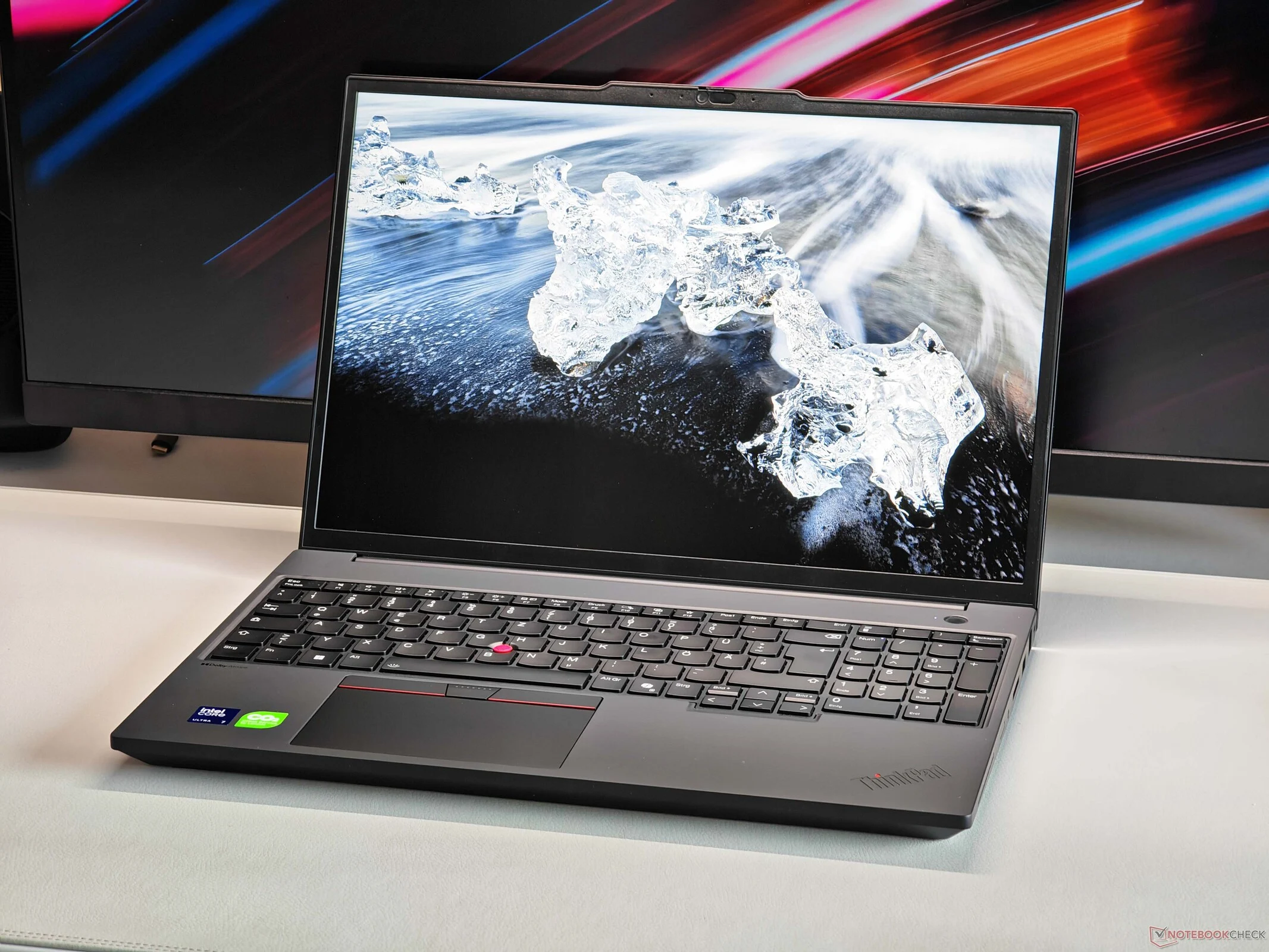
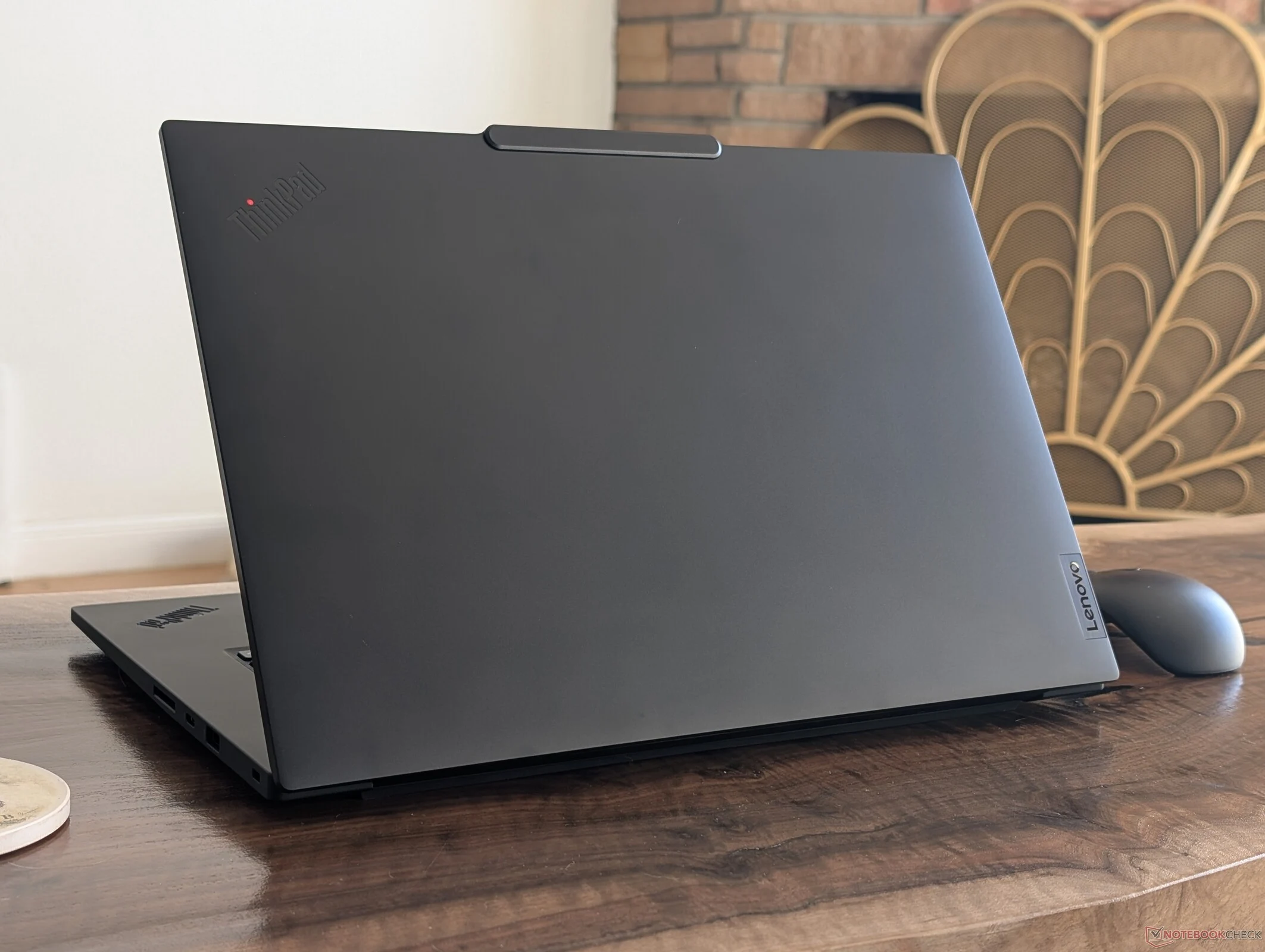
    2. The build quality of the P16v is concerning, featuring a plastic chassis and an average typing experience due to cost-cutting measures.
    3. The display is a highlight, with a bright IPS screen that covers the full sRGB color space, but it is limited to a 60 Hz refresh rate.
    4. Lenovo’s decision to economize on certain features feels out of place in a nearly €3,000 device.
    5. Despite its drawbacks, the P16v Gen 3 is still a solid mobile workstation with strong performance and features.


    Mobile workstations need to deliver dependable performance and professional graphics cards, which often leads to high prices. Even more budget-friendly options, like the ThinkPad P16v Gen 3, can end up being quite pricey. Manufacturers frequently attempt to cut costs, and this is evident in the P16v as well.

    Build Quality Concerns

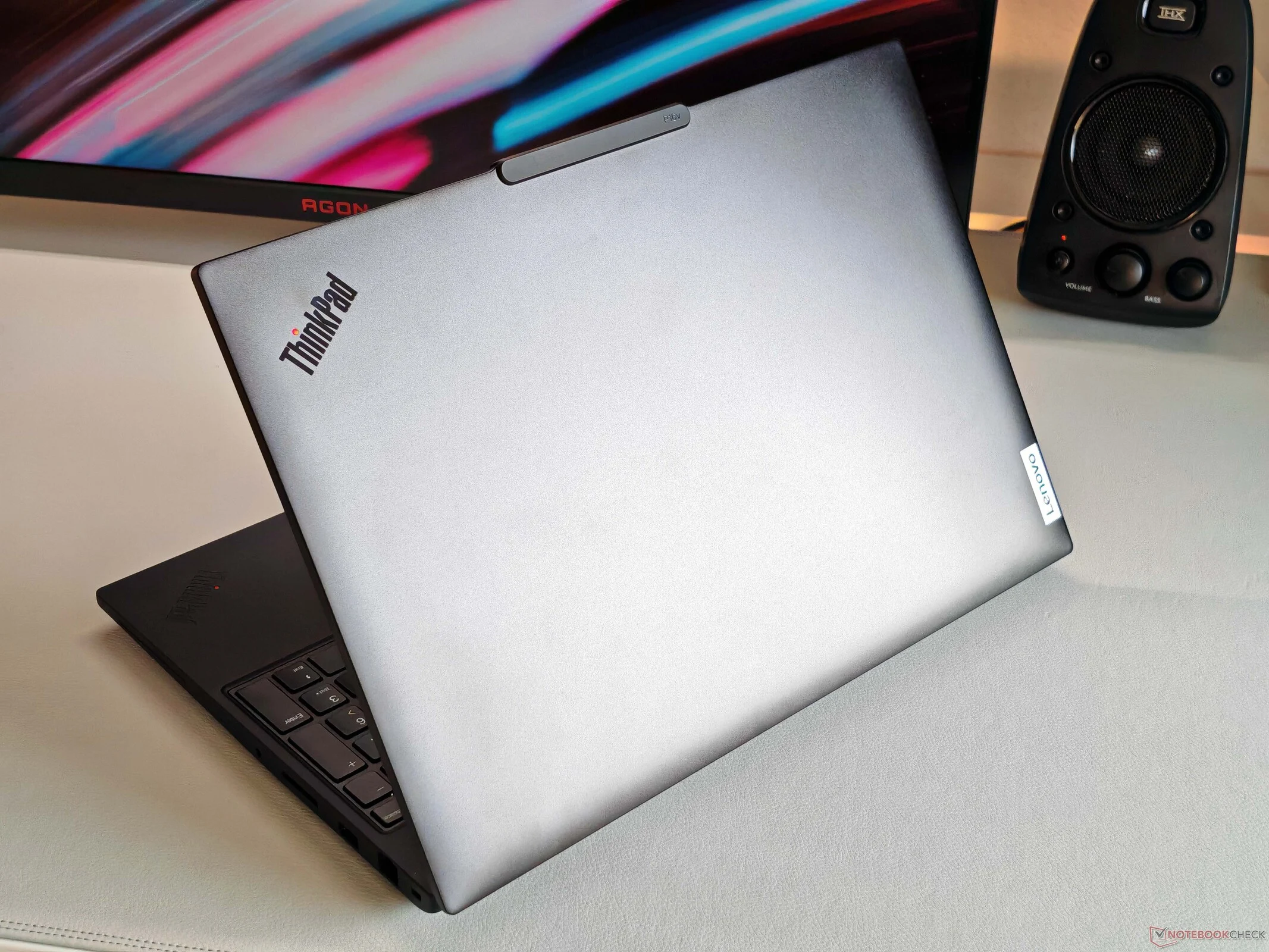
    For our review unit priced at about €2,800, it features a plastic chassis. The base unit has a somewhat cheap feel, and the central stability is not very impressive. The hinges also disappointed us; while they can open to 180 degrees, there’s a noticeable bounce when doing so. Lenovo has also economized on the keyboard, resulting in an average typing experience. In contrast, devices like the ThinkPad P1 demonstrate that Lenovo is capable of making better keyboards.

    Display Performance

    On the display front, however, there’s not much to fault. Lenovo includes a bright IPS screen that covers the full sRGB color space by default. The only major downside is the refresh rate of 60 Hz, and we would have preferred a higher option. While Lenovo does offer an OLED screen, it too is capped at 60 Hz. This is unexpected, given the high-quality OLED screens Lenovo offers in their consumer laptops.

    Overall Impression

    Overall, the P16v Gen 3 remains a solid mobile workstation due to its strong features and reliable performance. However, the cost-saving measures seem out of place for a device that costs nearly €3,000, and the whole package could be improved. For a more detailed assessment, check out our full review of the ThinkPad P16v Gen 3.
  • Why ThinkPad P16v Gen 3 Lacks Fastest Mobile Workstation Parts

    Why ThinkPad P16v Gen 3 Lacks Fastest Mobile Workstation Parts

    Key Takeaways

    1. The ThinkPad P16v Gen 3 features a Core Ultra 7 255H and Nvidia RTX PRO 2000, providing solid performance for professional software despite being lower in Lenovo’s lineup.
    2. Priced around €2,800, the RTX PRO 2000’s performance is limited due to Lenovo choosing a 60W version, resulting in about 30% lower performance compared to the consumer GeForce RTX 5060.
    3. The workstation’s cooling system is relatively weak, capping total CPU and GPU consumption at 80 Watts, which is disappointing for a 16-inch chassis.
    4. In comparison, the Lenovo Legion 7 16 gaming laptop can handle up to 145 Watts, offering significantly better performance under load.
    5. While the RTX PRO 2000 comes with certified drivers ensuring stability for professional software, its higher price may not justify the performance differences compared to consumer GPUs.


    We recently took a close look at the ThinkPad P16v Gen 3 mobile workstation, which is positioned lower than both the ThinkPad P16 and the ThinkPad P1 in Lenovo’s lineup. This positioning means we miss out on the most powerful hardware, but the combo of the Core Ultra 7 255H and the Nvidia RTX PRO 2000 (from the Blackwell Generation) still packs a punch. Notably, the professional GPU stands out because it comes with certified drivers, ensuring stability and reliability for professional software like AutoDesk, Adobe, Blender, Dassault Systems, and Siemens Digital Industries Software.

    Pricing Overview

    Our review unit of the ThinkPad P16v Gen 3 is priced at approximately €2,800, which isn’t exactly a steal, and the inclusion of the RTX PRO 2000 contributes to that cost. However, a closer look at the GPU’s performance might reveal that Lenovo has opted for the 60W version of the RTX PRO 2000, even though it has a TGP limit of 115 Watts. In our tests, we compared the RTX PRO 2000 with the 115W version of the consumer GeForce RTX 5060 (which shares the same specs), and we found that the raw performance of the consumer GPU is roughly 30% higher. This indicates that while you pay full price for the RTX PRO 2000, you don’t get the complete performance.

    Cooling Concerns

    One of the main issues here is the relatively weak cooling system. Under combined workloads, the CPU and GPU are limited to a total consumption of 80 Watts, which is disappointing given the large 16-inch chassis. For reference, the Lenovo Legion 7 16 gaming laptop, equipped with a much more powerful processor and the 115W version of the GeForce RTX 5060, can manage up to 145 Watts—almost double what the pricier ThinkPad P16v Gen 3 can handle. While we acknowledge that the Legion is noisier under load, the performance difference remains significant.

  • Lenovo ThinkPad P1 Gen 8 Ditches AC Adapter for USB-C Charging

    Lenovo ThinkPad P1 Gen 8 Ditches AC Adapter for USB-C Charging

    Key Takeaways

    1. The ThinkPad P1 16 Gen 8 maintains the same design as Gen 7 but features upgraded internal components and a smaller 140 W USB-C AC adapter.
    2. CPU and GPU performance in the Gen 8 model is noticeably faster than the Gen 7, despite the reduced power rating of the adapter.
    3. The Gen 8 model’s performance indicates that the Gen 7 did not fully utilize its higher 170 W power limit.
    4. The larger 170 W adapter in the Gen 7 allows for faster charging under heavy loads compared to the Gen 8’s 140 W adapter.
    5. The universal USB-C AC adapter in the Gen 8 is preferred for portability over the bulkier proprietary adapters of older models.


    The ThinkPad P1 16 Gen 8 is a mobile workstation designed for ultrathin portability while providing Core Ultra H performance and discrete Nvidia graphics options. It has the same external design and size as last year’s ThinkPad P1 16 Gen 7, but with upgraded internal components and a newer, smaller USB-C AC adapter. This new adapter is particularly noteworthy as it has a lower rating of 140 W compared to the 170 W of the previous model. Fortunately, the performance of the device does not seem to be affected by the reduced power rating.

    Performance Comparison

    In our assessment of the 2025 ThinkPad P1 16 Gen 8, we discovered that both CPU and GPU performances were notably quicker than those of the 2024 Gen 7 version, even with the smaller AC adapter in play, as demonstrated by the benchmarks shown below. It’s important to note that power usage remains roughly the same when handling demanding tasks, suggesting that last year’s Gen 7 model didn’t fully utilize the higher 170 W power limit for optimal performance.

    Charging Capabilities

    However, there is a significant benefit to the larger 170 W adapter. The ThinkPad P1 16 Gen 7 can charge more quickly when operating under heavy loads, since the larger adapter has extra power available for charging. In contrast, the newer Gen 8 model consumes between 120 W to 140 W when under stress, which is nearly the entire capacity of the 140 W USB-C AC adapter. Therefore, if the CPU is heavily utilized for long periods, charging would become very slow. Yet, for most travel and practical uses, we prefer the universal USB-C AC adapter over the bulkier proprietary ones that were previously standard on older ThinkPad models.

  • HP ZBook X G1i 16: Upgraded ZBook Power 16 with Arrow Lake & Nvidia

    HP ZBook X G1i 16: Upgraded ZBook Power 16 with Arrow Lake & Nvidia

    Key Takeaways

    1. HP has launched the ZBook X G1i 16 mobile workstation to replace the ZBook Power 16 with a new naming system for better model distinction.
    2. The ZBook X G1i 16 features minor upgrades, including improved efficiency with Arrow Lake CPU and Blackwell GPU, resulting in better battery life.
    3. The design and features of the ZBook X G1i 16 are largely the same as the previous ZBook Power 16, offering a similar user experience.
    4. The design consistency is intentional, as manufacturers typically maintain designs for a few years before major updates.
    5. Users who don’t need the extra power of the ZBook X G1i 16 can opt for the ZBook Power 16 without losing features or compatibility.


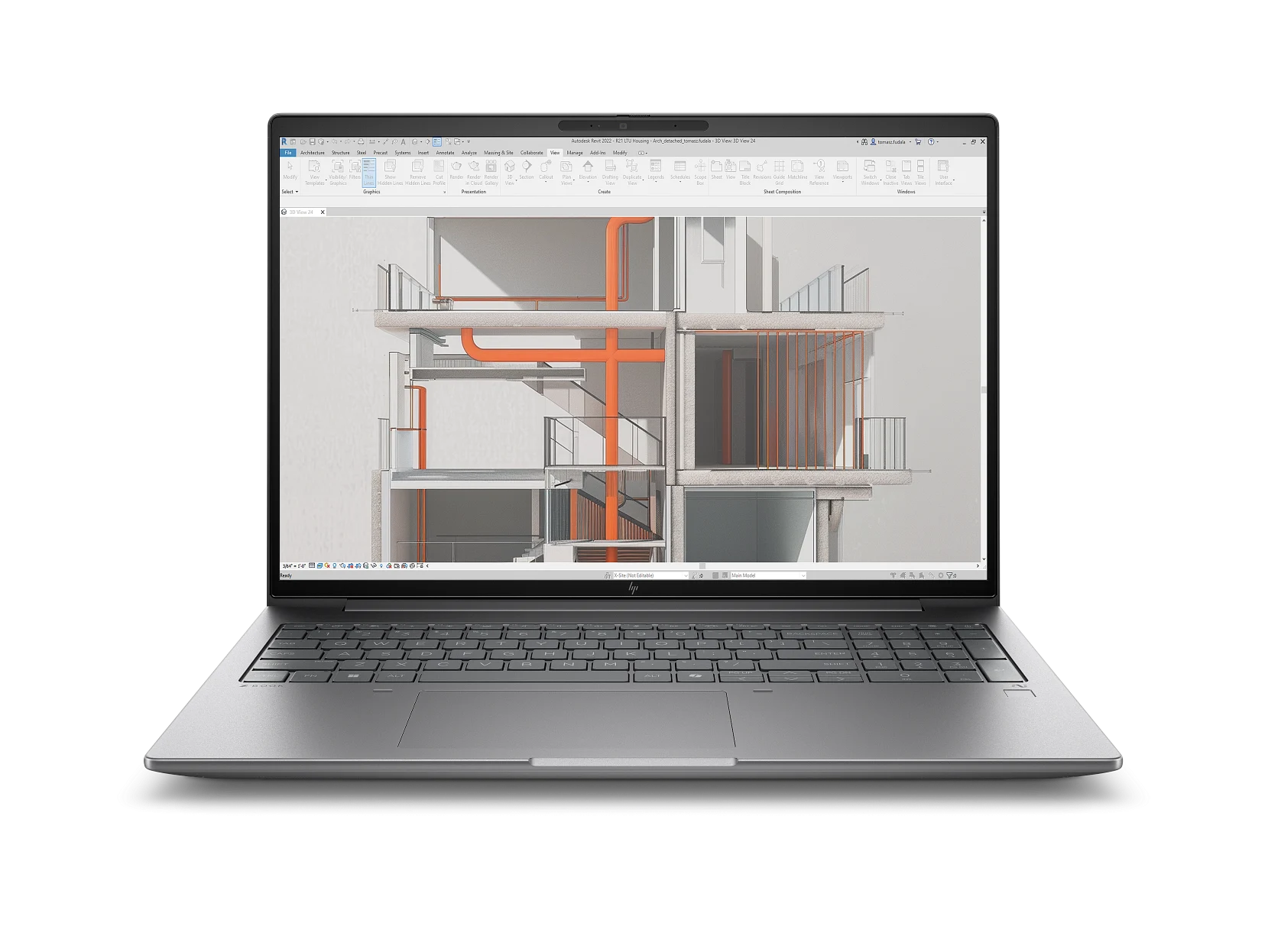
    HP has begun delivering its new ZBook X G1i 16 mobile workstation, which is set to take the place of last year’s ZBook Power 16. Similar to the OmniBook X G1a series and the EliteBook X G1a series, the ZBook X G1i 16 introduces a fresh naming system for the Power series, aiming to assist customers in distinguishing between different models more easily.

    Minor Upgrades

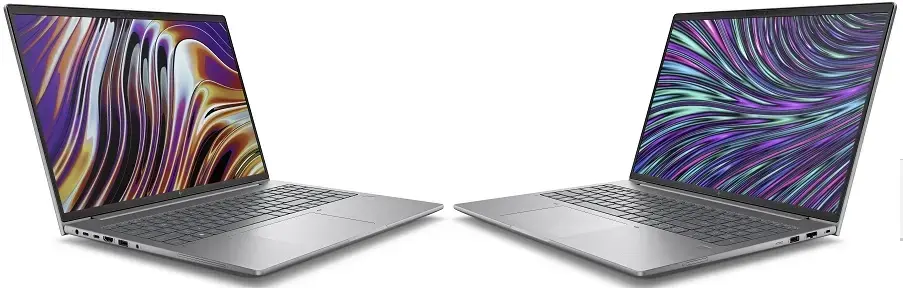
    Even with the updated name, the 2025 ZBook X G1i 16 doesn’t offer many significant advancements compared to the 2024 ZBook Power 16, whether that’s good or bad. The Meteor Lake CPU and Ada Lovelace GPU from the previous model have been upgraded to Arrow Lake and Blackwell, respectively, which results in improved battery life thanks to greater efficiency. Other than that, the ZBook X G1i 16 and ZBook Power 16 maintain the same chassis design and features, providing users with virtually identical experiences.

    Design Consistency

    The slight update this year was to be expected, considering the ZBook Power 16 G11 design is only a year old. Manufacturers usually like to stick with the same design for a while before rolling out a complete refresh. Therefore, users who don’t require the extra power of the ZBook X G1i 16 can save money by choosing the older ZBook Power 16 G11 without fearing any loss of features or compatibility problems.


  • Schenker Key 18 Pro Mobile Workstation: High-End Features & Care

    Schenker Key 18 Pro Mobile Workstation: High-End Features & Care

    Key Takeaways

    1. The Schenker Key 18 Pro features Intel’s Core Ultra 9 275HX and Nvidia’s RTX 5090 Laptop GPU, providing impressive performance with 24 GB of VRAM.
    2. It offers extensive maintenance options, including three additional PCIe 4.0 slots, allowing for up to 32 TB of SSD storage.
    3. The mobile workstation includes two Thunderbolt 5 ports and two 2.5 Gbps Ethernet ports for enhanced connectivity.
    4. It is designed for video editing on the go, with memory options up to 256 GB across four slots.
    5. The device has a loud fan in high-performance mode but offers a quieter setting with acceptable performance and reduced noise.


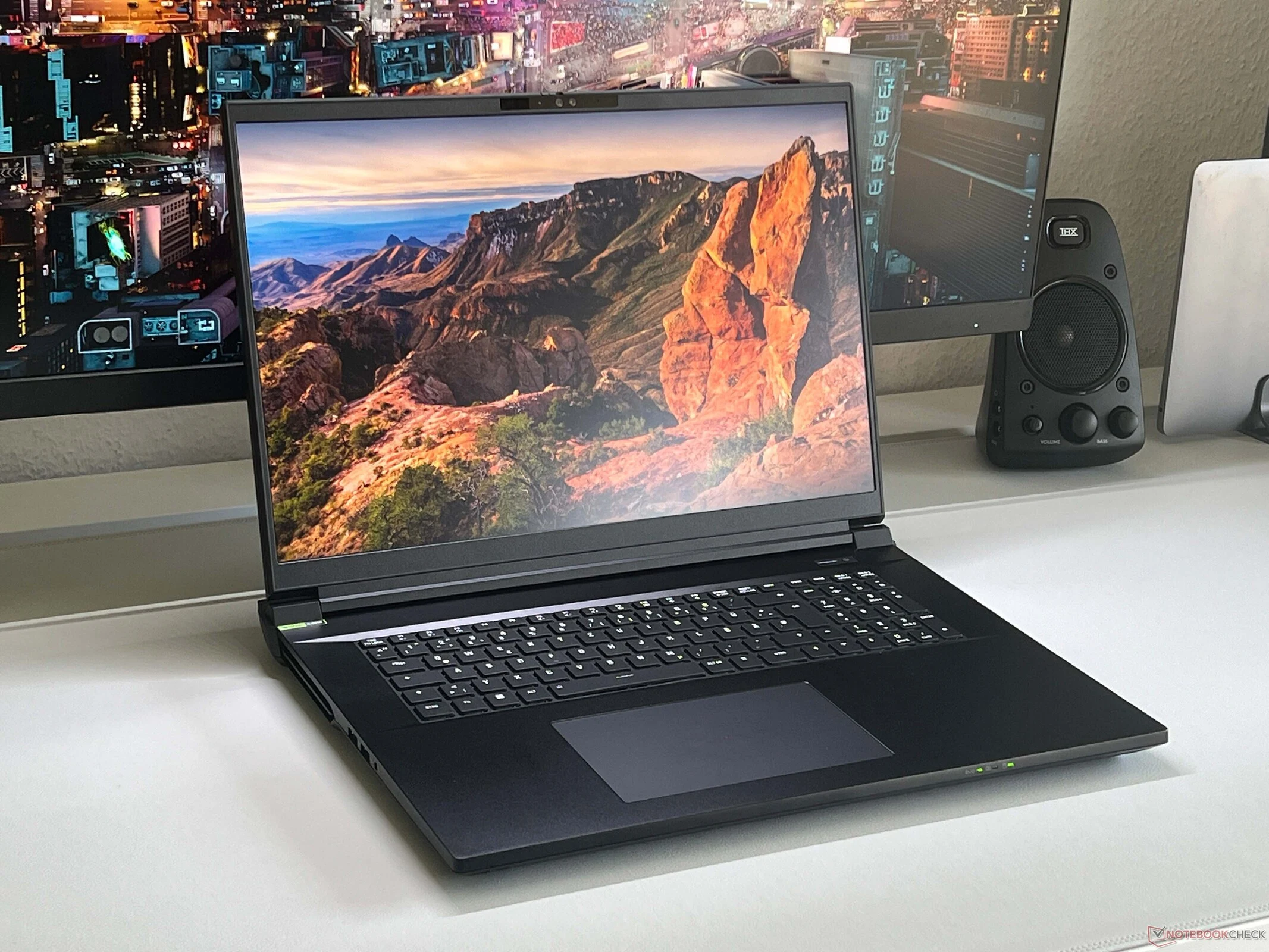
    If you are in the market for a substantial desktop alternative that boasts robust components, excellent maintenance options, and up-to-date features, then the Schenker Key 18 Pro might catch your eye. This mobile workstation pairs Intel’s Core Ultra 9 275HX with Nvidia’s latest Blackwell GPUs, albeit in their consumer forms. The unit we reviewed came outfitted with the top-of-the-line RTX 5000 variant, specifically the RTX 5090 Laptop, which includes 24 GB of VRAM. It is also the quickest version, offering a TGP of 175 Watts. Overall, its performance is quite impressive and reliable, although the processor could benefit from slightly higher power limits. In the fastest performance setting, the fans can become quite loud; however, there is a quieter mode available where performance remains satisfactory, and the fan noise drops to a mere 34 dB(A).

    Unique Features and Maintenance Options

    While there are several laptops available featuring these components, the Key 18 Pro distinguishes itself with its extensive range of features and superior maintenance options. It includes two Thunderbolt 5 ports and two Ethernet ports (2.5 Gbps), along with a PCIe 5.0 slot for SSDs, ensuring performance remains steady during prolonged workloads. Unlike many other devices that might include a second SSD slot, the Key 18 Pro provides three extra PCIe 4.0 slots. If you choose to utilize all four slots (and note that PCIe 5.0 is only available with a maximum of 4 TB), you can achieve up to 28 TB of SSD storage, and even 32 TB if you use 4x PCIe 4.0. This ample storage is especially valuable for those capturing numerous videos in 4K or even 8K resolutions.

    Ideal for Video Editing on the Move

    For those looking to edit videos while on the move, the benefits extend beyond just the RTX 5090 Laptop with 24 GB VRAM; you also have access to a significant amount of memory, with options reaching up to 256 GB across four slots. In summary, the Key 18 Pro is a highly specialized machine that remains unmatched if you are seeking such a unique combination. For more detailed insights on the device, be sure to check out our thorough review of the new Key 18 Pro.


  • Introducing HP ZBook Power 16 G11 Laptop: with AMD or Intel CPUs

    Introducing HP ZBook Power 16 G11 Laptop: with AMD or Intel CPUs

    HP introduced the latest ZBook Power 16 G11 (Zhan 99) mobile workstation on May 10th via its official website. This new model features a larger 16-inch display with a 16:10 aspect ratio, a step up from the prior generation's 15.6-inch screen with a 16:9 aspect ratio. When it comes to display options, users have a variety to select from, including different resolutions (1920×1200 or 2560×1600), brightness levels (ranging from 300 to 1000 nits), color gamut (45% NTSC or 100% sRGB), and touch functionality.

    Display Options and Configurations

    Users have ample choices for customization, with various options available for tailoring the device to their preferences. When delving into the specifications, users can opt for Intel Core Ultra processors (i5, i7, i9) or AMD Ryzen processors, which also include Pro variants. Both processor choices are paired with Nvidia RTX Ada graphics, spanning from RTX 500 to RTX 3000. Notable features of the ZBook Power 16 G11 include dual DDR5 SO-DIMM memory slots, dual M.2 solid-state drive slots, a 5-megapixel camera equipped with infrared face recognition technology and a privacy shield, as well as a range of connectivity options such as Thunderbolt 4 and RJ45 ethernet ports.

    Battery and Weight Specifications

    Equipped with an 83Wh battery and a 150W power adapter, the ZBook Power 16 G11 weighs at least 2.04kg for the Ryzen option and 2.122kg for the Intel variant. While there may be a consumer edition on the horizon featuring RTX 4050 graphics, it is not yet accessible for purchase. However, specific details regarding RAM capacity and storage size are not explicitly outlined in the available information.