Tag: CachyOS

  • CachyOS 260308: User-Friendly Arch-Based Linux Distribution

    CachyOS 260308: User-Friendly Arch-Based Linux Distribution

    Key Takeaways

    1. Desktop Enhancements: The desktop edition features animated GIF/WebP previews in the installer for easier desktop environment selection and supports JPEG XL for reduced image sizes.

    2. Cachy-Update Default: GNOME and KDE installations now come with Cachy-Update enabled by default, improving system updates.

    3. Improved Hardware Detection: Enhanced hardware detection and clearer error messages for small EFI partitions.

    4. Handheld Features: The handheld edition now allows easy installation of Winboat via CachyOS-Welcome, which supports keyboard navigation for accessibility.

    5. New Mirrors: New download mirrors have been added in Russia, Sweden, and Canada for faster and more reliable access to the OS.


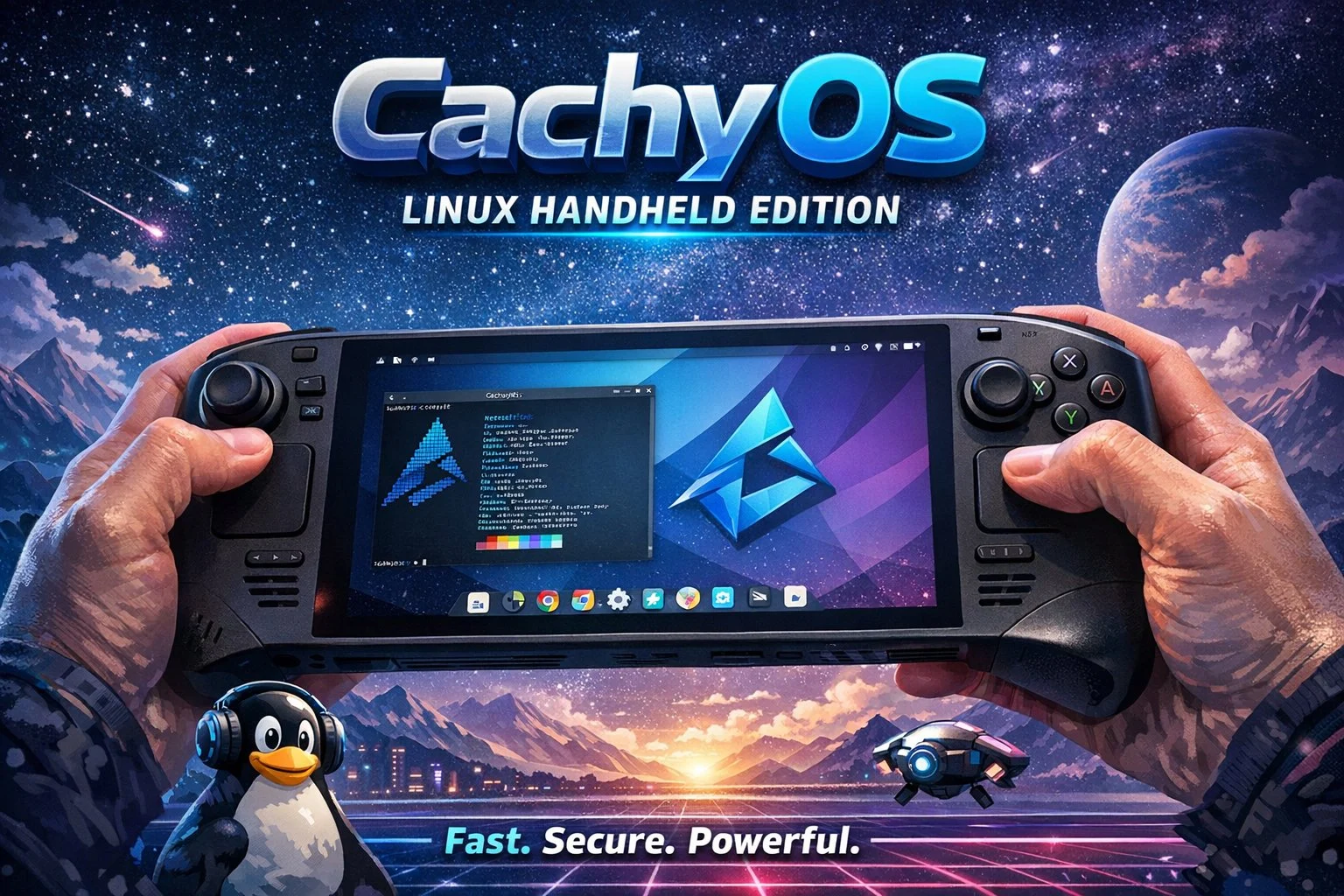
    Arch-based distro CachyOS is back for both desktop and handheld users, as usual. This year’s second update arrived yesterday and is labeled 260308. While the reworked website aims at all users, there are separate goodies for desktop/laptop users and for the handheld crowd as well.

    Desktop Enhancements

    First, we should mention that the desktop CachyOS edition gets animated GIF/WebP previews in the installer when selecting the desktop environment. This feature is enabled for Plasma, GNOME, Niri, and COSMIC, so newbies get to see what they choose before deciding what to go for. The desktop selection stage also gets support for JPEG XL to reduce image sizes.

    GNOME and KDE installations now come with Cachy-Update enabled by default, while the hardware detection has been improved alongside the error message when the EFI partition is too small.

    New Features for Handheld Edition

    Winboat can be easily installed and enabled now via CachyOS-Welcome. This area also supports keyboard navigation for improved accessibility.

    In the handheld edition, SDDM has been replaced with plasma-login-manager, with Limine now the default bootloader with automatic snapshots. However, systemd-boot can still be selected by those who want to go with it instead.

    Minor Improvements and New Mirrors

    In addition to the above, both version received a bunch of minor improvements and fixes. To provide faster and more reliable downloads to more people, new mirrors have been announced: jura12 in Russia, Zyner in Sweden, and All Things Linux in Canada. The download links can be found in the blog post announcing the update that you can see below.

    CachyOS’

    Source:
    Link



  • Fedora-Based Origami Linux 2026.03 Released with Kernel 6.19.3

    Fedora-Based Origami Linux 2026.03 Released with Kernel 6.19.3

    Key Takeaways

    1. Origami Linux 2026.03 has two versions: standard and Nvidia-specific, featuring CachyOS kernel (6.19.3) and COSMIC desktop (1.0.8).
    2. Distrobox integration allows for isolated development environments, keeping the host system clean.
    3. Rust-based tools replace traditional commands: eza (ls), bat (cat), and ripgrep (grep).
    4. Comes with various development tools pre-installed, including Helix, LazyGit, and Micro.
    5. Only supports 64-bit processors, aiming to provide a user-friendly and optimized Linux desktop experience.


    After a period of beta testing, Origami Linux is now officially released. The new version, called 2026.03, comes in two varieties: a standard version and one specifically designed for Nvidia hardware. Both versions feature the CachyOS kernel by default (6.19.3), along with the COSMIC desktop (1.0.8) and a Fedora Atomic foundation.

    Key Features

    Besides the components mentioned earlier, it’s also worth noting that Origami Linux has Distrobox integration. This feature allows for isolated development environments, which helps keep the host system clean while managing multiple project containers. Moreover, this distribution substitutes old tools with Rust-based alternatives: eza replaces ls, bat is used instead of cat, and ripgrep takes the place of grep. Origami Linux also ships with a variety of new development tools right out of the box: Helix, LazyGit, Micro, Yazi, Hyperline, Procs, Zellij, and du-dust.

    Additional Offerings

    The feature set further includes Fastfetch for system information, Starship prompt, customizable color themes, and terminal art tools. It also integrates the Zen Browser and Cloudflare Warp, includes the Surge downloader, offers cava for audio visualization, and utilizes Rust-based replacements for sudo, as well as system monitoring tools and coreutils.

    As is common with many Linux distributions currently available, Origami only supports 64-bit processors. This new phase in the project’s development aims to provide “a consistently updated, unbreakable, and hyper-optimized Linux desktop” for all users, including those who are new to Linux.

    Source:
    Link


  • Resident Evil Requiem Benchmark: Linux 145 FPS vs Windows 11 129 FPS

    Resident Evil Requiem Benchmark: Linux 145 FPS vs Windows 11 129 FPS

    Key Takeaways

    1. Record Player Count: Resident Evil Requiem achieved a peak of 344,000 concurrent players on Steam, marking a significant success for the game.
    2. PlayStation Upscaling Technology: The game utilizes PlayStation’s new upscaling technology on the PS5 Pro, enhancing gameplay performance.
    3. Linux Performance Comparison: NJ Tech’s YouTube channel compared the game’s performance on Windows 11 and CachyOS Linux, showing similar FPS results.
    4. FSR Impact: Enabling FSR 3.1.5 improved performance significantly, with Linux outperforming Windows in average FPS in certain settings.
    5. 1440p Performance: At 1440p resolution, Linux showed better average FPS compared to Windows when FSR was enabled, but Windows maintained slightly better 1% low frame rates.


    Resident Evil Requim has turned into a big success. It recently achieved a record on Steam with 344,000 peak concurrent players. The game also introduced PlayStation’s new upscaling technology on the PS5 Pro, which led to better gameplay performance.

    Linux Performance Inquiry

    As Linux keeps expanding as a gaming option, one question still stands: How well does the newest Resident Evil game run on Linux? Thankfully, NJ Tech’s YouTube channel provided an answer by comparing the average FPS of Resident Evil Requiem on Windows 11 and CachyOS.

    Setup and Specifications

    The tests were done on a system featuring AMD’s Ryzen 9 7900X processor, configured with Precision Boost Overdrive (PBO) and Curve Optimizer activated. The motherboard was the MSI PRO X670-P WiFi, using AGESA 1.2.0.3g firmware. The system had 32GB of DDR5 memory (2x16GB) running at 6200MHz with CL30 timings, cooled by a Deepcool LD360 AIO liquid cooler. Storage consisted of a 1TB Samsung 980 Pro NVMe SSD along with two 2TB WD Blue SN570 drives. The Corsair RM1000x PSU provided power.

    Software and Performance Testing

    For software, the benchmarks were ran on Windows 11 Pro 25H2 and CachyOS, employing CachyOS-Proton (20260207) for testing compatibility on Linux.

    At a 1080p native resolution with FXAA and TAA turned on, Windows 11 averages 75 FPS, with 1% lows at 60 FPS. Linux on CachyOS averages 74 FPS with 1% lows at 55 FPS. Overall performance is very similar on both platforms; however, Windows shows a bit better frame consistency. VRAM usage is slightly higher on Linux at 8.0 GB compared to 7.6 GB on Windows.

    FSR Impact

    When FSR 3.1.5 in Quality mode is enabled at 1080p, the numbers shift a bit. Windows hits 94 FPS on average with 1% lows at 70 FPS, while Linux records an average of 98 FPS and 69 FPS for 1% lows. Again, Linux shows higher VRAM usage.

    By enabling FSR 3.1.5 Quality and Frame Generation, the performance gap expands. Windows hits 129 FPS on average with 105 FPS for 1% lows, whereas Linux jumps to 145 FPS with 106 FPS for 1% lows. Although 1% lows are closely matched, Linux shows a clear advantage in average frame rate during this setup.

    Performance at 1440p

    At a 1440p native resolution with FXAA and TAA on, both systems yield the same average frame rate of 52 FPS. However, Windows 11 has slightly better 1% lows at 44 FPS, compared to 40 FPS for Linux CachyOS. This indicates a bit more stable frame consistency on Windows at this resolution. VRAM usage is again a bit higher on Linux at 8.0 GB versus 7.5 GB on Windows.

    When switching to 1440p with FSR 3.1.5 set to Quality mode, performance improves on both systems. Windows averages 68 FPS with 54 FPS for 1% lows, while Linux reaches 72 FPS on average and 53 FPS for 1% lows. Linux leads in average performance, although low frame results are almost the same. VRAM usage trends a bit higher on Linux again.

    Final Comparisons

    With FSR 3.1.5 Quality and Frame Generation at 1440p, the performance boost is even more noticeable. Windows sees an average of 101 FPS with 84 FPS for 1% lows, while Linux achieves 107 FPS on average and 83 FPS for 1% lows. Linux shows a marked improvement in average performance while 1% lows are quite similar across both platforms.

    At 1440p native, both Windows 11 and Linux CachyOS average 52 FPS, but once more, Windows has slightly better 1% lows at 44 FPS compared to 40 FPS for Linux.

    Enabling FSR 3.1.5 Quality gives Linux an edge at 72 FPS against 68 FPS on Windows. With Frame Generation added, Windows gets to 101 FPS average while Linux reaches 107 FPS, with 1% lows remaining closely matched on both systems.

    Source:
    Link