Tag: Asus ExpertBook Ultra

  • Core Ultra X7 358H vs. Core Ultra 7 255H: Panther Lake Performance

    Core Ultra X7 358H vs. Core Ultra 7 255H: Panther Lake Performance

    Key Takeaways

    1. Intel is launching Panther Lake-H with two new models: Core Ultra X7 358H and Core Ultra X9 388H, replacing the Arrow Lake-H series.
    2. The integrated Arc B390 GPU shows significant improvement over the previous Arc 140T/140V series.
    3. The Asus ExpertBook Ultra with Core Ultra X7 outperforms older 14-inch laptops, maintaining stable Turbo Boost clock rates during heavy use.
    4. Panther Lake CPUs, while performant, can reach high temperatures (around 89 C) under prolonged heavy loads, which is hotter than many competitors.
    5. More laptops with Panther Lake are expected in Q2, with the MSI Prestige series being a notable upcoming release.


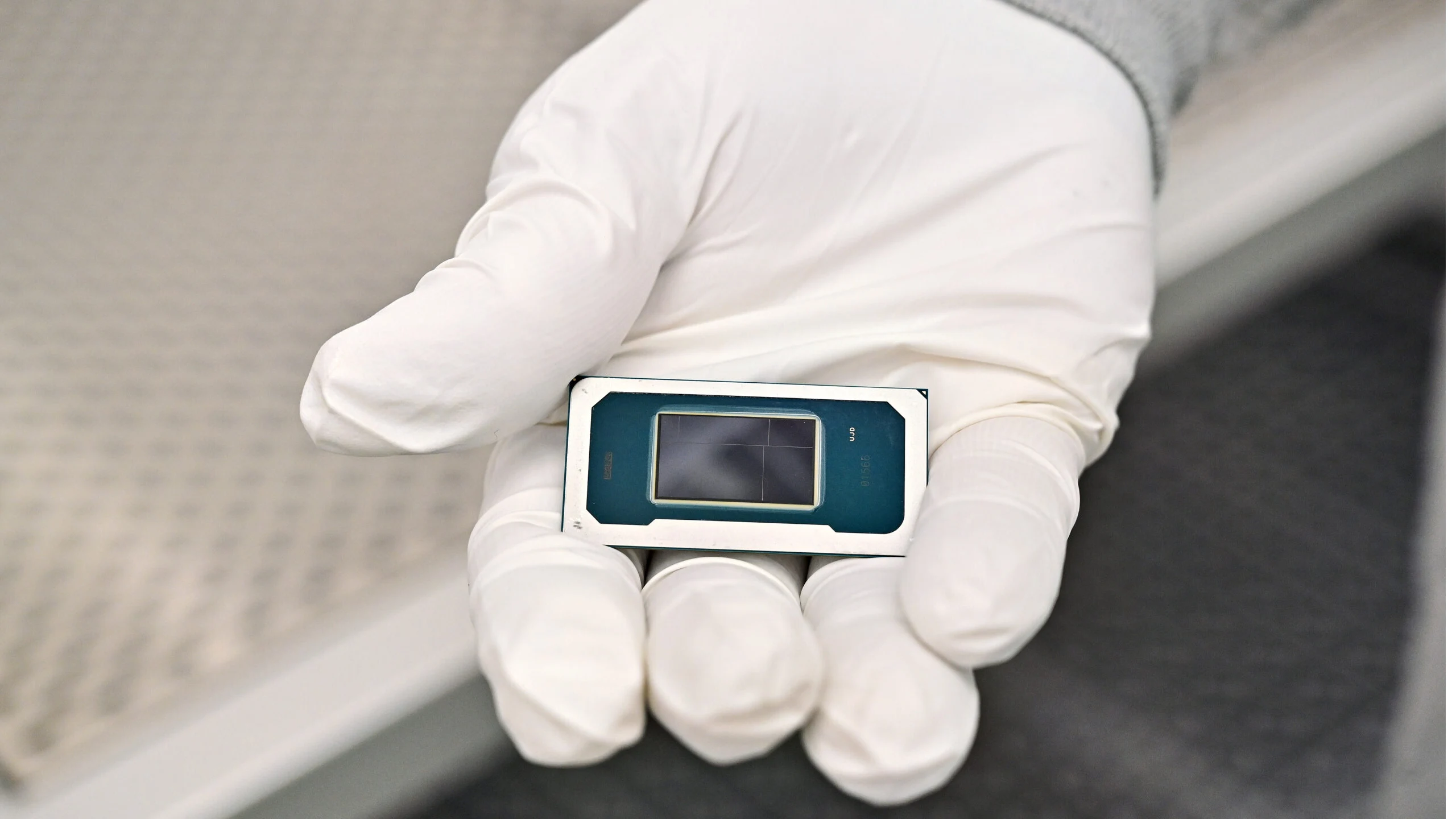
    Intel is launching Panther Lake-H with two strong SKUs: the Core Ultra X7 358H and the Core Ultra X9 388H. These are set to take the place of the previous Arrow Lake-H models, the Core Ultra 7 255H and Core Ultra 9 285H. Although the new integrated Arc B390 GPU is being praised for its significant improvement over the Arc 140T/140V series, the performance gains in the CPU department from one generation to the next are not as marked. Still, the immediate benefits are certainly noteworthy.

    Performance Comparison

    The graphs below demonstrate that the Asus ExpertBook Ultra equipped with the Core Ultra X7 outpaces and outperforms other 14-inch laptops that have the older Core Ultra 7 255H. This indicates that Turbo Boost clock rates remain stable for longer durations on the Asus, while they tend to decrease more quickly in Arrow Lake-H subnotebooks. For instance, when running CineBench R15 xT repeatedly, the Asus maintains relatively stable scores, in contrast to the Lenovo Yoga Book 9 14, which experiences a performance drop of nearly 25 percent.

    Heat Management Issues

    However, this improved and consistent performance comes at a cost. Under heavy loads for prolonged periods, the Panther Lake CPU in the Asus tends to stabilize at about 89 C, making it noticeably hotter than many other 14-inch laptops, which typically range from mid 70 C to mid 80 C. Moreover, there is no assurance that upcoming models featuring Panther Lake will maintain the same performance levels as the Asus, especially since the CPU is engineered to operate dynamically across various power envelopes to accommodate different screen sizes.

    Future Availability

    More laptops utilizing Panther Lake are anticipated to be released in the second quarter of this year, with the completely revamped MSI Prestige series being a significant highlight. Until then, users can explore our review of the ExpertBook Ultra for additional early benchmarks and comparisons.
  • Arc B390 vs Radeon 8060S: Comparing GPUs for 14-Inch Screens

    Arc B390 vs Radeon 8060S: Comparing GPUs for 14-Inch Screens

    Key Takeaways

    1. The AMD Radeon 8060S outperforms Intel’s Arc B390, especially in games utilizing advanced DirectX 12 features.
    2. Benchmarks show a performance boost of 55 to 90 percent for the Radeon 8060S over the Arc B390, depending on the game and settings.
    3. The HP ZBook Ultra G1a consumes about twice the power (110 W) compared to the Asus ExpertBook Ultra (56 W) while delivering superior performance.
    4. The Asus ExpertBook Ultra is more portable, being nearly half a kilogram lighter than the HP ZBook Ultra G1a.
    5. Future AMD GPUs may challenge the efficiency and performance of Intel’s Panther Lake iGPU series, especially compared to older models like the Radeon 890M.


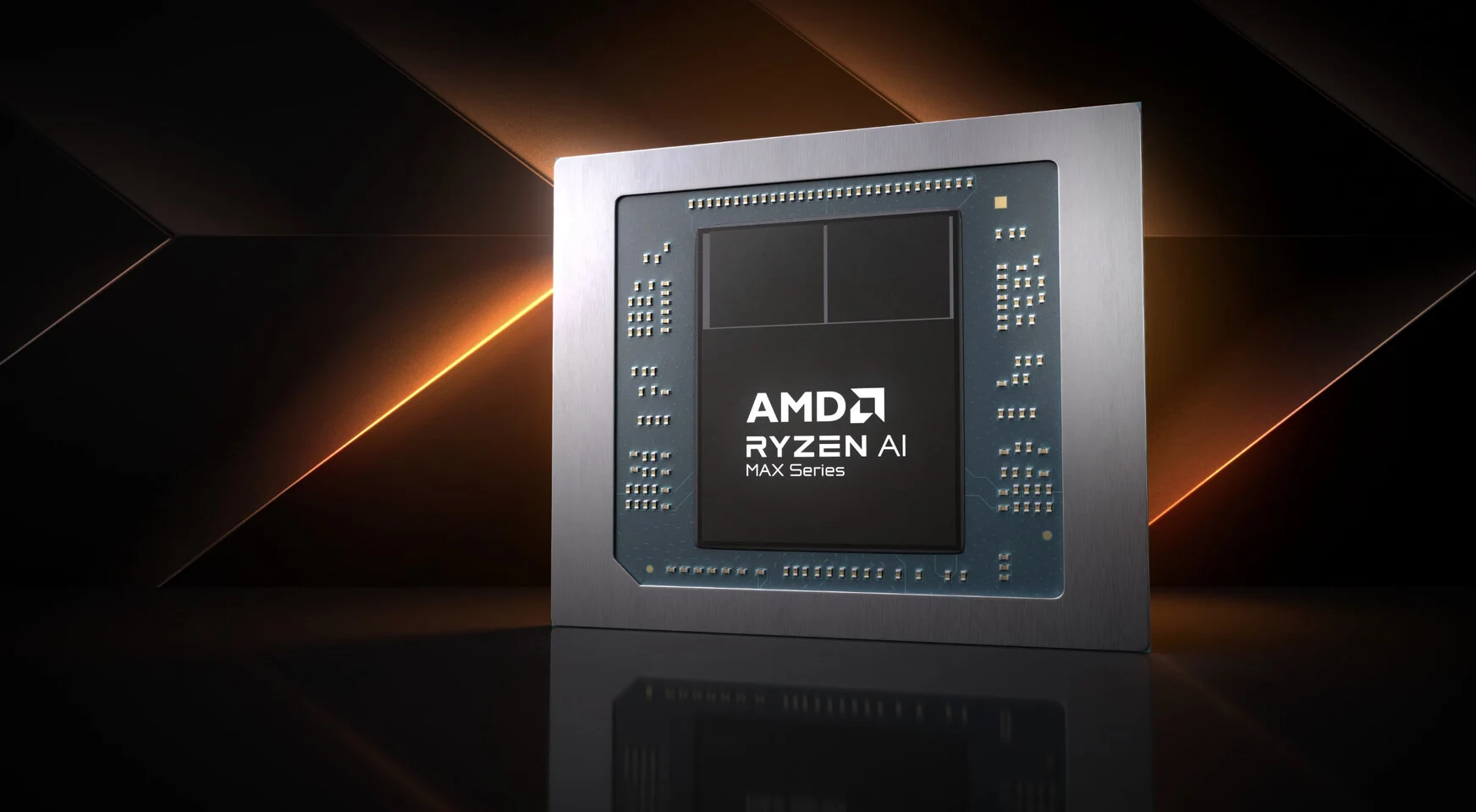
    The Arc B390 is Intel’s latest and fastest integrated GPU, but the AMD Radeon 8060S surpasses it with even faster performance while consuming more power. The following benchmarks provide a comparison of the graphics capabilities between the 14-inch Asus ExpertBook Ultra and the 14-inch HP ZBook Ultra G1a, which feature the Core Ultra X7 358H and Ryzen AI Max 395+ processors, respectively.

    Performance Comparison

    When it comes to performance, the AMD GPU clearly outshines the Arc B390, which isn’t surprising given that it works within higher power constraints. Benchmarks from 3DMark reveal a performance boost of 55 to 65 percent in older DirectX 11 (Fire Strike) or DirectX 12 (Time Spy) games. The gap widens to nearly 90 percent when utilizing more advanced DX12 features, such as ray tracing and mesh shaders (Speed Way). For those seeking raw performance, the ZBook Ultra G1a is definitely the better choice compared to the Asus model.

    Power Consumption Insights

    On the flip side, when stress-testing the iGPU at full capacity using FurMark, the power consumption is about 56 W for the Asus and 110 W for the HP. This means that the HP system literally consumes twice as much power compared to the Asus to achieve the previously mentioned performance advantages of 55 to 90 percent. Thus, the performance-per-watt metric tends to favor the Panther Lake CPU in many situations.

    Design and Portability

    The distinct power consumption differences between the two CPUs result in noticeable variations between the ExpertBook Ultra and ZBook Ultra G1a, even though both laptops are aimed at business users and have a 14-inch size. The Asus laptop is nearly half a kilogram lighter and has slightly reduced dimensions, making it a more portable option. The older Radeon 890M has performance limits and cooling needs more in line with the Arc B390 than with the Radeon 8060S, but it performs significantly worse than Intel’s GPU. It will be interesting to see how AMD’s future replacement for the Radeon 890M stacks up against the highly efficient Panther Lake iGPU series.

  • Core Ultra X7 358H and Asus ExpertBook Ultra: A Perfect Match?

    Core Ultra X7 358H and Asus ExpertBook Ultra: A Perfect Match?

    Key Takeaways

    1. The Intel Panther Lake’s built-in Arc B390 GPU offers 1.5 to 2 times the graphics performance compared to previous models without AI upscaling.
    2. Thin-and-light laptops can achieve higher speeds with less noise and longer battery life due to the new GPU.
    3. The Asus ExpertBook Ultra requires mains power for optimal processor performance, resulting in a 10 to 15 percent drop when using battery.
    4. Many laptops with integrated GPUs do not experience significant performance loss on battery, unlike the ExpertBook Ultra.
    5. Despite battery performance limitations, the ExpertBook Ultra remains one of the fastest 14-inch laptops in its weight class.


    Arguably, one of the biggest advantages of moving to Intel Panther Lake is its new built-in Arc B390 GPU. This GPU operates within similar power limits as the prior Arc 140V/140T series or the competing AMD Radeon 890M, yet it delivers between 1.5 to 2 times the raw graphics performance, not even counting any AI upscaling. As a result, thin-and-light laptops can perform at higher speeds than before without needing noisier fans or shorter battery life.

    Dependence on Power Supply

    On the Asus ExpertBook Ultra, the highest processor performance comes with a specific requirement: it must be plugged into mains power. As indicated by the screenshots below, using battery power can reduce performance by about 10 to 15 percent. The MyAsus software even displays a red warning saying, “this performance mode is not supported when using the battery as the power source.”

    Performance Comparison with Other Laptops

    The performance reduction while on battery is notable, since most other laptops featuring integrated GPUs do not show such a significant decline. For instance, the Dell 14 Premium equipped with Arrow Lake-H has a much smaller performance gap between mains and battery operation.

    Despite this performance drop when not plugged in, the ExpertBook Ultra still stands out as one of the fastest 14-inch laptops in its weight category. We suggest taking a look at our comprehensive review of the Asus system for additional benchmarks and comparisons.


  • Asus ExpertBook Ultra: Fast Performance in a Compact Size

    Asus ExpertBook Ultra: Fast Performance in a Compact Size

    Key Takeaways

    1. Intel’s Panther Lake CPUs were revealed at CES 2026, with performance tests starting to emerge online.
    2. The Asus ExpertBook Ultra with Core Ultra X7 358H shows impressive performance from its integrated Arc B390 GPU, consuming only 60 W to 70 W.
    3. The ExpertBook Ultra outperforms laptops with the GeForce RTX 3050 in benchmarks, nearing the performance of the RTX 4050.
    4. Real-world gaming performance differs from benchmarks, with older games sometimes running better on the RTX 3050, but newer titles favor the Intel GPU.
    5. Intel’s AI features and support for XESS lag behind Nvidia and AMD, affecting performance in certain games.


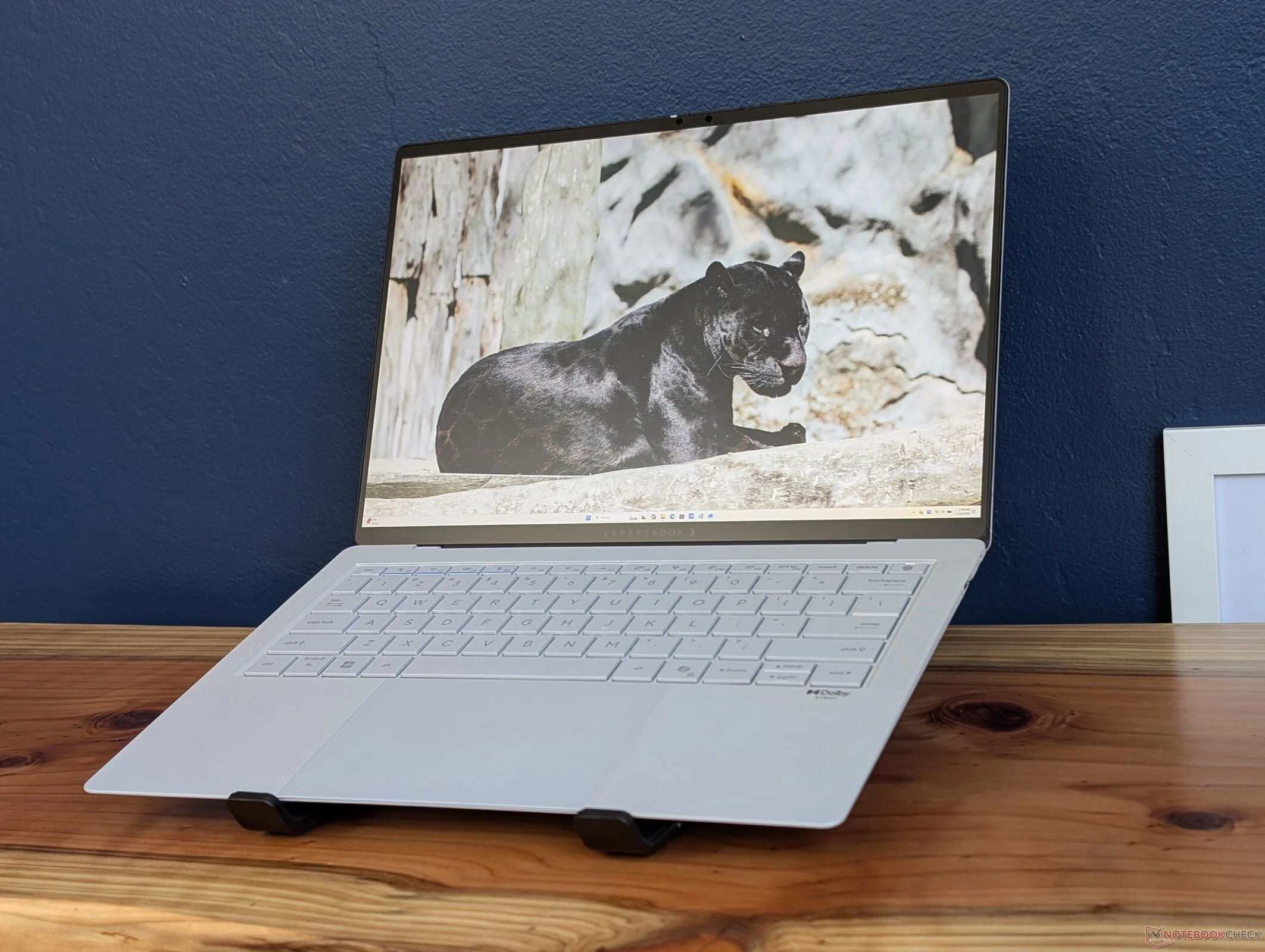
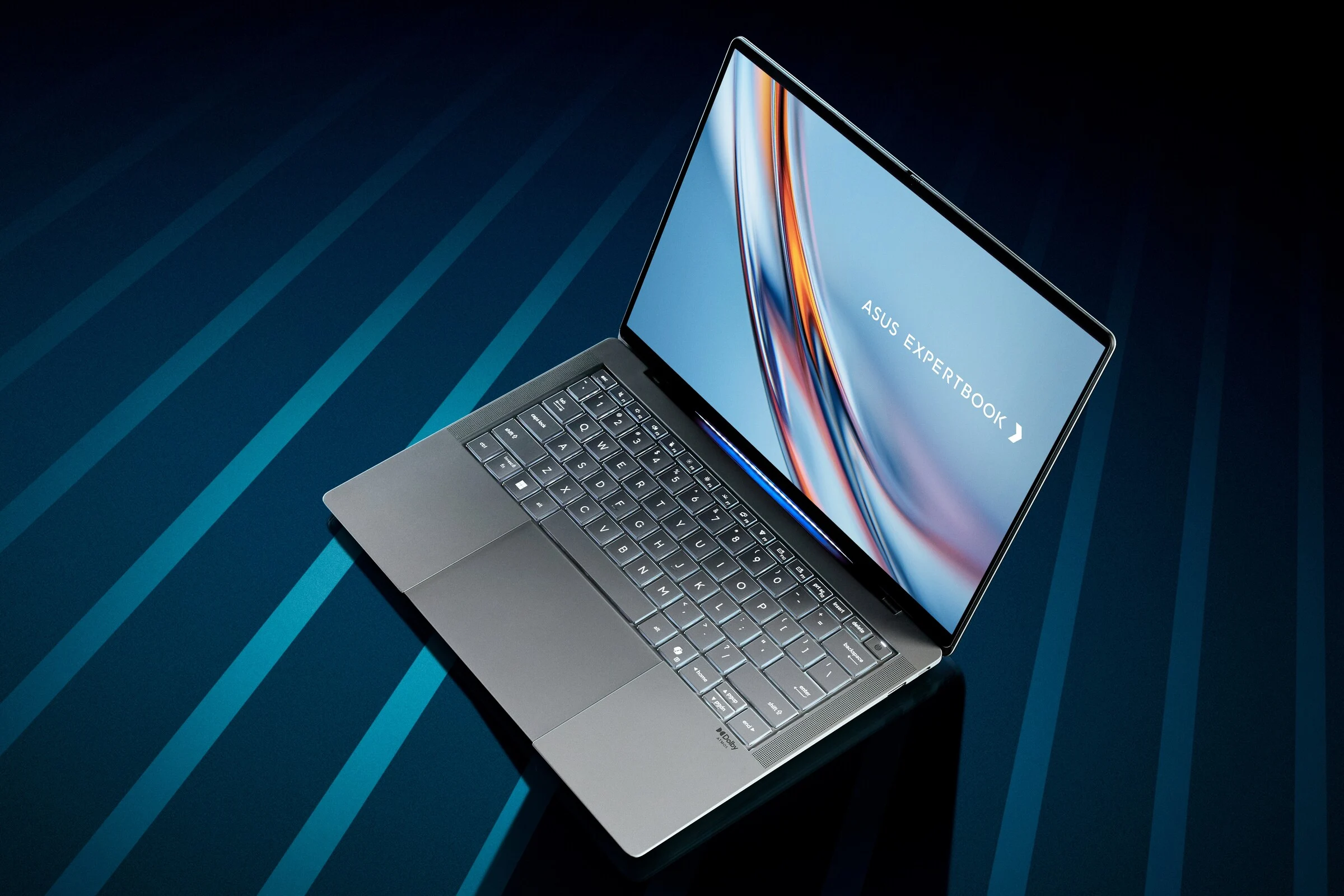
    Intel has revealed its next generation Panther Lake CPUs at CES 2026, and the first official performance tests are starting to surface online. While these chips are not expected to be available for purchase until the second quarter of this year, we got the opportunity to test the Asus ExpertBook Ultra, which features the Core Ultra X7 358H. We were pleasantly surprised by the performance of its integrated Arc B390 GPU, especially considering the laptop’s modest power consumption of just 60 W to 70 W.

    Performance Comparison

    According to the 3DMark benchmarks provided below, the ExpertBook Ultra surpasses laptops equipped with the GeForce RTX 3050, such as the MSI Thin GF63 12UC and the HP Pavilion Plus 16. The difference is significant enough that the Asus model even comes close to challenging the RTX 4050 in various scenarios, as discussed in our latest evaluations.

    Gaming Realities

    However, it’s important to note that synthetic benchmarks may not completely reflect real-world gaming performance. In practice, the ExpertBook Ultra still manages to outperform laptops featuring the RTX 3050, but the margins are narrower. For older games like GTA V or DOTA 2 Reborn, the performance may even be better on the older Nvidia GPU. Yet, for most recent titles like Baldur’s Gate 3 or Cyberpunk 2077, the Intel GPU performs better before any AI upscaling or frame generation techniques are applied.

    AI Features and Support

    When it comes to AI features and frame generation, Intel’s support for XESS still falls behind that of Nvidia and AMD. For example, Arc Raiders currently only supports frame generation for Nvidia and AMD graphics cards, and trying to enable XESS in Forza Horizon 5 led to performance issues based on our experiences.

    In any case, the Asus system is notably lighter and more efficient compared to any RTX 3050 or 4050 option, mainly because it doesn’t rely on a separate chip to closely match or even exceed the performance of the budget Nvidia alternative. For more benchmarks and detailed comparisons, you can check out our in-depth review of the Asus ExpertBook Ultra.