
Key Takeaways
1. Professor Marcel Bucher lost two years of academic work due to a minor setting change in ChatGPT, highlighting the risks of using large language models for professional tasks.
2. Bucher’s attempts to recover his lost data were unsuccessful, as OpenAI’s “Privacy by Design” approach results in permanent deletion of data.
3. ChatGPT offers a backup feature that allows users to export and download their conversation data easily.
4. The backup process takes time depending on the amount of data, and the download link is active for 24 hours.
5. Recent updates to the ChatGPT interface may have improved user experience, reducing the risk of accidental data loss.
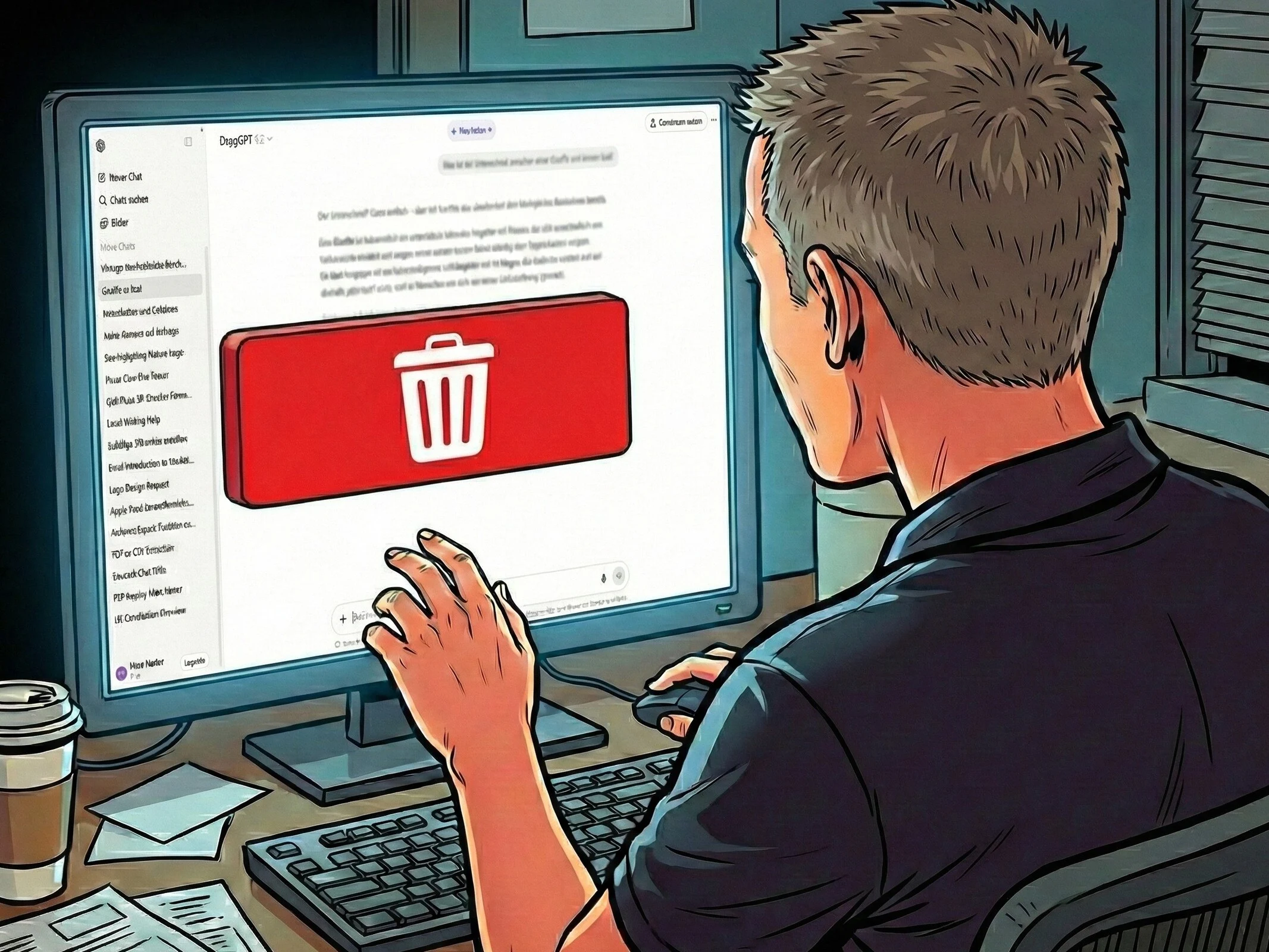
The use of large language models, like ChatGPT, has significantly changed how individuals approach their work. Nonetheless, a recent event highlights the potential dangers of utilizing these technologies. Professor Marcel Bucher from the University of Cologne has reported that he lost two years’ worth of academic efforts because of a minor adjustment in settings—his grant applications, teaching resources, and draft publications vanished without a trace.
Unintentional Data Loss
Bucher meant to turn off the feature that permits data usage for model training. However, he claims that this led to the complete erasure of his chat history. In a piece featured in Nature, he details his attempts to recover the lost data and conversations. Reaching out to OpenAI was equally fruitless for him. He stated that the information was permanently gone and could not be retrieved. OpenAI explained their “Privacy by Design” approach, which entails that data is deleted completely. Bucher’s conclusion is straightforward: “If a single click can erase years of work irretrievably, ChatGPT cannot, based on my experience, be deemed entirely safe for professional tasks.”
Backup Options Available
On a brighter note, ChatGPT does have a backup feature. The AI provides an easy way to download all conversations and data. Users can find the “Export data” option within the settings under “Data controls.” After a short wait, a download link to a ZIP file containing all the saved information is sent via email. The duration for creating the archive can vary based on the amount of data stored. Once the email is received, the link stays active for 24 hours. Backing up is a crucial component of computer usage and shouldn’t be overlooked when working with AI tools either.
Changes in User Experience
Interestingly, the situation described earlier could not be replicated during a recent self-test. When the data sharing for training was turned off, the existing chats stayed intact and accessible. Choosing the option to delete all chats prompted a clear warning that required confirmation. Given that the data loss incident reported in Nature took place in August, it’s possible that OpenAI has made updates to the user interface and security features to avoid accidental deletions in the future.
Source:
Link
Leave a Reply