
Key Takeaways
1. Nvidia is simplifying DLSS feature activation across all compatible games using global toggles in the Nvidia App.
2. The beta version of the Nvidia App now supports Smooth Motion on RTX 4000 GPUs, previously only available on RTX 5000 cards.
3. Users must update to GeForce Game Ready Driver version 581.08 and opt-in for the beta version via the Nvidia App settings.
4. The DLSS override toggle allows gamers to enable new DLSS features globally instead of for each game individually.
5. The new feature generates an extra frame between two rendered frames and is compatible with various upscalers, but only for DX 11, DX 12, and Vulkan games.
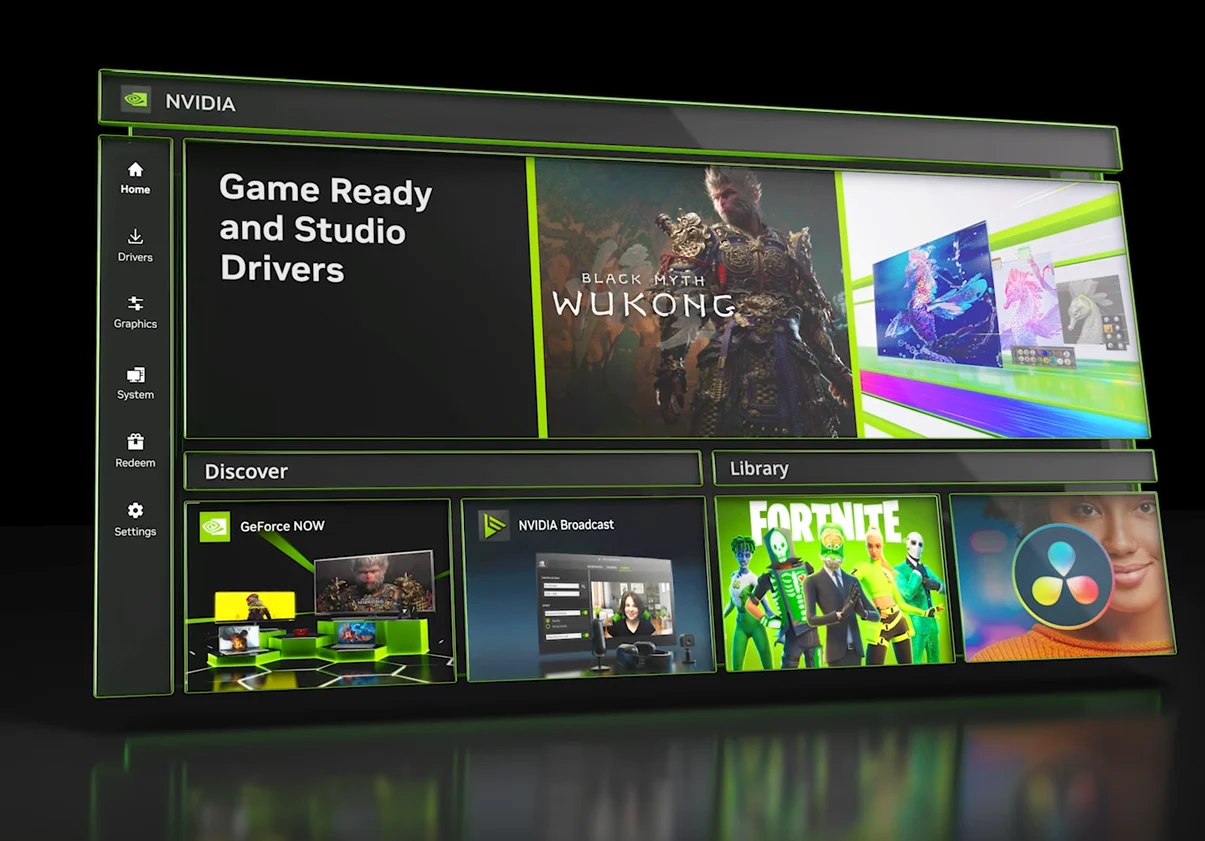
Nvidia is simplifying the process of enabling DLSS features for all compatible games through the Nvidia App by introducing various global toggles. Furthermore, the latest beta version of the Nvidia App has rolled out support for Smooth Motion on RTX 4000 GPUs, a feature that was previously exclusive to RTX 5000 cards.
Update Requirements
To utilize these new capabilities, users must update their GeForce Game Ready Driver to version 581.08. They also need to opt-in for the beta version from the Nvidia App by navigating to Settings > About. A stable non-beta version is set to be released next week and will update automatically.
DLSS Overrides
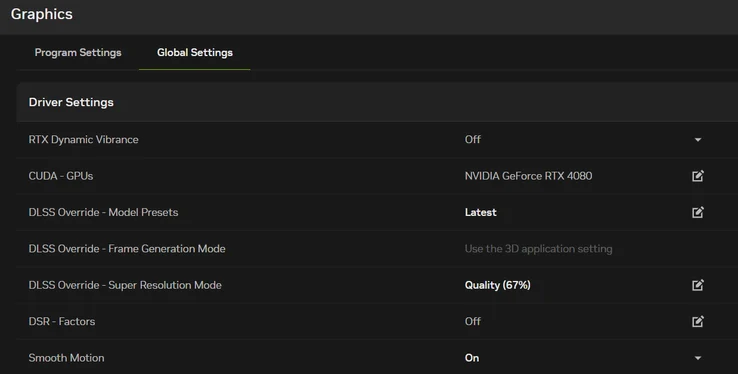
With the introduction of the DLSS override toggle in Graphics > Global Settings, gamers can now enable the newest DLSS features across all supported titles (including future releases) instead of adjusting settings for each game individually. Here’s a brief overview of the global overrides that are available for activation:
Users can conveniently check the status of their DLSS overrides through the Alt + Z overlay by going to Statistics > Statistics View > DLSS.
Additional Features
This new feature is particularly beneficial for titles that lack DLSS Frame Generation, as it generates an extra frame between two already rendered frames. It can also be activated from the Global Graphics Settings tab and functions without any upscalers. It is compatible with DLSS Super Resolution, FSR, or XeSS. However, please note that it is only applicable to DX 11, DX 12, and Vulkan games. Additionally, users must ensure that Hardware-accelerated GPU Scheduling is enabled in the Windows 11 Display settings.
Source:
Link
Leave a Reply