
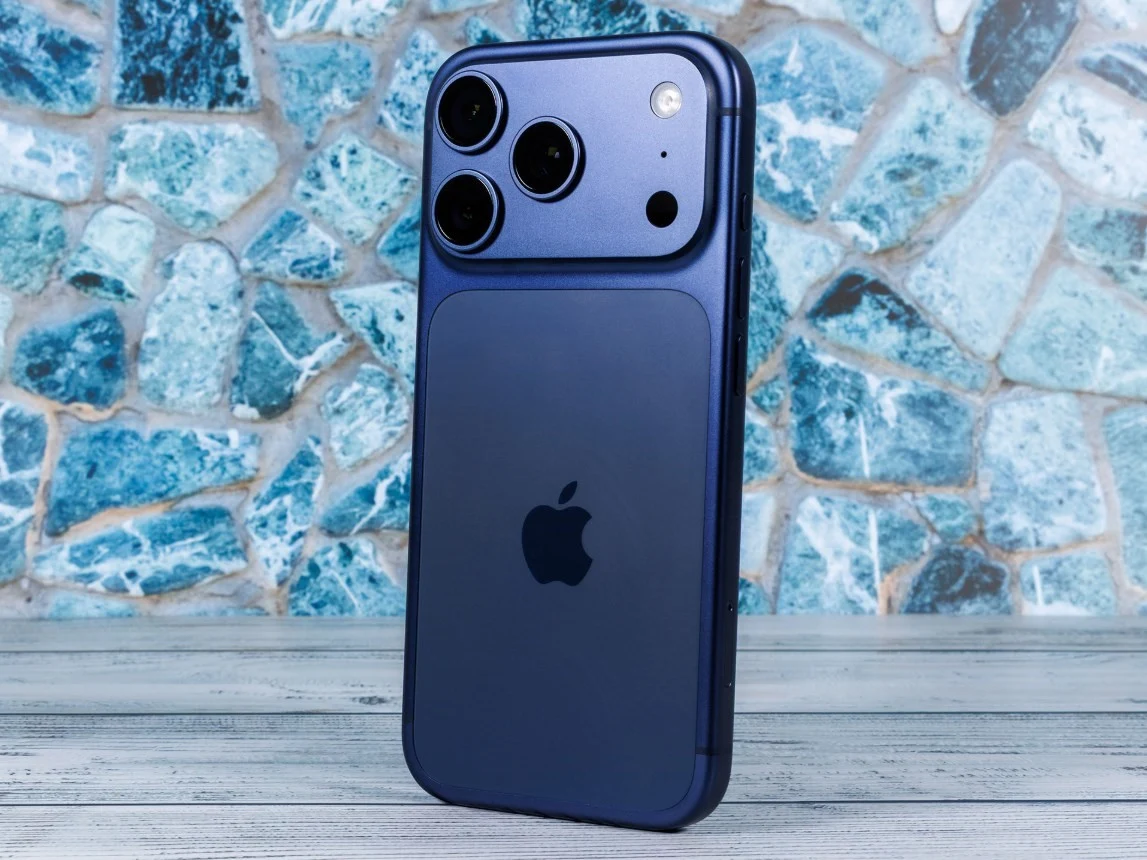
1. Multiple iPhone 17, 17 Pro, 17 Pro Max, and Air users are experiencing a problem where their phones won’t turn on after battery depletion.
2. The issue sometimes resolves after charging the device on a MagSafe or wireless charger for an extended period, varying from minutes to hours.
3. The cause of the problem remains unclear, with potential explanations including a software bug or battery calibration issue.
Common Problems with New iPhones
If you or someone you know has getting a brand new iPhone 17 or its variations like the Pro, Pro Max, or Air, and then suddenly your phone just doesn’t turn on after a battery die, dont worry, you’re not alone. A lot of folks online from a few months back have been talking about the same problem, and it doesn’t seem to care what model you got, all seem affected.
First Reports and User Experiences
Initially, someone on Reddit, who owns an iPhone 17 Pro Max, posted how the phone totally died when the battery hit 1% for the first time ever since they bought it. The strange part was, even when they plugged it in, the phone just would not turn back on, no matter how long it stayed plugged in.
What People Are Saying
Many other users joined the conversation saying they are having similar problems, and it isn’t just the Pro models but the regular iPhone 17 or even the Air versions too. This issue began more than six months ago and people are still battling with it, which is kinda worrying.
Possible Fixes and Workarounds
Some people discovered that their iPhones would eventually turn back on after being plugged in for about 10 or 15 minutes. However, others report needing a few hours of charging before their device responds. In some serious cases, the phone remains totally unresponsive, even when plugging in with a wired charger.
Wireless Charging To The Rescue?
In a surprising turn, some users found charging their phones with a MagSafe charger helped to revive them. That’s right, wireless charging sometimes seemed to do the trick. But it wasn’t always quick; most had to wait hours before their iPhone showed any signs of life. Some even took their devices to the Apple Store, where staff tried a wireless charger to fix the problem.
What Might Be Causing The Problem?
No one really knows exactly what causes this glitch. It could be a software bug, an issue with battery calibration, or something else altogether. To anyone facing this trouble, a good idea is to leave the phone on a wireless charger for a while, maybe even hours. From what people report, this strange trick sometimes works like a charm to bring your iPhone back.
Leave a Reply