
Key Takeaways
1. FSR 4 is primarily designed for the Radeon RX 9000 series but can be modified to work on older RX 7000 and 6000 series GPUs, enhancing their performance at no cost.
2. Initial tests show that FSR 4 offers clearer graphics than FSR 3, particularly in complex details like foliage and holograms, despite a potential slight drop in frame rates.
3. In performance mode at 1440p, FSR 3 provides higher frame rates (122 FPS) compared to FSR 4 (114 FPS), but FSR 4 narrows the visual quality gap to native resolution.
4. Installing FSR 4 on older GPUs requires specific driver versions (23.9.1), and using newer drivers may disrupt compatibility, posing challenges for average gamers.
5. FSR 4 on RX 6000 GPUs improves visual quality compared to FSR 3 with minimal performance trade-offs, though issues like “sparkling” highlights may still occur.
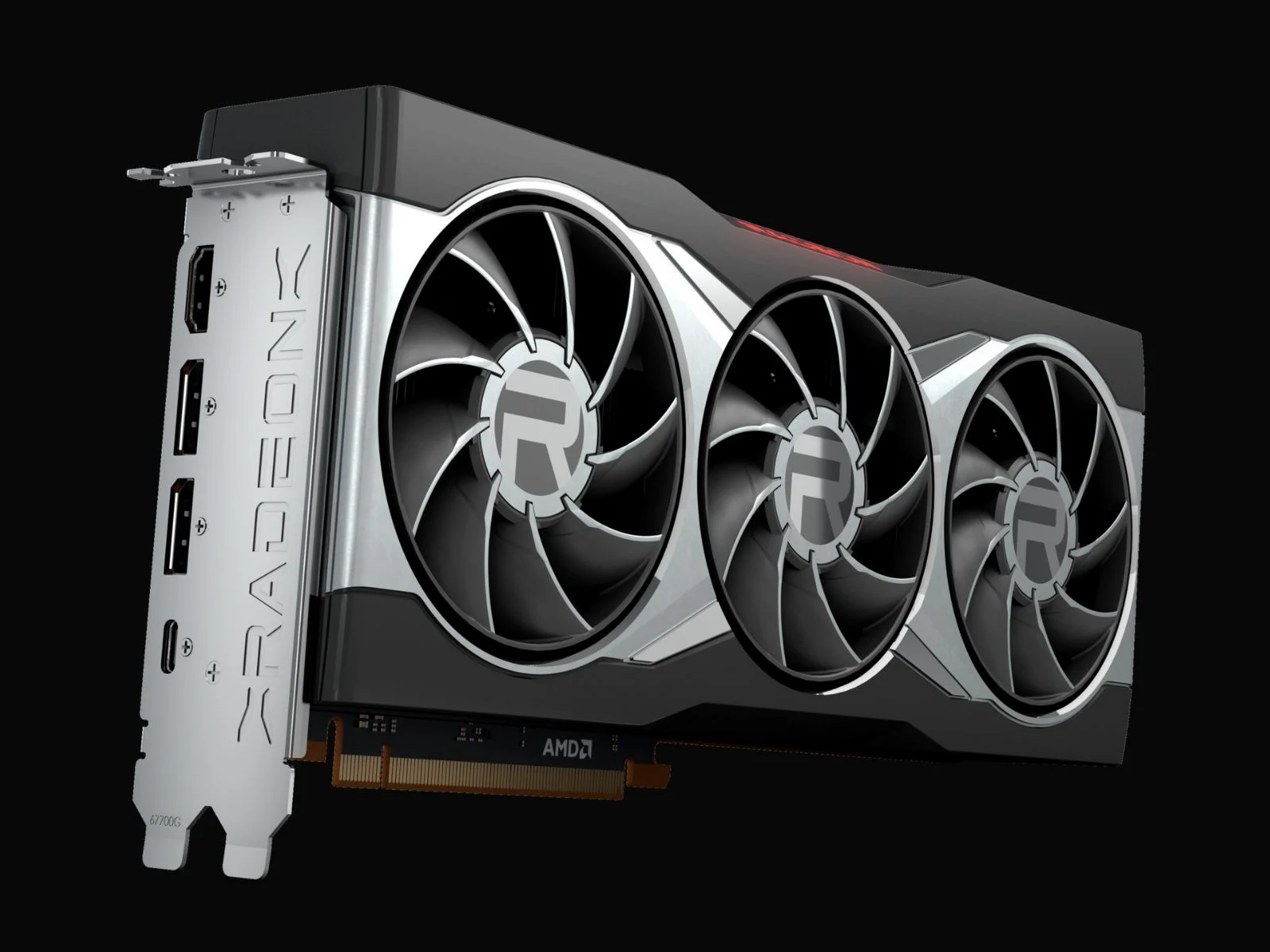
While FSR 4 is officially designed for the Radeon RX 9000 series, some unofficial modifications have allowed it to operate on older RX 7000 and even RX 6000 series GPUs. This has given a second life to older Radeon cards and basically offers an enhancement in performance without cost.
The Bigger Picture
But, there’s more to the tale. FSR 3 is already compatible with RX 6000 series cards, leading to the question: what advantages does running FSR 4 on these GPUs actually bring? Will we see a performance increase, or could it decline instead?
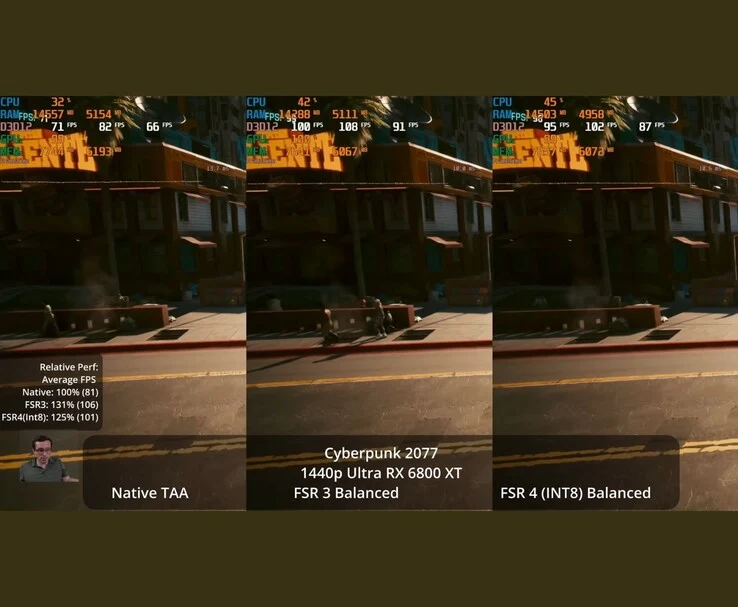
Initial testing indicates a mix of outcomes. In a recent video, YouTuber Daniel Owen demonstrated that when playing Cyberpunk 2077, FSR 4 on a Radeon RX 6800 XT provides clearer graphics than FSR 3, especially with elements like foliage, holograms, and other intricate details that usually get muddled during temporal upscaling.
Performance Insights
The downside, however, is that the performance gain isn’t always significant. For instance, in performance mode at 1440p, FSR 3 achieved frame rates around 122 FPS compared to the native 81 FPS, while FSR 4 managed 114 FPS, which is a bit lower but offers image quality that is much closer to native.
In simpler terms, FSR 3’s performance mode provides a larger enhancement, but FSR 4 reduces the visual quality gap, even if it sacrifices a few frames per second.
Installation Challenges
The tricky part is that getting FSR 4 to work on these GPUs isn’t just about updating to the latest drivers. Owen points out that driver version 23.9.1 enables the leaked INT8 version of FSR 4 to operate, while more recent drivers disrupt this compatibility.
It is indeed possible to alter current drivers, but this carries risks like conflicts with anti-cheat systems and the potential loss of optimizations specific to newer games. For the average gamer, reverting to an earlier driver is likely the safer, albeit not perfect, solution.
According to Daniel, using FSR 4 on an RX 6000 GPU can enhance visual quality when compared to FSR 3, with only a slight performance compromise. This version, based on an INT8 leak, lacks the refined FP8 release found on RDNA 4, and issues like “sparkling” highlights may still occur. Nevertheless, in many games, it showed more stable image quality than FSR 3. You can check out the complete video linked below to see the visual differences between FSR 4 and FSR 3 in action.
Source:
Link
Leave a Reply