
Key Takeaways
1. Game Release and Availability: Crimson Desert is now available for purchase and pre-loading on PC and consoles, but some players may need to wait to play.
2. Graphical Issues Identified: The game has notable graphical problems, including visual noise and artifacts, especially in indoor areas, which might be improved with a day one patch.
3. Optimal Settings for Visuals: For the best visual experience, it’s recommended to use ‘Cinematic’ or ‘Ultra’ lighting settings and DLSS 4.0 for noise reduction, while playing at native or near-native resolution.
4. Performance Challenges: Fast movement in the game causes noticeable object popping, a result of optimization for lower VRAM hardware, which persists even at high graphic settings.
5. Overall Reception: Despite stunning visuals and playability, the storyline has received criticism, contributing to a Metacritic score of 78, which is lower than expected by developers Pearl Abyss.
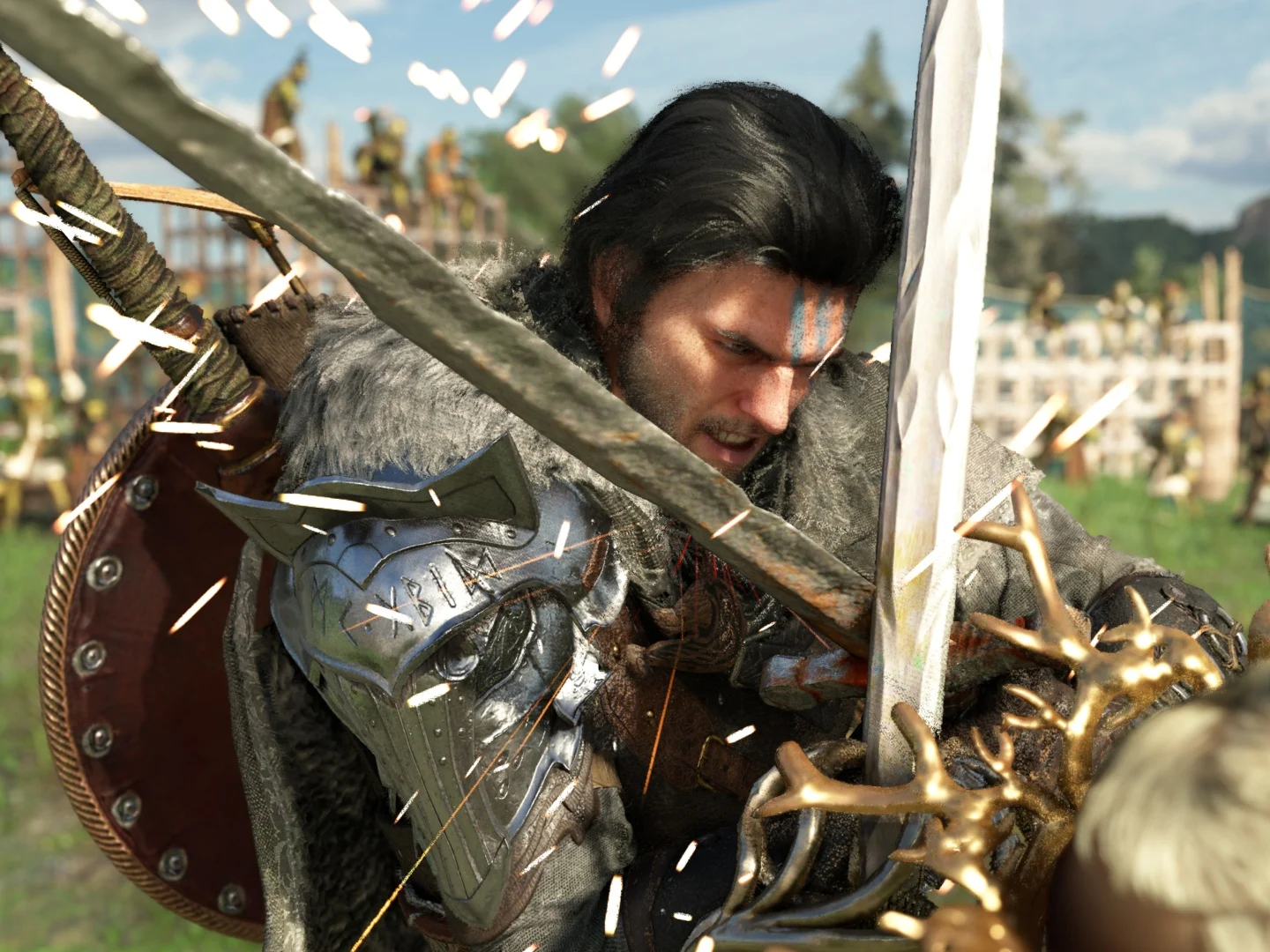
After all the excitement and years of work, Crimson Desert has finally been released for PC and consoles. Depending on when you’re reading this, you might have to wait a bit to play the game. However, it’s already available for purchase and pre-loading on Steam and the respective stores for consoles. Given the game’s vast size, not everything is flawless, and there are graphical issues present throughout. A new video highlights these problems and offers solutions on how to resolve them.
Initial Tests and Potential Fixes
To start, the evaluations were conducted on a preview version of the game, and a day one patch could potentially resolve some of these concerns. That said, Hardware Unboxed has tested various in-game settings to discover what looks best visually. The main problem identified with Crimson Desert is visual noise and artifacts, particularly noticeable in indoor areas.
Recommended Settings for Optimal Experience
They discovered that increasing the lighting to the ‘Max’ setting actually worsens the noise, so it’s better to use ‘Cinematic’ or ‘Ultra.’ Interestingly, DLSS 4.0 performs better than DLSS 4.5 in terms of reducing noise. In some instances, using DLSS for upscaling can create additional noise because the lighting sample count relies more on render resolution than output resolution, as explained by Hardware Unboxed. It’s preferable to play the game at native or nearly native resolution with DLAA or DLSS Quality mode enabled.
Additional Enhancements and Issues
Moreover, utilizing a de-noiser like Ray Reconstruction (Nvidia) or Ray Regeneration (AMD) can be quite demanding since it appears to not only minimize noise but also alters geometry. More importantly, Ray Reconstruction seems to eliminate rain effects in the game visually, which is a clear bug that requires attention. Overall, using Ray Reconstruction combined with DLSS 4.0 Performance is the best setting for reducing visual noise.
Fast movement in the game makes object popping noticeable. This is a result of the game’s optimization for playability on hardware with lower VRAM. Even at the top graphic settings, pop-in remains an issue. Be sure to check out the complete video linked below for more detailed information on the best graphic settings and their effects. It’s worth noting that Hardware Unboxed analyzed the game running at 4K on an RTX 5090.
The positive takeaway is that Crimson Desert looks stunning and is fully playable, unlike some previous AAA releases, and most issues can be addressed with patches. However, the concerns regarding the storyline—highlighted in early reviews—cannot be fixed through software updates. This, along with other factors, may explain why the game received a 78 Metacritic score, which is lower than what Pearl Abyss had anticipated.
Leave a Reply