
Key Takeaways
1. Most digital game platforms require an Internet connection, with GOG being a notable exception for offline play.
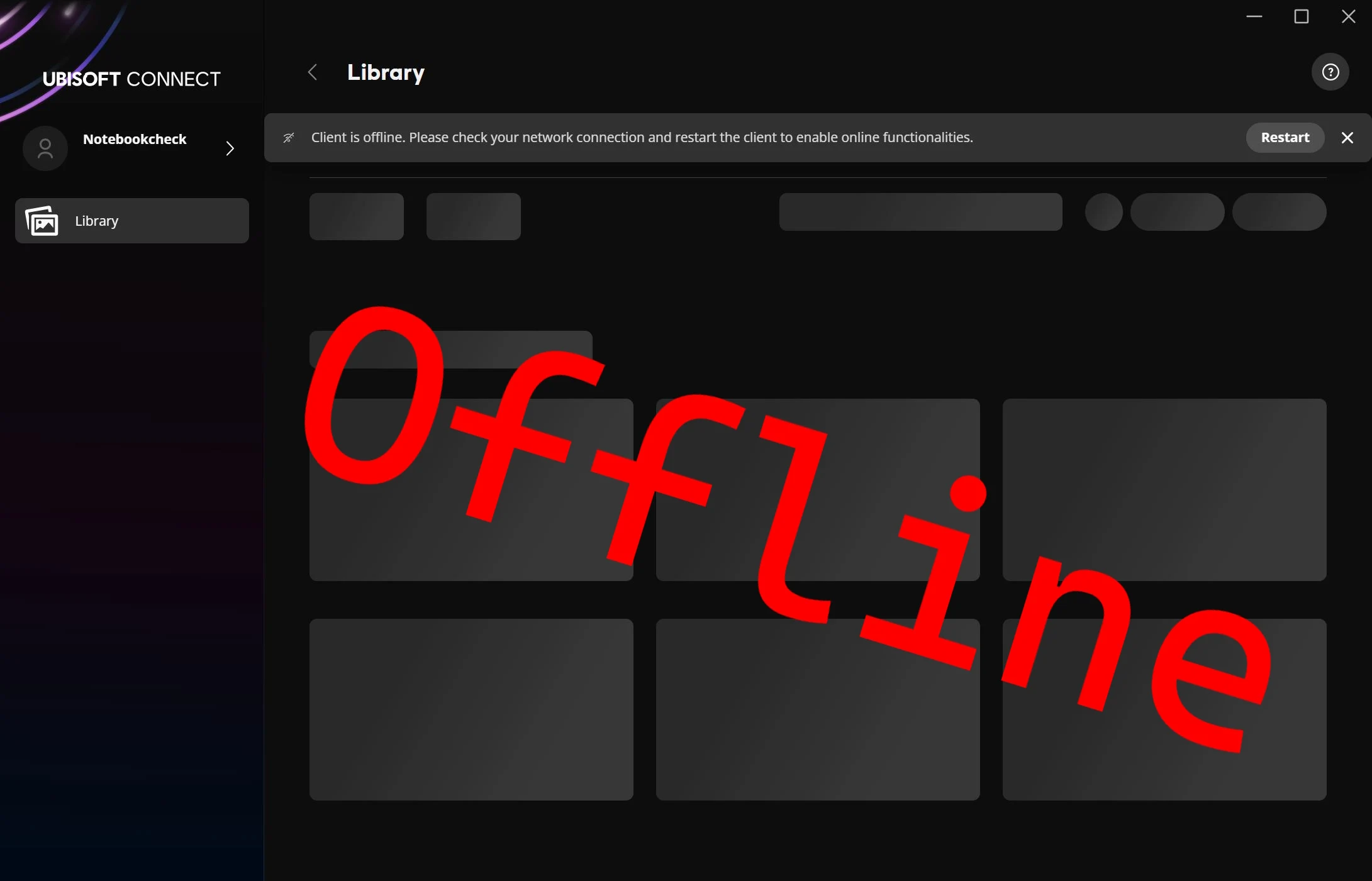
2. Ubisoft Connect does not have an official offline mode, making it difficult to access games without Internet.
3. Users may encounter account issues that block access to features, as experienced during the tech review of Anno 117: Pax Romana.
4. Changing the “settings.yaml” file is often suggested but may not work; blocking a specific file in firewall settings can help instead.
5. Creating inbound and outbound firewall rules for “UplayWebCore.exe” allows Ubisoft Connect to run in offline mode after restarting the app.
Most often, a working Internet connection is necessary to enjoy games bought from digital platforms like Steam, Ubisoft Connect, and the Epic Games Store. GOG stands out as the only favorable exception. While Steam does provide an offline mode, users have to set it up while they still have Internet access. If someone forgets to turn it on ahead of time or faces an unexpected Internet drop, they’re left stranded.
Ubisoft Connect Limitations
Ubisoft Connect lacks any official offline mode. During our tech review of Anno 117: Pax Romana ($170 for the Governor’s Edition on Amazon), we found our Ubisoft account was stuck in use for a long time, which blocked us from accessing other functions. This situation pushed us to explore possible solutions.
Troubleshooting Tips
A lot of online guides or YouTube videos recommend changing the “settings.yaml” file. However, in our scenario, this method didn’t work at all, even after we set the file to read-only. What did help was blocking a certain file through inbound and outbound rules in the firewall settings. Below is a detailed guide.
The file can be found in the directory “C:Program Files (x86)UbisoftUbisoft Game Launcher” and is named “UplayWebCore.exe”. We suggest using Windows File Explorer to locate the file and copying the path from the address bar.
Creating Firewall Rules
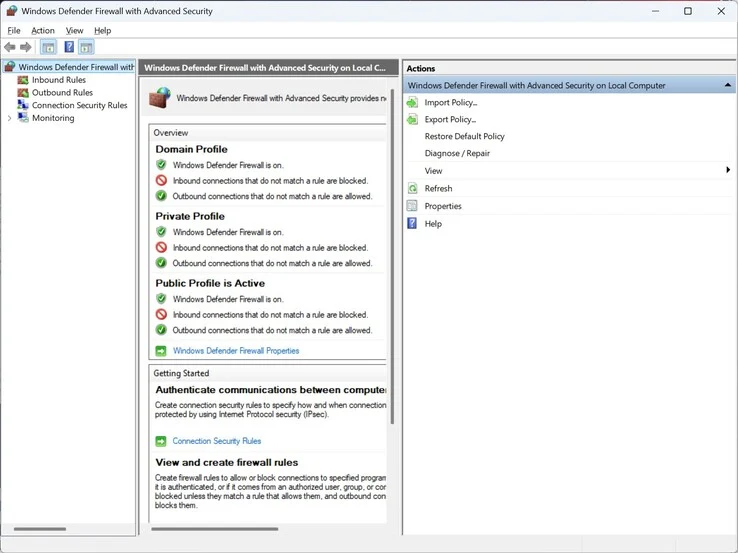
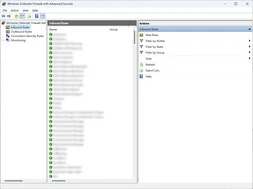
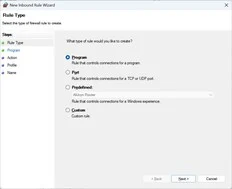
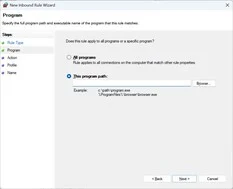
Then, type “Firewall” in Windows Search and access “Windows Defender Firewall with Advanced Security.” You’ll need to set up two rules – one for inbound traffic and another for outbound. To establish the inbound rule:
Follow similar steps to create the outbound rule. Once both rules are established, close Ubisoft Connect if it’s open and restart the app. After you log into your account, Ubisoft Connect should run in offline mode. This approach enabled us to evaluate the performance of Anno 117: Pax Romana for our tech review in an offline setting, without monopolizing the account the whole time.
Leave a Reply